
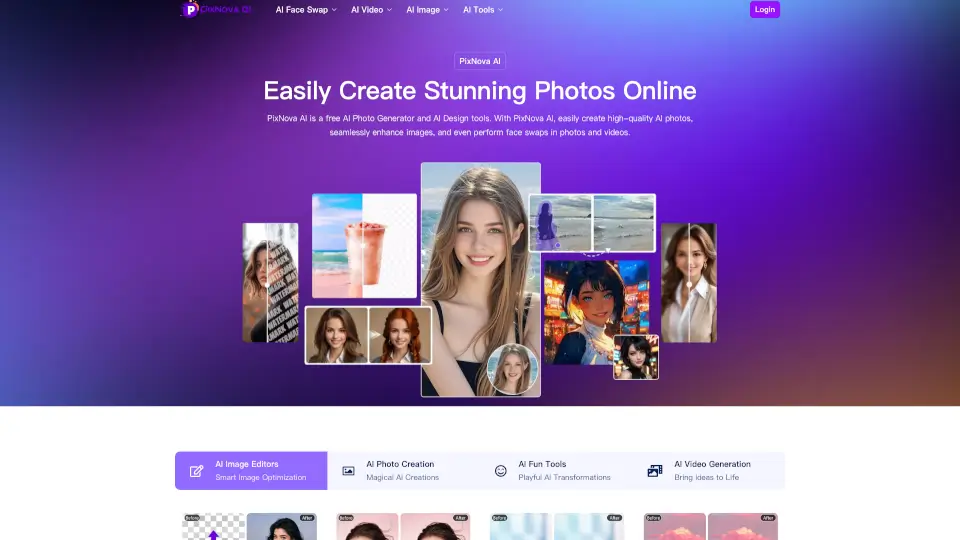
Was ist PixNova AI?
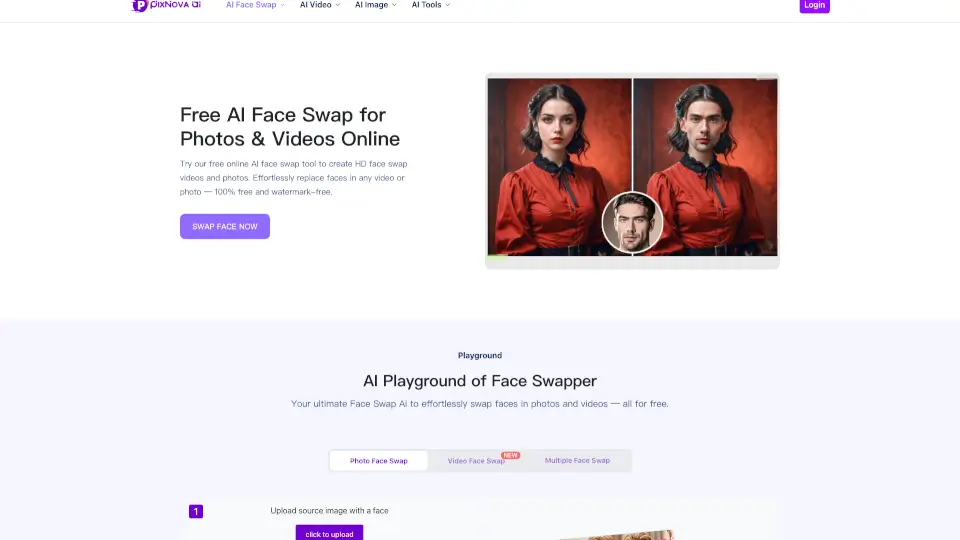
Willkommen bei PixNova AI, deinem ultimativen Werkzeug für kreative Fotos und Videos. Mit PixNova kannst du ganz einfach hochwertige Bilder erstellen, bearbeiten und sogar Gesichter in Fotos und Videos austauschen. Egal ob du ein Profi oder nur jemand bist, der Spaß am Fotobearbeiten hat, PixNova bietet dir die Tools, um deine Ideen zum Leben zu erwecken. Und das Beste daran? Du kannst sofort loslegen, ohne dich anmelden zu müssen.
Was sind die Merkmale von PixNova AI?
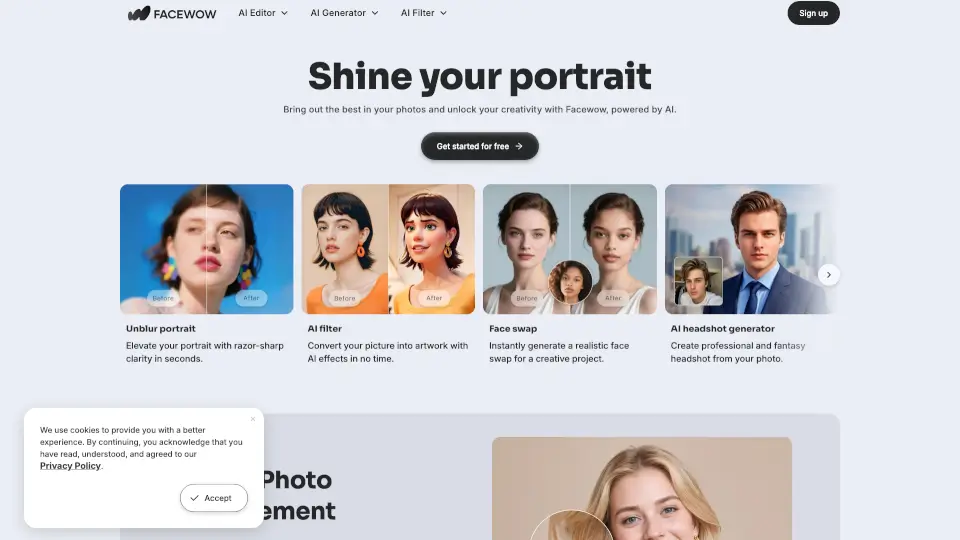
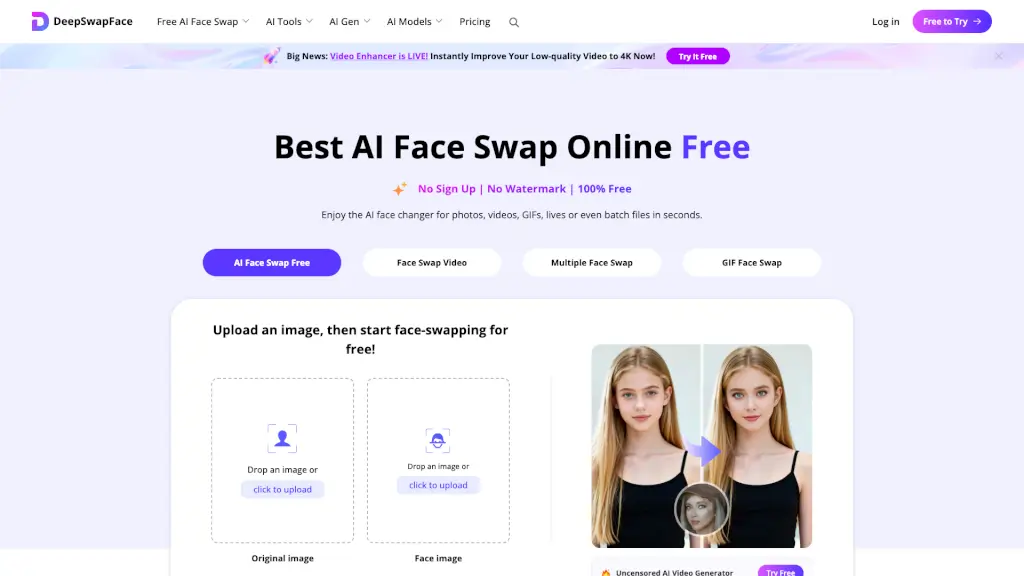
- Gesichtsaustausch: Tausche Gesichter in Fotos, Videos und GIFs aus.
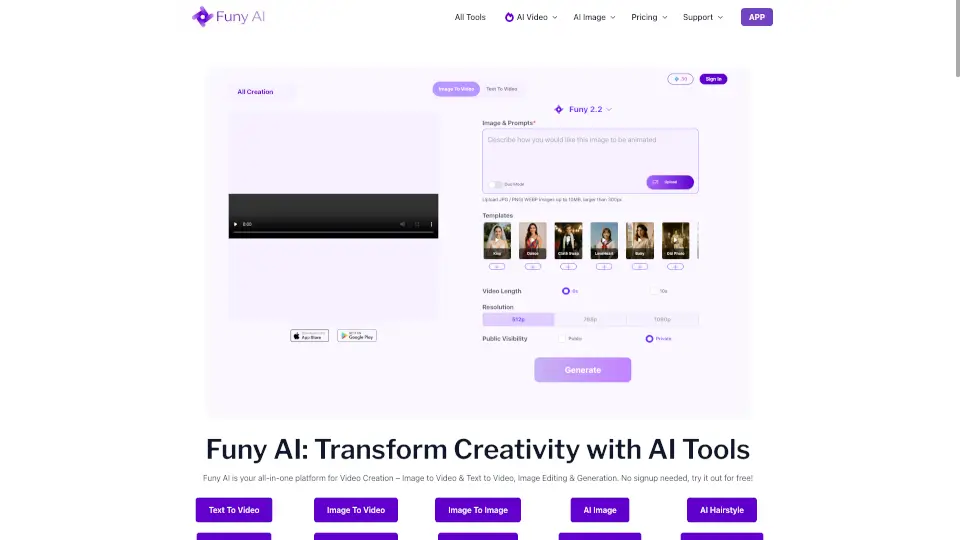
- Bild- und Videoerstellung: Erstelle realistische Fotos und Videos basierend auf Texteingaben.
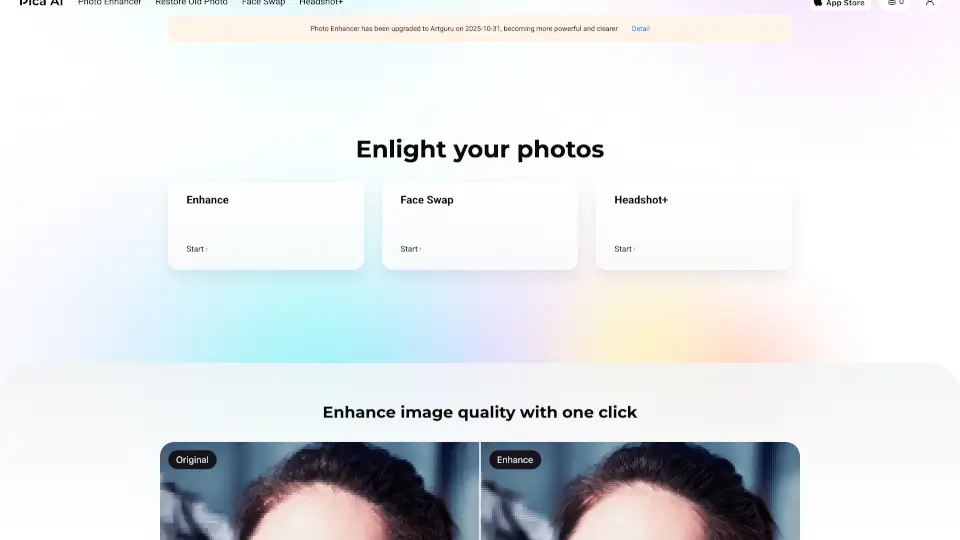
- Bildverbesserung: Verbessere die Qualität deiner Fotos mit wenigen Klicks.
- Haar- und Kleidungswechsel: Experimentiere mit verschiedenen Frisuren und Outfits.
- Anime-Kunstgenerator: Verwandle Fotos in lebendige Anime-Porträts.
- Hintergrundentferner: Entferne unerwünschte Hintergründe aus Fotos.
- Wasserzeichenentferner: Entferne Wasserzeichen aus Fotos und Videos.
Was sind die Anwendungsfälle von PixNova AI?
- Erstelle professionelle Bewerbungsfotos für deinen Lebenslauf.
- Generiere lustige Gesichtsaustauschvideos für Social Media.
- Verbessere alte Familienfotos und bringe sie wieder zum Leuchten.
- Erstelle einzigartige Anime-Avatare für Online-Profile.
- Entferne unerwünschte Objekte aus Fotos, ohne Spuren zu hinterlassen.
- Erstelle personalisierte Geburtstagskarten mit animierten Fotos.
Wie benutzt man PixNova AI?
- Lade dein Foto oder Video auf der PixNova-Website hoch.
- Wähle die gewünschte Funktion, z.B. Gesichtsaustausch oder Bildverbesserung.
- Passe die Einstellungen an, um das gewünschte Ergebnis zu erzielen.
- Speichere das bearbeitete Bild oder Video auf deinem Gerät.
- Teile dein Meisterwerk direkt auf Social Media oder nutze es für persönliche Projekte.