
Pixa logo

Pixa

5.0
(0 Reviews)
Brazil34.96%

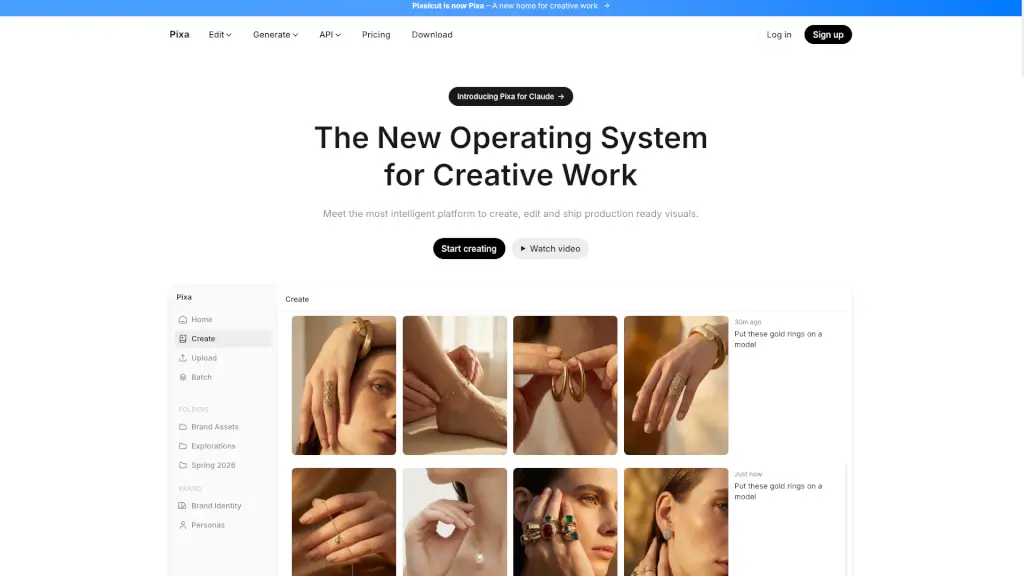
Pixa, the free AI photo editor, offers powerful and easy-to-use tools for creating, editing, and sharing high-quality visuals, making it perfect for small businesses and creatives alike.

Verified by SeekTool
Social Media:
Pixa

Pixa Product Information

What is Pixa?

Pixa, formerly known as Pixelcut, is your go-to AI photo editor designed to make your photos stand out. Whether you're a small business owner, a creative professional, or just someone who loves taking great photos, Pixa offers a range of easy-to-use AI tools that can transform your images in no time. With Pixa, you can create, edit, and share high-quality visuals without needing any special skills or training. It's like having a personal design assistant at your fingertips!

What are the features of Pixa?

  • Background Removal: Ultra-high quality, proprietary background removal for both images and videos.
  • Image Upscaler: High-quality upscaling up to 16x resolution, with a choice of models including Topaz.
  • AI Image Generator: Create stunning images from simple prompts using advanced AI technology.
  • Batch Editing: Perform edits across hundreds of files at once, saving you time and effort.
  • Retouching: Precise AI retouching that can easily erase or edit using generative fill.
  • Shadows: Generate precise shadows to add depth and realism to your images.

What are the use cases of Pixa?

  • E-commerce Product Photos: Create studio-grade product images with perfect character consistency.
  • Social Media Content: Generate engaging and on-brand content for your social media channels.
  • Marketing Materials: Design professional-looking marketing materials for your small business.
  • Lifestyle Shots: Create beautiful lifestyle shots for your brand's seasonal collections.
  • Interior Design Mockups: Design cozy and inviting living spaces for your interior design projects.
  • Jewelry Modeling: Place jewelry items on models to showcase them in the best light.

How to use Pixa?

  • Upload Your Photo: Start by uploading the image you want to edit.
  • Select the Tool: Choose the tool you need, such as background removal or image upscaling.
  • Adjust Settings: Fine-tune the settings to get the desired effect.
  • Preview and Edit: Preview the changes and make any additional edits if needed.
  • Save and Share: Save your edited image and share it directly from the app.
Do you like this tool?

Upvote to help others discover it!

Pixa Alternatives

Pixelcut

Pixelcut

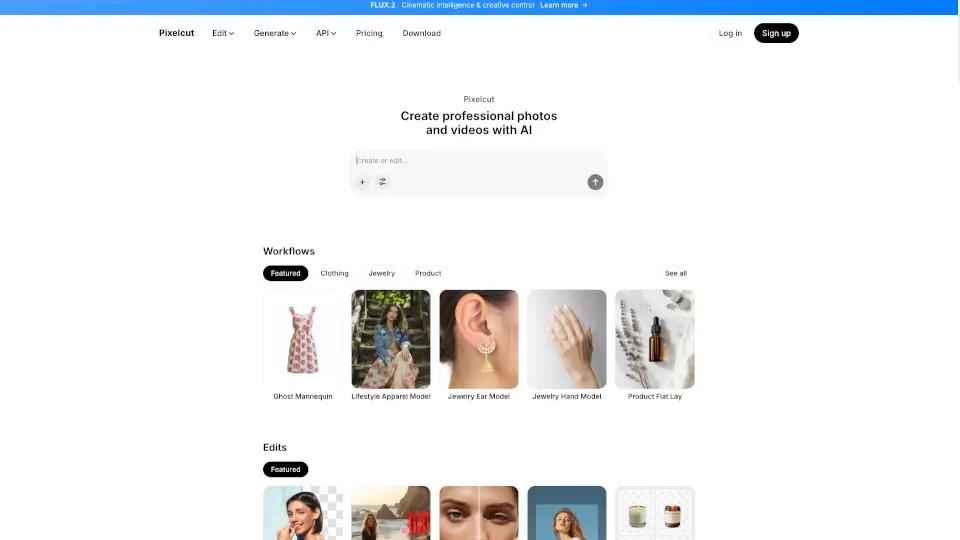
Pixelcut is a free AI photo editor that lets anyone create professional, on-brand images and videos instantly using smart, easy-to-use AI tools.

IN
19.35%
10.2M
5.0
Pixlr: AI-Powered Editor

Pixlr: AI-Powered Editor

Pixlr is a free, browser-based AI photo editor and image generator that lets anyone create, edit, and enhance visuals with professional AI tools—no cost or installation needed.

US
26.70%
10.1M
5.0
Pixlio AI

Pixlio AI

Pixlio AI is your all-in-one AI image editor for creating and editing professional images, powered by advanced models like Nano Banana 2 and Seedream 5.

US
15.35%
120.2K
5.0
PixPretty

PixPretty

PixPretty Online is a powerful AI photo editor that makes background removal, image resizing, and photo editing quick and easy, perfect for both personal and professional use.

TW
17.53%
86.8K
5.0
Pixelfox AI

Pixelfox AI

Pixelfox AI is the ultimate free online photo and video editor powered by AI. Remove backgrounds, enhance images, swap faces, and more—all in seconds. No downloads, no fees, just professional edits made easy.

RU
23.07%
59.4K
5.0
PixelBin

PixelBin

Pixelbin AI Studio is a free, all-in-one AI-powered platform for generating, editing, and enhancing images and videos with simple text prompts or one-click tools.

US
16.79%
2.1M
5.0
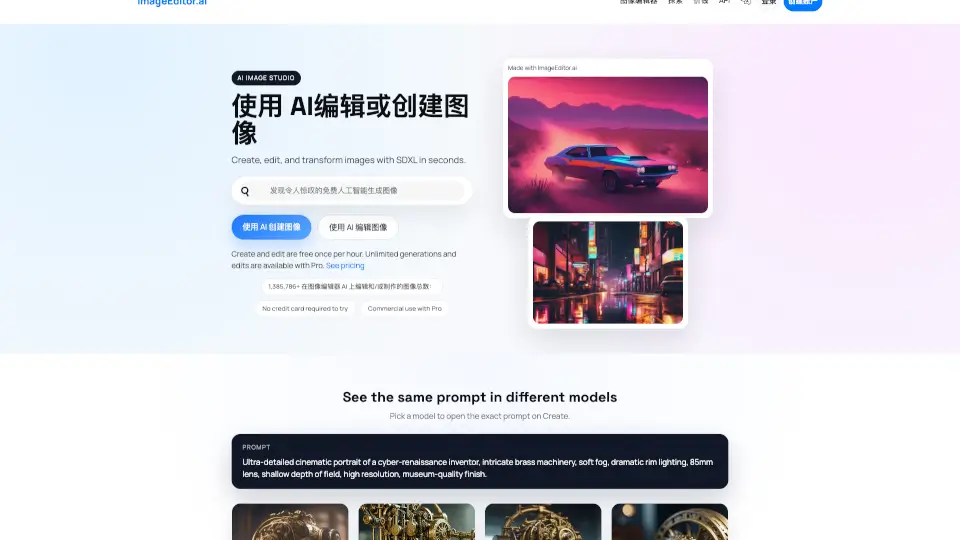
Imageeditor.ai

Imageeditor.ai

ImageEditor.AI is a powerful AI image editor that lets you create, edit, and enhance images instantly with simple text prompts.

RU
54.42%
5.1K
3.0

Pixa Related Other Categories

Pixa Traffic Analysis

💡 Insights

🌱
Emerging Tool
10K-100K monthly visits. Niche or new tool with potential unique value.
📉
Traffic Decline
Significant traffic drop recently. Check for alternatives.
  • Monthly Visits

    52.15K

  • Bounce Rate

    61.24%

  • Pages Per Visit

    1.42

  • Visit Duration

    00:01:48

  • Global Rank

    755670

  • Country Rank

    12360

Visits Over Time

Traffic Sources

Direct41.26%
Search Organic29.62%
Referrals10.73%
Social Organic5.82%
Display Ads4.32%
Mail2.72%
Search Paid1.83%
Gen Ai1.55%
Affiliate1.31%
Social Paid0.84%

Top Keywords

1
pixa
CPC$2.49
190Traffic
2
pixelcut
CPC$0.32
40Traffic
3
pixa.com
20Traffic
4
portrait to landscape image converter
CPC$0.17
10Traffic
5
pixa ai
CPC$0.15
10Traffic

Top Regions

RegionPercentage
Brazil
Brazil
34.96%
Turkey
Turkey
29.57%
Argentina
Argentina
11.52%
Philippines
Philippines
9.49%
Japan
Japan
8.37%
Low
High

Powered by SimilarWeb

Pixa FAQ

How does Pixa's background removal tool work?

Pixa's background removal tool uses advanced AI to automatically detect and remove the background from your images and videos, leaving you with a clean, high-quality result.

Can I use Pixa to upscale my images?

Yes, Pixa's image upscaler can increase the resolution of your images up to 16x, making them look sharper and more detailed.

Is Pixa suitable for small businesses?

Absolutely! Pixa is perfect for small businesses looking to create professional-looking marketing materials, product photos, and social media content without the need for expensive software or design skills.

How many images can I edit at once with Pixa?

Pixa's batch editing feature allows you to perform edits across hundreds of files at once, saving you a lot of time and effort.

Does Pixa offer AI-generated images?

Yes, Pixa's AI image generator can create stunning images from simple prompts, allowing you to bring your ideas to life with ease.

Can I generate consistent branding across all my images and videos?

Yes, Pixa ensures perfect character consistency across all your images and videos, helping you maintain a strong and cohesive brand identity.

What are some common use cases for Pixa?

Common use cases include creating e-commerce product photos, designing social media content, generating marketing materials, and creating lifestyle shots for seasonal collections.

Pixa Reviews

0

0

0 Reviews
Sign Into leave a review

Recent Reviews

No reviews yet

Pixa Embed

Use website badges to drive community support for SeekTool.ai. They are easy to embed in your homepage or footer.

Light
Dark
Pixa - Featured on SeekTool.aiPixa - Featured on SeekTool.ai
How to install?