
What is Pixlio AI?
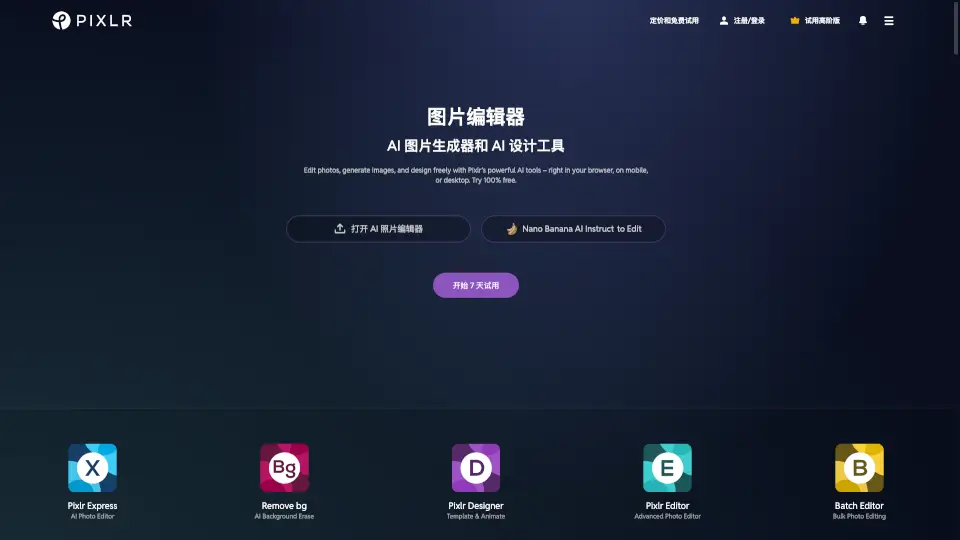
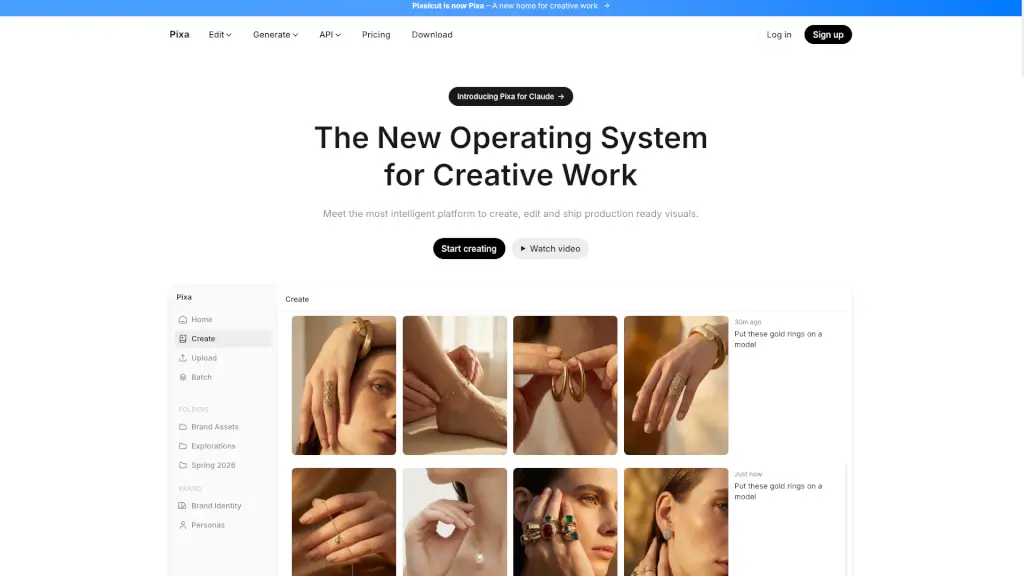
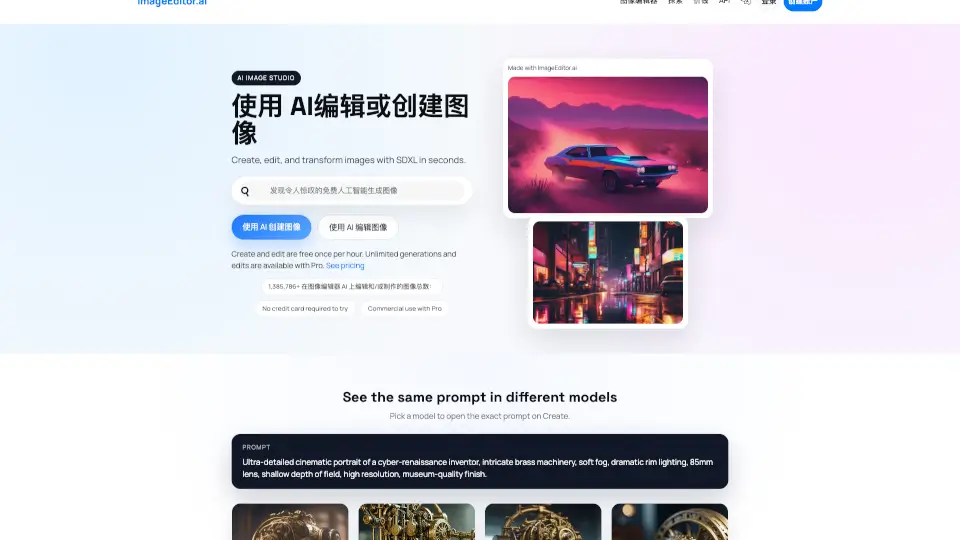
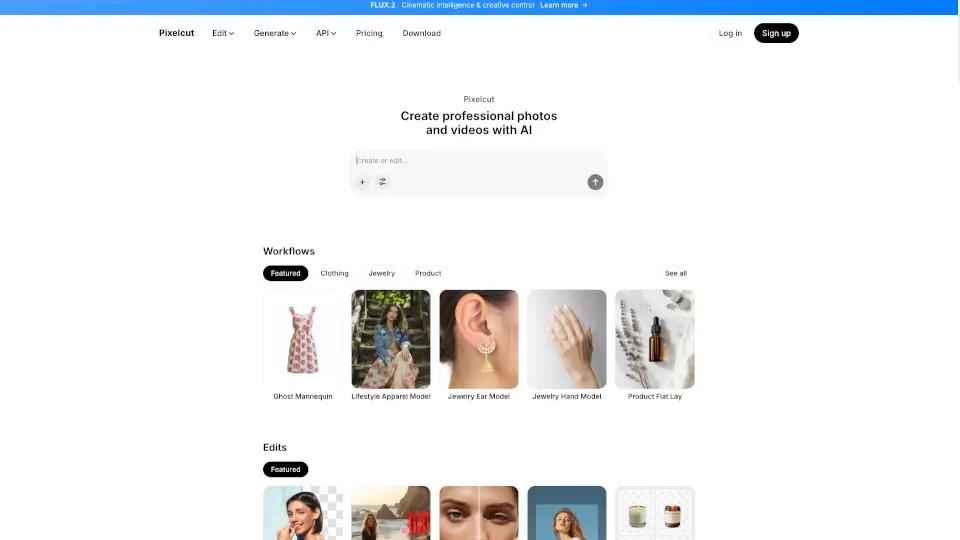
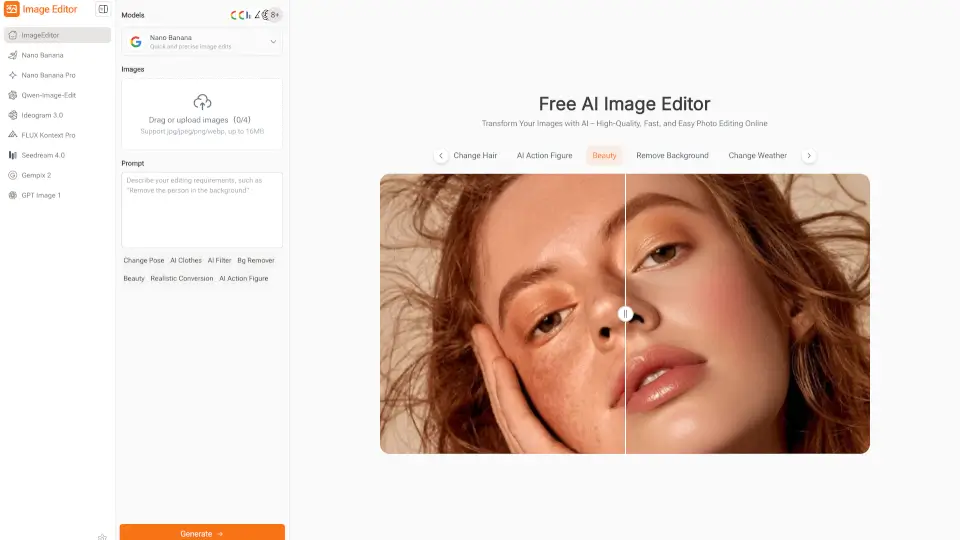
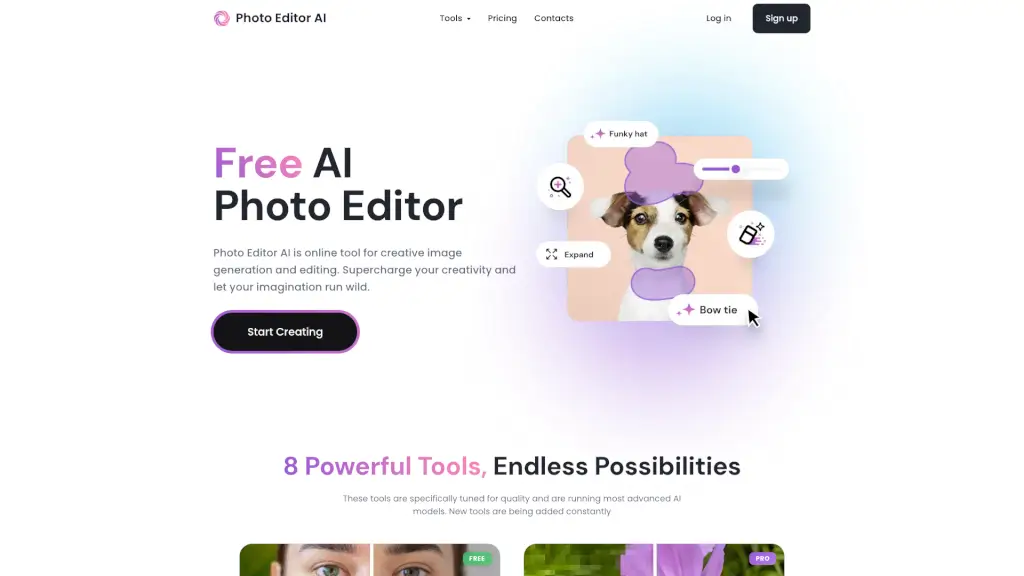
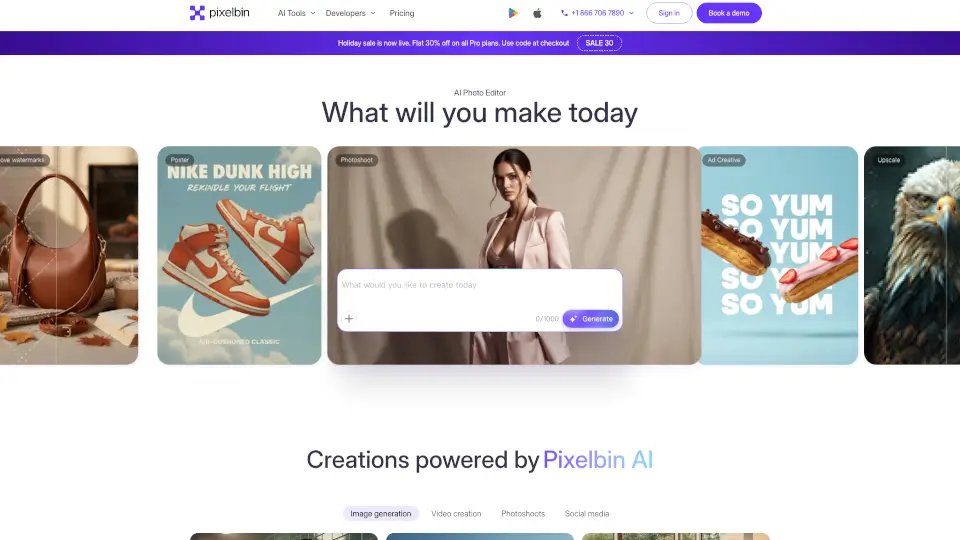
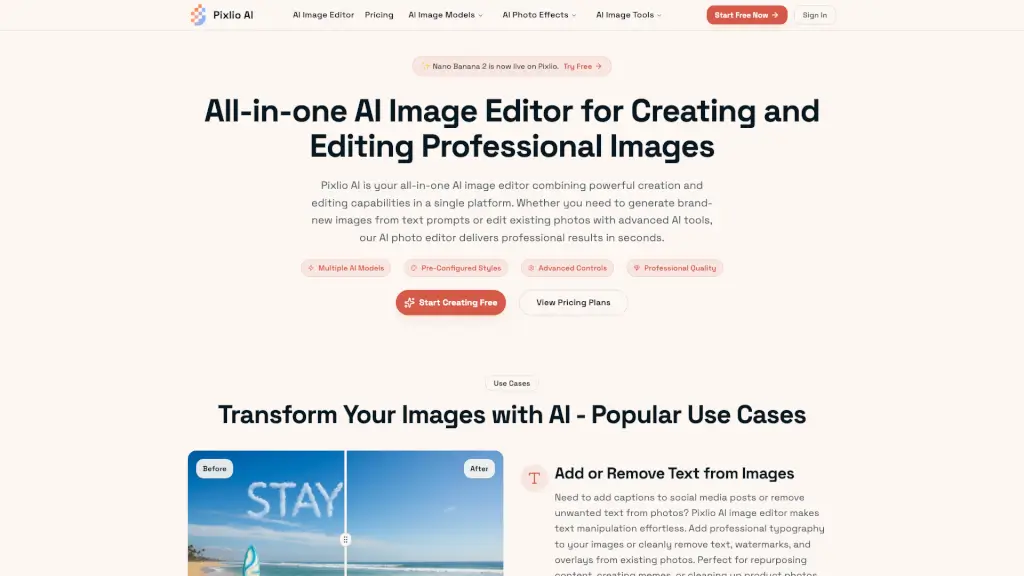
Pixlio AI is a powerful and user-friendly AI image editor that lets you create, edit, and transform images with ease. Whether you're a student, a professional, or a creative enthusiast, Pixlio AI offers a wide range of tools to help you achieve stunning visual results. With advanced AI models like Nano Banana 2, Seedream 5, and more, you can generate new images from text, remove backgrounds, add or remove text, and much more. The platform is designed to be intuitive and accessible, making it perfect for anyone looking to enhance their visual content without the need for complex software.
What are the features of Pixlio AI?
- AI Image Generation: Create original images from text descriptions using cutting-edge AI models.
- Intelligent Photo Editing: Edit existing photos with AI-powered tools for background removal, text manipulation, and quality enhancement.
- Professional Styles & Presets: Generate images in pre-configured professional styles, such as Studio Ghibli anime, Pixar 3D animation, and photorealistic.
- Advanced Customization: Control every detail with custom prompts, aspect ratios, seed values, and more.
- High-Resolution Outputs: Export high-quality images suitable for print, web, and commercial projects.
- Fast Processing: Most operations complete in under 20 seconds, ensuring a smooth and efficient experience.
What are the use cases of Pixlio AI?
- E-commerce Product Photography: Create professional product images, remove backgrounds, and place products in aspirational settings.
- Marketing Campaigns: Generate original hero images, social media graphics, and ad creatives that match your brand guidelines.
- Social Media Content: Add captions, remove watermarks, and create eye-catching posts and memes.
- Personal Projects: Transform your personal photos into artistic masterpieces, add snow to winter scenes, or create custom holiday cards.
- Business Presentations: Enhance your presentations with high-quality, professionally edited images and graphics.
- Design Work: Create transparent PNGs, apply style transfers, and generate pixel art or line drawings for various design projects.
How to use Pixlio AI?
- Sign Up & Get Free Credits: Create your Pixlio AI account and receive complimentary credits to start exploring the platform.
- Choose Your Workflow: Decide whether you want to generate new images from text or upload existing photos to edit.
- Select and Customize: Choose from pre-configured styles, adjust settings, and use advanced features to get the desired result.
- Export Your Images: Download your edited or generated images in your preferred format and resolution.
- Manage Your Creations: Keep all your creations organized in one place, with options for long-term storage and easy access.