
Photo Editor AI logo

Photo Editor AI

5.0
(0 Reviews)
United States22.75%

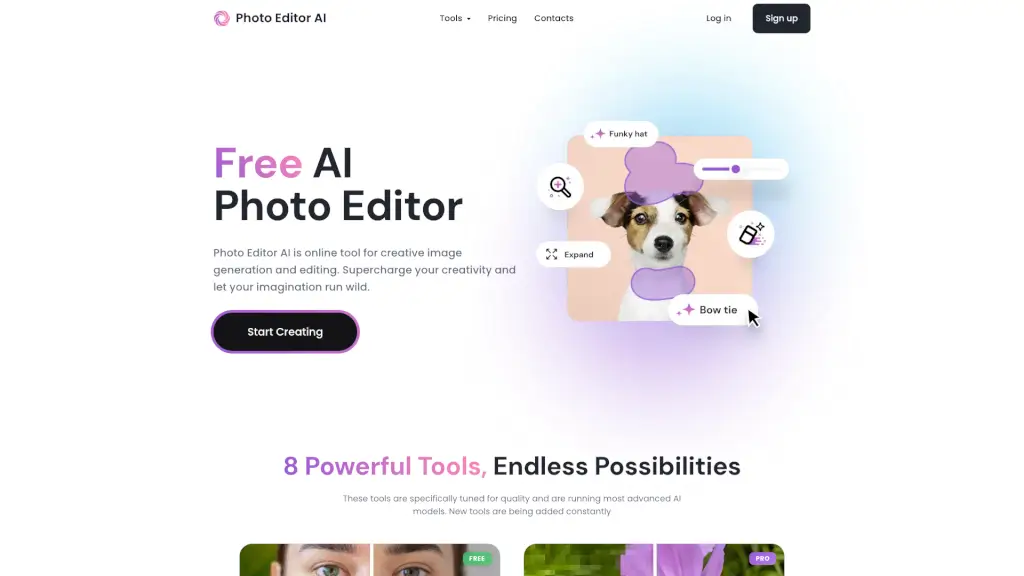
PhotoEditor.ai is a free, no-signup AI photo editor with 30+ specialized tools for editing, enhancing, and generating images using top AI models.

Verified by SeekTool
Social Media:
Photo Editor AI

Photo Editor AI Product Information

What is Photo Editor AI?

Tired of juggling a dozen different apps just to edit one photo? PhotoEditor.ai brings over 30 specialized AI photo tools into a single, free, browser-based editor—no sign-up or downloads needed. Whether you need to remove a distracting background, restore a faded family photo, upscale an image to crisp 4K, or generate a brand-new picture from a text prompt, this platform has a purpose-built tool for the job.

Powered by top-tier AI models like Nano Banana, GPT Image, Gemini, and SeeDream, PhotoEditor.ai automatically selects the best model for each task—but lets you switch anytime for fine-tuned control. It’s fast, privacy-focused, and works seamlessly on phones, tablets, and desktops, making professional-grade photo editing accessible to everyone from casual users to creative pros.

What are the features of Photo Editor AI?

  • 30+ Specialized AI Tools: Dedicated editors for cleanup, background removal, upscaling, restoration, generation, and more—each optimized for one specific task.
  • Best-in-Class AI Models: Automatically uses the top-performing model per job (e.g., Nano Banana for character consistency, SeeDream for 4K detail), with manual override available.
  • No Signup Required: Start editing instantly in your browser—upload, edit, and download without creating an account.
  • Commercial Use Allowed: Use AI-generated or edited images for client work, ads, products, and prints (you own the output).
  • Cross-Device Compatibility: Works on iPhone, Android, and any modern browser—no app store downloads or permissions needed.
  • Privacy-First Processing: All uploads are encrypted, processed in isolated environments, and deleted within 1 hour—never used for training or shared.

What are the use cases of Photo Editor AI?

  • Remove an ex or photobomber from a group photo with pixel-perfect cleanup that leaves no trace.
  • Restore blurry, grainy, or damaged old family photos to sharp, clear memories.
  • Generate a professional logo or vector graphic for a new business in minutes.
  • Upscale product photos to 4K or 8K for e-commerce listings without losing detail.
  • Swap or blur backgrounds for real estate or portrait shots—perfect for social media or portfolios.
  • Extend image frames beyond original borders using AI-powered outpainting for creative layouts.
  • Erase watermarks, text, or logos from screenshots or reference images cleanly and quickly.

How to use Photo Editor AI?

  • Upload your image (JPG, PNG, HEIC, WEBP, or AVIF up to 15MB) by dragging, browsing, or pasting (Ctrl+V / Cmd+V).
  • Choose the right AI tool based on your goal—e.g., “Cleanup” for object removal, “Restore Old Photos” for vintage images, or “AI Image Generator” for text-to-image creation.
  • Adjust settings like aspect ratio, resolution, or AI model if needed, then run the edit.
  • Download your result instantly—free outputs up to 720px; HD/4K requires PRO.
  • For generative edits, describe what you want in simple language (e.g., “change hair color to red” or “replace background with beach”).

Do you like this tool?

Upvote to help others discover it!

Photo Editor AI Alternatives

Image Editor

Image Editor

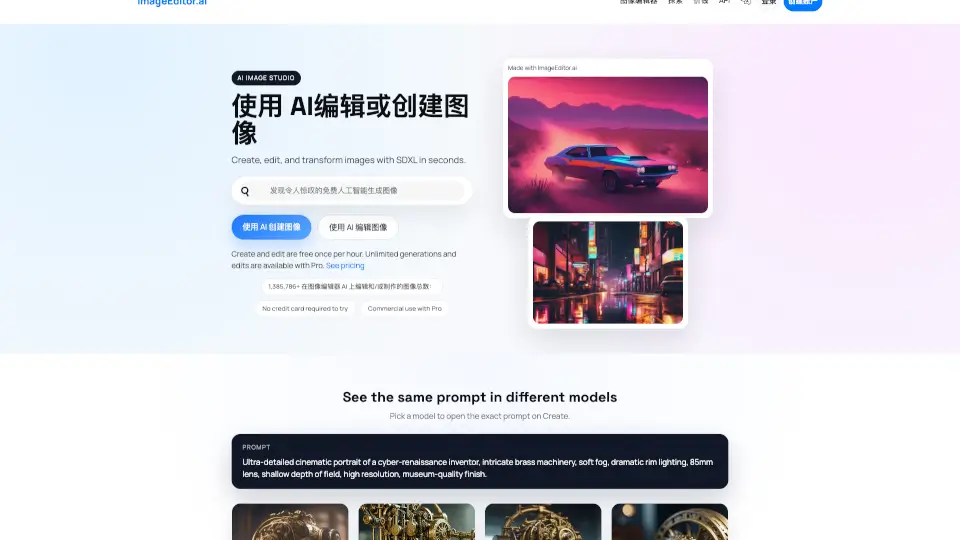
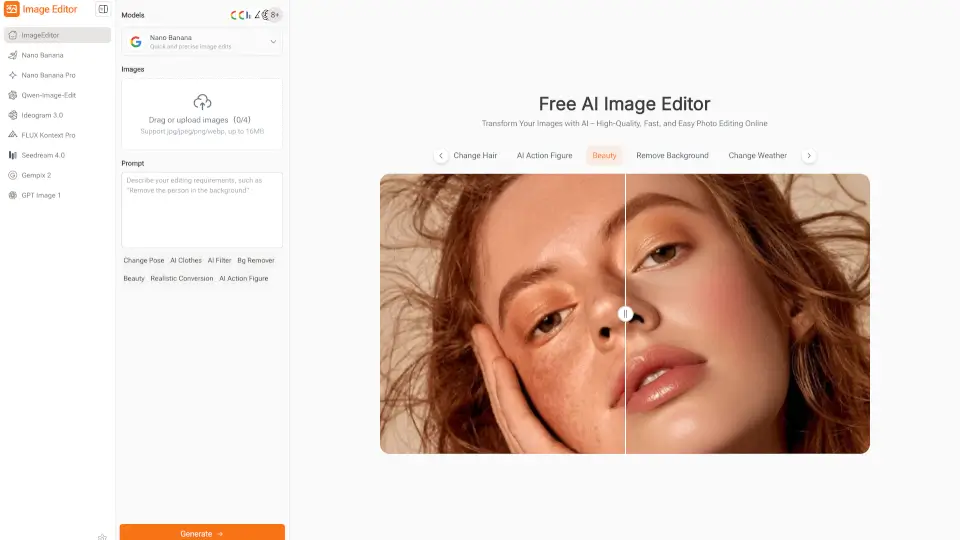
Image Editor is a free, browser-based AI photo editor that makes enhancing, transforming, and downloading high-quality images quick and easy—no sign-up required.

GB
50.67%
22.4K
4.0
Imageeditor.ai

Imageeditor.ai

ImageEditor.AI is a powerful AI image editor that lets you create, edit, and enhance images instantly with simple text prompts.

RU
40.47%
13.7K
4.0
AI Image Editor

AI Image Editor

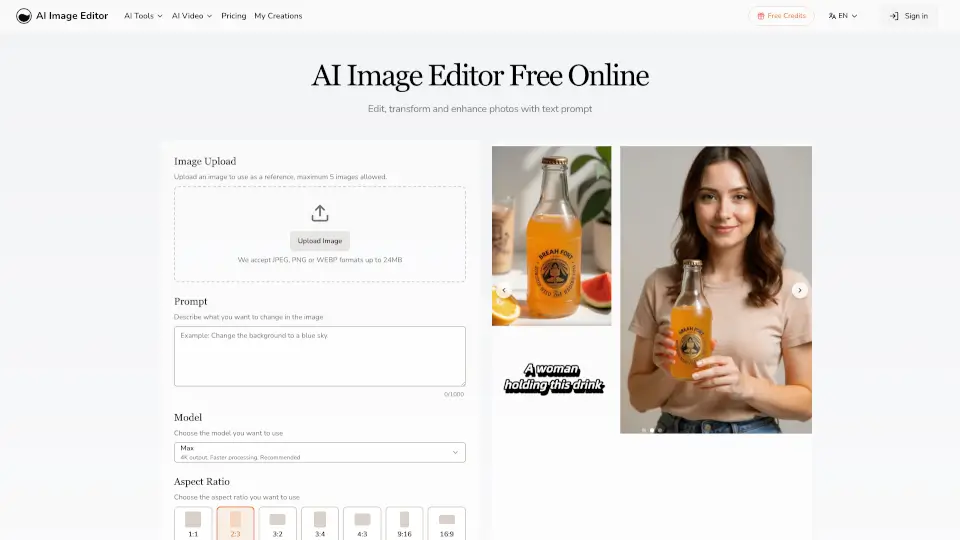
AI Image Editor lets you quickly edit and enhance photos with simple text prompts. No design skills needed—just upload your image, describe your changes, and get professional results fast.

US
32.71%
86.8K
5.0
Pixlr: AI-Powered Editor

Pixlr: AI-Powered Editor

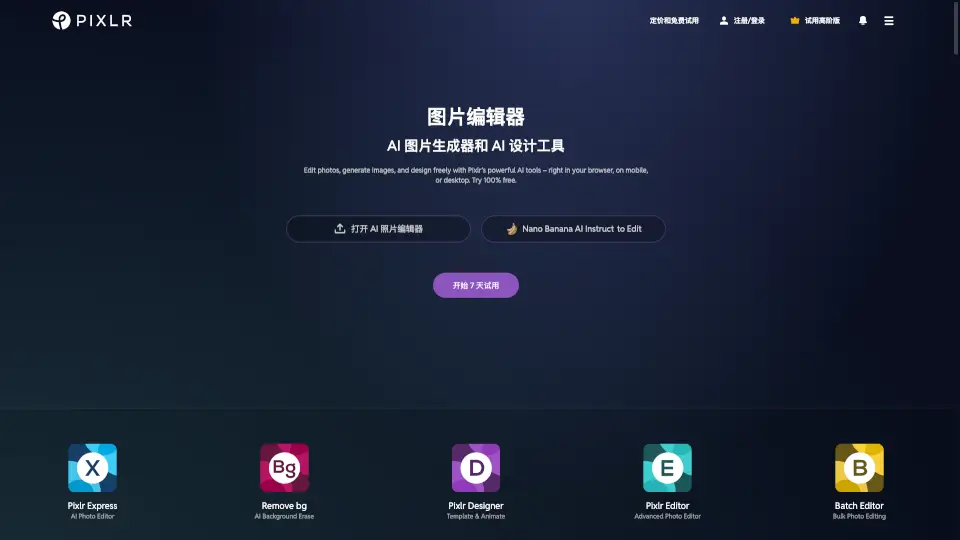
Pixlr is a free, browser-based AI photo editor and image generator that lets anyone create, edit, and enhance visuals with professional AI tools—no cost or installation needed.

US
27.82%
10.3M
5.0
Phot.ai

Phot.ai

Phot.AI is a powerful, user-friendly AI photo editing platform with 30+ tools to enhance, transform, and create stunning visuals. Perfect for photographers, designers, and e-commerce businesses.

IN
33.19%
208.7K
5.0
ImgGen AI

ImgGen AI

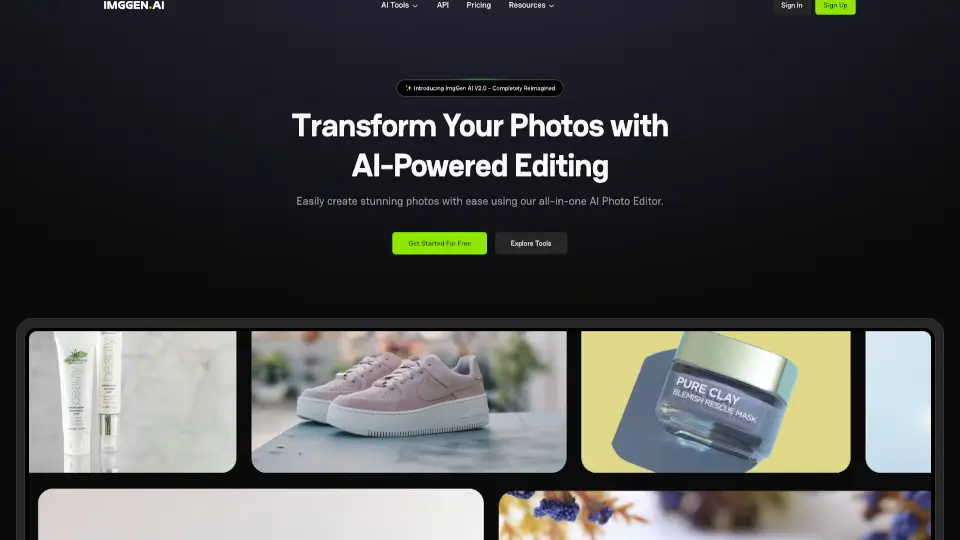
ImgGen AI makes photo editing easy, fast, and free—perfect for creators, businesses, and anyone who loves great visuals.

US
45.70%
66.0K
5.0
Banana AI

Banana AI

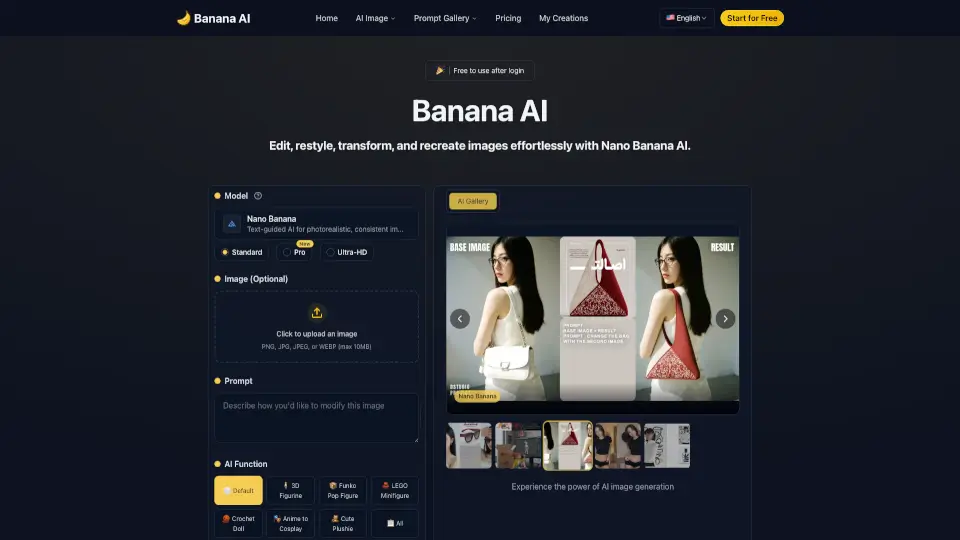
Banana AI is a free and user-friendly AI photo editor that lets you transform your photos with text prompts. It offers a wide range of features like style conversion, background replacement, and 3D figurine creation, making it perfect for both personal and professional use. Try it now and see how easy it is to turn your ideas into stunning visuals!

VN
6.18%
211.1K
5.0
iFoto

iFoto

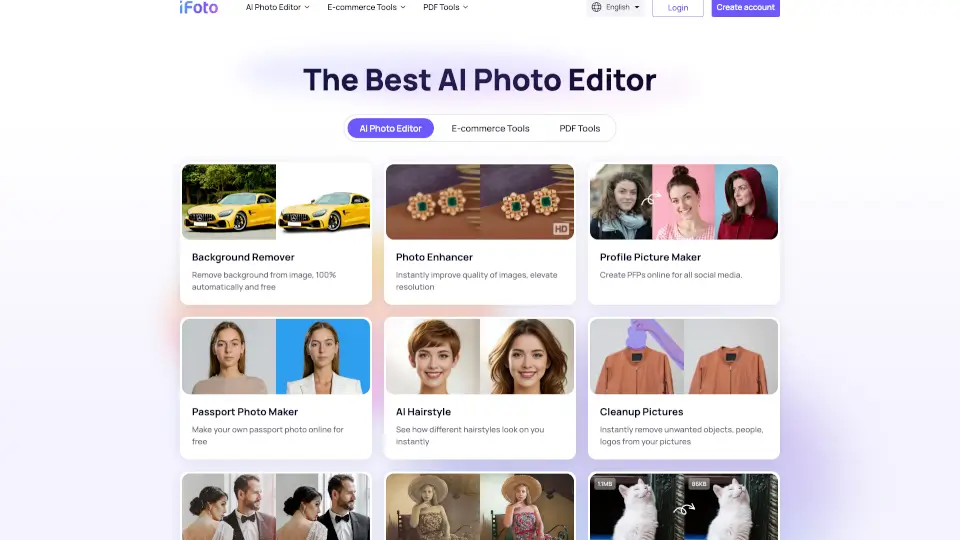
iFoto AI Photo Studio is a free, all-in-one online editor that uses smart AI tools to enhance, transform, and optimize photos for e-commerce, social media, and personal use.

RU
14.00%
246.7K
5.0

Photo Editor AI Related Other Categories

Photo Editor AI Traffic Analysis

💡 Insights

🌱
Emerging Tool
10K-100K monthly visits. Niche or new tool with potential unique value.
⚠️
Slight Decline
Traffic has slightly decreased recently.
👍
Good Experience
Bounce rate of 40%. Users are willing to explore features.
🎯
Strong Brand
59% direct traffic. High user loyalty.
  • Monthly Visits

    83.36K

  • Bounce Rate

    39.65%

  • Pages Per Visit

    2.06

  • Visit Duration

    00:00:20

  • Global Rank

    462304

  • Country Rank

    110830

Visits Over Time

Traffic Sources

Direct58.64%
SearchOrganic37.58%
Referrals2.29%
GenAi1.19%
Mail0.31%
SocialOrganic0.00%
SearchPaid0.00%
SocialPaid0.00%
Affiliate0.00%

Top Keywords

1
ai image editor
CPC$0.82
810Traffic
2
ai photo editor online free
CPC$0.47
250Traffic
3
photo editor ai
CPC$0.76
240Traffic
4
ai photo editor
CPC$0.37
200Traffic
5
photoeditorai
CPC$2.36
200Traffic

Top Regions

RegionPercentage
United States
United States
22.75%
India
India
16.07%
Vietnam
Vietnam
6.32%
Germany
Germany
5.50%
Poland
Poland
4.19%
Low
High

Powered by SimilarWeb

Photo Editor AI FAQ

What is photoeditor.ai?

PhotoEditor.ai is a free, browser-based platform offering 30+ purpose-built AI image tools across categories like editing, enhancement, background removal, and image generation. Each tool uses the best AI model for its specific task—like Nano Banana, GPT Image, or Gemini—with no signup required.

What can I do with photoeditor.ai?

You can edit photos with AI (remove objects, expand frames, combine images), generate new visuals from text (logos, portraits, vectors), enhance quality (unblur, upscale, restore), remove backgrounds or watermarks, and convert raster images to SVG—all through dedicated, easy-to-use tools.

Which AI tool should I use for my photo problem?

Match your issue to the right tool: blurry photo → Unblur or Enhance; need higher resolution → Upscale; unwanted object → Cleanup; transparent background → Remove BG; old/damaged photo → Restore Old Photos; new logo → AI Logo Maker; image from text → AI Image Generator.

Is photoeditor.ai free?

Yes! Core tools like Cleanup, Remove Background, and Enhance are free with no signup. Free downloads are capped at 720px resolution. HD, 4K exports, and full access to all 30+ tools require a PRO subscription.

What AI models does photoeditor.ai use, and how do you pick the best one for each task?

The team benchmarks leading models—including Nano Banana, GPT Image 2, Gemini, SeeDream, and Qwen—on criteria like accuracy, speed, and realism. The default model for each tool is the benchmark winner (e.g., SeeDream for 4K detail), but you can switch models anytime via the settings rail.

How is photoeditor.ai different from Photoshop?

Photoshop offers deep manual control for complex layered editing. PhotoEditor.ai focuses on AI-powered, one-click solutions for specific tasks—ideal when you want fast, automated results without learning curves.

How is photoeditor.ai different from Canva or Picsart?

Canva centers on templates; Picsart bundles AI features into one general editor. PhotoEditor.ai gives each task its own dedicated workspace—so Cleanup or Upscale isn’t buried in menus but optimized as a standalone tool.

How is this different from using Gemini or ChatGPT directly?

While Gemini or ChatGPT handle image edits inside chat conversations, PhotoEditor.ai offers 30+ specialized tools with tailored UIs, adjustable settings, and batch-ready workflows—making it far more efficient for regular photo editing tasks.

Photo Editor AI Reviews

0

0

0 Reviews
Sign Into leave a review

Recent Reviews

No reviews yet

Photo Editor AI Embed

Use website badges to drive community support for SeekTool.ai. They are easy to embed in your homepage or footer.

Light
Dark
Photo Editor AI - Featured on SeekTool.aiPhoto Editor AI - Featured on SeekTool.ai
How to install?