
What is AI Image Editor?
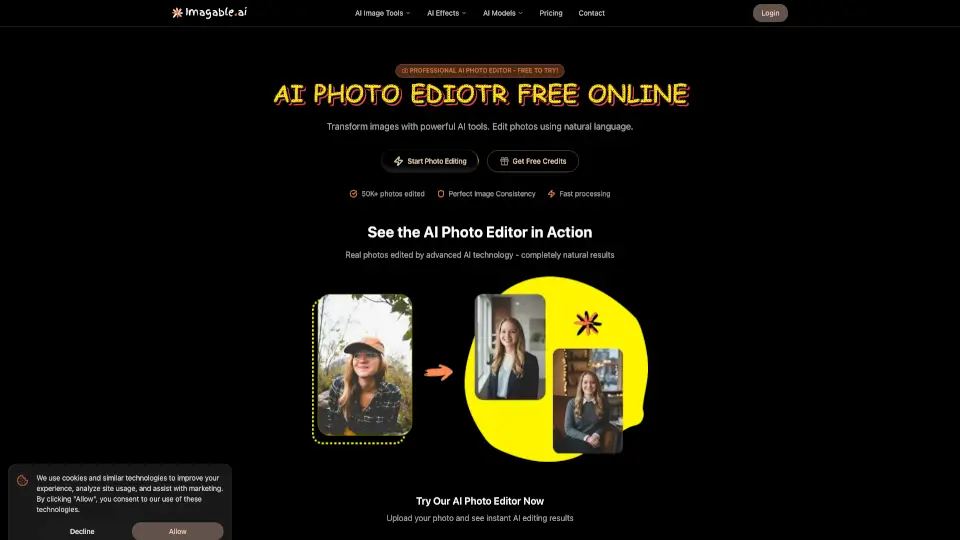
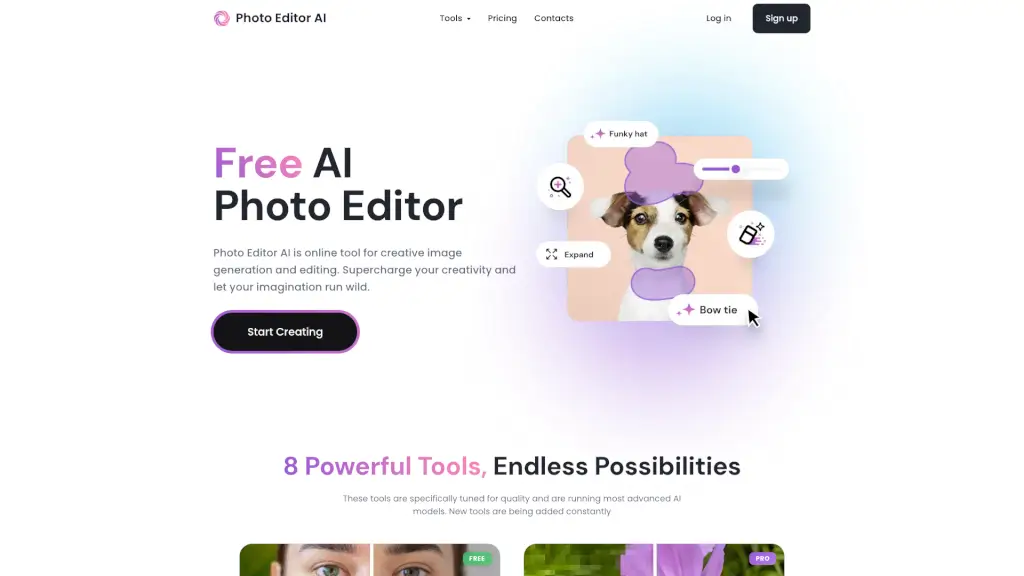
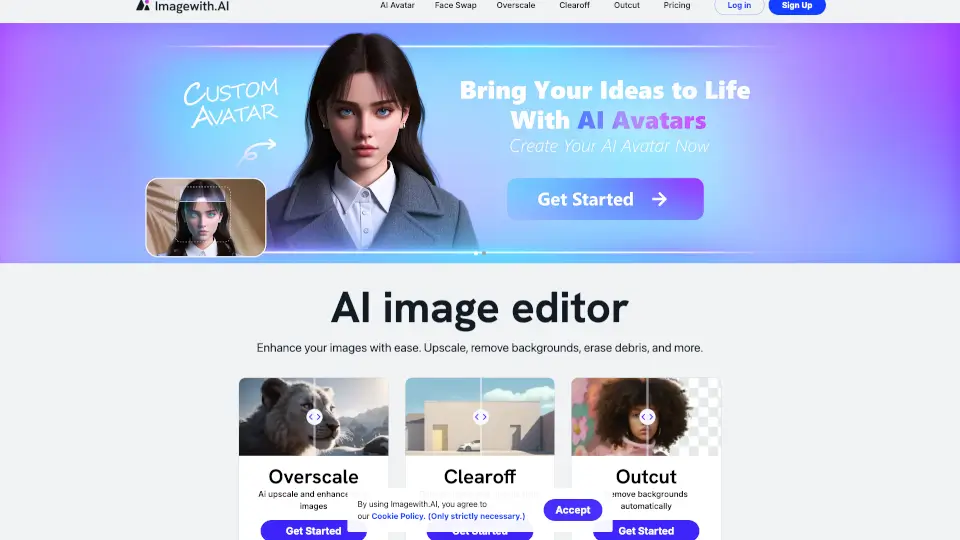
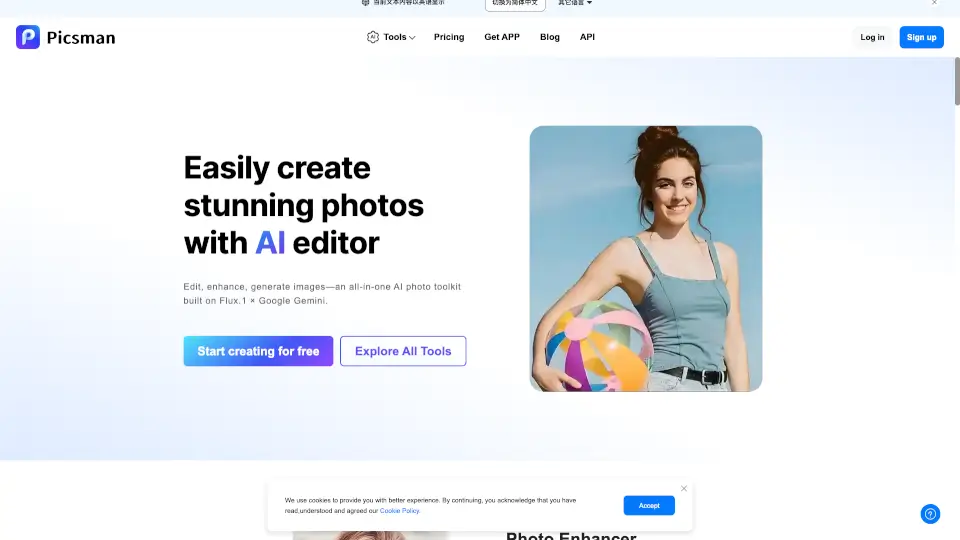
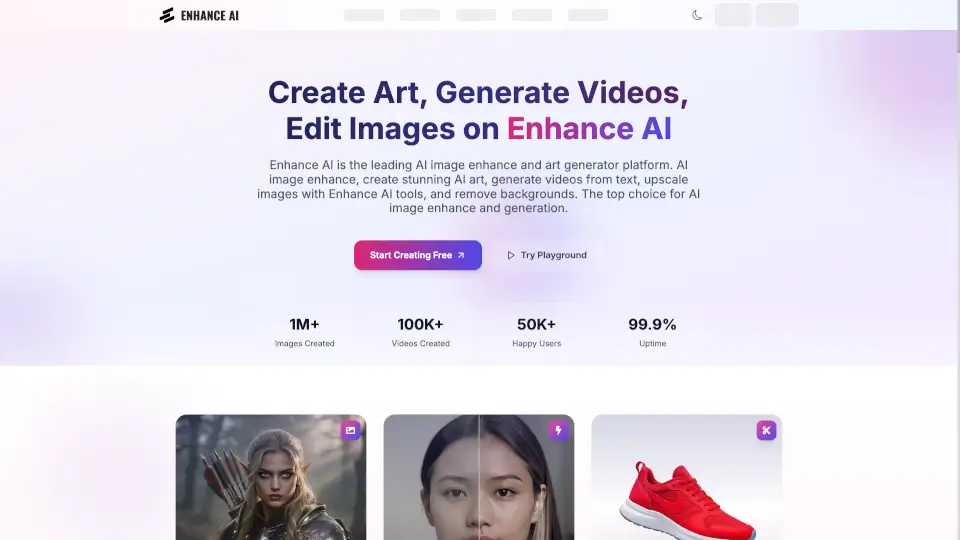
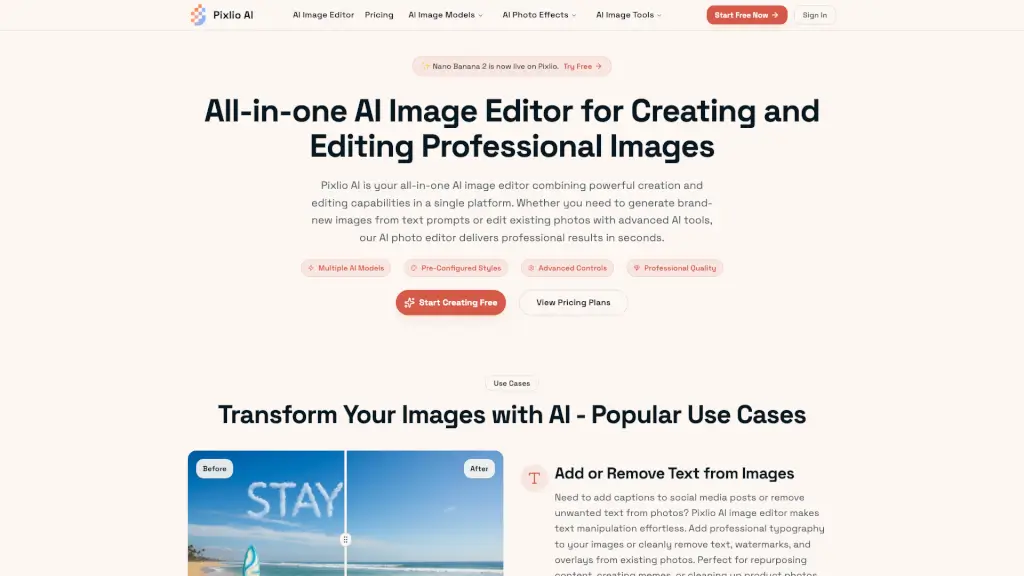
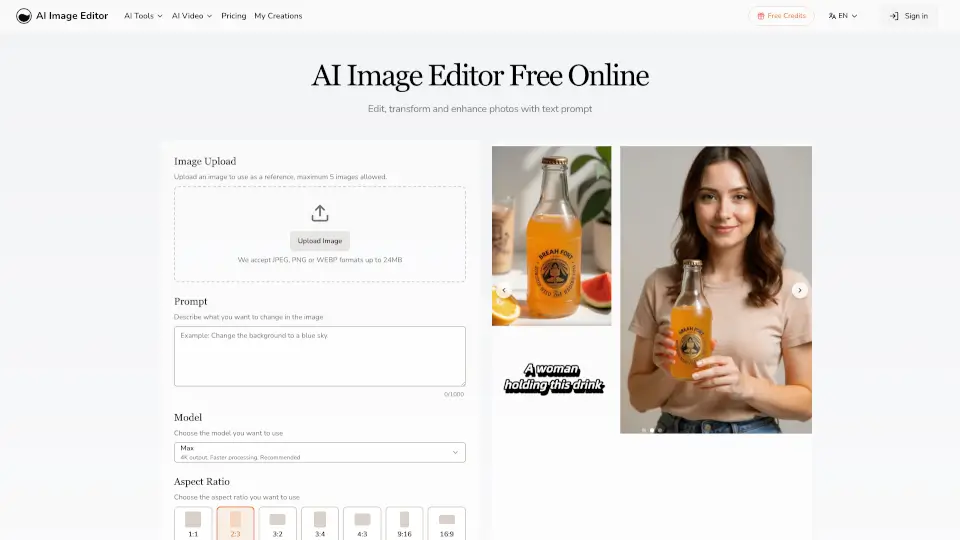
AI Image Editor lets you instantly edit, transform, and enhance any photo just by typing a text prompt. No Photoshop skills needed—get fast, high-quality results every time. Whether you want to change backgrounds, adjust styles, or add text, this tool makes it simple and fun.
What are the features of AI Image Editor?
- Intelligent Structure Preservation: Keeps your photo’s key details like faces and features intact while making edits.
- Precision Region Control: Edit specific parts of your image—like eyes, sky, or logos—without affecting the rest.
- Text Editing: Add crisp, natural-looking text to photos quickly, perfect for captions or branding.
- Style Transfer: Use a reference image to match colors, textures, and mood while keeping your photo’s composition.
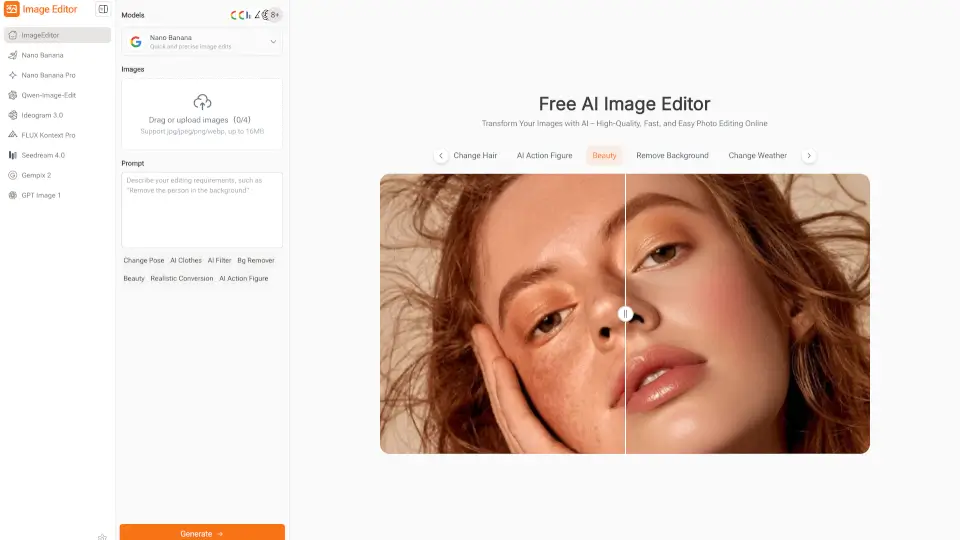
- Multiple Models: Choose from different AI models optimized for various editing needs.
- Fast Generation: Get multiple high-quality image variations in seconds.
What are the use cases of AI Image Editor?
- Enhance portraits by adjusting lighting or backgrounds.
- Add professional text overlays for marketing or social media.
- Transform product photos with style matching and color tweaks.
- Create consistent character images with pose or outfit changes.
- Quickly generate multiple versions for branding or advertising projects.
How to use AI Image Editor?
- Step 1: Choose the AI model that fits your editing needs.
- Step 2: Upload your image (JPEG, PNG, GIF, or WEBP up to 20MB).
- Step 3: Describe the changes you want in detail using text prompts.
- Step 4: Generate multiple image variations, review, and download your favorites.