
What is Image Editor?
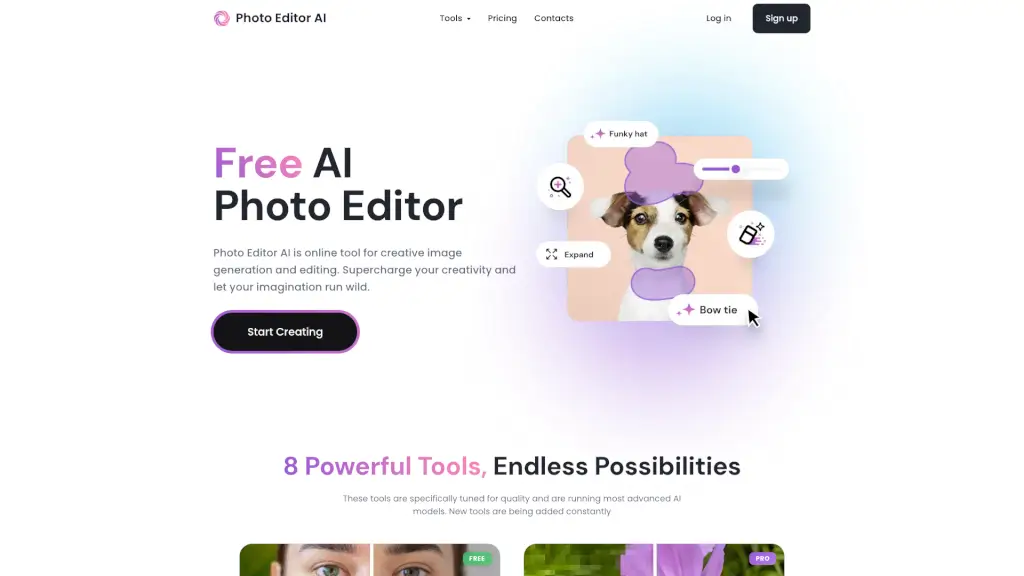
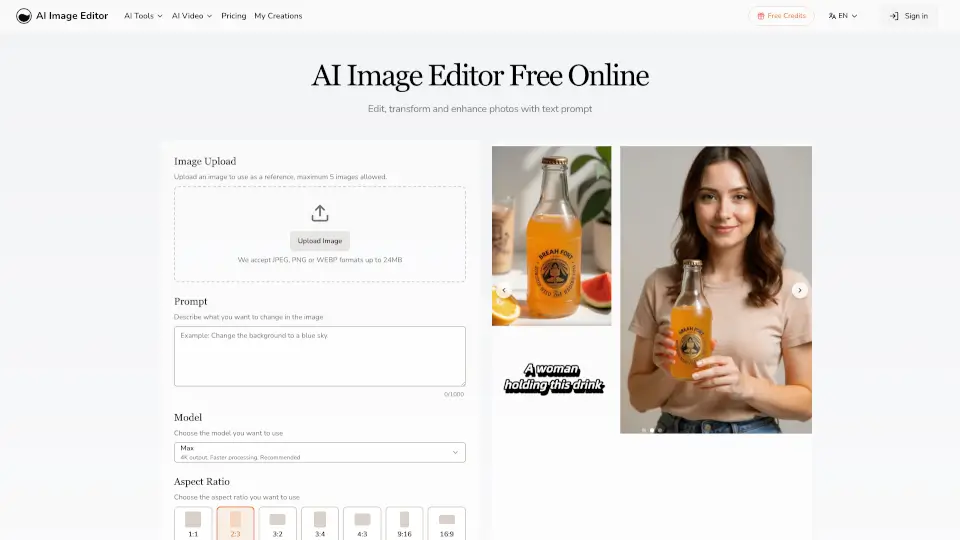
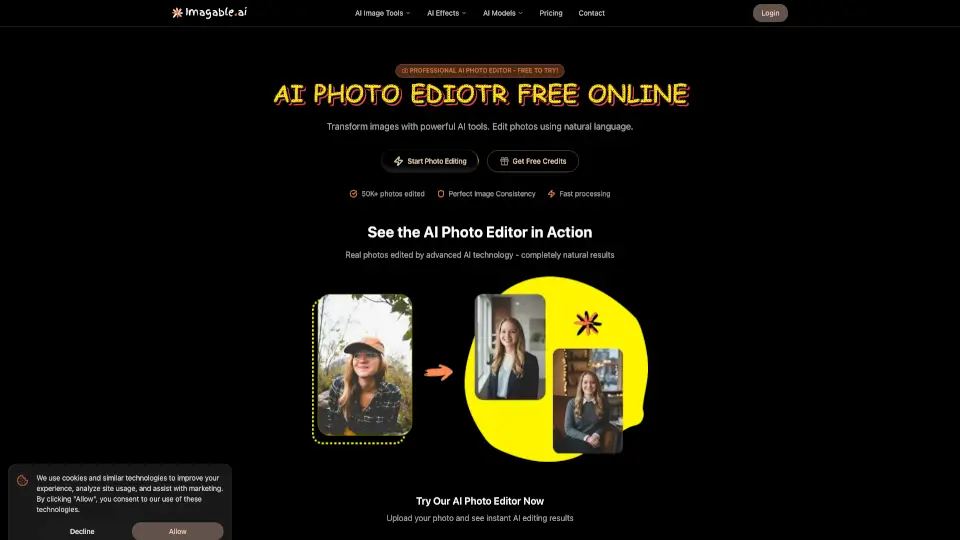
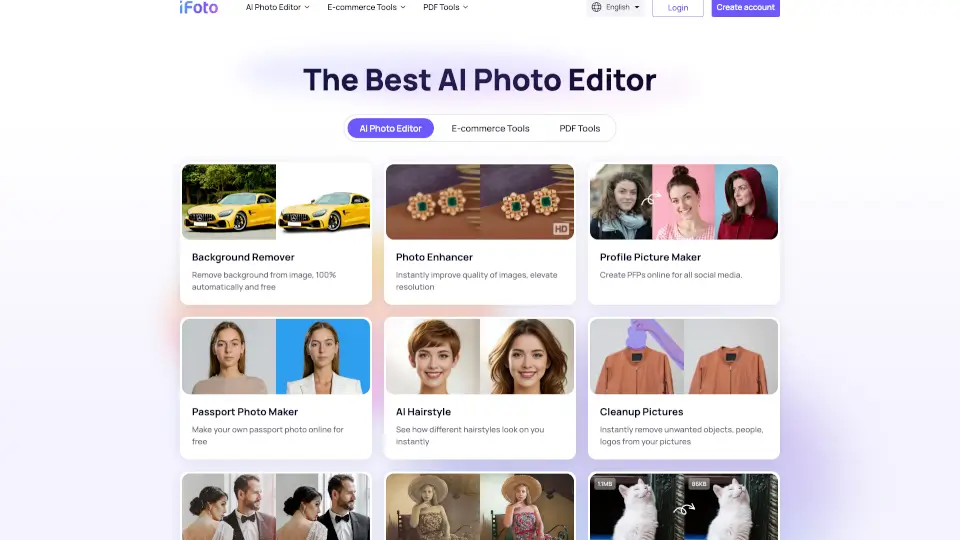
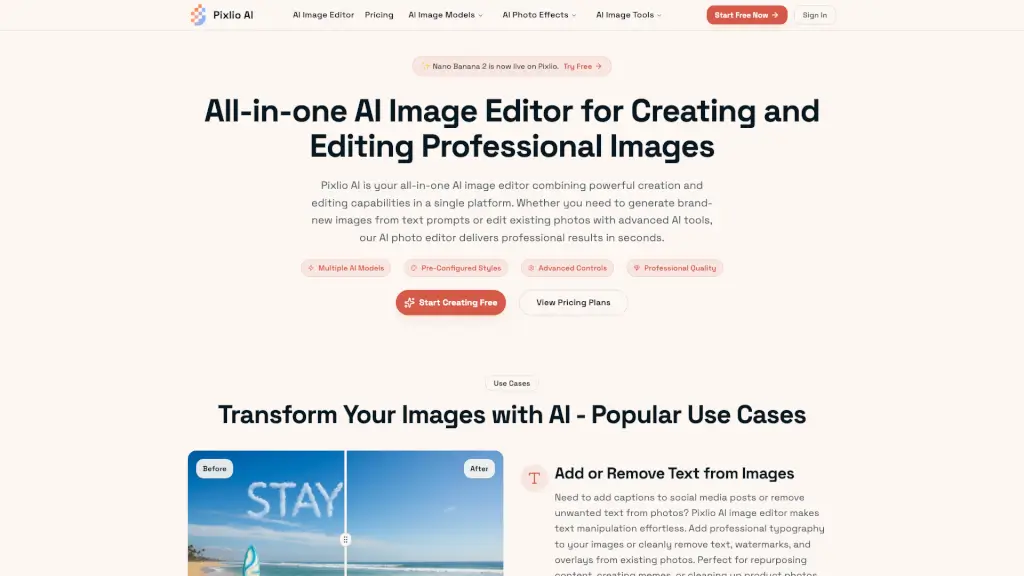
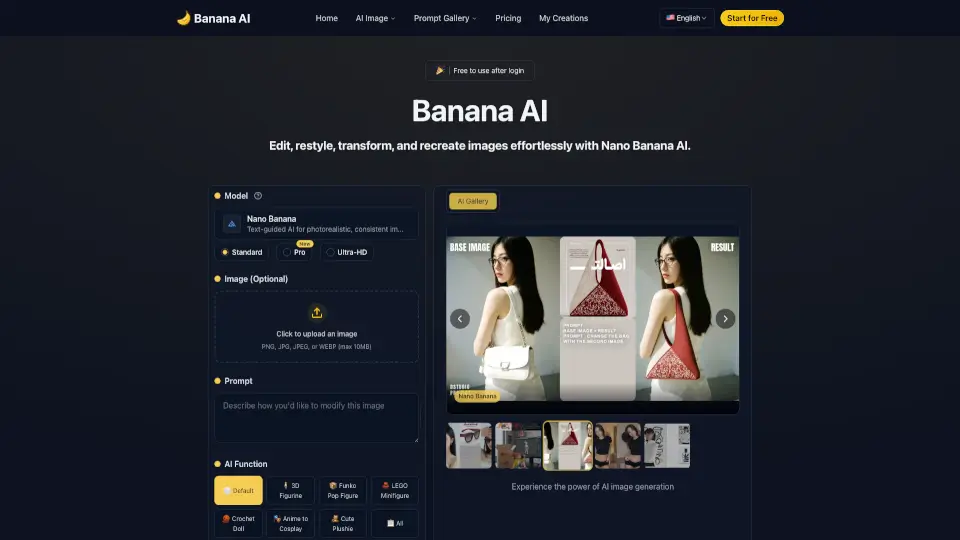
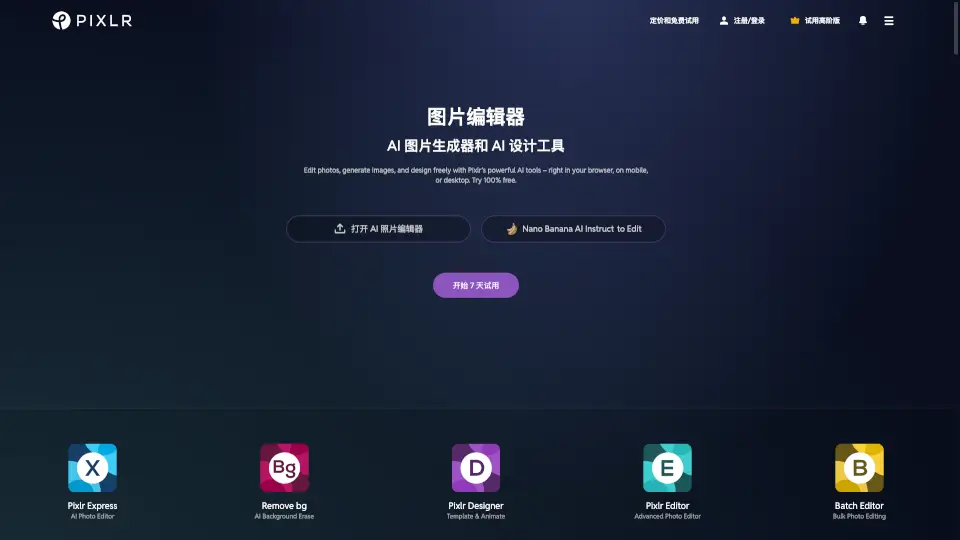
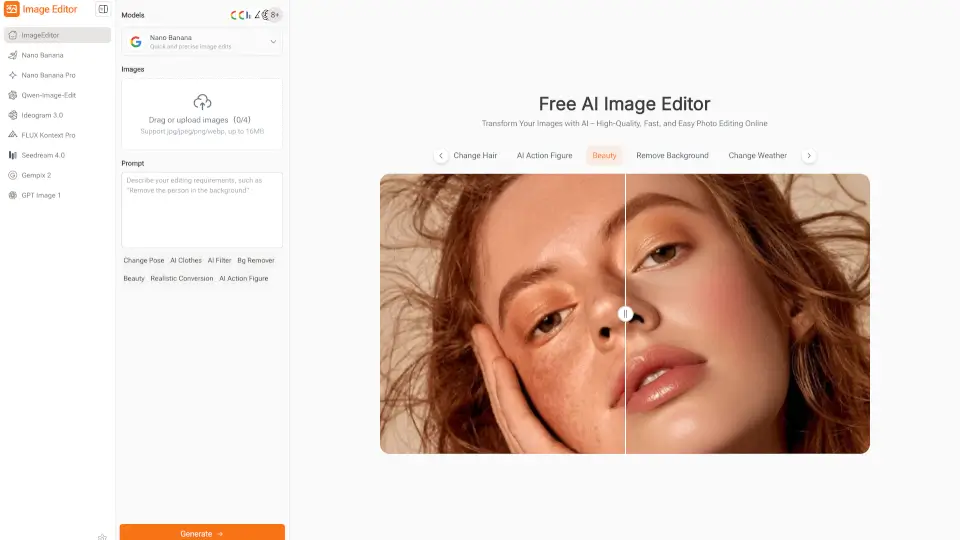
Image Editor is a free online photo editing tool that uses smart AI models to help you quickly enhance, edit, and transform your images. No sign-up or software download needed—just upload your photo, type what you want, and get high-quality results in seconds. Perfect for anyone who wants professional-looking visuals without the hassle of learning complicated software.
What are the features of Image Editor?
- AI-Powered Editing: Edit photos with simple text prompts—no design skills required.
- Multiple AI Models: Choose from Nano Banana, Flux Kontext, Seedream, and more for different editing styles.
- Preset Prompts & Styles: Hundreds of ready-made templates to spark creativity and save time.
- Background Removal: Instantly erase backgrounds for clean, polished images.
- Style Transfer & Filters: Apply creative effects and new looks with a click.
- Continuous Editing: Refine your images as much as you want in one place.
- High-Resolution Downloads: Download your edited images in sharp, professional quality for free.
- Merge Images: Combine multiple photos into one for collages or banners.
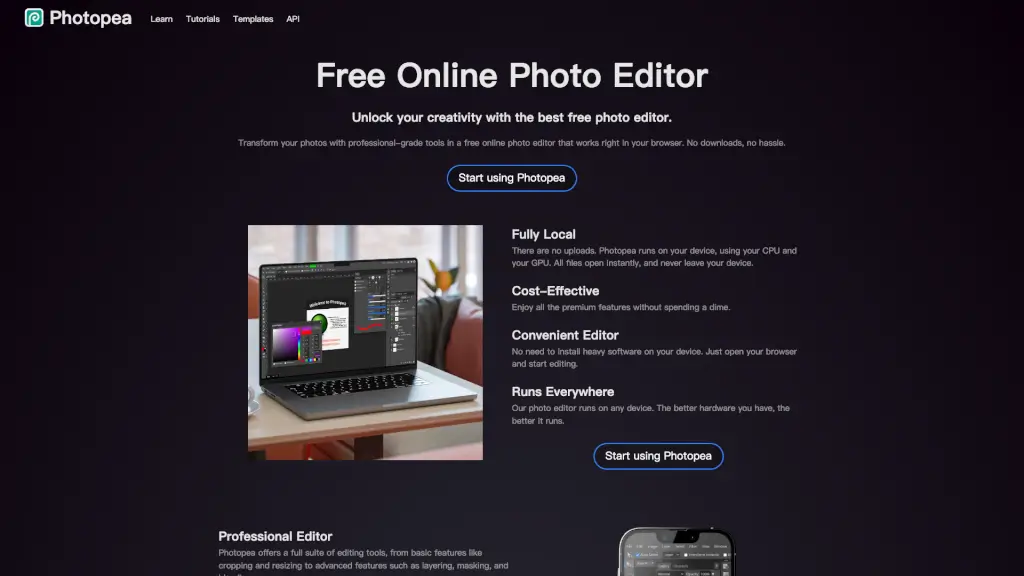
- No Installation Needed: Works directly in your browser—no downloads or plugins.
What are the use cases of Image Editor?
- Social Media Posts: Create eye-catching visuals for Instagram, TikTok, or Facebook.
- E-Commerce: Enhance product photos for online stores and marketing.
- Blogging: Polish images for blog posts and articles.
- Education: Design diagrams and learning materials for teachers and students.
- Posters & Banners: Make creative graphics for events or promotions.
How to use Image Editor?
- Step 1: Pick the AI model that fits your editing needs.
- Step 2: Upload your image and choose a preset prompt or type your own.
- Step 3: Let the AI process your photo, then preview and download your high-quality result.