
Image Editor logo

Image Editor

4.0
(0 Reviews)
Italy46.55%

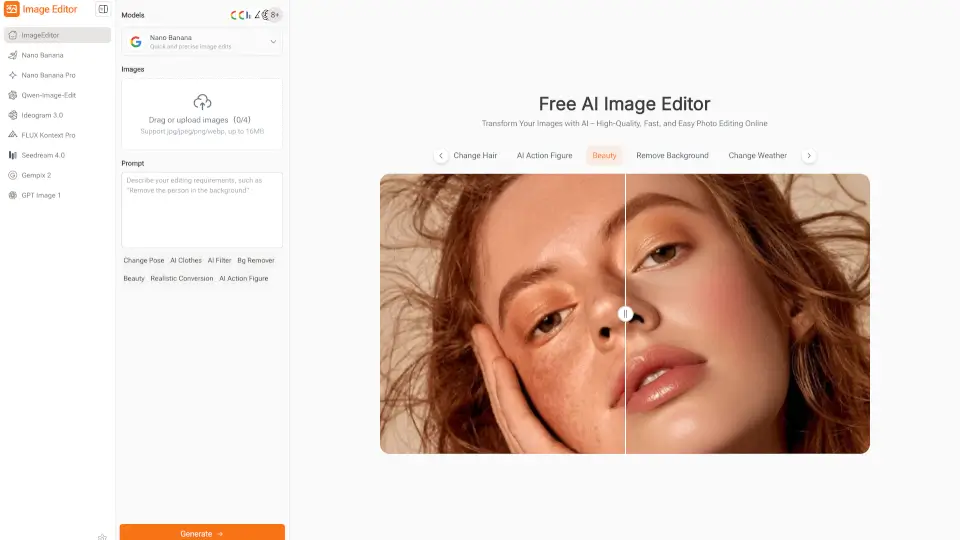
Image Editor is a free, browser-based AI photo editor that makes enhancing, transforming, and downloading high-quality images quick and easy—no sign-up required.

Verified by SeekTool
Social Media:
Image Editor

Image Editor Product Information

What is Image Editor?

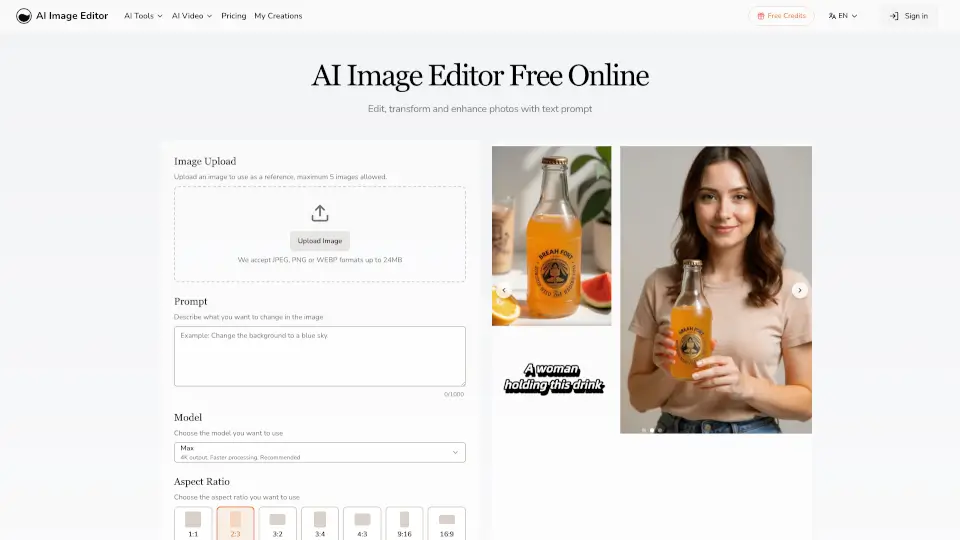
Image Editor is a free online photo editing tool that uses smart AI models to help you quickly enhance, edit, and transform your images. No sign-up or software download needed—just upload your photo, type what you want, and get high-quality results in seconds. Perfect for anyone who wants professional-looking visuals without the hassle of learning complicated software.

What are the features of Image Editor?

  • AI-Powered Editing: Edit photos with simple text prompts—no design skills required.
  • Multiple AI Models: Choose from Nano Banana, Flux Kontext, Seedream, and more for different editing styles.
  • Preset Prompts & Styles: Hundreds of ready-made templates to spark creativity and save time.
  • Background Removal: Instantly erase backgrounds for clean, polished images.
  • Style Transfer & Filters: Apply creative effects and new looks with a click.
  • Continuous Editing: Refine your images as much as you want in one place.
  • High-Resolution Downloads: Download your edited images in sharp, professional quality for free.
  • Merge Images: Combine multiple photos into one for collages or banners.
  • No Installation Needed: Works directly in your browser—no downloads or plugins.

What are the use cases of Image Editor?

  • Social Media Posts: Create eye-catching visuals for Instagram, TikTok, or Facebook.
  • E-Commerce: Enhance product photos for online stores and marketing.
  • Blogging: Polish images for blog posts and articles.
  • Education: Design diagrams and learning materials for teachers and students.
  • Posters & Banners: Make creative graphics for events or promotions.

How to use Image Editor?

  • Step 1: Pick the AI model that fits your editing needs.
  • Step 2: Upload your image and choose a preset prompt or type your own.
  • Step 3: Let the AI process your photo, then preview and download your high-quality result.
Do you like this tool?

Upvote to help others discover it!

Image Editor Alternatives

Photo Editor AI

Photo Editor AI

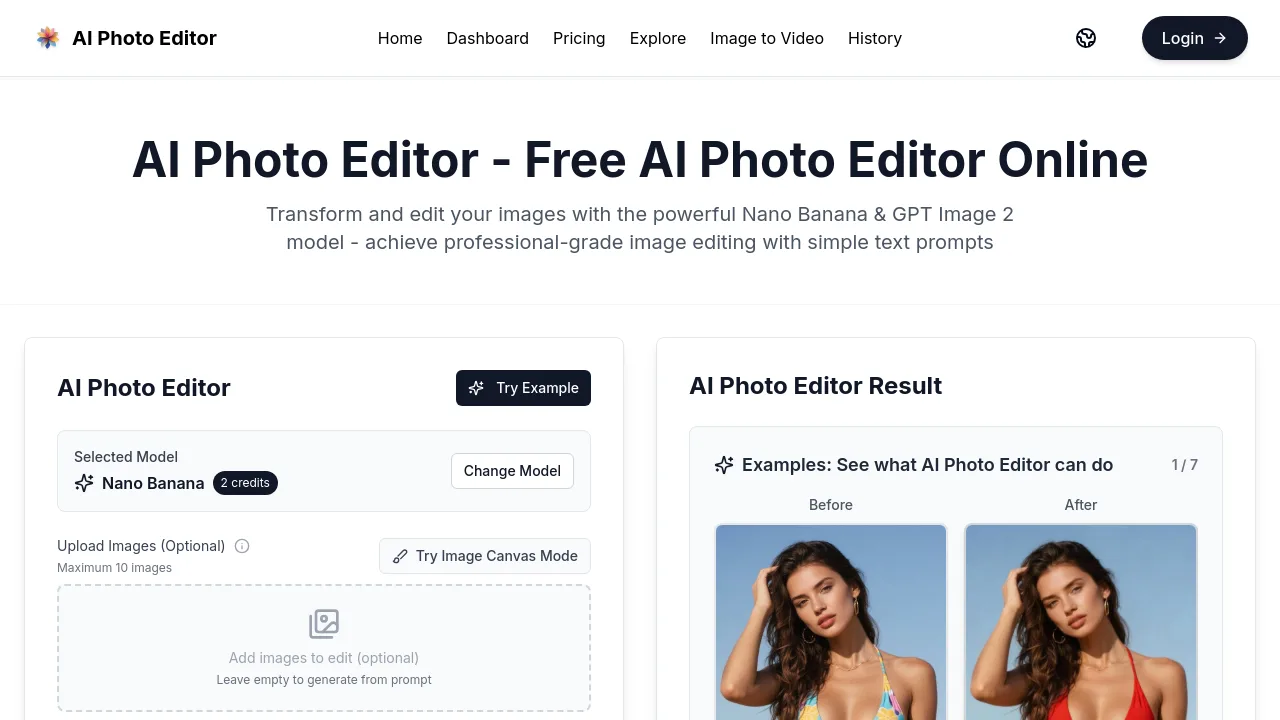
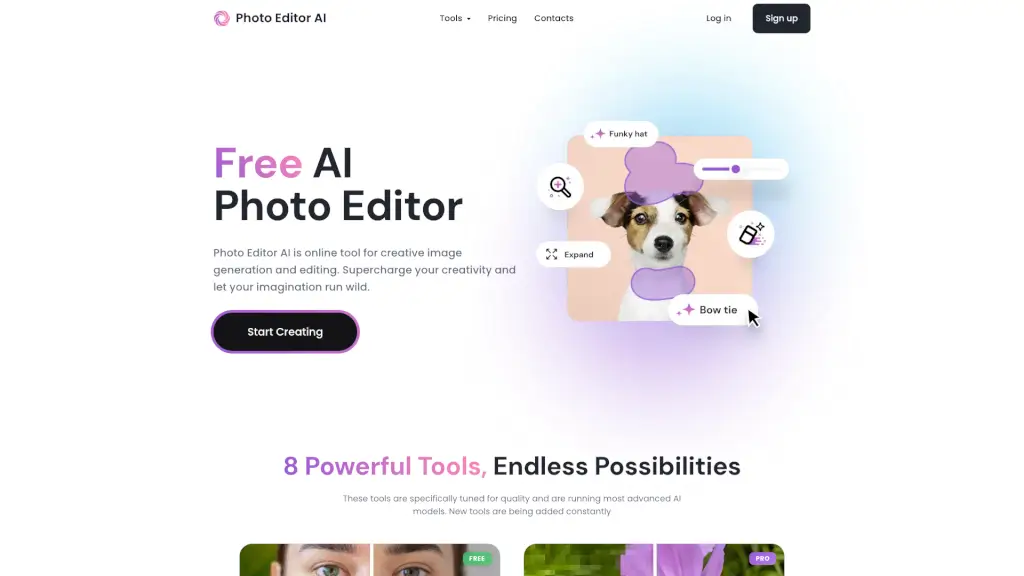
PhotoEditor.ai is a free, no-signup AI photo editor with 30+ specialized tools for editing, enhancing, and generating images using top AI models.

US
21.38%
86.9K
5.0
AI Image Editor

AI Image Editor

AI Image Editor lets you quickly edit and enhance photos with simple text prompts. No design skills needed—just upload your image, describe your changes, and get professional results fast.

US
26.96%
74.1K
5.0
Imagable.ai

Imagable.ai

Imagable is a user-friendly AI image editor that lets you enhance, edit, and transform photos quickly using simple text commands. Perfect for photographers, designers, and social media creators looking for fast, professional results.

AU
100.00%
312
3.0
Photopea

Photopea

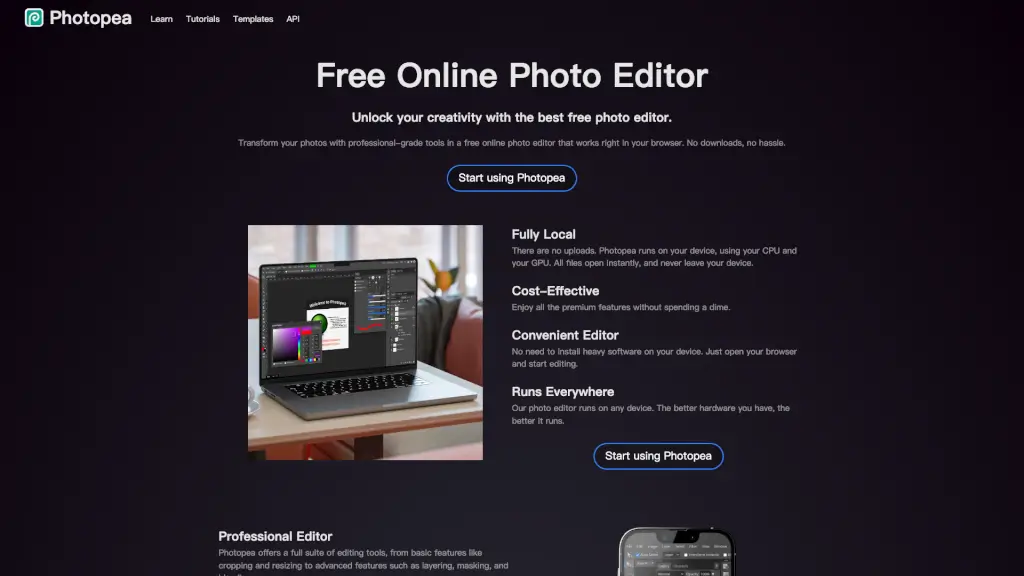
Transform your photos with professional-grade tools using Photopea, the best free online photo editor that works right in your browser.

US
19.98%
18.0M
5.0
iFoto

iFoto

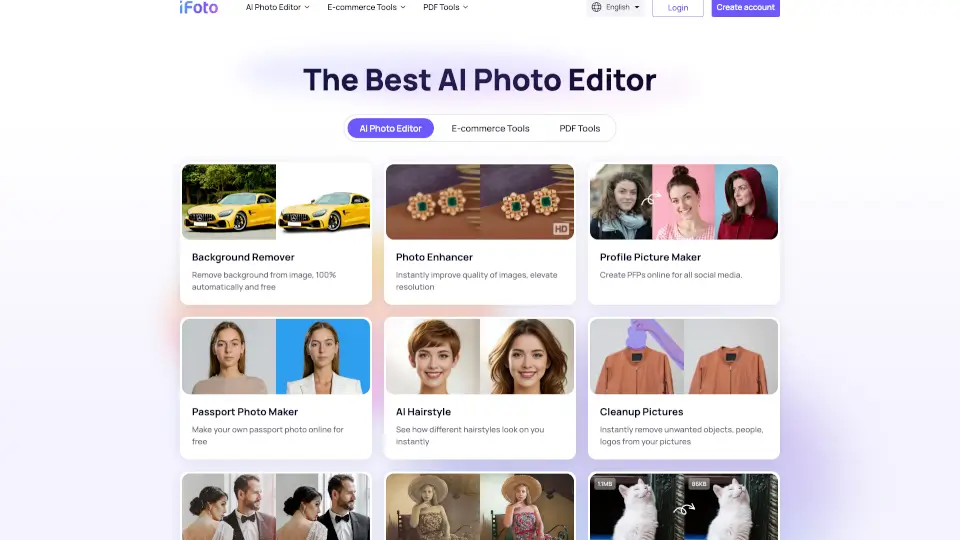
iFoto AI Photo Studio is a free, all-in-one online editor that uses smart AI tools to enhance, transform, and optimize photos for e-commerce, social media, and personal use.

RU
18.89%
259.7K
5.0
Pixlio AI

Pixlio AI

Pixlio AI is your all-in-one AI image editor for creating and editing professional images, powered by advanced models like Nano Banana 2 and Seedream 5.

US
16.97%
54.7K
5.0
Banana AI

Banana AI

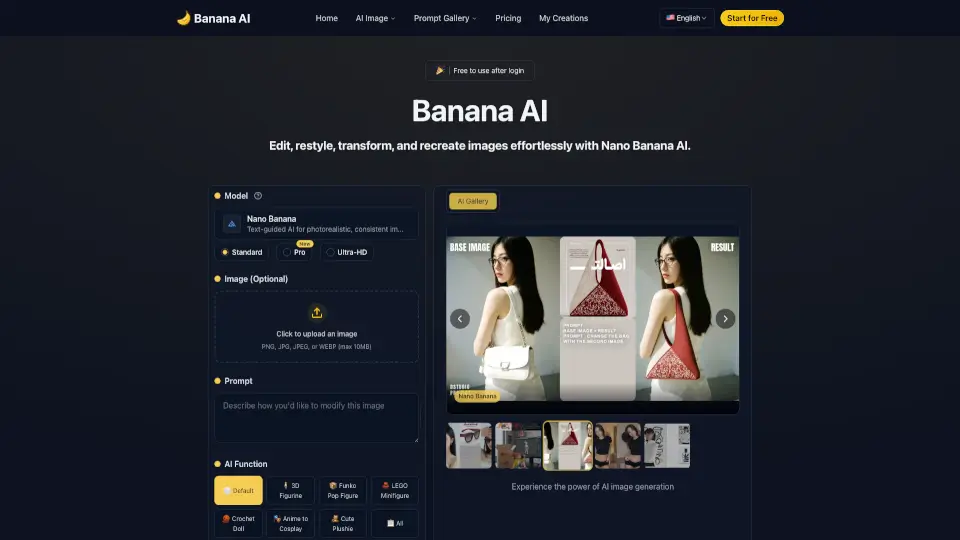
Banana AI is a free and user-friendly AI photo editor that lets you transform your photos with text prompts. It offers a wide range of features like style conversion, background replacement, and 3D figurine creation, making it perfect for both personal and professional use. Try it now and see how easy it is to turn your ideas into stunning visuals!

US
18.35%
358.4K
5.0
Pixlr: AI-Powered Editor

Pixlr: AI-Powered Editor

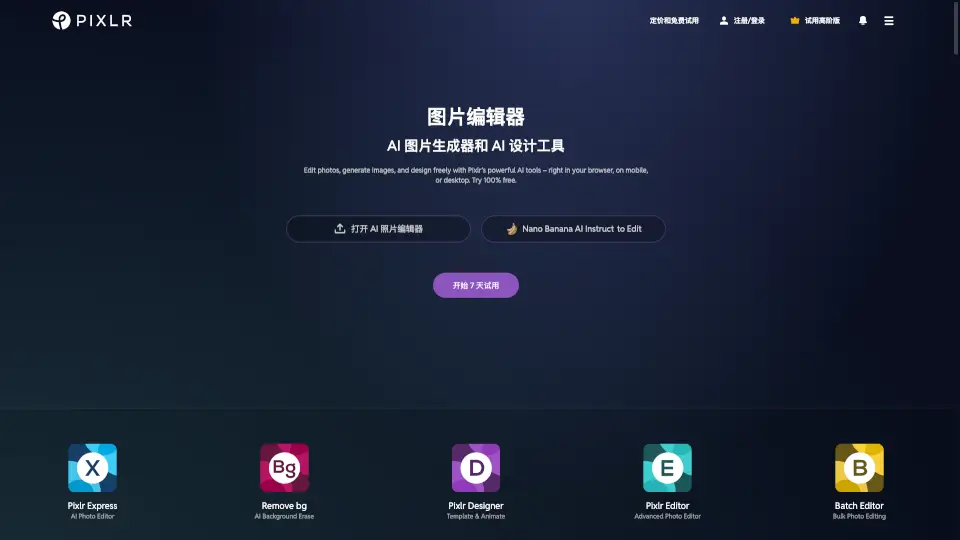
Pixlr is a free, browser-based AI photo editor and image generator that lets anyone create, edit, and enhance visuals with professional AI tools—no cost or installation needed.

US
26.19%
9.6M
5.0

Image Editor Related Other Categories

Image Editor Traffic Analysis

💡 Insights

🌱
Emerging Tool
10K-100K monthly visits. Niche or new tool with potential unique value.
📉
Traffic Decline
Significant traffic drop recently. Check for alternatives.
👍
Good Experience
Bounce rate of 31%. Users are willing to explore features.
🎯
Strong Brand
52% direct traffic. High user loyalty.
  • Monthly Visits

    28.58K

  • Bounce Rate

    30.80%

  • Pages Per Visit

    2.95

  • Visit Duration

    00:01:44

  • Global Rank

    908042

  • Country Rank

    10280

Visits Over Time

Traffic Sources

Direct52.06%
GenAi17.71%
Referrals15.93%
SearchOrganic9.81%
SocialOrganic2.61%
DisplayAds1.19%
Mail0.70%
SearchPaid0.00%
SocialPaid0.00%
Affiliate0.00%

Top Keywords

1
imageeditor.online free
360Traffic
2
сайт с ии для изменения картинок
270Traffic
3
watermark remover ai image
150Traffic
4
image editor online
CPC$0.30
140Traffic
5
сайт с ии для изменения текста на фото
120Traffic

Top Regions

RegionPercentage
Italy
Italy
46.55%
United Kingdom
United Kingdom
33.71%
United States
United States
9.73%
Bangladesh
Bangladesh
6.02%
India
India
3.99%
Low
High

Powered by SimilarWeb

Image Editor FAQ

What is Image Editor and how does it work for photo editing?

Image Editor is an online tool that uses AI to help you edit and enhance photos quickly. Just upload your image, describe what you want, and the AI handles the rest.

Can I use Image Editor without technical or design skills?

Yes! It’s designed to be super simple. Just type what you want or pick a preset, and the AI does the editing for you.

Which AI models are supported by Image Editor?

You can choose from models like Nano Banana, Flux Kontext, Seedream, and GPT, each offering different editing strengths.

Is Image Editor free to use, and are there any limitations?

Yes, it’s free for core features. Some advanced options may be limited, but you can edit and download high-quality images without paying.

How fast can Image Editor process images?

Most edits take just a few seconds to a minute, depending on the complexity.

Can I merge multiple images into a single image for editing?

Yes, you can upload several photos and blend them together for collages or banners.

Does Image Editor support style transfer and creative effects?

Absolutely! You can apply styles, filters, and creative effects with preset prompts or your own ideas.

Can I download high-resolution images from Image Editor?

Yes, you can download sharp, high-quality images for free.

Is Image Editor suitable for educational materials or learning content?

Yes, it’s great for making diagrams, visuals, and study materials quickly.

Do I need to install any software to use Image Editor?

No installation needed—just use it in your web browser.

Can Image Editor handle product photos for e-commerce?

Yes, it’s perfect for cleaning up and enhancing product images for online stores.

How do I choose the right AI model in Image Editor?

Pick the model based on your editing goal—Nano Banana for details, Flux Kontext or Seedream for creative effects, and GPT for style references.

Image Editor Reviews

0

0

0 Reviews
Sign Into leave a review

Recent Reviews

No reviews yet

Image Editor Embed

Use website badges to drive community support for SeekTool.ai. They are easy to embed in your homepage or footer.

Light
Dark
Image Editor - Featured on SeekTool.aiImage Editor - Featured on SeekTool.ai
How to install?

Category Rankings

Ranked by monthly traffic