
What is AI Photo Editor?
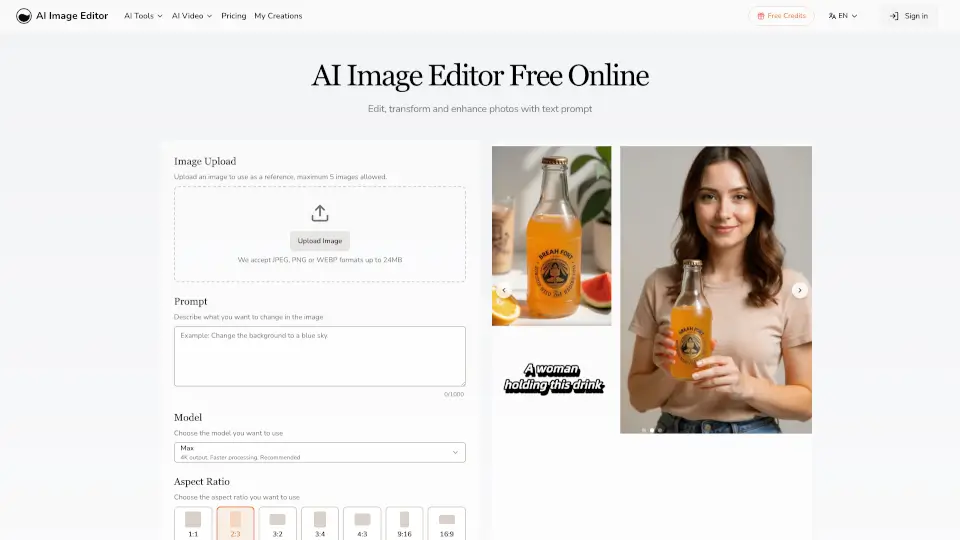
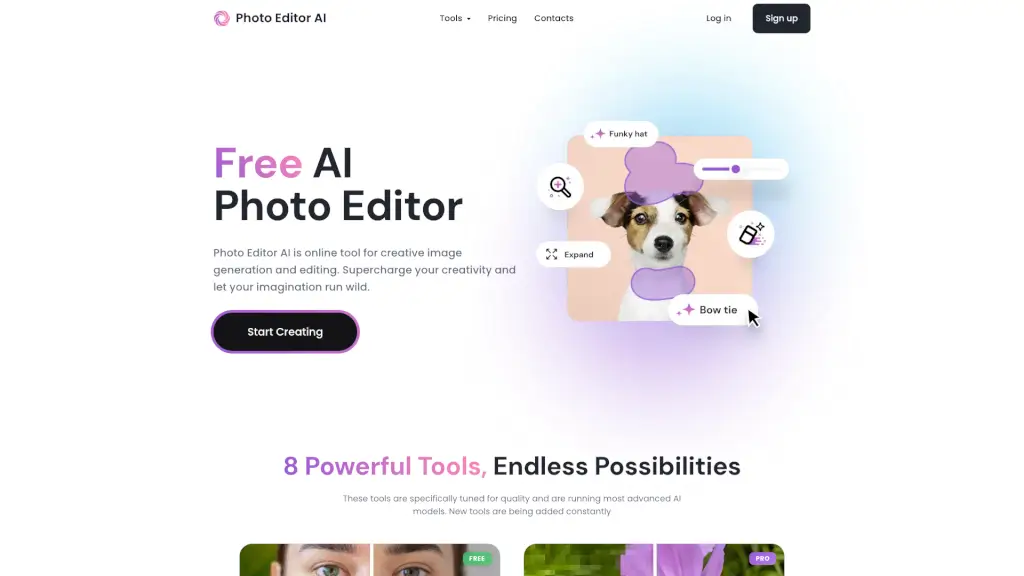
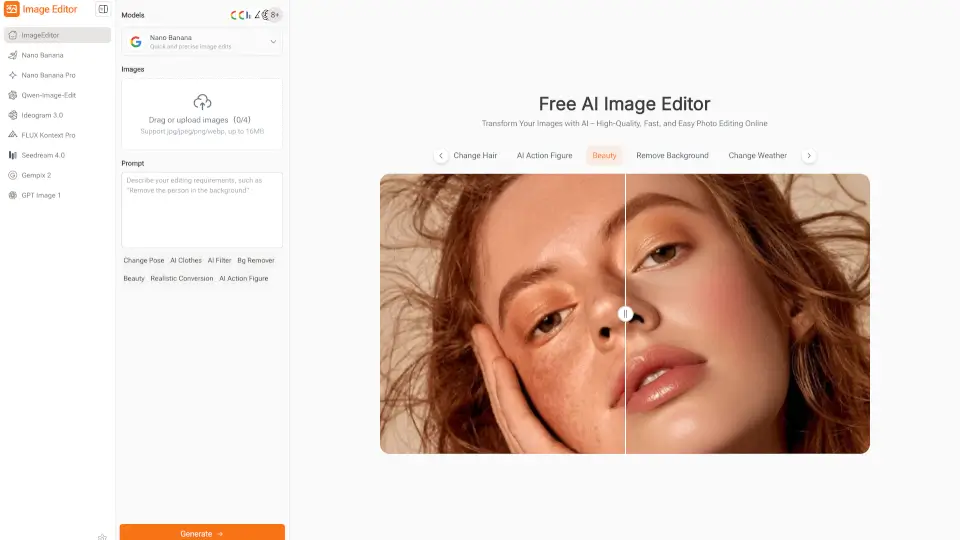
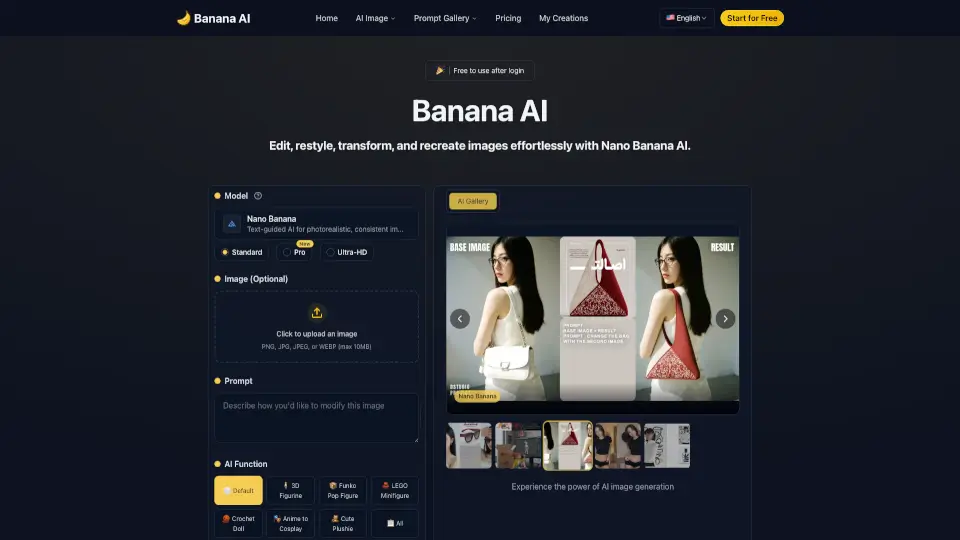
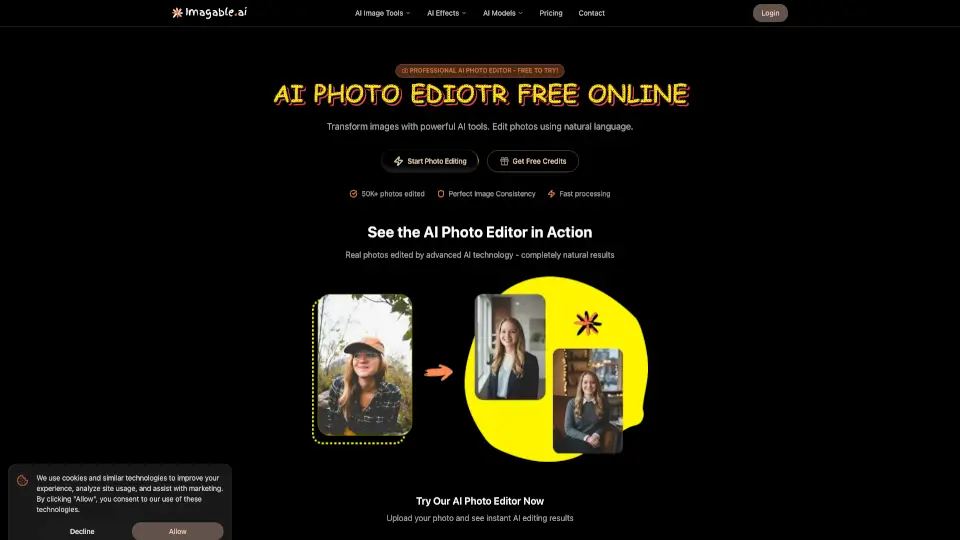
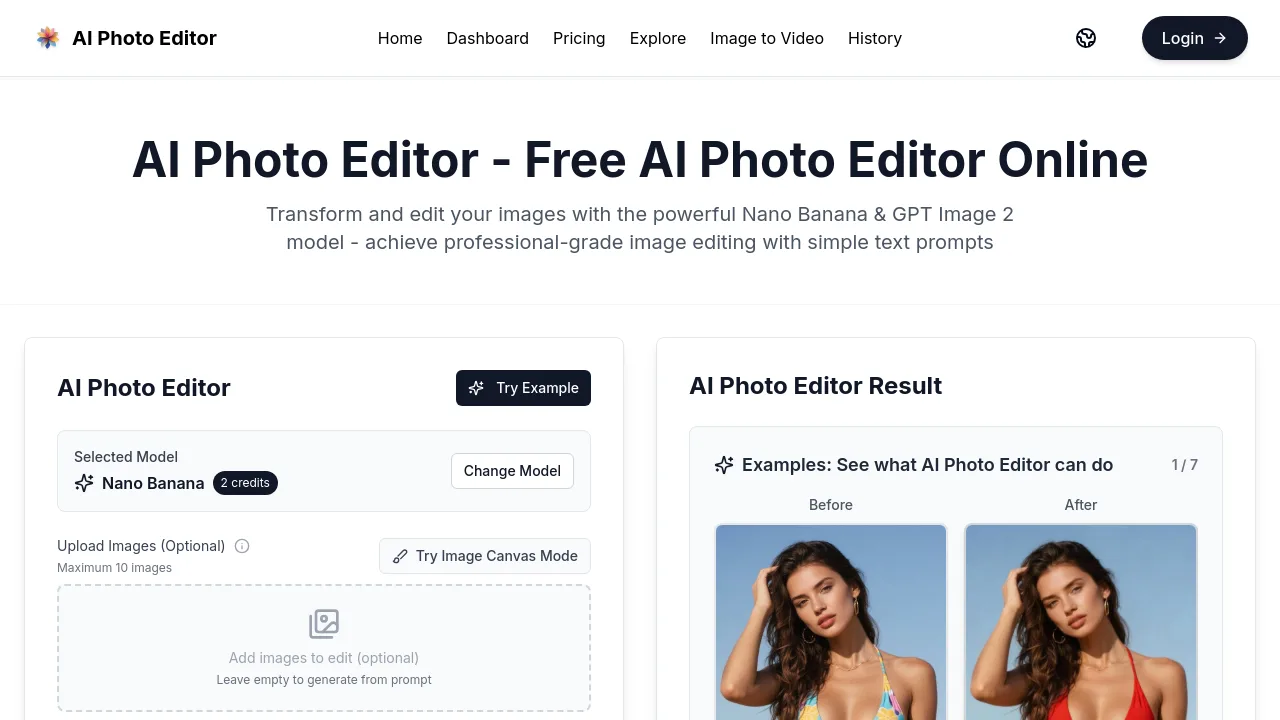
AI Photo Editor is a free online AI photo editing tool that lets you transform images using text prompts, with no sign-up required. It combines the Nano Banana and GPT Image 2 models to handle tasks like style transfer, photo restoration, character editing, and commercial product visualization. Ideal for creators, marketers, and AI influencers who need quick, professional edits without complex software.
What are the features of AI Photo Editor?
- One-Shot Text-to-Edit: Describe your edit in natural language (e.g., "change the hair to blue") and get a result on the first try with high success rates.
- Face Completion Technology: Reconstruct and enhance facial features with photorealistic accuracy, preserving identity across edits—useful for restoring old photos or creating consistent character portraits.
- Consistent Character Editing: Maintain the same character appearance across multiple generations, making it suitable for AI influencers, brand mascots, or storytelling with recurring personas.
- Resolution and Aspect Ratio Control: Choose output quality from default up to 4K (Pro/2/GPT models only) and select from 11 aspect ratios including 1:1, 16:9, and 21:9.
- Privacy and Queue Options: Set your edit to public or private, use instant queue for faster processing, and adjust processing intensity to fine-tune results.
What are the use cases of AI Photo Editor?
- Restore and colorize old family photos by prompting "fix scratches and damage, and colorize old photos."
- Transform product concepts into staged product showcase images (e.g., anime character as a collectible PVC figure in its packaging box).
- Create consistent AI influencer portraits with the same character identity across multiple scenes and outfits.
- Apply artistic style transfers (e.g., "reimagine the photo in the style of Van Gogh's 'Starry Night'") to personal photos.
- Edit specific elements in photos (e.g., change bikini color, hair color, or transform a person into a LEGO minifigure) without manual masking.
How to use AI Photo Editor?
- Start at the website without any sign-up or credit card—just visit and begin.
- Upload up to 10 images (optional) or leave empty to generate from prompt alone.
- Write a descriptive prompt (e.g., "change the bikini to red") and set processing intensity (0–10).
- Choose resolution, aspect ratio, and privacy level, then click Generate Image.
- View the result; if unsatisfied, adjust the prompt, intensity, or settings and retry.