
What is Imaginify AI Image Generator?
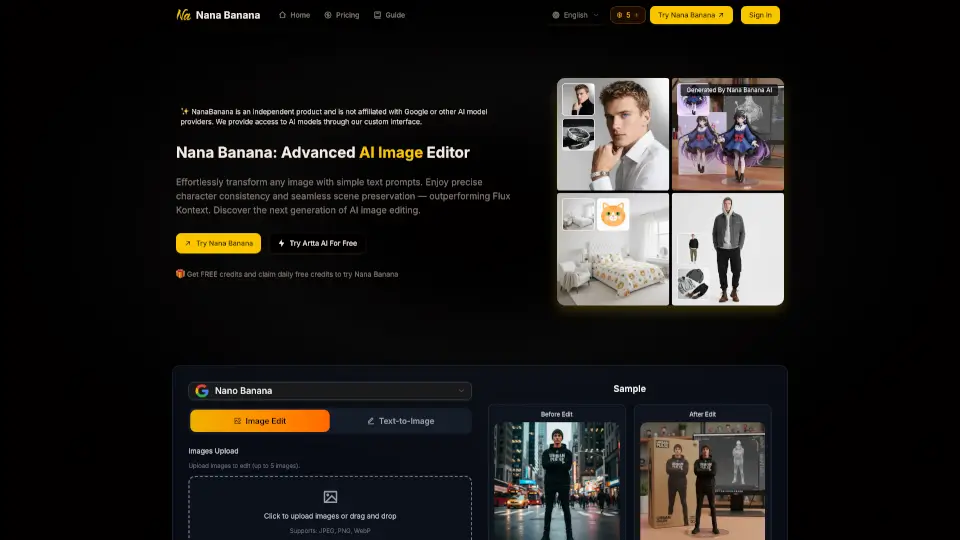
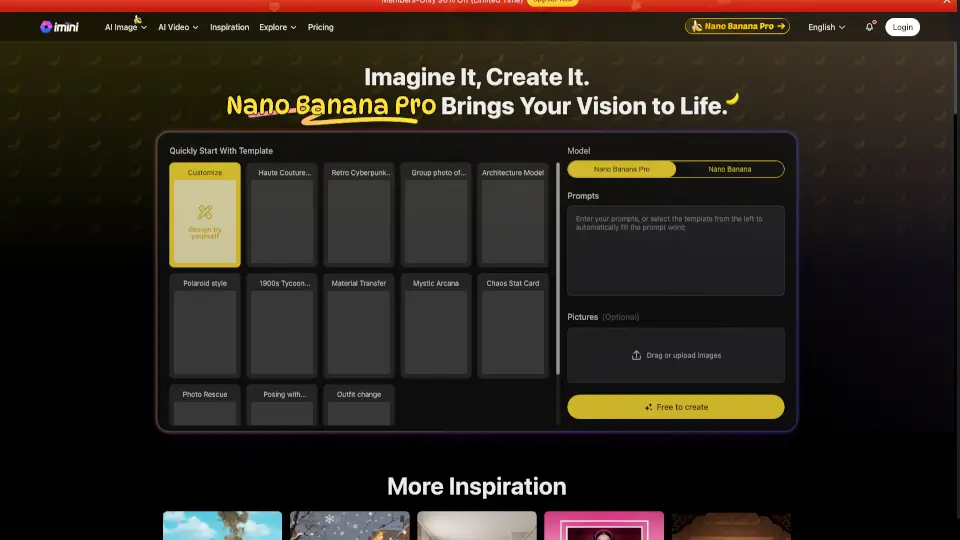
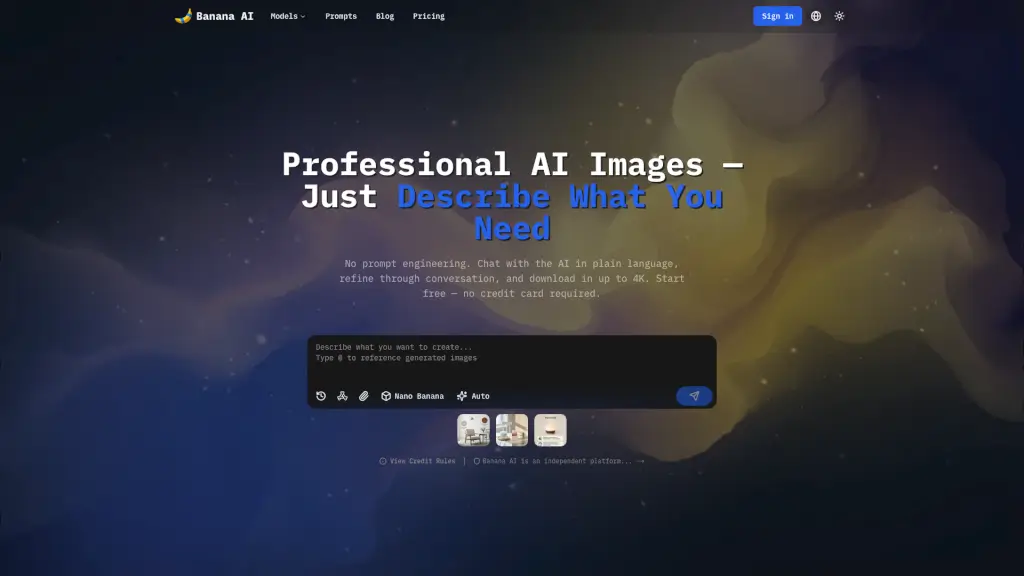
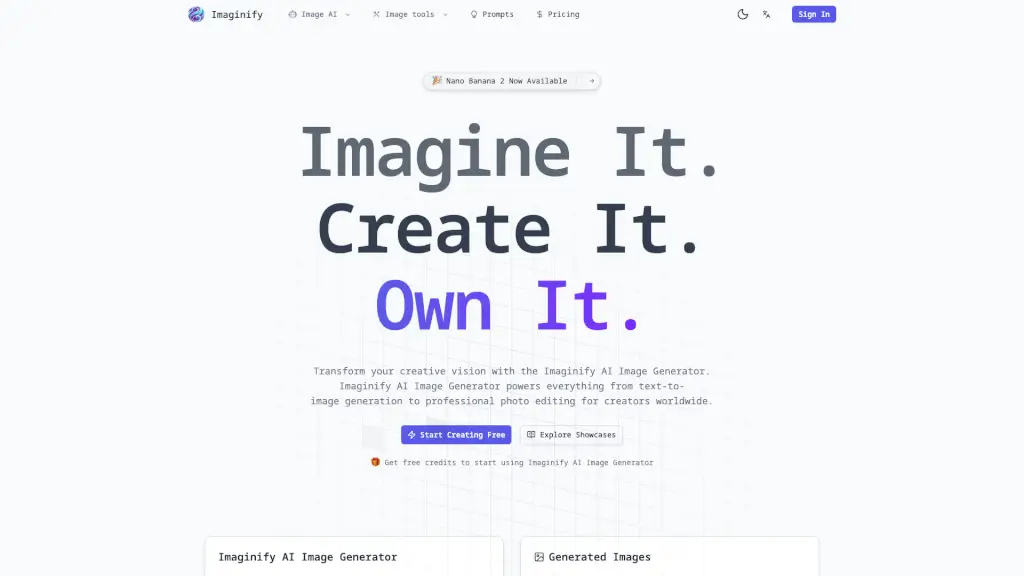
Imaginify AI Image Generator, powered by Nano Banana, is a game-changer for anyone looking to create stunning images with ease. Whether you're a hobbyist, a content creator, or a professional designer, this tool offers a wide range of features to bring your creative vision to life. From text-to-image generation and professional photo editing to flexible aspect ratios and high-resolution outputs, Imaginify has everything you need to make your images stand out.
What are the features of Imaginify AI Image Generator?
- Text-to-Image Generation: Transform your ideas into vivid images using natural language prompts.
- Professional Photo Editing: Edit specific parts of an image with precision, from changing hair colors to adding text.
- Flexible Aspect Ratios: Choose from a variety of aspect ratios (1:1, 16:9, 21:9, etc.) to fit any project.
- High-Resolution Outputs: Generate images in resolutions up to 4K for crystal-clear results.
- Style Transfer Technology: Apply artistic styles and visual effects while maintaining the integrity of the original composition.
- Multi-Image Fusion: Combine elements from multiple photos into one unified result, perfect for creating unique and professional images.
What are the use cases of Imaginify AI Image Generator?
- Storytelling and Content Series: Keep characters consistent across different scenes and settings.
- Social Media and Marketing: Create eye-catching images for social media posts, ads, and branding.
- Photography and Art: Edit and enhance photos, or transform them into unique artistic styles.
- Fashion and Design: Blend outfits and backgrounds to create professional fashion photos.
- Event Promotion: Generate images for event flyers, posters, and promotional materials.
- Personal Projects: Bring your personal projects to life with custom-generated images.
How to use Imaginify AI Image Generator?
- Sign Up & Get Free Credits: Create your account and receive free credits to start exploring Imaginify's capabilities.
- Describe Your Vision: Use natural language to describe the image you want to create, being specific about style, lighting, and composition.
- Choose Your Model & Settings: Select the appropriate model (Nano Banana 2, Nano Banana Pro, or Nano Banana) and adjust resolution and aspect ratio.
- Generate & Download: Generate your image and download or share it effortlessly.
- Refine and Edit: Use the advanced editing tools to make precise adjustments and enhancements.