
What is Photopea?
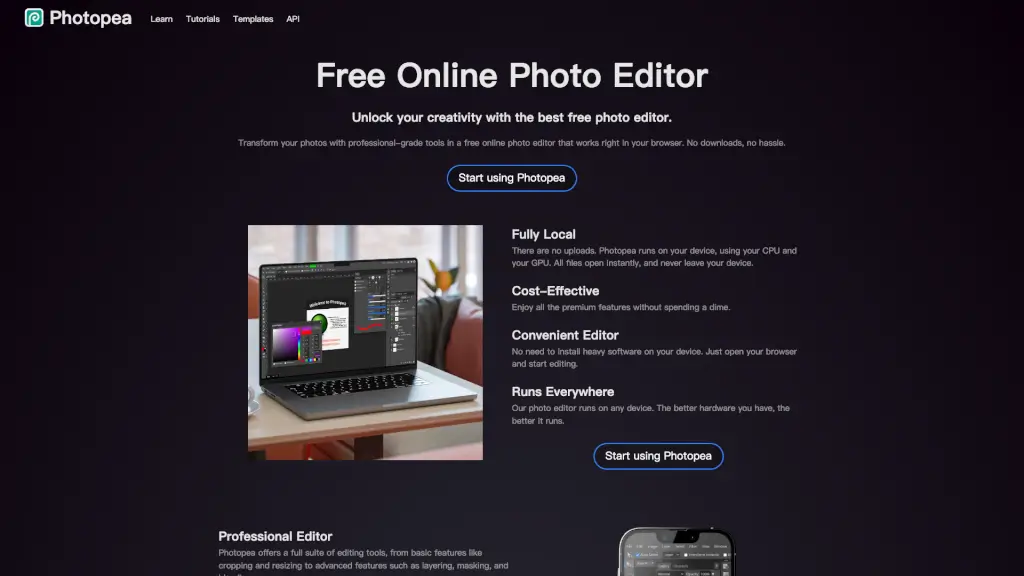
Photopea is a powerful and free online photo editor that lets you edit photos, apply effects, and add text right in your browser. No need to download or install anything—just open your browser and start creating. Whether you're a social media enthusiast, a student, a small business owner, or a graphic designer, Photopea offers professional-grade tools to transform your images with ease. It supports a wide range of file formats, including PSD, PNG, JPG, and more, making it a versatile tool for all your editing needs.
What are the features of Photopea?
- Full PSD Support: Open and save files in the popular PSD format, ensuring compatibility with other professional tools.
- Advanced Editing Tools: Access layers, masks, layer styles, smart objects, and adjustment layers, giving you the power to create complex and detailed edits.
- Vector Graphics: Create and edit vector graphics directly within the editor, perfect for designing logos, icons, and illustrations.
- AI-Powered Features: Remove backgrounds with one click or use AI to replace parts of an image based on a text description.
- Wide Format Compatibility: Open and edit over 40 different file formats, including RAW, SVG, PDF, and more.
- Adjustments and Filters: Use a variety of adjustments and filters like Levels, Curves, Gaussian Blur, and advanced features like Liquify and Puppet Warp.
What are the use cases of Photopea?
- Social Media Enthusiasts: Enhance your photos before sharing them on platforms like Instagram, Facebook, or Twitter to make every post stand out.
- Students and Educators: Create stunning visuals for presentations, assignments, and educational projects without the need for expensive software.
- Small Business Owners: Design promotional materials, edit product photos, and create engaging content for your website or online store.
- Graphic Designers: Freelancers and design teams can produce professional-quality work with all the essential features they need.
- Photographers: Edit and enhance your photos with advanced tools like exposure, color balance, and contrast adjustments.
- Web Designers: Create and edit web graphics, including logos, banners, and other visual elements for your websites.
How to use Photopea?
- Open Photopea in Your Browser: Simply go to the Photopea website and start editing right away.
- Upload Your Image: Drag and drop your image into the editor or use the "File" menu to open it.
- Use Layers and Masks: Add layers and apply masks to make precise edits and adjustments.
- Apply Effects and Filters: Use the "Filter" and "Adjustment" menus to apply various effects and adjustments to your image.
- Save Your Work: Save your edited image in the desired format, such as PSD, PNG, or JPG.
- Explore Tutorials: Check out the tutorials and templates available on the Photopea website to learn more advanced techniques.