
Photopea logo

Photopea

0
5.0
(0 Reviews)
United States18.11%

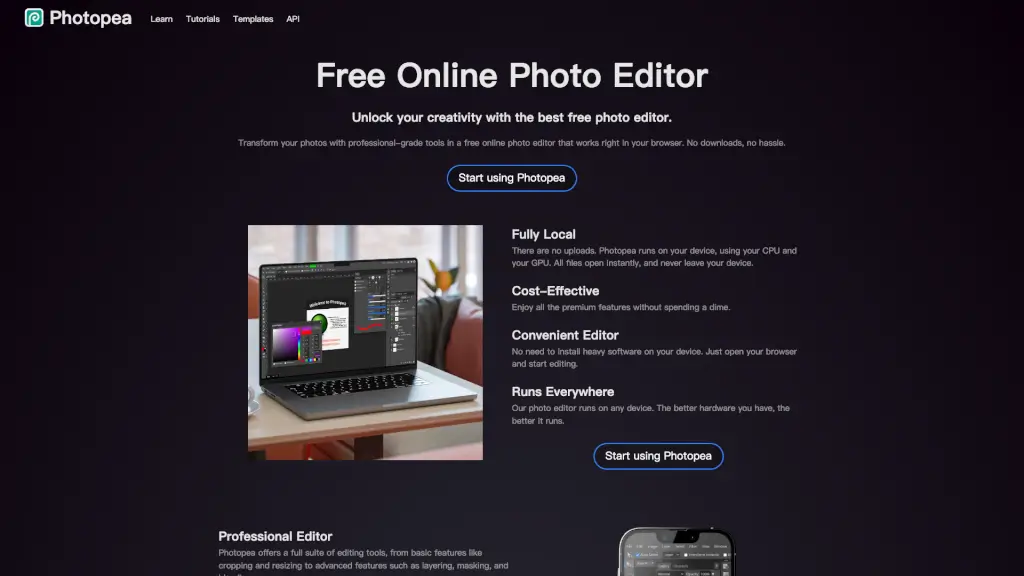
Transform your photos with professional-grade tools using Photopea, the best free online photo editor that works right in your browser.

Added on: 2026.01.31
Visit Site
View Alternatives
Photopea

Photopea Product Information

What is Photopea?

Photopea is a powerful and free online photo editor that lets you edit photos, apply effects, and add text right in your browser. No need to download or install anything—just open your browser and start creating. Whether you're a social media enthusiast, a student, a small business owner, or a graphic designer, Photopea offers professional-grade tools to transform your images with ease. It supports a wide range of file formats, including PSD, PNG, JPG, and more, making it a versatile tool for all your editing needs.

What are the features of Photopea?

  • Full PSD Support: Open and save files in the popular PSD format, ensuring compatibility with other professional tools.
  • Advanced Editing Tools: Access layers, masks, layer styles, smart objects, and adjustment layers, giving you the power to create complex and detailed edits.
  • Vector Graphics: Create and edit vector graphics directly within the editor, perfect for designing logos, icons, and illustrations.
  • AI-Powered Features: Remove backgrounds with one click or use AI to replace parts of an image based on a text description.
  • Wide Format Compatibility: Open and edit over 40 different file formats, including RAW, SVG, PDF, and more.
  • Adjustments and Filters: Use a variety of adjustments and filters like Levels, Curves, Gaussian Blur, and advanced features like Liquify and Puppet Warp.

What are the use cases of Photopea?

  • Social Media Enthusiasts: Enhance your photos before sharing them on platforms like Instagram, Facebook, or Twitter to make every post stand out.
  • Students and Educators: Create stunning visuals for presentations, assignments, and educational projects without the need for expensive software.
  • Small Business Owners: Design promotional materials, edit product photos, and create engaging content for your website or online store.
  • Graphic Designers: Freelancers and design teams can produce professional-quality work with all the essential features they need.
  • Photographers: Edit and enhance your photos with advanced tools like exposure, color balance, and contrast adjustments.
  • Web Designers: Create and edit web graphics, including logos, banners, and other visual elements for your websites.

How to use Photopea?

  • Open Photopea in Your Browser: Simply go to the Photopea website and start editing right away.
  • Upload Your Image: Drag and drop your image into the editor or use the "File" menu to open it.
  • Use Layers and Masks: Add layers and apply masks to make precise edits and adjustments.
  • Apply Effects and Filters: Use the "Filter" and "Adjustment" menus to apply various effects and adjustments to your image.
  • Save Your Work: Save your edited image in the desired format, such as PSD, PNG, or JPG.
  • Explore Tutorials: Check out the tutorials and templates available on the Photopea website to learn more advanced techniques.

Photopea Contact Email:

support@photopea.com

Do you like this tool?

Upvote to help others discover it!

Photopea Alternatives

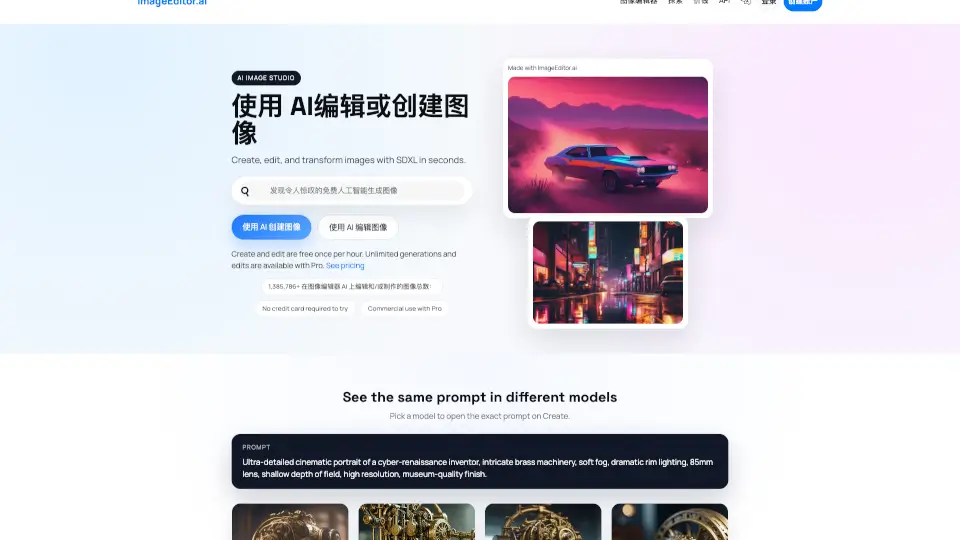
Image Editor

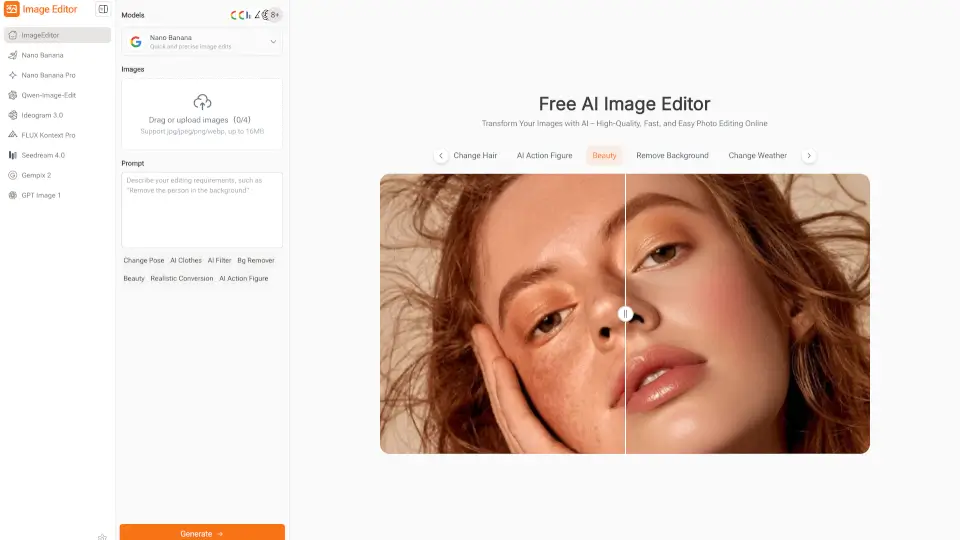
Image Editor is a free, browser-based AI photo editor that makes enhancing, transforming, and downloading high-quality images quick and easy—no sign-up required.

ES
22.35%
|
126.1K
|
5.0
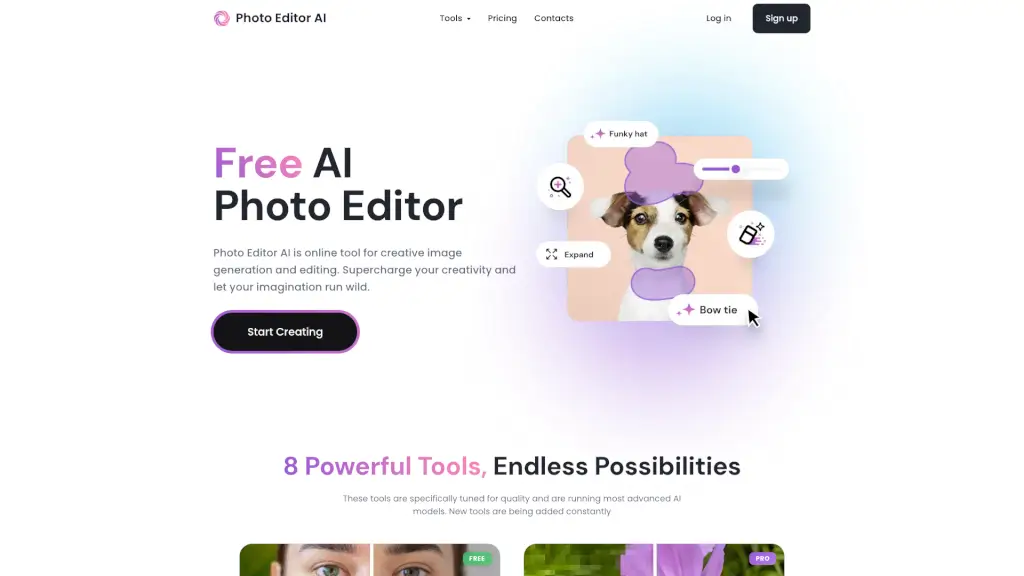
Photo Editor AI

PhotoEditor.ai is a game-changer for photo editing, offering powerful AI tools for free. Perfect for personal and professional use, it’s fast, easy, and secure.

VN
36.86%
|
70.0K
|
5.0
Pixlr: AI-Powered Editor

Pixlr is a versatile, free online photo editor and AI design tool perfect for both casual users and professionals. With its intuitive interface and powerful features, it’s the ultimate solution for all your creative needs.

US
24.83%
|
12.0M
|
5.0
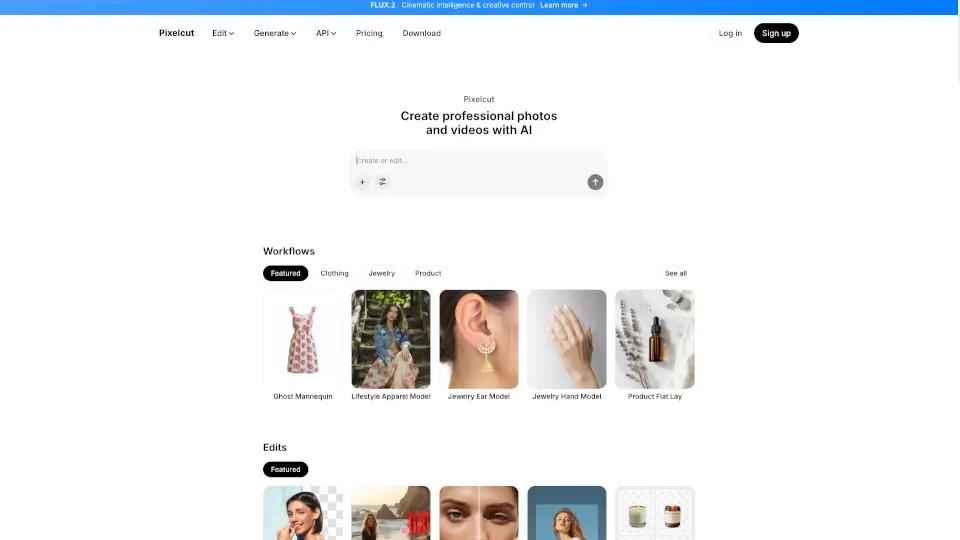
Pixelcut

Pixelcut is a free AI photo editor that makes photo editing simple and fun. With tools like Background Remover, Image Upscaler, and Magic Eraser, you can create stunning photos in minutes. Perfect for e-commerce, social media, and personal projects.

IN
43.43%
|
6.3K
|
3.0
SnapEdit

SnapEdit is a powerful, user-friendly photo editor that uses AI to enhance, retouch, and transform your photos. Perfect for photographers, ecommerce, and casual users alike.

RU
21.63%
|
2.2M
|
5.0
Pixelied

Pixelied is a free online graphic design tool that simplifies photo editing and design creation for everyone.

US
14.17%
|
766.8K
|
5.0
Picsman

Picsman is your go-to AI photo editor for quick, professional edits—no experience required. Remove backgrounds, enhance images, and create magic with just a few clicks!

ES
13.73%
|
365.9K
|
5.0
Pixelfox AI

Pixelfox AI is the ultimate free online photo and video editor powered by AI. Remove backgrounds, enhance images, swap faces, and more—all in seconds. No downloads, no fees, just professional edits made easy.

RU
40.86%
|
99.5K
|
5.0
Photopea Related Other Categories

Photopea Traffic Analysis

💡 Insights

🚀
Super High Traffic
Over 10M monthly visits. A market leader with extremely high user trust.
➡️
Stable
Traffic remains stable, indicating a mature product.
🎯
Strong Brand
66% direct traffic. High user loyalty.
  • Monthly Visits

    18.85M

  • Bounce Rate

    74.90%

  • Pages Per Visit

    1.80

  • Visit Duration

    00:02:34

  • Global Rank

    4177

  • Country Rank

    5398

Visits Over Time

Traffic Sources

Direct66.38%
Search29.95%
Referrals3.35%
Social0.24%
Paid0.07%
Mail0.01%

Top Keywords

1
photopea
CPC$0.55
2.72MTraffic
2
photoshop online
CPC$0.63
162.17KTraffic
3
online photoshop
CPC$1.43
96.23KTraffic
4
photo pea
CPC$0.60
36.75KTraffic
5
photpea
CPC$0.77
32.48KTraffic

Top Regions

RegionPercentage
United States
United States
18.11%
India
India
6.83%
United Kingdom
United Kingdom
4.04%
Brazil
Brazil
3.51%
Spain
Spain
3.32%
Low
High

Photopea FAQ

Can I use Photopea on any device?

Does Photopea support RAW files?

Is my data safe with Photopea?

Can I use Photopea for free?

What file formats does Photopea support?

Are there any tutorials available?

Photopea Reviews

0

0

0 Reviews

Write a Review

0

Login to leave a review
Sign In

Recent Reviews

No reviews yet

Photopea Embed

Use website badges to drive community support for SeekTool.ai. They are easy to embed in your homepage or footer.

Light
Dark
Photopea - Featured on SeekTool.aiPhotopea - Featured on SeekTool.ai
How to install?

Looking for Photopea Alternatives?

Compare top AI tools similar to Photopea. Find the best option for your needs.

View Alternatives

Subscribe to our AI Newsletter

Get the top AI stories delivered to your inbox weekly.

Trending

Featured