
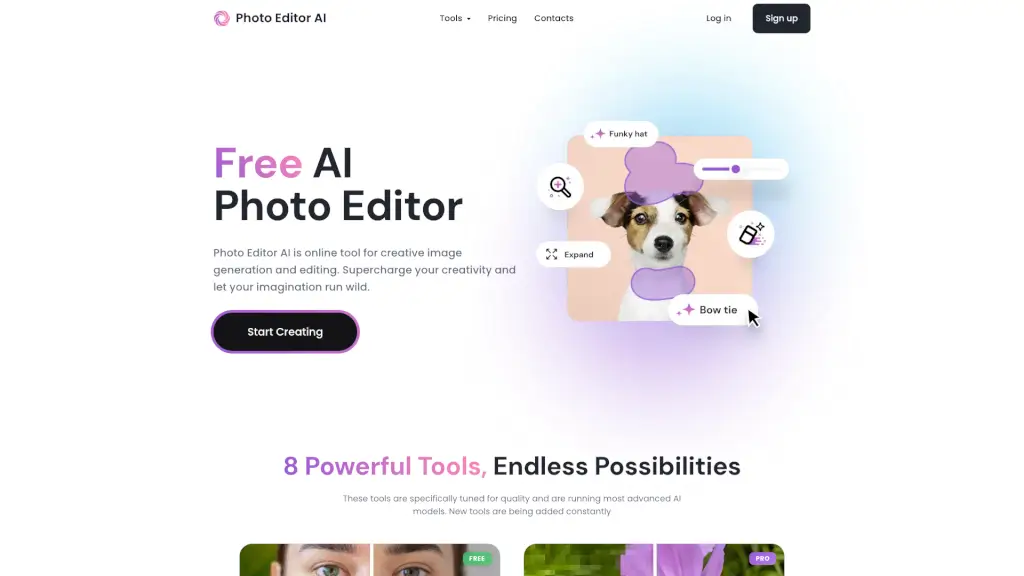
What is Photo Editor AI?
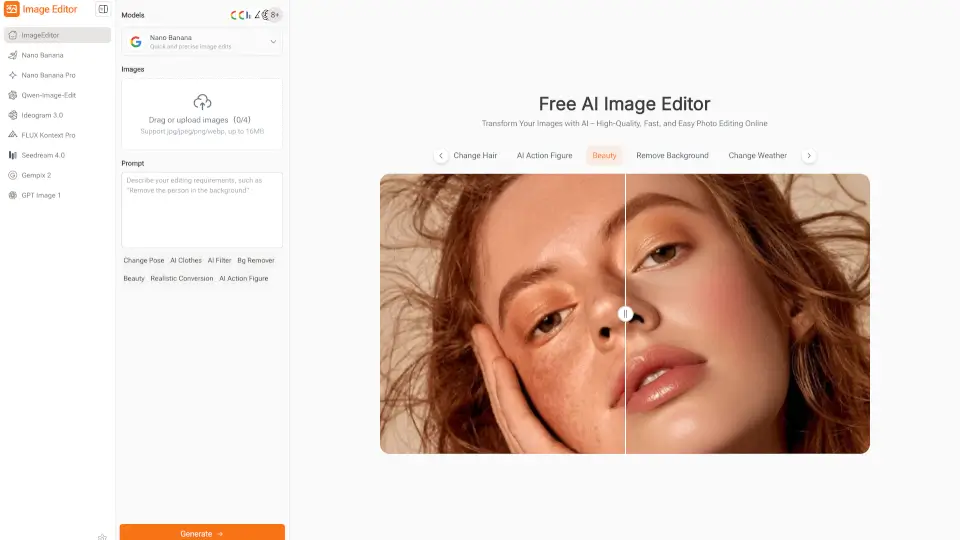
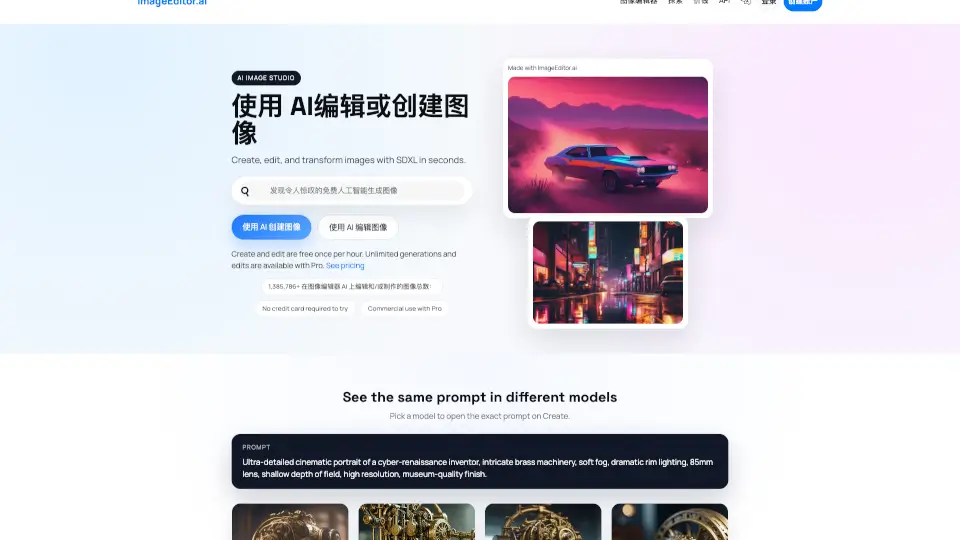
Tired of juggling a dozen different apps just to edit one photo? PhotoEditor.ai brings over 30 specialized AI photo tools into a single, free, browser-based editor—no sign-up or downloads needed. Whether you need to remove a distracting background, restore a faded family photo, upscale an image to crisp 4K, or generate a brand-new picture from a text prompt, this platform has a purpose-built tool for the job.
Powered by top-tier AI models like Nano Banana, GPT Image, Gemini, and SeeDream, PhotoEditor.ai automatically selects the best model for each task—but lets you switch anytime for fine-tuned control. It’s fast, privacy-focused, and works seamlessly on phones, tablets, and desktops, making professional-grade photo editing accessible to everyone from casual users to creative pros.
What are the features of Photo Editor AI?
- 30+ Specialized AI Tools: Dedicated editors for cleanup, background removal, upscaling, restoration, generation, and more—each optimized for one specific task.
- Best-in-Class AI Models: Automatically uses the top-performing model per job (e.g., Nano Banana for character consistency, SeeDream for 4K detail), with manual override available.
- No Signup Required: Start editing instantly in your browser—upload, edit, and download without creating an account.
- Commercial Use Allowed: Use AI-generated or edited images for client work, ads, products, and prints (you own the output).
- Cross-Device Compatibility: Works on iPhone, Android, and any modern browser—no app store downloads or permissions needed.
- Privacy-First Processing: All uploads are encrypted, processed in isolated environments, and deleted within 1 hour—never used for training or shared.
What are the use cases of Photo Editor AI?
- Remove an ex or photobomber from a group photo with pixel-perfect cleanup that leaves no trace.
- Restore blurry, grainy, or damaged old family photos to sharp, clear memories.
- Generate a professional logo or vector graphic for a new business in minutes.
- Upscale product photos to 4K or 8K for e-commerce listings without losing detail.
- Swap or blur backgrounds for real estate or portrait shots—perfect for social media or portfolios.
- Extend image frames beyond original borders using AI-powered outpainting for creative layouts.
- Erase watermarks, text, or logos from screenshots or reference images cleanly and quickly.
How to use Photo Editor AI?
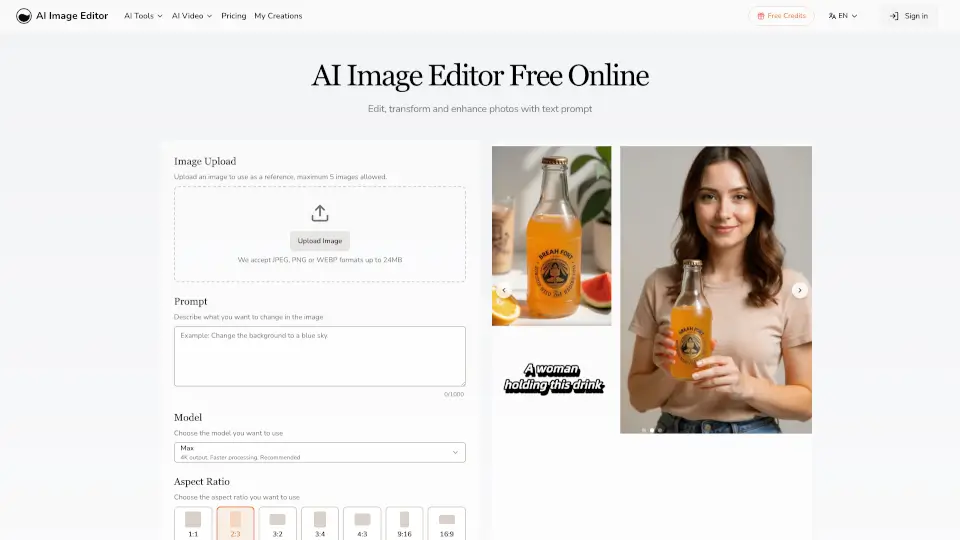
- Upload your image (JPG, PNG, HEIC, WEBP, or AVIF up to 15MB) by dragging, browsing, or pasting (Ctrl+V / Cmd+V).
- Choose the right AI tool based on your goal—e.g., “Cleanup” for object removal, “Restore Old Photos” for vintage images, or “AI Image Generator” for text-to-image creation.
- Adjust settings like aspect ratio, resolution, or AI model if needed, then run the edit.
- Download your result instantly—free outputs up to 720px; HD/4K requires PRO.
- For generative edits, describe what you want in simple language (e.g., “change hair color to red” or “replace background with beach”).