
PixelBin logo

PixelBin

0
5.0
(0 Reviews)
India14.88%

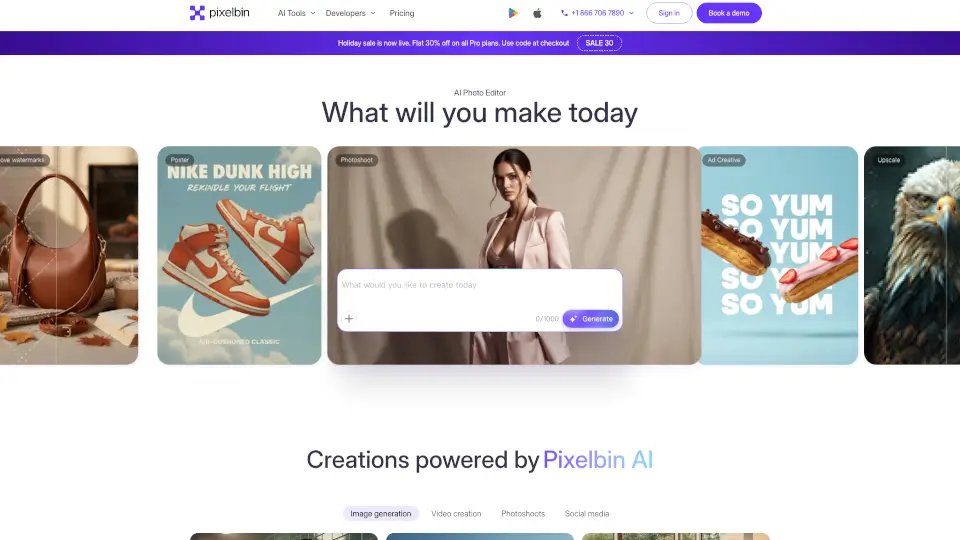
Pixelbin AI Studio is a free, all-in-one AI-powered platform for generating, editing, and enhancing images and videos with simple text prompts or one-click tools.

Verified by SeekTool
Social Media:
PixelBin

PixelBin Product Information

What is PixelBin?

Pixelbin AI Studio is a free online photo and video editor that puts powerful AI tools in your hands—no design degree required. Whether you're removing a background, generating an image from text, or turning a blog post into a short video, Pixelbin makes it fast, easy, and surprisingly fun. It’s built for everyone: students, content creators, marketers, photographers, and even developers who want to automate visual workflows.

Best of all? You can start editing right in your browser or on mobile—no downloads needed (though apps are available). With features like one-click object removal, AI headshot generation, and batch editing for up to 50 images at once, Pixelbin saves hours of manual work while delivering professional-quality results.

What are the features of PixelBin?

  • AI Image Generator: Turn simple text prompts into stunning, high-quality images in seconds.
  • Text-to-Video Generator: Create engaging short videos from written descriptions or combine text with existing images.
  • AI Background Remover: Instantly delete or replace backgrounds with perfect edge detection—ideal for product photos or portraits.
  • Batch Editor: Apply the same edits (like resizing, background removal, or filters) to up to 50 images simultaneously.
  • AI Image Upscaler: Boost resolution up to 4x without losing sharpness or adding blur.
  • Object & Watermark Remover: Cleanly erase logos, text, or unwanted items from photos with smart AI inpainting.
  • Photo Restoration Tools: Colorize old black-and-white photos, remove noise, and repair scratches or fading damage.

What are the use cases of PixelBin?

  • An e-commerce seller quickly removes backgrounds from 30 product photos and resizes them for Amazon, Shopify, and Instagram—all in one go.
  • A job seeker generates professional LinkedIn headshots using just a selfie and a few style preferences.
  • A social media manager turns a caption idea into a trending-style video for TikTok or Reels using the text-to-video tool.
  • A real estate agent enhances property photos by brightening rooms, removing clutter, and creating clean, inviting visuals.
  • A student restores a faded family photo for a history project and colorizes it to bring the past to life.
  • A developer integrates Pixelbin’s API into their app to auto-optimize user-uploaded images with smart cropping and CDN delivery.

How to use PixelBin?

  • Sign up for free at pixelbin.io to get started with 10 AI credits.
  • Upload an image or enter a text prompt to generate new visuals from scratch.
  • Use natural language in the AI chat (e.g., “remove the background” or “make it look like a Ghibli movie”) to edit.
  • For bulk edits, use the Batch Editor to apply presets across multiple files instantly.
  • Download your result in JPG, PNG, or WebP—or share directly via link.
  • Developers can explore APIs and SDKs (JavaScript, Python, Node.js) to automate workflows.

PixelBin Contact Email:

[email protected]

Do you like this tool?

Upvote to help others discover it!

PixelBin Alternatives

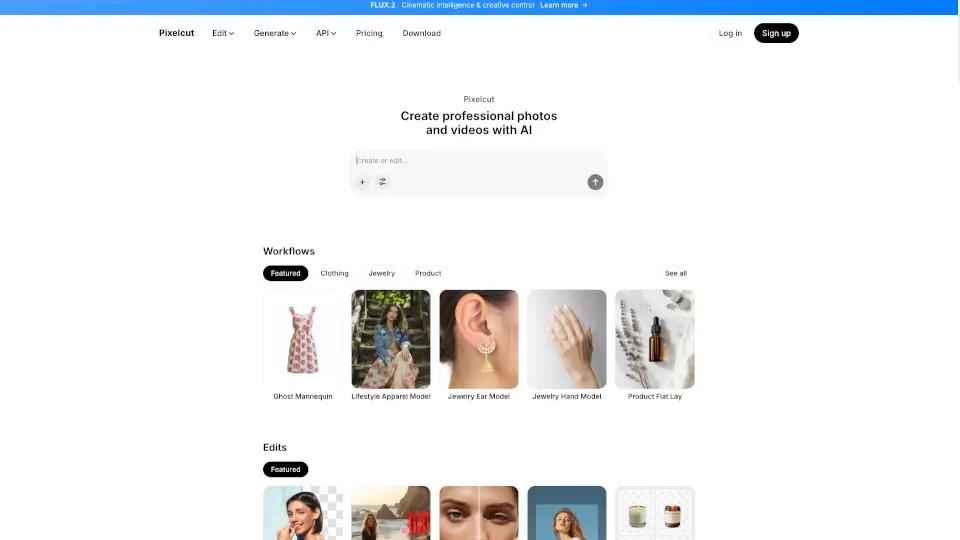
Pixelcut

Pixelcut is a free AI photo editor that lets anyone create professional, on-brand images and videos instantly using smart, easy-to-use AI tools.

IN
19.82%
|
11.6M
|
5.0
Pixlr: AI-Powered Editor

Pixlr is a free, browser-based AI photo editor and image generator that lets anyone create, edit, and enhance visuals with professional AI tools—no cost or installation needed.

US
26.19%
|
9.6M
|
5.0
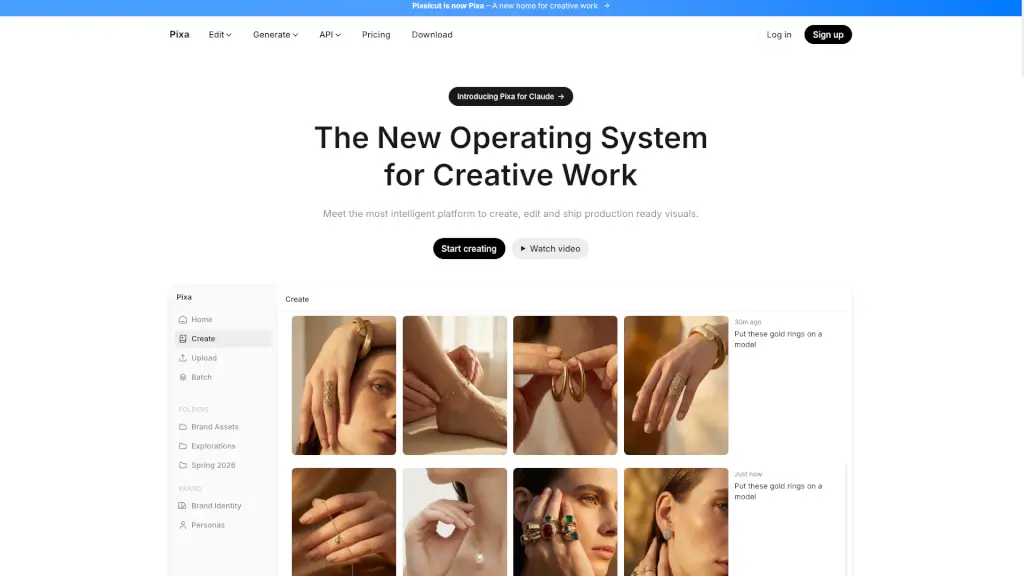
Pixa

Pixa, the free AI photo editor, offers powerful and easy-to-use tools for creating, editing, and sharing high-quality visuals, making it perfect for small businesses and creatives alike.

US
5.11%
|
248.4K
|
5.0
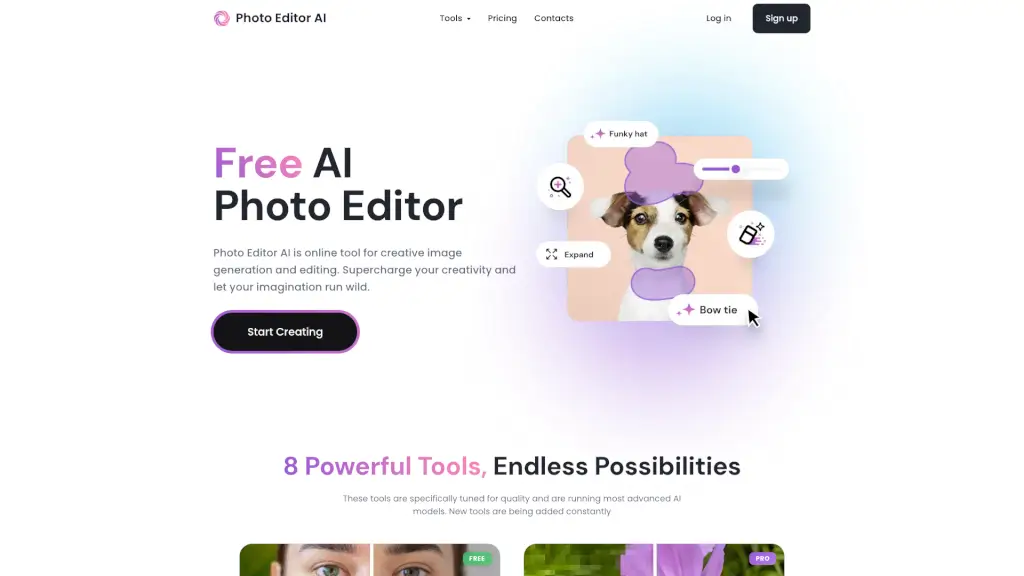
Photo Editor AI

PhotoEditor.ai is a free, no-signup AI photo editor with 30+ specialized tools for editing, enhancing, and generating images using top AI models.

US
21.38%
|
86.9K
|
5.0
Pixelfox AI

Pixelfox AI is the ultimate free online photo and video editor powered by AI. Remove backgrounds, enhance images, swap faces, and more—all in seconds. No downloads, no fees, just professional edits made easy.

US
21.83%
|
53.6K
|
5.0
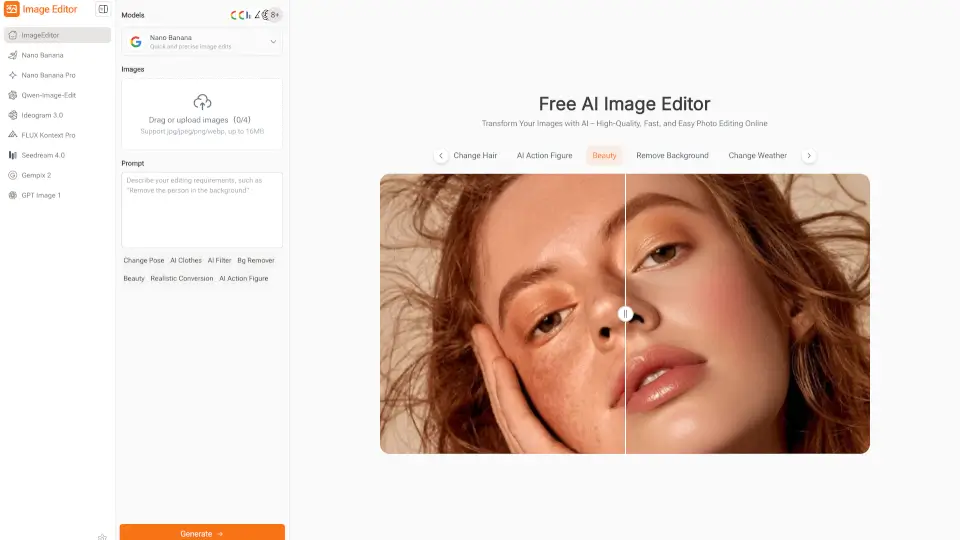
Image Editor

Image Editor is a free, browser-based AI photo editor that makes enhancing, transforming, and downloading high-quality images quick and easy—no sign-up required.

IT
46.55%
|
28.6K
|
4.0
Pixlio AI

Pixlio AI is your all-in-one AI image editor for creating and editing professional images, powered by advanced models like Nano Banana 2 and Seedream 5.

US
16.97%
|
54.7K
|
5.0

PixelBin Related Other Categories

PixelBin Traffic Analysis

💡 Insights

📈
High Traffic
Over 1M monthly visits. Widely recognized and stable choice.
⚠️
Slight Decline
Traffic has slightly decreased recently.
👍
Good Experience
Bounce rate of 42%. Users are willing to explore features.
🌐
Global Reach
Balanced user distribution worldwide.
  • Monthly Visits

    2.21M

  • Bounce Rate

    42.13%

  • Pages Per Visit

    3.49

  • Visit Duration

    00:01:24

  • Global Rank

    22668

  • Country Rank

    5960

Visits Over Time

Traffic Sources

SearchOrganic51.14%
Direct32.99%
Referrals10.57%
SocialOrganic2.17%
GenAi2.04%
Mail0.46%
DisplayAds0.27%
SocialPaid0.26%
SearchPaid0.09%
Affiliate0.02%

Top Keywords

1
pixelbin
CPC$1.25
8.25KTraffic
2
watermark remover
CPC$0.27
7.04KTraffic
3
video watermark remover
CPC$0.24
5.01KTraffic
4
ghibli art
CPC$0.16
3.59KTraffic
5
remove watermark from image
CPC$0.19
2.57KTraffic

Top Regions

RegionPercentage
India
India
14.88%
United States
United States
14.17%
Indonesia
Indonesia
8.46%
Brazil
Brazil
3.60%
United Kingdom
United Kingdom
2.94%
Low
High

Powered by SimilarWeb

PixelBin FAQ

Can I use Pixelbin’s AI photo editor for free?

Yes! New users get 10 free credits to try out AI editing features before upgrading.

How does AI in photo editing help?

AI automates time-consuming tasks like background removal, object erasing, or color correction—giving you pro results in seconds instead of hours, often just by typing what you want.

Which is the best AI photo editor?

Pixelbin stands out for its all-in-one toolkit, combining image generation, editing, restoration, and batch processing in a simple interface—starting at just $9/month for Pro plans.

Are my photos secure with Pixelbin’s AI photo editor?

Yes. Pixelbin uses TLS encryption, firewalls, and role-based access controls to protect your data, meeting enterprise-grade security standards.

What image format can I upload?

You can upload JPG, JPEG, PNG, and WebP files for editing in the AI photo editor.

PixelBin Reviews

0

0

0 Reviews
Sign Into leave a review

Recent Reviews

No reviews yet

PixelBin Embed

Use website badges to drive community support for SeekTool.ai. They are easy to embed in your homepage or footer.

Light
Dark
PixelBin - Featured on SeekTool.aiPixelBin - Featured on SeekTool.ai
How to install?

Looking for PixelBin Alternatives?

Compare top AI tools similar to PixelBin. Find the best option for your needs.

View Alternatives

Reviews

0.0

Share your experience with this tool...

Trending

Featured

Subscribe to our AI Newsletter

Get the top AI stories delivered to your inbox weekly.