
What is PixelBin?
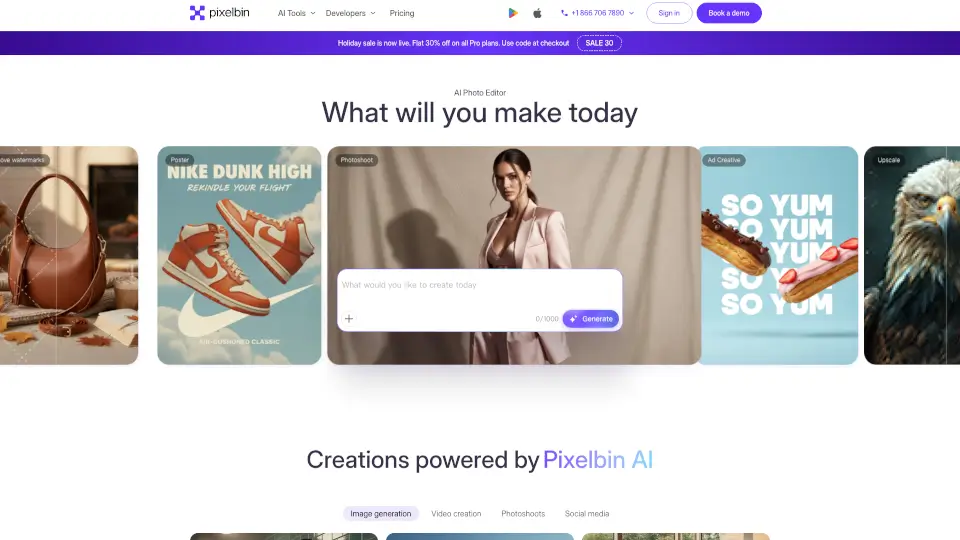
Pixelbin AI Studio is a free online photo and video editor that puts powerful AI tools in your hands—no design degree required. Whether you're removing a background, generating an image from text, or turning a blog post into a short video, Pixelbin makes it fast, easy, and surprisingly fun. It’s built for everyone: students, content creators, marketers, photographers, and even developers who want to automate visual workflows.
Best of all? You can start editing right in your browser or on mobile—no downloads needed (though apps are available). With features like one-click object removal, AI headshot generation, and batch editing for up to 50 images at once, Pixelbin saves hours of manual work while delivering professional-quality results.
What are the features of PixelBin?
- AI Image GeneratorTurn simple text prompts into stunning, high-quality images in seconds.
- Text-to-Video GeneratorCreate engaging short videos from written descriptions or combine text with existing images.
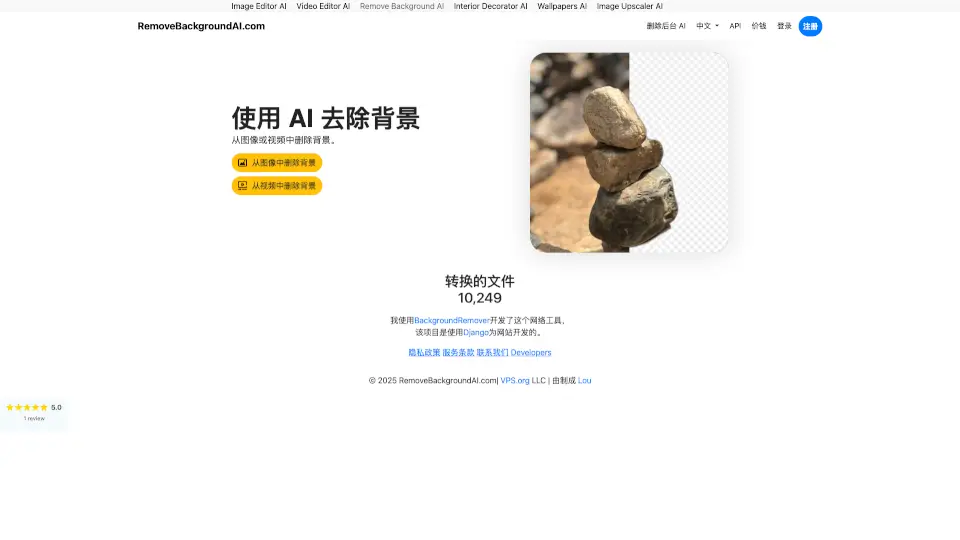
- AI Background RemoverInstantly delete or replace backgrounds with perfect edge detection—ideal for product photos or portraits.
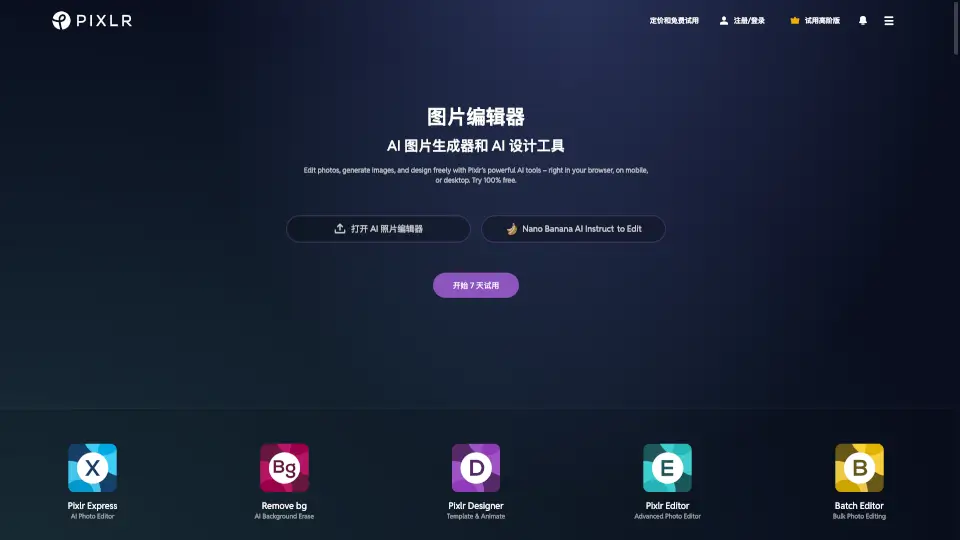
- Batch EditorApply the same edits (like resizing, background removal, or filters) to up to 50 images simultaneously.
- AI Image UpscalerBoost resolution up to 4x without losing sharpness or adding blur.
- Object & Watermark RemoverCleanly erase logos, text, or unwanted items from photos with smart AI inpainting.
- Photo Restoration ToolsColorize old black-and-white photos, remove noise, and repair scratches or fading damage.
What are the use cases of PixelBin?
- An e-commerce seller quickly removes backgrounds from 30 product photos and resizes them for Amazon, Shopify, and Instagram—all in one go.
- A job seeker generates professional LinkedIn headshots using just a selfie and a few style preferences.
- A social media manager turns a caption idea into a trending-style video for TikTok or Reels using the text-to-video tool.
- A real estate agent enhances property photos by brightening rooms, removing clutter, and creating clean, inviting visuals.
- A student restores a faded family photo for a history project and colorizes it to bring the past to life.
- A developer integrates Pixelbin’s API into their app to auto-optimize user-uploaded images with smart cropping and CDN delivery.
How to use PixelBin?
- Sign up for freeat pixelbin.io to get started with 10 AI credits.
- Upload an imageor enter a text prompt to generate new visuals from scratch.
- Use natural languagein the AI chat (e.g., “remove the background” or “make it look like a Ghibli movie”) to edit.
- For bulk edits, use the Batch Editor to apply presets across multiple files instantly.
- Download your resultin JPG, PNG, or WebP—or share directly via link.
- Developers can explore APIs and SDKs (JavaScript, Python, Node.js) to automate workflows.