
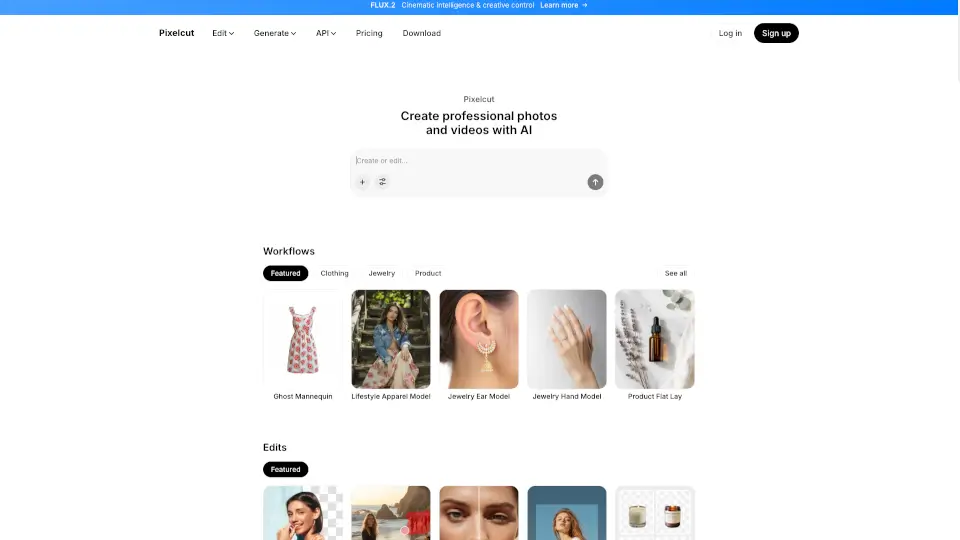
Pixelcut AI logo

Pixelcut AI

0
5.0
(0 Reviews)
India14.23%

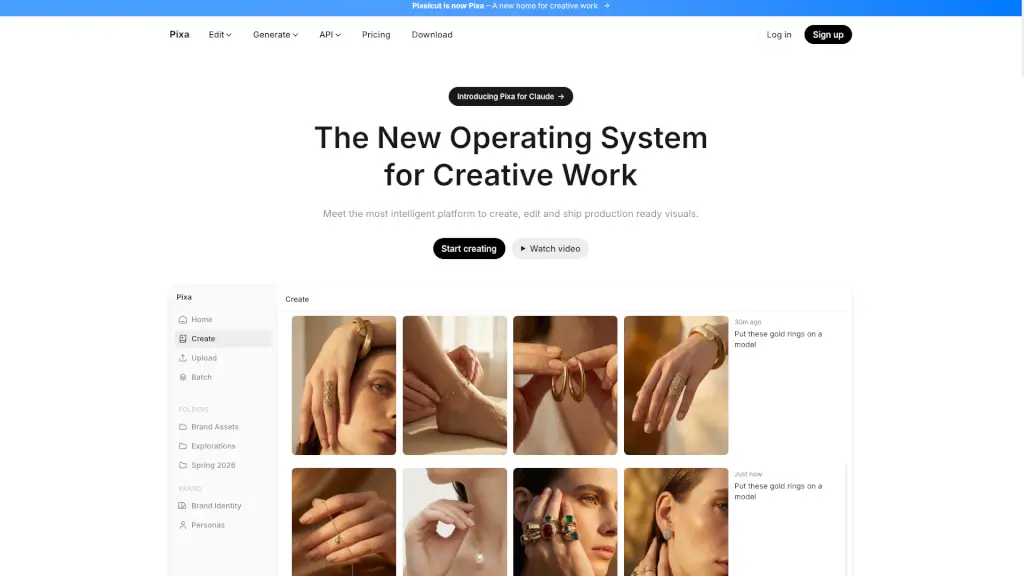
Pixelcut is a free, easy-to-use AI photo editor that helps you create and edit professional-looking photos and videos, perfect for small businesses, creatives, and anyone who wants to enhance their visual content.

Added on: 2025.12.20 · Updated on: 2025.12.20
Social Media:
Visit Site
View Alternatives
Pixelcut AI

Pixelcut AI Product Information

What is Pixelcut AI?

Pixelcut is a free AI photo editor that makes it super easy to create and edit professional-looking photos and videos. Whether you're a small business owner, a creative, or just someone who loves taking great pictures, Pixelcut has got you covered. With its intuitive tools, you can remove backgrounds, retouch images, upscale, and even generate new images and videos with just a few clicks or simple prompts. It's like having a professional photographer and graphic designer in your pocket!

What are the features of Pixelcut AI?

  • Background Remover: Effortlessly remove the background from any image, making it perfect for product shots, social media posts, and more.
  • Image Retouching: Smooth out blemishes, enhance colors, and make your photos look flawless with advanced retouching tools.
  • Image Upscaling: Increase the resolution of your images without losing quality, making them perfect for large prints or high-resolution displays.
  • Batch Editing: Save time by applying the same edits to multiple images at once, ideal for bulk processing.
  • AI Image Generation: Turn your ideas into stunning images with just a few words or an uploaded reference image.
  • Video Creation: Generate high-quality videos from a single prompt or image, bringing your scenes to life in minutes.

What are the use cases of Pixelcut AI?

  • E-commerce Product Photos: Create professional-looking product images for your online store, complete with transparent backgrounds and enhanced details.
  • Social Media Content: Quickly edit and enhance your photos to make them stand out on platforms like Instagram, Facebook, and Pinterest.
  • Marketing Materials: Design eye-catching flyers, banners, and ads with high-quality images and videos.
  • Personal Projects: Edit and enhance your personal photos and videos, making them look like they were done by a pro.
  • Collaborative Work: Share folders with your team to collaborate on projects, generating and editing together in real-time.

How to use Pixelcut AI?

  • Upload Your Image: Start by uploading the image you want to edit or use as a reference.
  • Choose a Tool: Select the tool you need, such as Background Remover, Retouch, or Upscale.
  • Apply Edits: Follow the on-screen instructions to apply your desired edits. You can also use prompts to generate new images or videos.
  • Save and Share: Once you're happy with your edits, save the image or video and share it directly from the app.
  • Batch Edit: If you have multiple images, use the Batch Edit feature to apply the same edits to all of them at once.
  • Collaborate: Create shared folders to work on projects with your team, keeping everything organized and accessible.
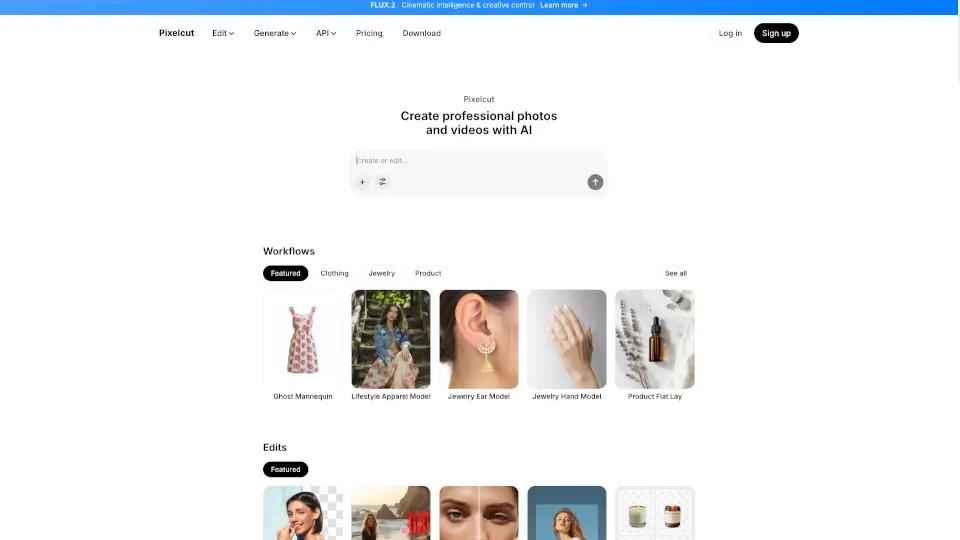

Pixelcut AI Contact Email:

support@pixelcut.com

Do you like this tool?

Upvote to help others discover it!

Pixelcut AI Alternatives

Pixelcut

Pixelcut is a free AI photo editor that makes photo editing simple and fun. With tools like Background Remover, Image Upscaler, and Magic Eraser, you can create stunning photos in minutes. Perfect for e-commerce, social media, and personal projects.

RU
32.39%
|
18.9K
|
4.0
Pixelfox AI

Pixelfox AI is the ultimate free online photo and video editor powered by AI. Remove backgrounds, enhance images, swap faces, and more—all in seconds. No downloads, no fees, just professional edits made easy.

CN
43.29%
|
50.7K
|
5.0
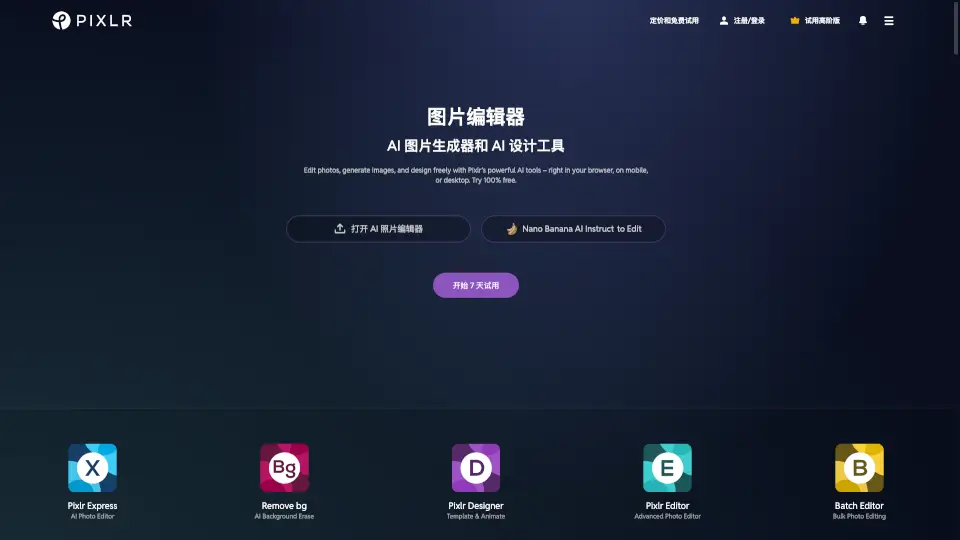
Pixlr: AI-Powered Editor

Pixlr is a versatile, free online photo editor and AI design tool perfect for both casual users and professionals. With its intuitive interface and powerful features, it’s the ultimate solution for all your creative needs.

US
24.69%
|
10.1M
|
5.0
Cutout Pro

Cutout.Pro is your go-to AI visual design platform for effortless photo and video editing, offering tools like background removal, photo enhancement, and AI art generation.

IN
38.78%
|
11.1M
|
5.0
Pokecut

Pokecut is a powerful yet simple AI photo editor—remove backgrounds, enhance quality, or generate images in clicks. Free, fast, and no login needed!

RU
17.11%
|
492.0K
|
5.0
PixMaker AI

Pixmaker is an AI-powered tool that simplifies the creation of professional e-commerce visuals, helping businesses save time and boost sales.

US
61.69%
|
1.4K
|
3.0
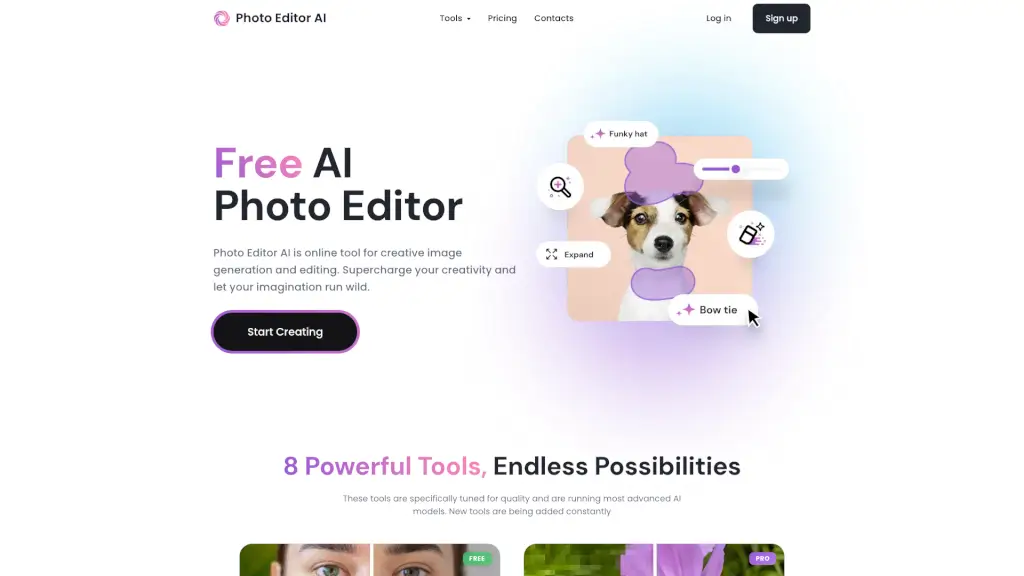
Photo Editor AI

PhotoEditor.ai is a game-changer for photo editing, offering powerful AI tools for free. Perfect for personal and professional use, it’s fast, easy, and secure.

VN
28.69%
|
45.5K
|
4.0
Picsman

Picsman is your go-to AI photo editor for quick, professional edits—no experience required. Remove backgrounds, enhance images, and create magic with just a few clicks!

CN
10.72%
|
412.3K
|
5.0
Pixelcut AI Related Other Categories

Pixelcut AI Traffic Analysis

💡 Insights

🚀
Super High Traffic
Over 10M monthly visits. A market leader with extremely high user trust.
📉
Traffic Decline
Significant traffic drop recently. Check for alternatives.
💎
High Stickiness
Low bounce rate (35%) and deep engagement (4.3 pages/visit). Excellent user experience.
🔎
SEO Driven
63% traffic from search. High organic visibility.
  • Monthly Visits

    10.48M

  • Bounce Rate

    35.16%

  • Pages Per Visit

    4.33

  • Visit Duration

    00:03:11

  • Global Rank

    4282

  • Country Rank

    1298

Visits Over Time

Traffic Sources

Search62.89%
Direct35.31%
Referrals1.41%
Social0.23%
Paid0.16%
Mail0.01%

Top Keywords

1
background remover
CPC$0.26
565.04KTraffic
2
remove bg
CPC$0.28
226.42KTraffic
3
pixelcut
CPC$0.31
193.59KTraffic
4
mejorar calidad de imagen
CPC$0.14
162.03KTraffic
5
remove background
CPC$0.28
161.56KTraffic

Top Regions

RegionPercentage
India
India
14.23%
United States
United States
7.78%
Mexico
Mexico
4.44%
Colombia
Colombia
4.17%
Indonesia
Indonesia
4.16%
Low
High

Pixelcut AI FAQ

How do I remove the background from an image?

Can I use Pixelcut to generate new images?

Is there a way to upscale my images without losing quality?

Can I edit multiple images at once?

How do I create a video using Pixelcut?

Is Pixelcut suitable for small businesses?

Can I collaborate with my team using Pixelcut?

Does Pixelcut offer a free version?

Pixelcut AI Reviews

0

0

0 Reviews

Write a Review

0

Login to leave a review
Sign In

Recent Reviews

No reviews yet

Pixelcut AI Embed

Use website badges to drive community support for SeekTool.ai. They are easy to embed in your homepage or footer.

Light
Dark
Pixelcut AI - Featured on SeekTool.aiPixelcut AI - Featured on SeekTool.ai
How to install?

Looking for Pixelcut AI Alternatives?

Compare top AI tools similar to Pixelcut AI. Find the best option for your needs.

View Alternatives

Reviews

0.0

Share your experience with this tool...

Trending

Featured

Subscribe to our AI Newsletter

Get the top AI stories delivered to your inbox weekly.