What is Designify?
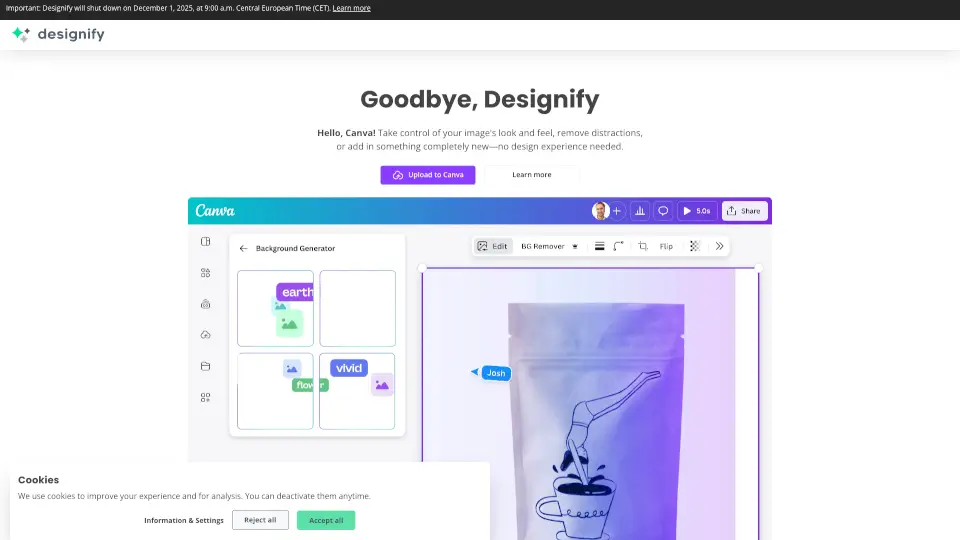
Designify turns any photo into a stunning, professional-looking image with just a few clicks. Whether you’re selling products, marketing a brand, or just spicing up your pics, this AI-powered tool handles everything—background removal, color enhancement, smart shadows, and more—100% automatically. Best part? It’s free to start!
What are the features of Designify?
- Background Removal: Instantly erase backgrounds for clean, pro-grade photos.
- Auto Enhance: Fix colors, lighting, and pixelation with AI.
- 3D Shadows: Add realistic shadows to make your images pop.
- Batch Editing: Process multiple images at once (Pro feature).
- API Integration: Automate edits directly into your workflow.
- High-Resolution Downloads: Pro users get crisp 1440x1440px images.
What are the use cases of Designify?
- E-Commerce: Create eye-catching product photos—no studio needed.
- Marketing: Design ads, social media posts, or banners in seconds.
- Car Dealerships: Showcase vehicles with polished, consistent visuals.
- Content Creators: Elevate your visuals without hiring a designer.
How to use Designify?
- Upload: Drag & drop your image (JPG/PNG, up to 12MB).
- Magic: Let AI remove backgrounds, enhance colors, and add shadows.
- Download: Save your design or share it instantly.