
What is Pixa?
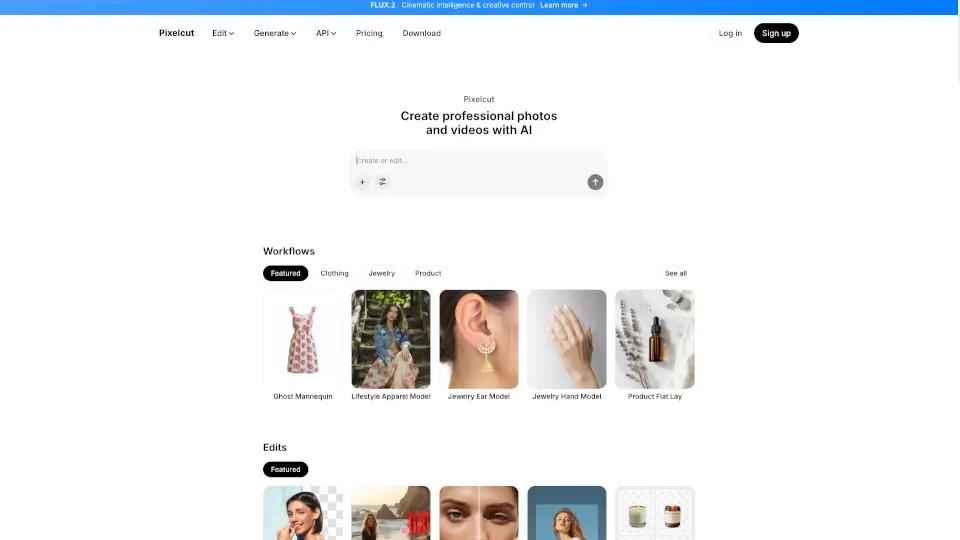
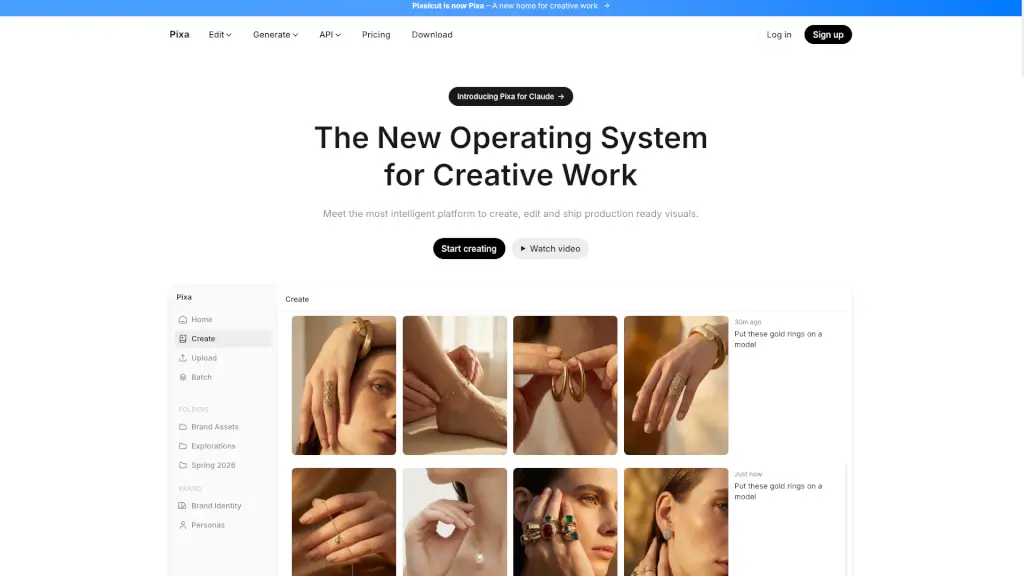
Pixa, formerly known as Pixelcut, is your go-to AI photo editor designed to make your photos stand out. Whether you're a small business owner, a creative professional, or just someone who loves taking great photos, Pixa offers a range of easy-to-use AI tools that can transform your images in no time. With Pixa, you can create, edit, and share high-quality visuals without needing any special skills or training. It's like having a personal design assistant at your fingertips!
What are the features of Pixa?
- Background Removal: Ultra-high quality, proprietary background removal for both images and videos.
- Image Upscaler: High-quality upscaling up to 16x resolution, with a choice of models including Topaz.
- AI Image Generator: Create stunning images from simple prompts using advanced AI technology.
- Batch Editing: Perform edits across hundreds of files at once, saving you time and effort.
- Retouching: Precise AI retouching that can easily erase or edit using generative fill.
- Shadows: Generate precise shadows to add depth and realism to your images.
What are the use cases of Pixa?
- E-commerce Product Photos: Create studio-grade product images with perfect character consistency.
- Social Media Content: Generate engaging and on-brand content for your social media channels.
- Marketing Materials: Design professional-looking marketing materials for your small business.
- Lifestyle Shots: Create beautiful lifestyle shots for your brand's seasonal collections.
- Interior Design Mockups: Design cozy and inviting living spaces for your interior design projects.
- Jewelry Modeling: Place jewelry items on models to showcase them in the best light.
How to use Pixa?
- Upload Your Photo: Start by uploading the image you want to edit.
- Select the Tool: Choose the tool you need, such as background removal or image upscaling.
- Adjust Settings: Fine-tune the settings to get the desired effect.
- Preview and Edit: Preview the changes and make any additional edits if needed.
- Save and Share: Save your edited image and share it directly from the app.