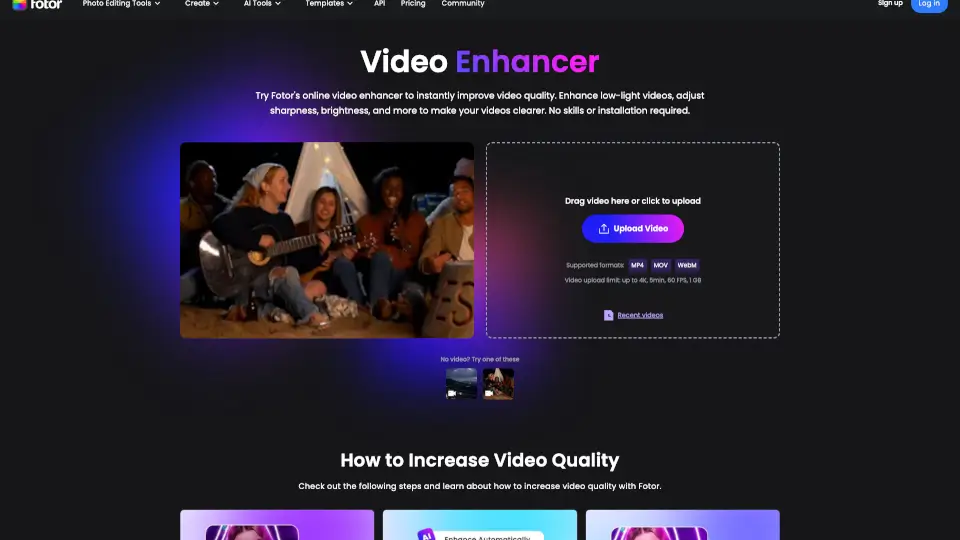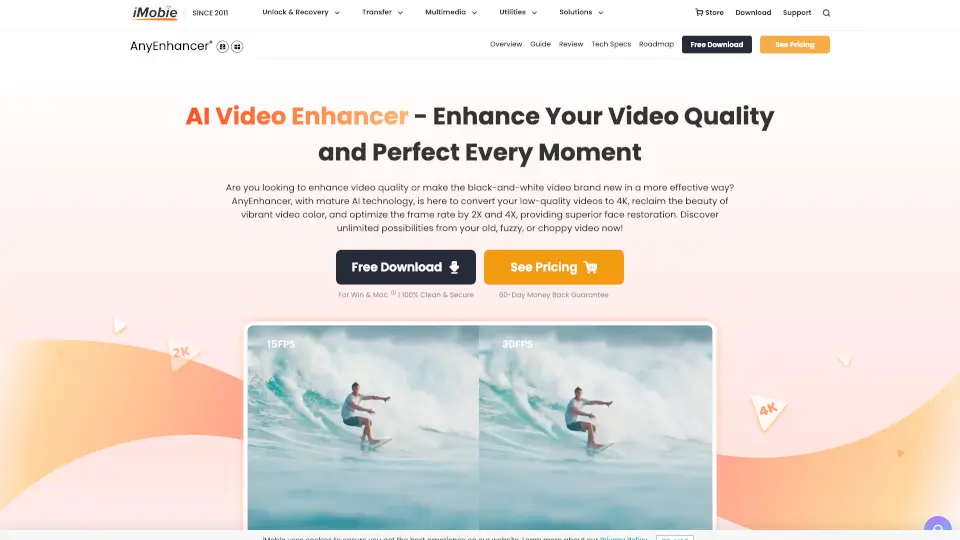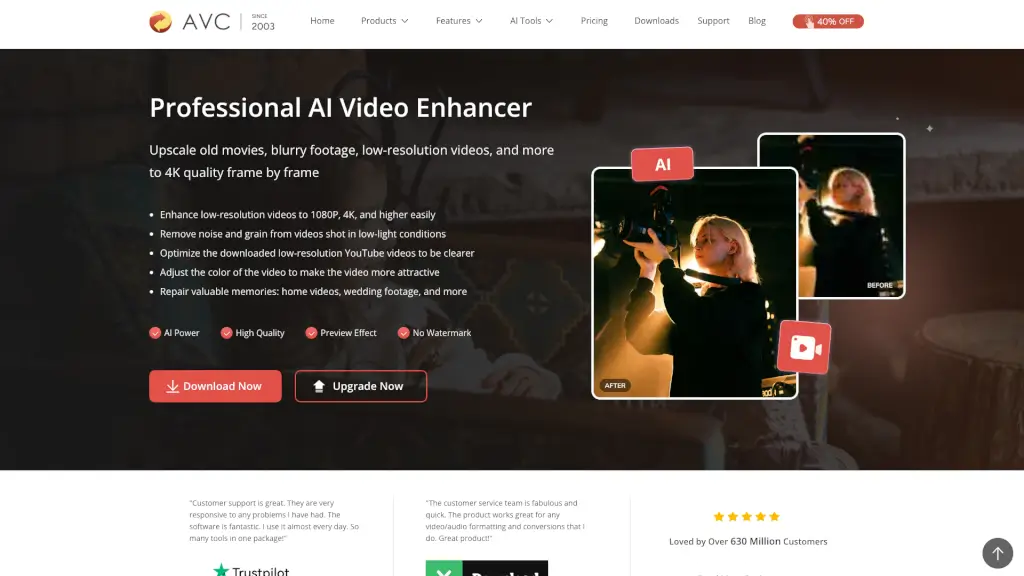
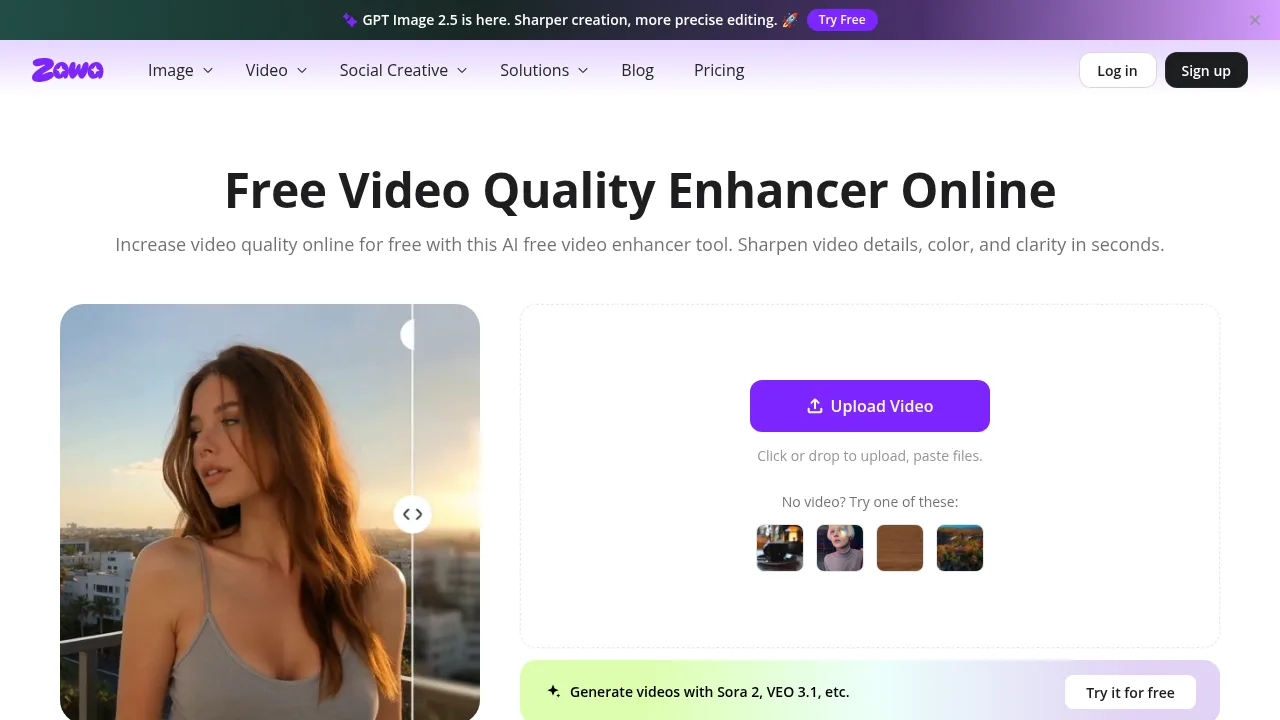
What is Video Enhancer?
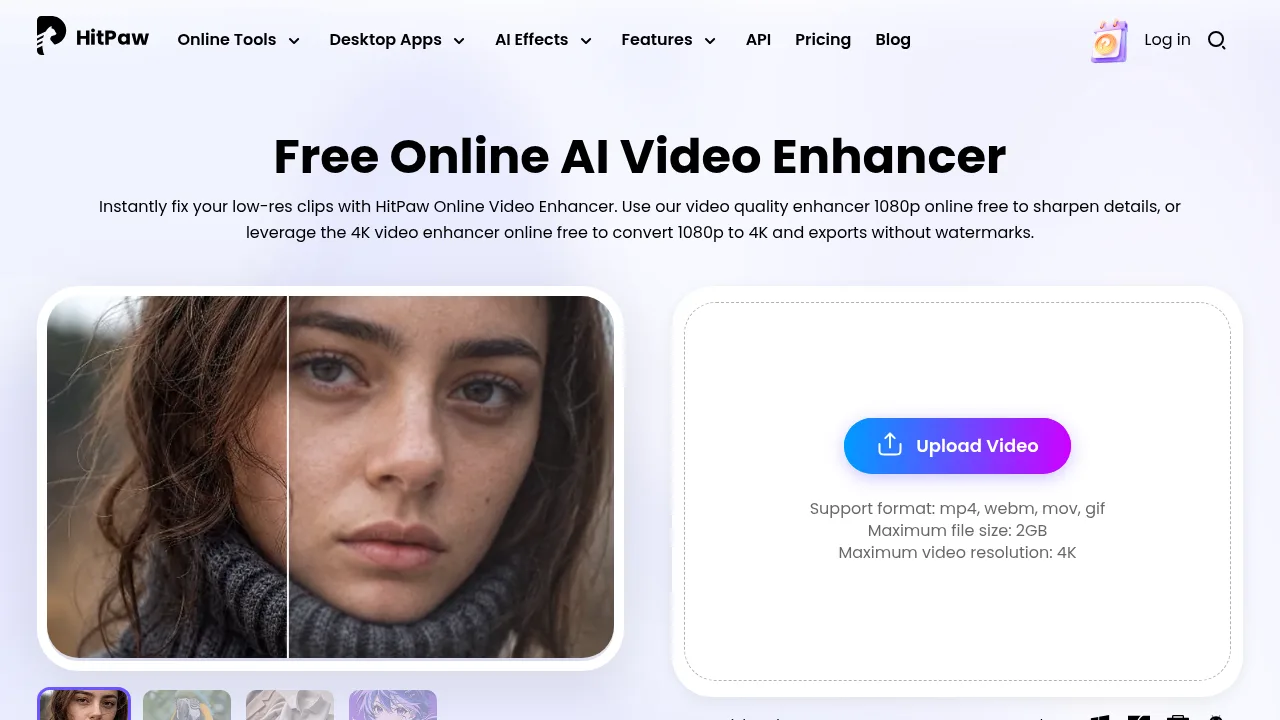
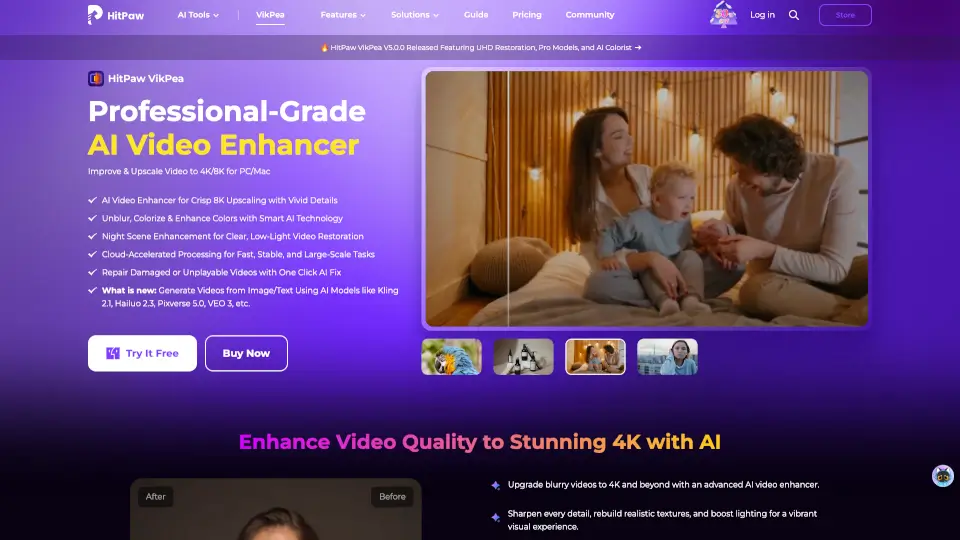
Video Enhancer by Zawa is an online tool that automatically upscales low-resolution videos to 1080P or 4K using AI. It accepts MP4, MOV, and M4V files but rejects source footage already exceeding 1080P resolution.
What are the features of Video Enhancer?
- Resolution upscalingAutomatically increases video resolution from inputs like 240P, 360P, 480P, or 720P to 1080P or 4K.
- Automatic color correctionAdjusts brightness, contrast, saturation, and light balance to correct colors without manual editing.
- Noise and artifact reductionRemoves visual noise and compression artifacts from uploaded clips.
- Sharpening and deblurringRefines edges and details to fix blurry footage while preserving original textures.
- Real-time previewDisplays the enhancement process as it runs before exporting the final file.
What are the use cases of Video Enhancer?
- Restoring old footageUpscaling and sharpening grainy or blurry clips recorded on older devices.
- E-commerce product videosImproving resolution and clarity of studio or mobile product recordings for online storefronts.
- Social media contentEnhancing low-quality clips to HD for platforms like YouTube, Instagram, or TikTok.
How to use Video Enhancer?
- Upload a videoOpen the web tool and upload an MP4, MOV, or M4V file below 1080P resolution by clicking the upload area or dragging and dropping.
- Process automaticallyWait for the AI to upscale, sharpen, and color-correct the clip while monitoring the real-time preview.
- Export the resultSelect "Download full video" to save the enhanced output in HD quality.
Video Enhancer Pricing Information:
- Free creditsNew users receive free credits to upload, enhance, and download videos; these credits cover upscaling up to 1080P, with 4K exports also supported within the credit allowance.