
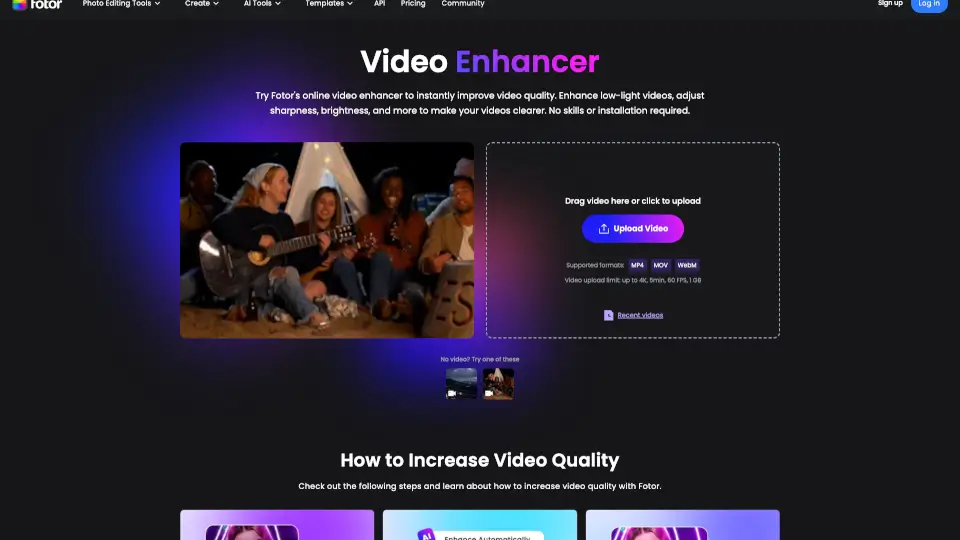
What is Fotor Video Enhancer?
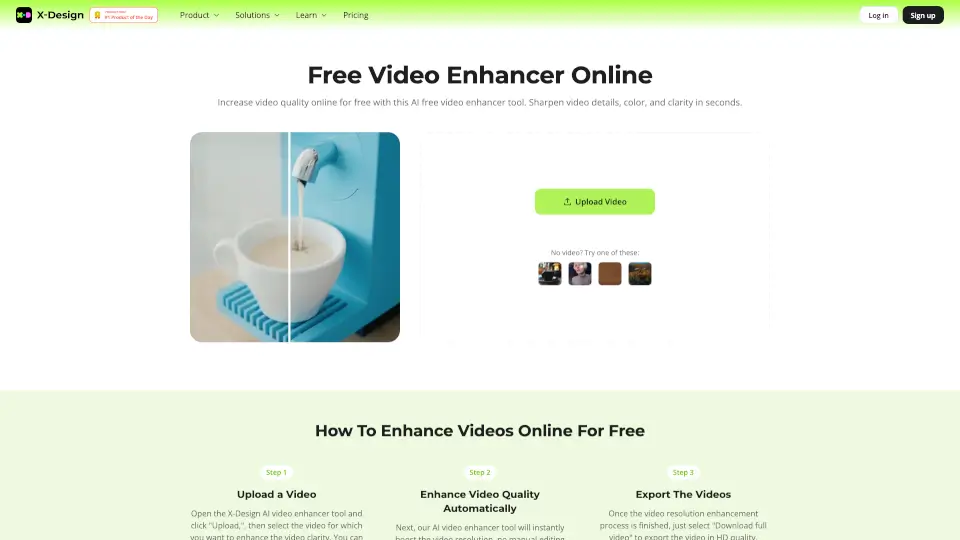
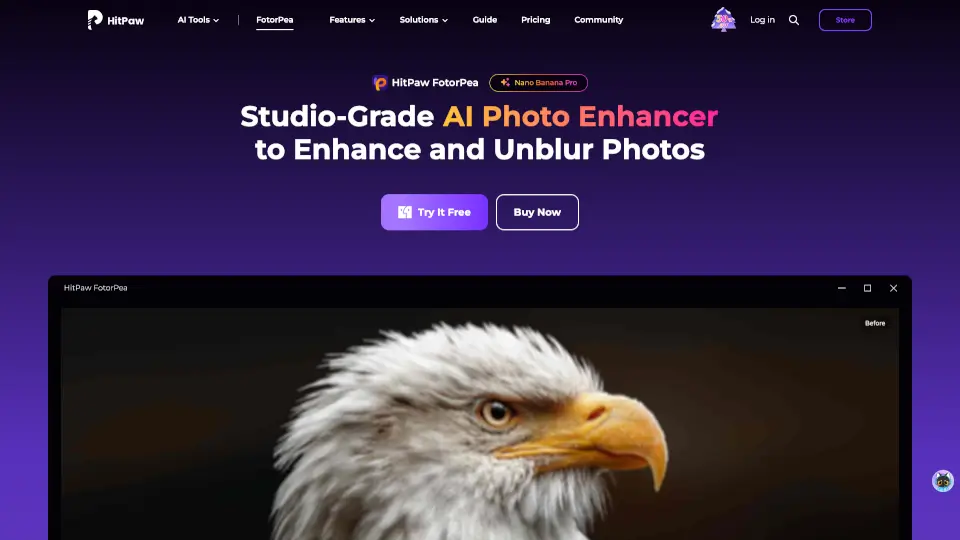
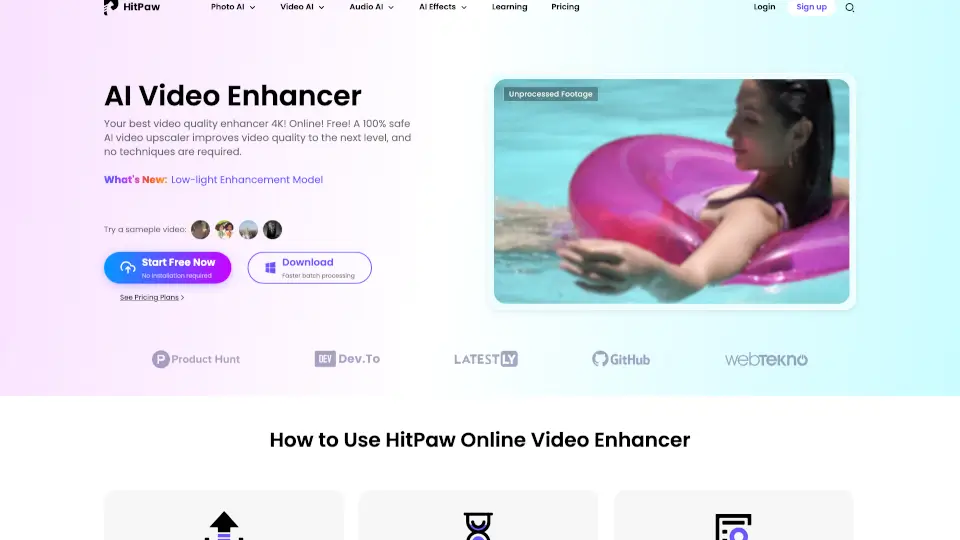
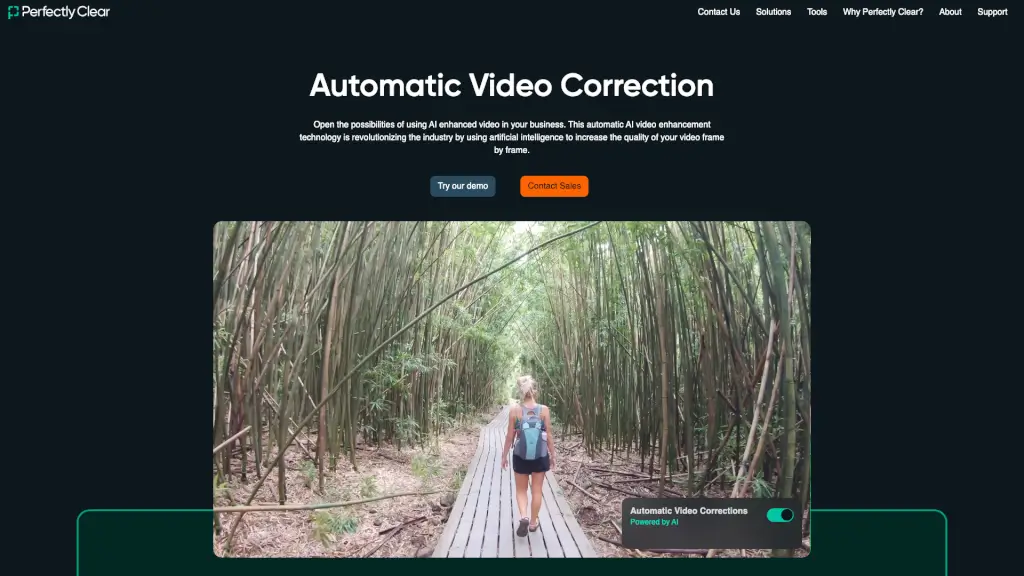
Tired of blurry, dark, or pixelated videos? Fotor’s AI Video Enhancer Online is a free, no-download tool that instantly upgrades your footage using smart technology. Whether it’s an old home video, a shaky phone clip, or a compressed social media upload, Fotor analyzes every frame to boost clarity, color, and brightness—no editing skills needed.
Just drag and drop your file, pick your desired output (up to 4K resolution), and let AI do the heavy lifting. Perfect for casual users and creators alike, this browser-based enhancer works on any device and supports popular formats like MP4, MOV, and WebM—all without installing software or signing up.
What are the features of Fotor Video Enhancer?
- AI-Powered Super-Resolution: Automatically upscales videos to 1080p, 2K, or 4K by reconstructing lost details frame by frame.
- One-Click Enhancement: Improve brightness, contrast, saturation, and sharpness with zero manual tweaking.
- Blur Reduction & Sharpening: Uses advanced algorithms to unblur video and restore crisp edges in low-quality footage.
- Auto Color Correction: Balances and enhances colors for vibrant, natural-looking visuals without oversaturation.
- Low-Light Brightening: Intelligently lifts shadows and reduces grain in dark videos while preserving detail.
- No Installation Required: Runs entirely in your browser—works on desktops, tablets, and smartphones.
- Fast & Free Processing: Handles videos up to 5 minutes, 1 GB, and 60 FPS in MP4, MOV, or WebM formats.
What are the use cases of Fotor Video Enhancer?
- Restore fuzzy childhood memories or decades-old family videos to clear, watchable quality.
- Boost the visual appeal of YouTube, TikTok, or Instagram content to stand out in crowded feeds.
- Polish client-facing business videos—like product demos or ads—for a professional brand image.
- Fix poorly lit interview clips or event recordings shot in dim lighting.
- Enhance raw footage for film projects when high-end editing tools aren’t available.
- Quickly prep user-generated content for marketing campaigns without hiring an editor.
How to use Fotor Video Enhancer?
- Upload your video by dragging it into the browser window or clicking “Upload Video” (supports MP4, MOV, WebM).
- Select your target resolution: 1080p, 2K, or 4K—the AI will enhance accordingly.
- Let Fotor automatically adjust brightness, sharpness, color, and noise reduction in the background.
- Preview the enhanced result directly in your browser before downloading.
- Click “Download” to save your improved video and share it anywhere.
- No account needed—repeat the process anytime for new videos.