Any Video Converter AI Video Enhancer logo

Any Video Converter AI Video Enhancer

5.0
(0 Reviews)
United States28.32%

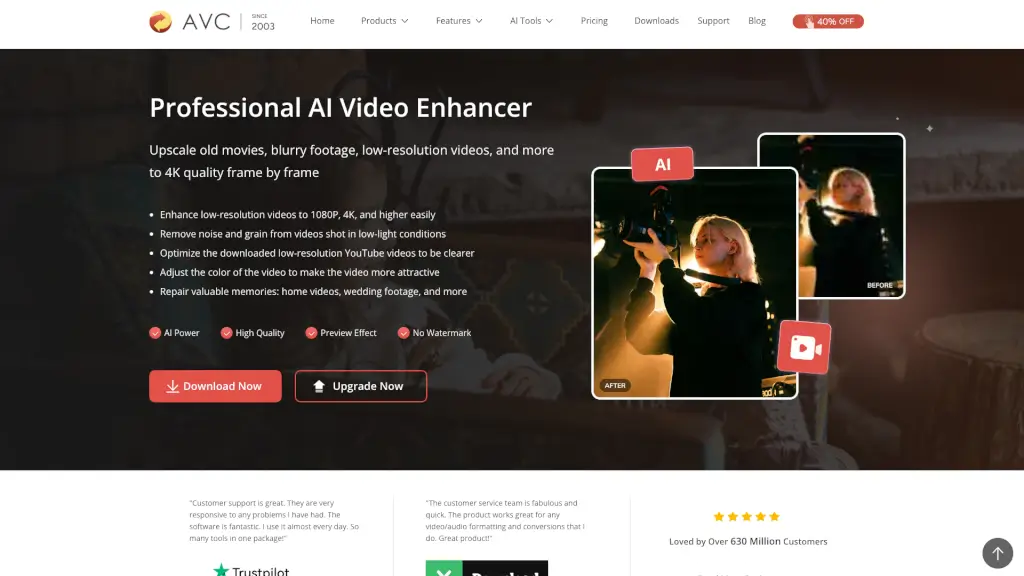
Upscale old, blurry, or low-resolution videos to crisp 4K quality using Any Video Converter Ultimate's AI-powered video enhancer—no expert skills needed.

Verified by SeekTool
Social Media:
Any Video Converter AI Video Enhancer

Any Video Converter AI Video Enhancer Product Information

What is Any Video Converter AI Video Enhancer?

Have an old home video that looks grainy or a downloaded YouTube clip that's too blurry? The AI Video Enhancer in Any Video Converter Ultimate is here to fix that. This professional-grade tool uses smart AI to upscale your low-resolution videos up to 4K quality—frame by frame. It removes noise, sharpens details, and even adjusts colors, all without needing you to be a tech expert. Just upload your video, pick an AI option, and let the software do the heavy lifting. Whether it's restoring precious memories or polishing footage for social media, this enhancer makes your videos look crisp and clean.

What are the features of Any Video Converter AI Video Enhancer?

  • AI-Powered Upscaling: Intelligently analyzes and reconstructs each frame to upscale videos to 1080p, 2K, 4K, and even 8K (depending on version). No more blurry pixelation from simple stretching.
  • Flexible Scaling Options: Choose to upscale by 100% (restoration and optimization), 200% (dramatic clarity for large screens), or 400% (extreme detail extraction from low-res footage).
  • Noise & Grain Removal: Cleans up videos shot in low light, reducing unwanted grain and artifacts for a cleaner picture.
  • Color Optimization: Adjusts saturation and contrast automatically to make videos more vibrant and attractive.
  • Real-Time Preview: See the AI-enhanced effect before you commit. Drag the progress bar to preview any frame—no more guessing with confusing parameters.
  • Trim & Enhance Specific Segments: Use the built-in AI trimmer to cut out unwanted parts and only enhance the sections you care about.
  • Watermark-Free Output: Upgrade to the Ultimate version to get high-quality, unwatermarked results.

What are the use cases of Any Video Converter AI Video Enhancer?

  • Restore old home videos and wedding footage: Bring grainy, faded memories back to life so you can share them on Instagram, TikTok, or with family.
  • Fix blurry YouTube or Facebook downloads: Enhance low-resolution videos you've saved from streaming sites to make them watchable on big screens.
  • Improve low-light footage: Clean up videos shot at night or in dim conditions, removing noise and revealing hidden details.
  • Prepare videos for professional use: Upscale archived footage for presentations, edits, or archival purposes without losing quality.
  • Polish social media clips: Make your short videos look sharper and more appealing before posting online.

How to use Any Video Converter AI Video Enhancer?

  1. Open the AI Video Enhancer: Launch Any Video Converter Ultimate and select the AI Video Enhancer tool.
  2. Upload your low-quality video: Click "Add Files" to import the video you want to enhance.
  3. Choose your output options: On the right panel, pick scaling (100%, 200%, or 400%) or a target resolution (1080p, 4K). Use the "Preview Enhanced Frame" button to check the effect in real-time.
  4. Start enhancement: Hit "Enhance Now" and wait for the AI to process your video. The high-quality file will be saved automatically.

Do you like this tool?

Upvote to help others discover it!

Any Video Converter AI Video Enhancer Alternatives

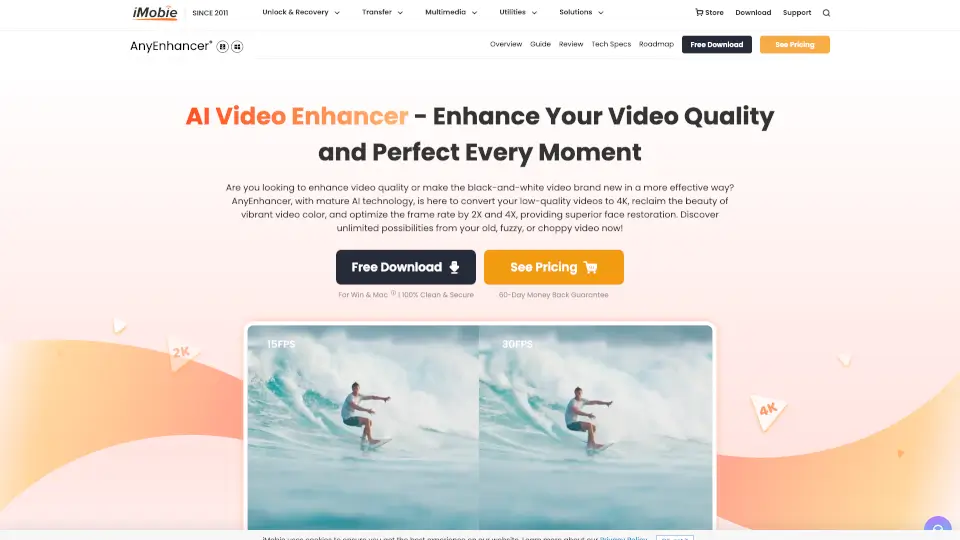
AnyEnhancer

AnyEnhancer

AnyEnhancer is the easiest way to upgrade videos with AI—perfect for creators, families, and film lovers. Try it today!

US
14.19%
1.1M
5.0
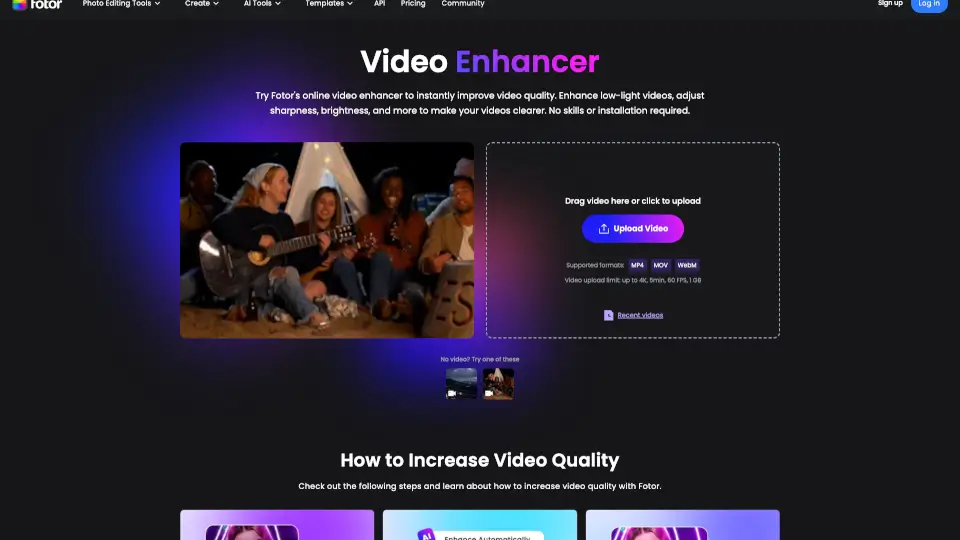
Fotor Video Enhancer

Fotor Video Enhancer

Fotor’s AI Video Enhancer Online instantly improves video quality—boosting resolution, color, and clarity—without downloads or editing skills.

RU
18.08%
7.1M
5.0
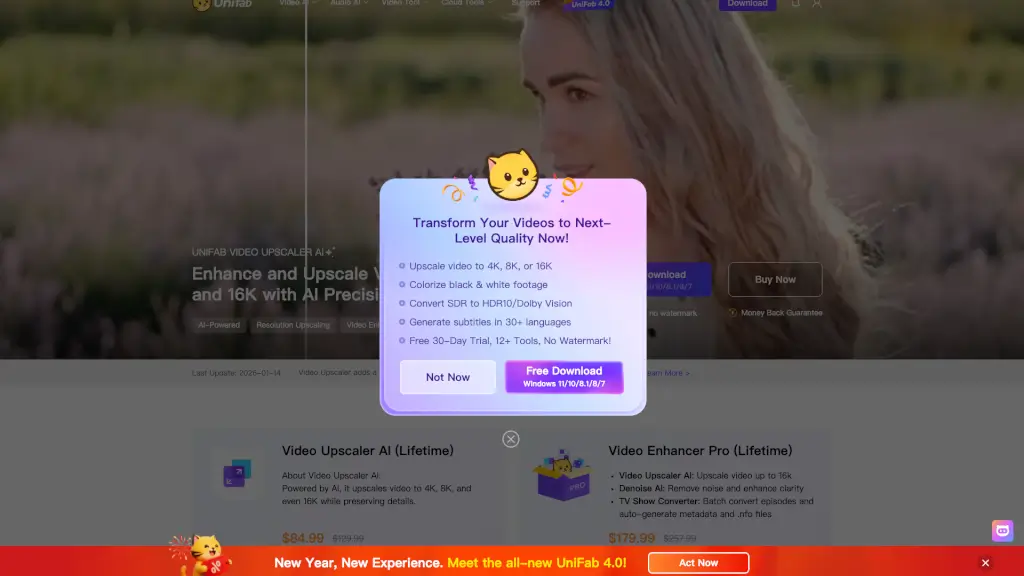
UniFab Video Enhancer

UniFab Video Enhancer

UniFab Free Online AI Video Enhancer instantly upscales and restores videos to 4K quality in your browser—no install, no GPU, and free to start.

US
26.57%
243.8K
5.0
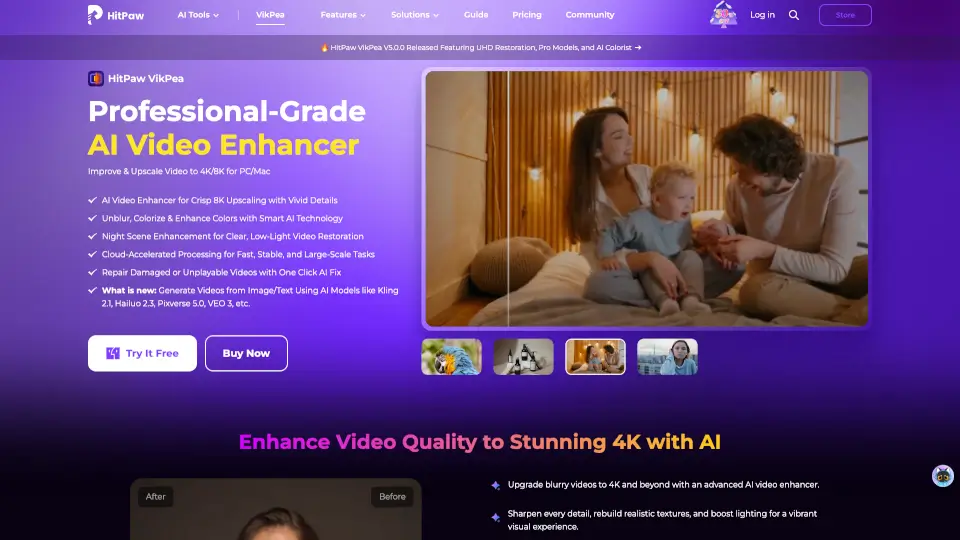
HitPaw VikPea

HitPaw VikPea

HitPaw VikPea is the easiest way to upscale, sharpen, and restore videos using AI. Perfect for nostalgia buffs, creators, and pros who want cinematic quality without the hassle.

US
16.39%
952.1K
5.0
Wondershare UniConverter

Wondershare UniConverter

Wondershare UniConverter 17 is an all-in-one AI video converter and enhancer that converts, upscales, compresses, and records 4K/8K videos with pro-quality results and unmatched speed.

US
21.42%
1.4M
5.0
HitPaw Online Video Enhancer

HitPaw Online Video Enhancer

HitPaw Online Video Enhancer is a powerful, user-friendly tool that brings your videos to life with AI-powered upscaling, noise reduction, and color restoration. Perfect for both casual users and professionals!

US
25.62%
337.3K
5.0
AI Convert Hub

AI Convert Hub

AI Convert Hub offers fast, secure, and high-quality online conversion for video, audio, and images with advanced codec controls and batch processing.

CN
100.00%
3.0K
3.0
Video Enhancer

Video Enhancer

X-Design AI Video Enhancer is a powerful tool that transforms low-quality videos into high-resolution masterpieces, perfect for e-commerce, branding, and content creation.

US
31.40%
15.4K
4.0

Any Video Converter AI Video Enhancer Related Other Categories

Any Video Converter AI Video Enhancer Traffic Analysis

💡 Insights

Medium Scale
100K-1M monthly visits. Growing tool with active development.
📊
Steady Growth
Recent growth of 24%. Product is in a healthy upward trend.
👍
Good Experience
Bounce rate of 55%. Users are willing to explore features.
  • Monthly Visits

    563.00K

  • Bounce Rate

    55.48%

  • Pages Per Visit

    1.98

  • Visit Duration

    00:00:48

  • Global Rank

    101110

  • Country Rank

    79950

Visits Over Time

Traffic Sources

Search Organic52.53%
Direct37.50%
Social Organic4.51%
Referrals3.05%
Social Paid1.24%
Gen Ai0.81%
Mail0.18%
Display Ads0.08%
Affiliate0.06%
Search Paid0.04%

Top Keywords

1
any video converter
CPC$0.33
16.06KTraffic
2
solarmovies
CPC$1.53
15.23KTraffic
3
solarmovie
CPC$1.54
14.88KTraffic
4
any video converter free
CPC$0.65
5.92KTraffic
5
snapchat viewer
CPC$1.82
2.08KTraffic

Top Regions

RegionPercentage
United States
United States
28.32%
India
India
6.54%
United Kingdom
United Kingdom
5.16%
Canada
Canada
5.06%
France
France
3.32%
Low
High

Powered by SimilarWeb

Any Video Converter AI Video Enhancer FAQ

Can AI clean up a blurry video?

Yes! AI video enhancers use deblurring, denoising, and frame interpolation to significantly reduce blurriness and make your video much clearer.

Can I enhance video quality using Any Video Converter Ultimate on Mac?

Absolutely. Any Video Converter Ultimate includes the AI Video Enhancer tool for both Windows and Mac.

What is the difference between AI Video Enhancer and AVCLabs Video Enhancer AI?

The AI Video Enhancer in Any Video Converter focuses on overall quality improvement (upscaling up to 400% and 4K). AVCLabs Video Enhancer AI offers more specialized features like face enhancement, colorization, motion compensation, and stabilization for more detailed results.

Can I enhance video quality for free?

Yes, the Free and Pro versions include the enhancer, but output videos will have watermarks. Upgrading to Ultimate removes watermarks. AVCLabs Video Enhancer AI also offers a free trial.

Are there any limitations to Any Video Converter AI Video Enhancer?

Once unlocked (via Ultimate version), you can upload videos of any size and category to enhance their quality without restrictions.

Any Video Converter AI Video Enhancer Reviews

0

0

0 Reviews
Sign Into leave a review

Recent Reviews

No reviews yet

Any Video Converter AI Video Enhancer Embed

Use website badges to drive community support for SeekTool.ai. They are easy to embed in your homepage or footer.

Light
Dark
Any Video Converter AI Video Enhancer - Featured on SeekTool.aiAny Video Converter AI Video Enhancer - Featured on SeekTool.ai
How to install?