What is AnyEnhancer?
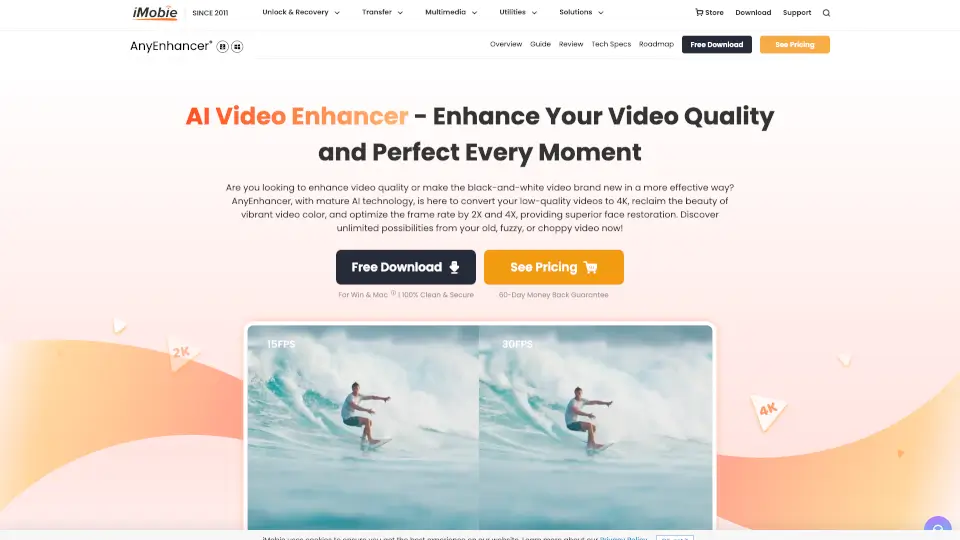
AnyEnhancer is your go-to AI video enhancer, designed to transform blurry, grainy, or outdated videos into stunning high-definition masterpieces. Whether you’re upscaling resolution, restoring faces, colorizing black-and-white clips, or smoothing shaky footage, this tool makes it effortless—no editing skills needed!
What are the features of AnyEnhancer?
- AI-Powered Upscaling: Boost your videos to 4K or 2K with sharp, clear details.
- Face Restoration: Fix blurry faces and bring out every subtle expression.
- Colorize Videos: Breathe life into old black-and-white footage with natural hues.
- Denoise & Enhance: Remove grain and noise for crystal-clear visuals.
- Frame Interpolation: Smooth out choppy videos by 2X or 4X for cinematic flow.
- Real-Time Preview: See the magic before exporting.
What are the use cases of AnyEnhancer?
- Revive Old Home Videos: Relive family memories in vibrant HD.
- Upgrade Social Content: Make your vlogs and reels pop with pro-quality visuals.
- Restore Classic Films: Enjoy vintage movies with modern clarity.
- Fix Travel Footage: Stabilize shaky action shots and enhance outdoor scenes.
- Anime Upscaling: Give childhood cartoons a high-def glow-up.
How to use AnyEnhancer?
- Upload: Drag your video into AnyEnhancer.
- Pick a Model: Choose the AI enhancement that fits your needs (e.g., resolution, color, etc.).
- Export: Preview the result and save your upgraded video in seconds.