
What is ImageUpscaler?
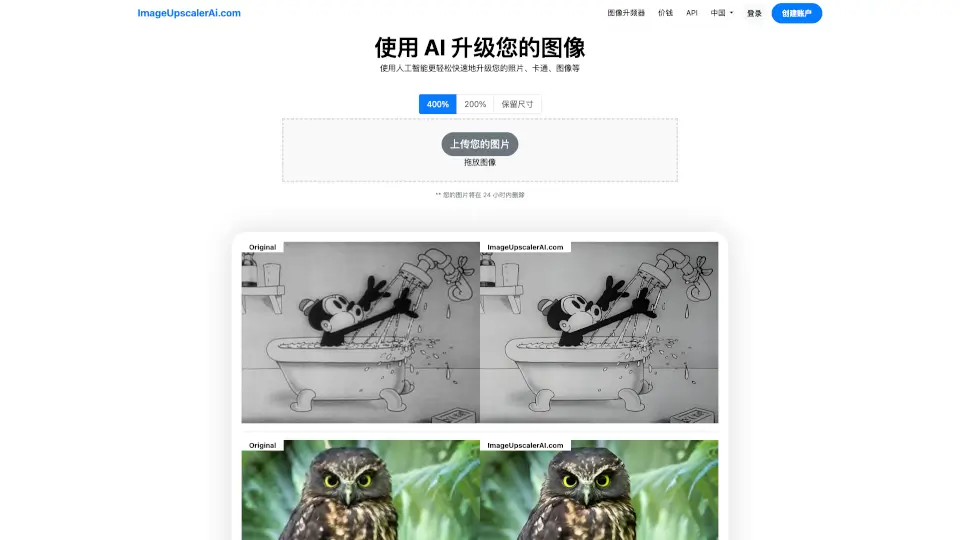
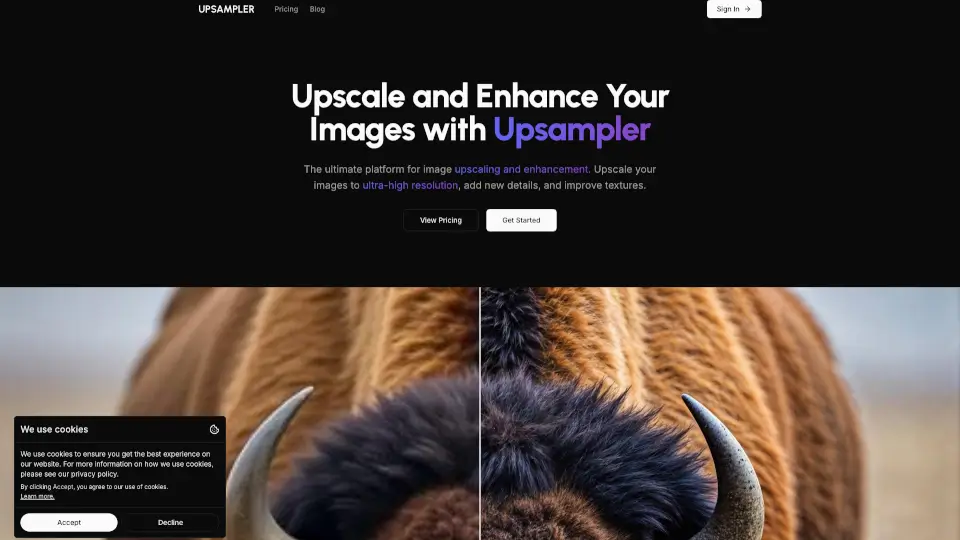
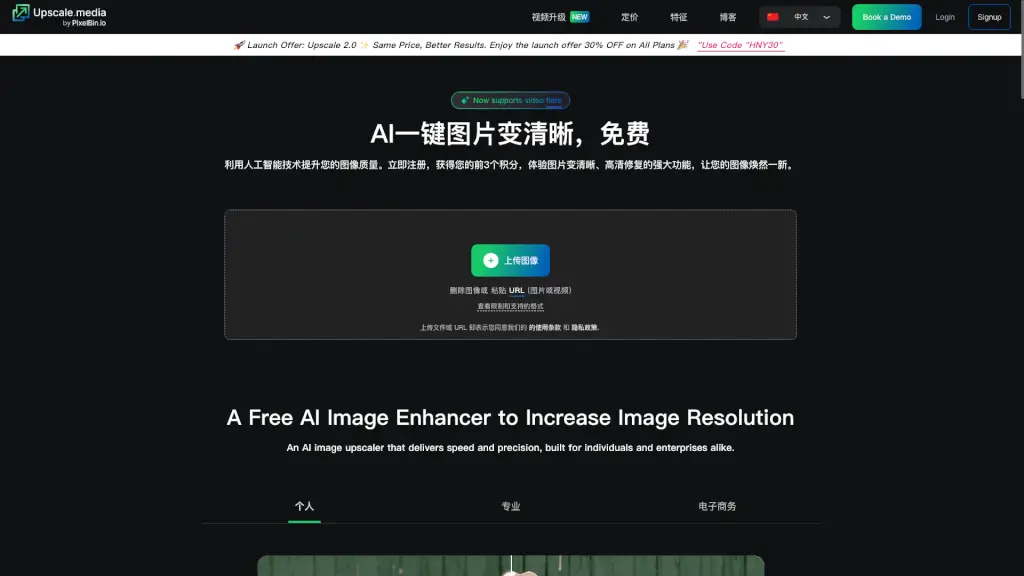
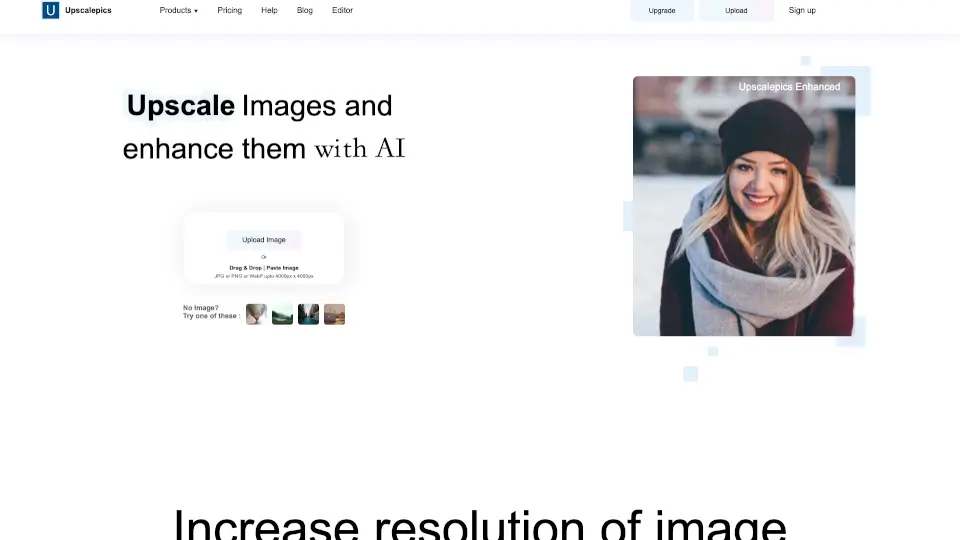
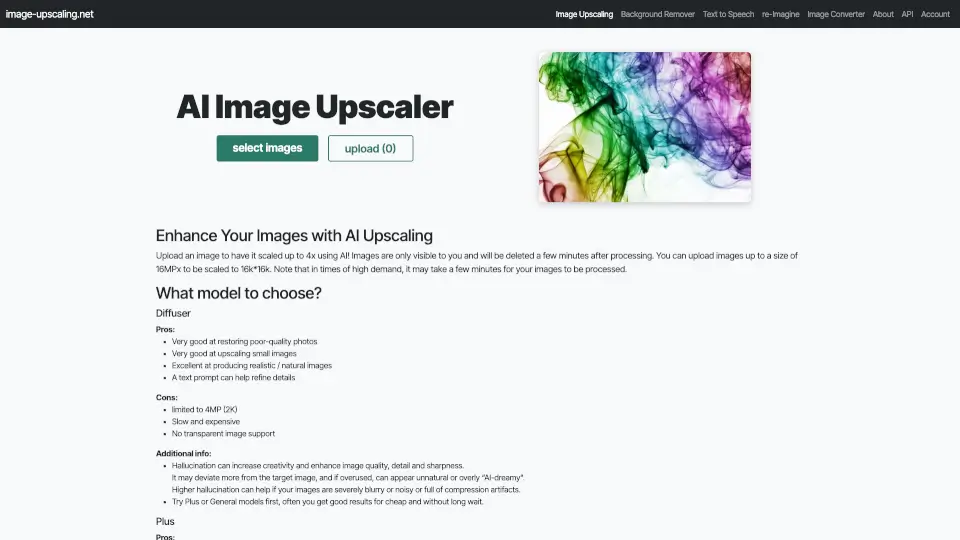
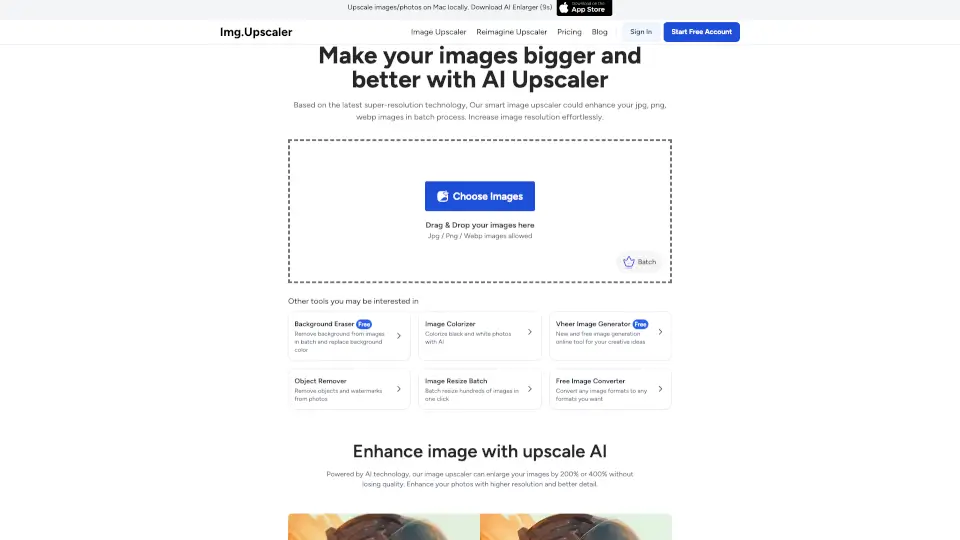
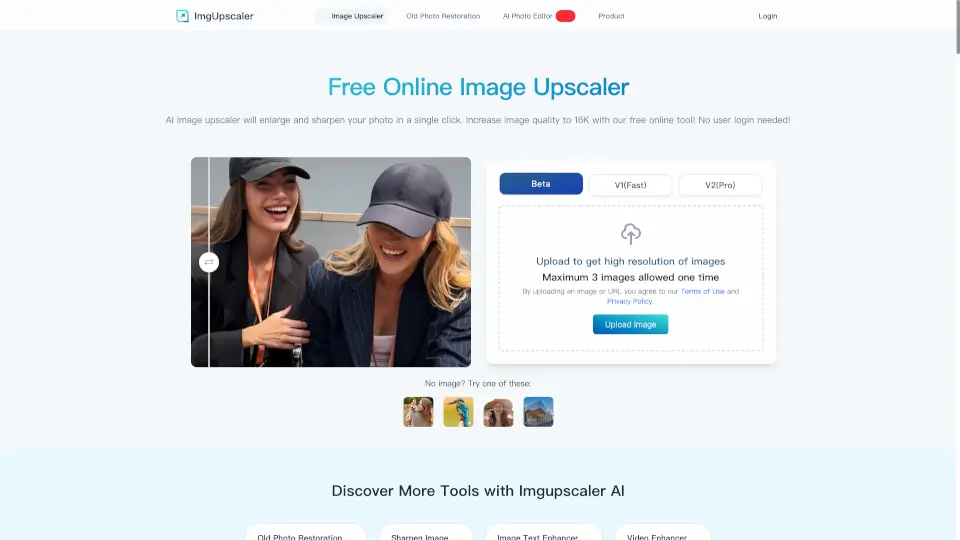
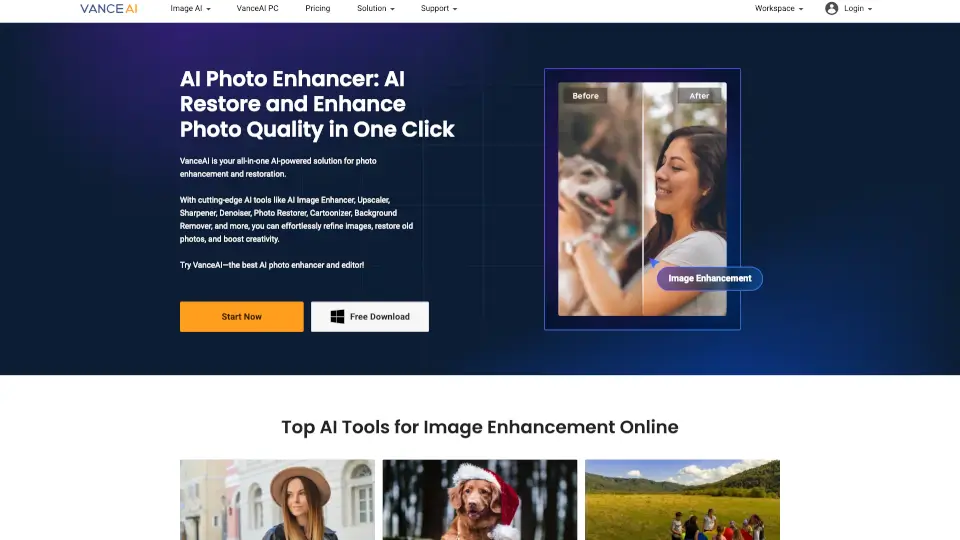
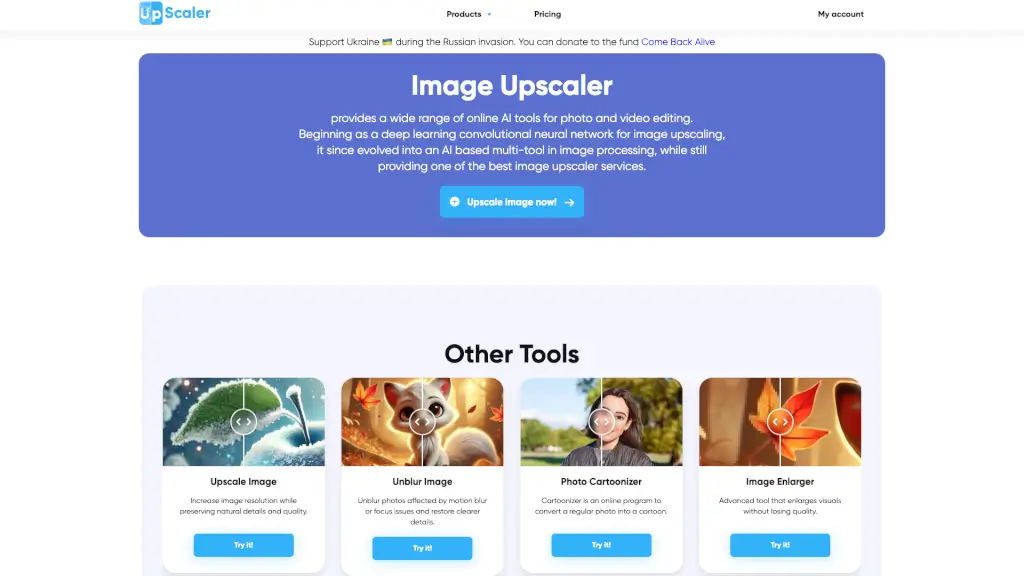
Image Upscaler is your go-to tool for enhancing and improving the quality of your photos and videos. Whether you're a blogger, a student, or a professional, this AI-powered platform offers a wide range of features to upscale, unblur, and transform your visuals. With Image Upscaler, you can easily increase the resolution of your images, remove unwanted objects, and even convert photos into cartoon or anime styles. The best part? It's user-friendly and delivers high-quality results in just seconds.
What are the features of ImageUpscaler?
- Upscale Image: Increase image resolution while preserving natural details and quality.
- Unblur Image: Fix motion blur and focus issues to restore clearer details.
- Photo Cartoonizer: Convert regular photos into cartoon or anime styles.
- Remove Background: Automatically detect and remove the background from any image.
- AI Image Enhancer: Improve image quality with advanced AI technology.
- Inpaint Tool: Remove unwanted objects and clean up faces in photos.
- Video Cartoonizer: Transform short videos into cartoon or anime styles.
- Vintage Filter: Add a classic, nostalgic look to your photos.
What are the use cases of ImageUpscaler?
- Blogger and Social Media Enthusiasts: Enhance and transform images for Instagram, Facebook, and other platforms.
- E-commerce Owners: Improve product images for better online listings and marketing materials.
- Students and Researchers: Enhance visual content for presentations and reports.
- Photographers and Designers: Refine and upscale images for professional projects.
- Self-Development Coaches: Create engaging and visually appealing content for websites and social media.
- Content Creators: Generate unique images and videos for creative projects.
- Business Professionals: Enhance visuals for presentations, ads, and marketing materials.
- Artists and Illustrators: Convert and enhance digital artwork for various uses.
How to use ImageUpscaler?
- Upload your image or video to the Image Upscaler platform.
- Choose the specific tool you want to use (e.g., Upscale Image, Unblur Image).
- Adjust any settings or parameters as needed.
- Click the "Process" button and wait a few seconds for the AI to work its magic.
- Download the enhanced image or video directly from the platform.
- Share or use your newly improved visuals on your preferred platform.