
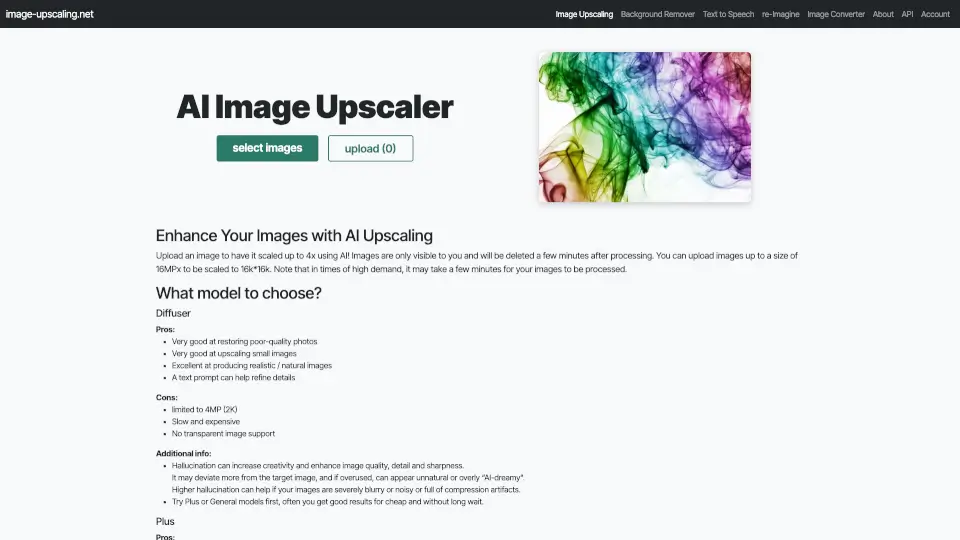
O que é Free AI Image Upscaling Tool?
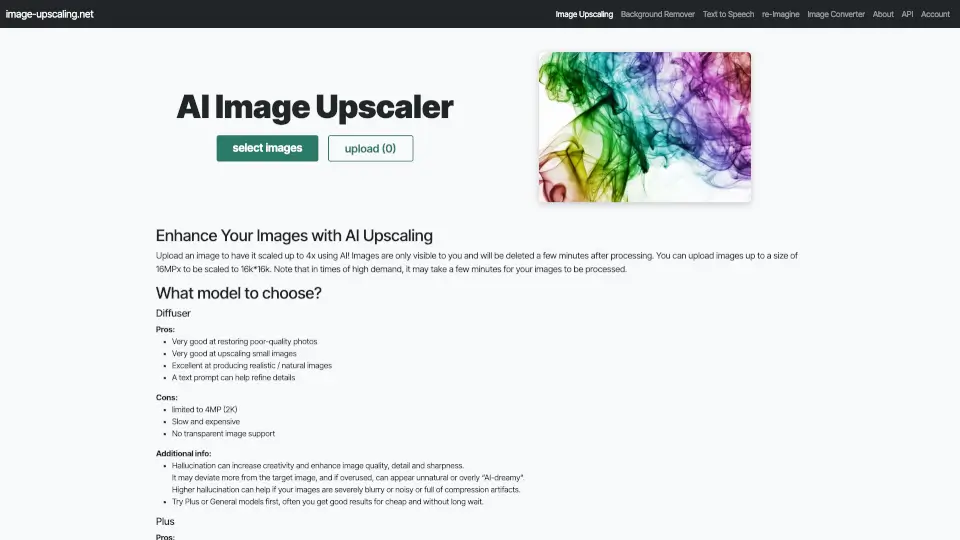
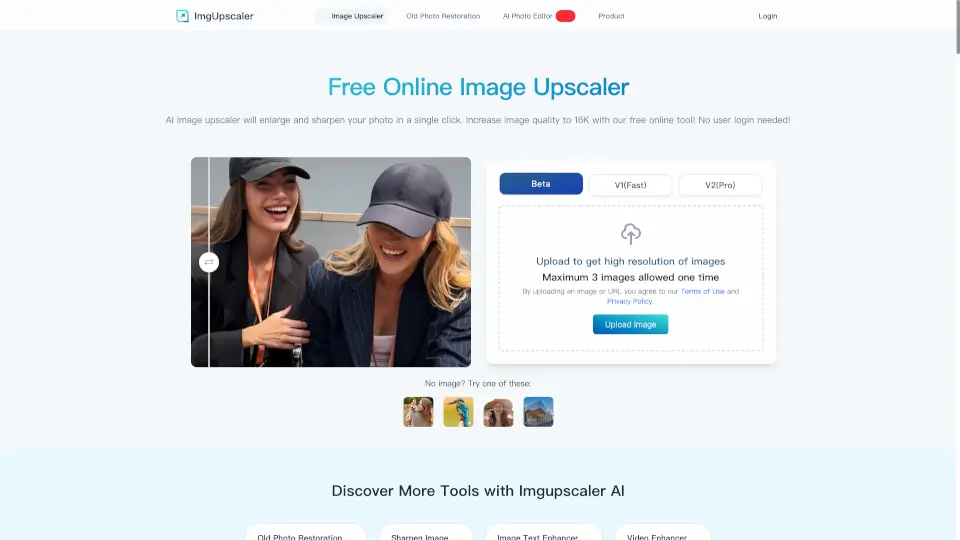
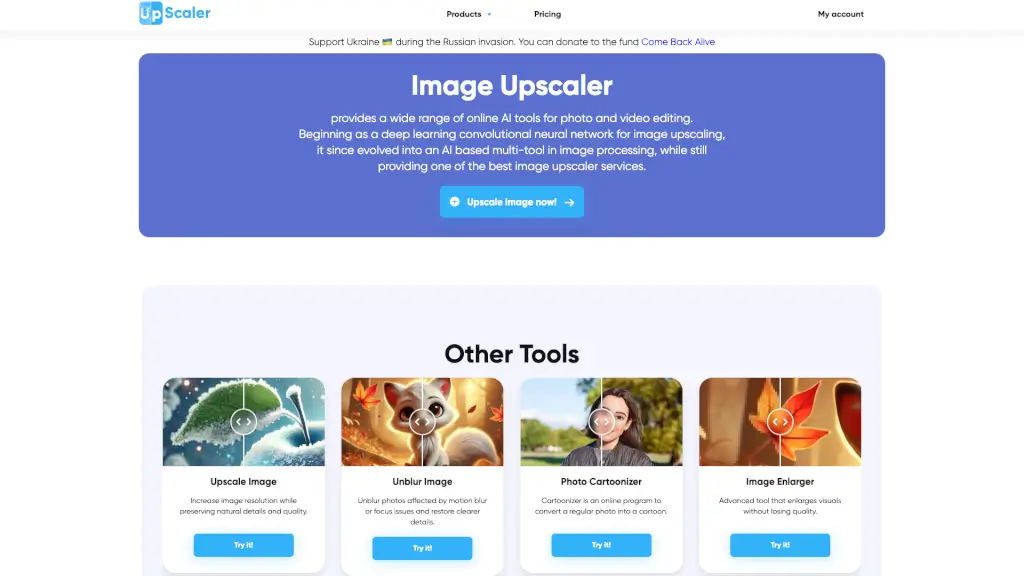
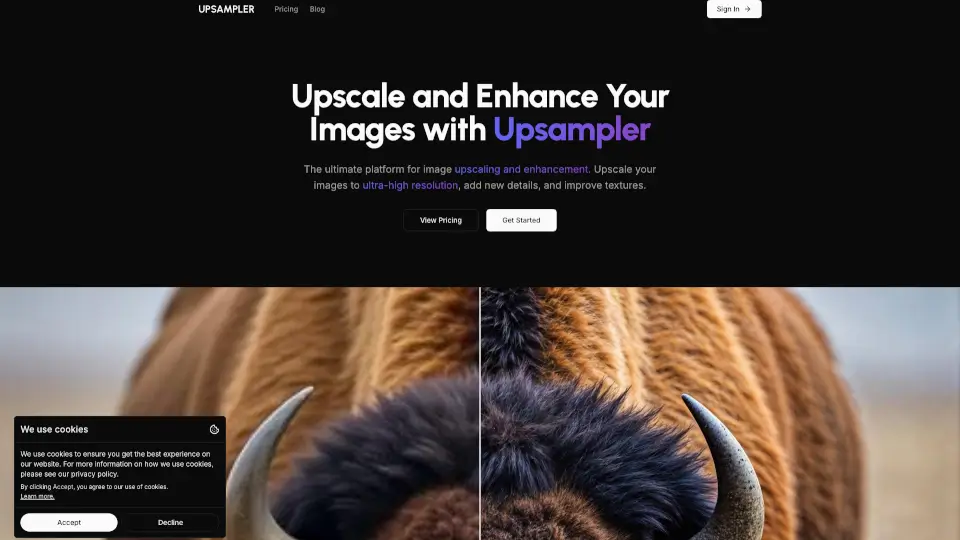
Imagine poder transformar suas fotos e imagens favoritas em versões de alta resolução, sem precisar pagar nada ou se cadastrar. O Free AI Image Upscaler é uma ferramenta online que usa inteligência artificial para aumentar a resolução das suas imagens até 16K, melhorando a qualidade e detalhes. Seja para restaurar fotos antigas, melhorar a nitidez de desenhos ou simplesmente dar um upgrade visual, essa ferramenta é rápida, fácil de usar e totalmente gratuita.
Quais são as características de Free AI Image Upscaling Tool?
- Aumento de Resolução: Aumente a resolução das suas imagens por até 400%, alcançando até 16K.
- Sem Cadastro: Use a ferramenta sem precisar criar uma conta ou fornecer informações pessoais.
- Sem Marcas d'Água: As imagens processadas não terão marcas d'Água, mantendo a integridade visual.
- Restauração Facial: Melhore a nitidez e a aparência de rostos nas suas fotos.
- Vários Modelos: Escolha entre diferentes modelos de IA, como Diffuser, Plus e General, para resultados personalizados.
- Suporte a Imagens Transparentes: Processa imagens com fundo transparente, mantendo a transparência.
Quais são os casos de uso de Free AI Image Upscaling Tool?
- Restaurar fotos antigas e desgastadas, trazendo-as de volta à vida.
- Melhorar a qualidade de imagens pixeladas ou borradas.
- Aumentar a resolução de desenhos e arte digital para impressão ou exibição em telas grandes.
- Preparar imagens para uso em projetos de design gráfico ou web.
- Aumentar a nitidez de capturas de tela e imagens de jogos.
- Melhorar a qualidade de fotos tiradas com câmeras de baixa resolução.
Como usar Free AI Image Upscaling Tool?
- Faça o upload da imagem que deseja escalar.
- Escolha o modelo de IA mais adequado (Diffuser, Plus, General).
- Selecione o fator de aumento desejado (2x, 4x).
- Ative a opção de restauração facial, se necessário.
- Aguarde alguns segundos para o processamento.
- Baixe a imagem upscaled assim que estiver pronta.