
What is VanceAI?
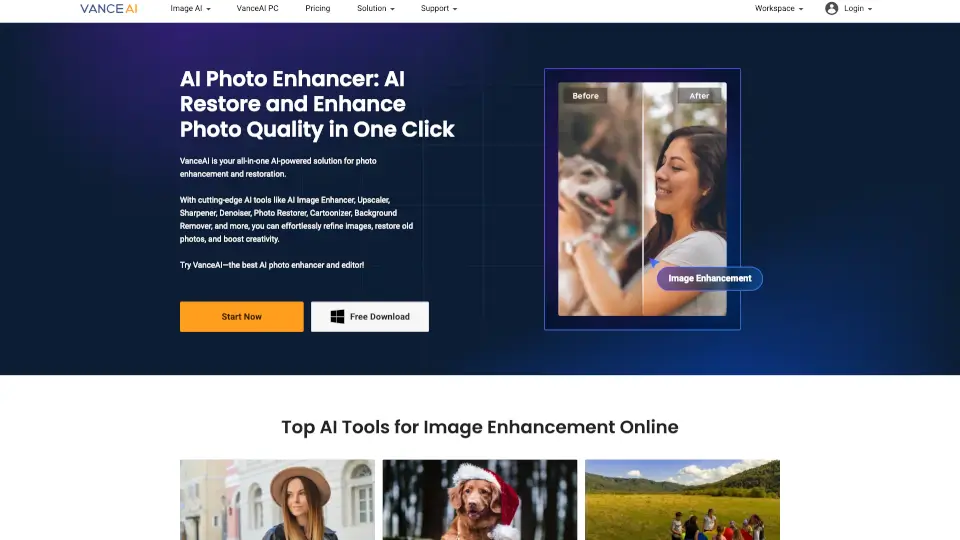
VanceAI is your go-to AI toolkit for transforming photos and videos with ease. Whether you’re fixing blurry images, upscaling low-res pics, or turning photos into cartoons, VanceAI’s smart tools handle it all in seconds. Perfect for photographers, designers, or anyone who wants pro-level edits without the hassle.
What are the features of VanceAI?
- AI Image Enhancer: Fix blurry, grainy, or low-quality photos with one click.
- 8K Upscaler: Boost image resolution up to 40x without losing detail.
- Background Remover: Instantly delete backgrounds for clean, transparent PNGs.
- Photo Restorer: Revive old, scratched photos like new.
- Video Enhancer: Upscale, stabilize, and smooth videos effortlessly.
- Cartoon & Sketch Tools: Turn photos into fun artwork or line drawings.
What are the use cases of VanceAI?
- Photographers: Enhance details and colors in seconds.
- E-commerce: Crisp product images with removed backgrounds.
- Social Media: Create eye-catching cartoon avatars or sketches.
- Family Archives: Restore faded or damaged old photos.
- Content Creators: Improve video quality for a polished look.
How to use VanceAI?
- Upload your image/video to VanceAI’s platform.
- Choose the tool (e.g., Upscaler, Denoiser, Background Remover).
- Adjust settings if needed, then hit "Start Processing."
- Download your enhanced file—no tech skills required!