
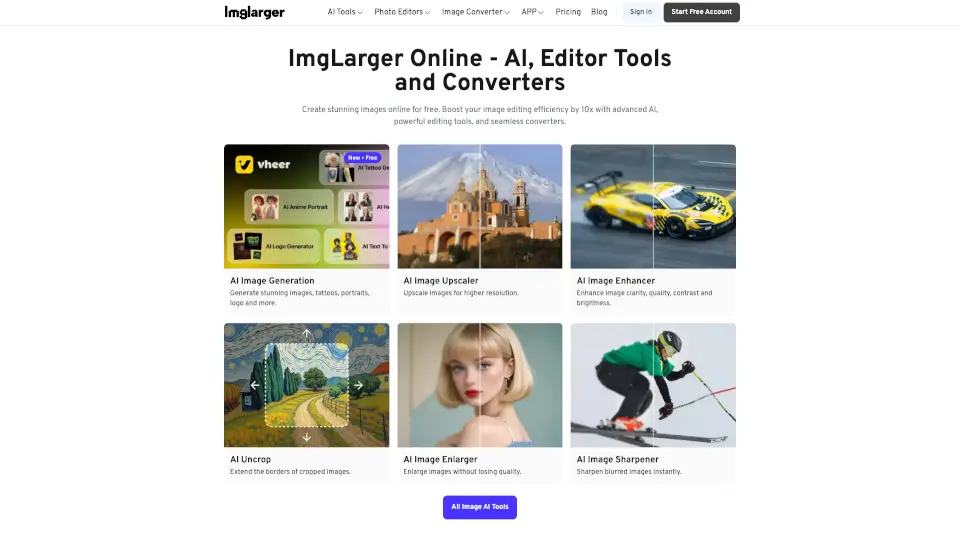
What is AI Image Enlarger?
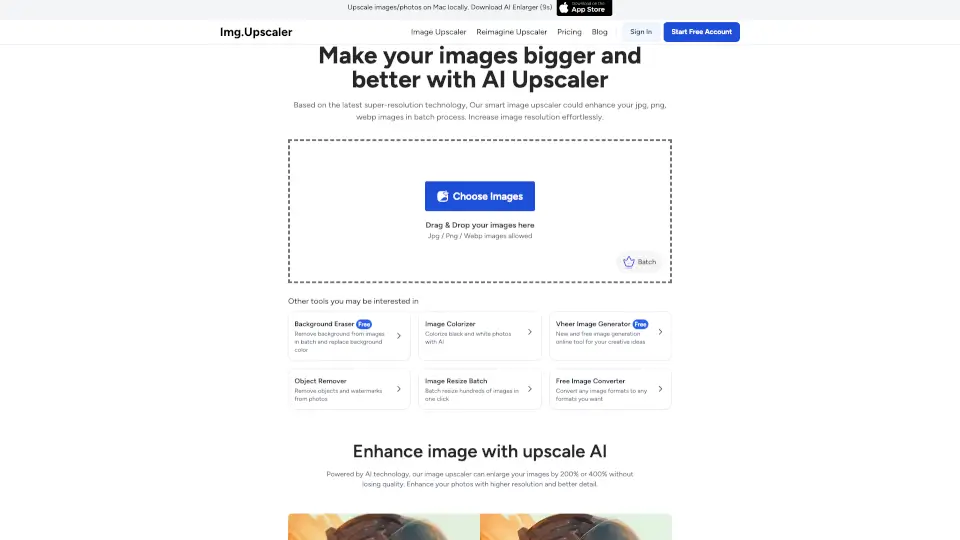
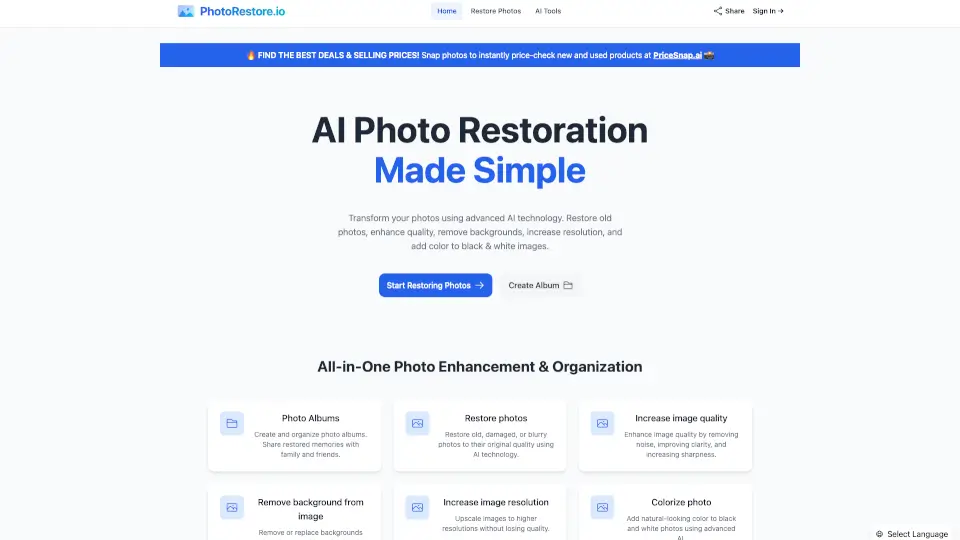
ImgLarger is your all-in-one online solution for breathing new life into old, blurry, or low-resolution photos. Whether you’re restoring faded family memories, upscaling pixelated images, or converting file formats on the fly, ImgLarger uses advanced AI technology to deliver sharp, vibrant, and realistic results—no downloads or sign-ups required.
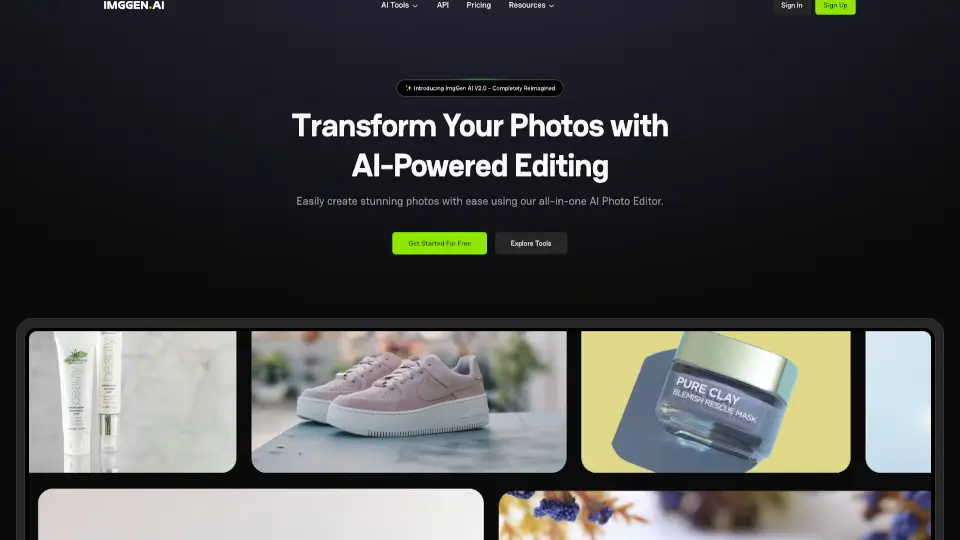
From colorizing black-and-white snapshots to removing backgrounds in seconds, ImgLarger combines powerful enhancement tools with simple editing and conversion features. It’s designed for everyone—from casual users fixing smartphone pics to photographers and designers needing professional-grade upscaling—making high-quality image improvement fast, free, and accessible from any browser.
What are the features of AI Image Enlarger?
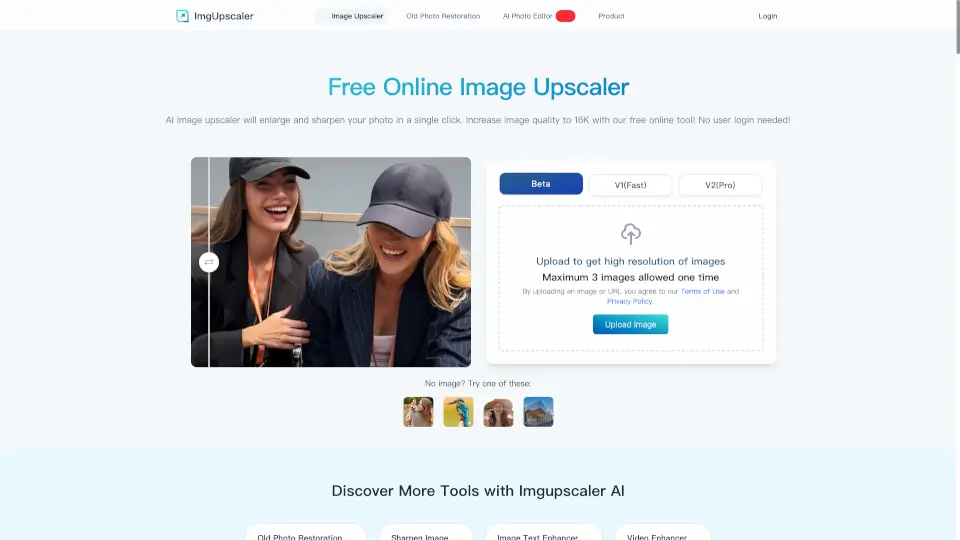
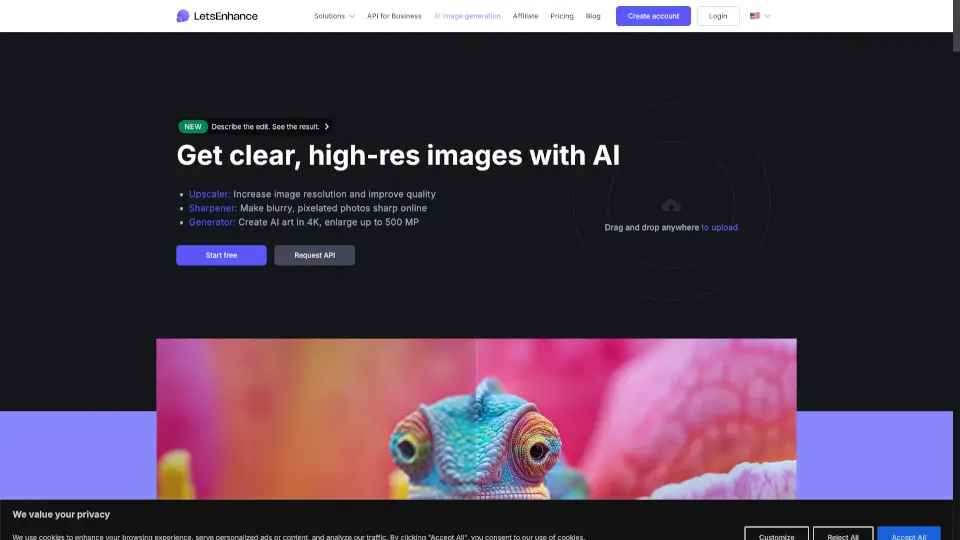
- AI Image Enlarger: Upscale photos by 2x, 4x, or 8x while preserving original details using non-generative super-resolution AI.
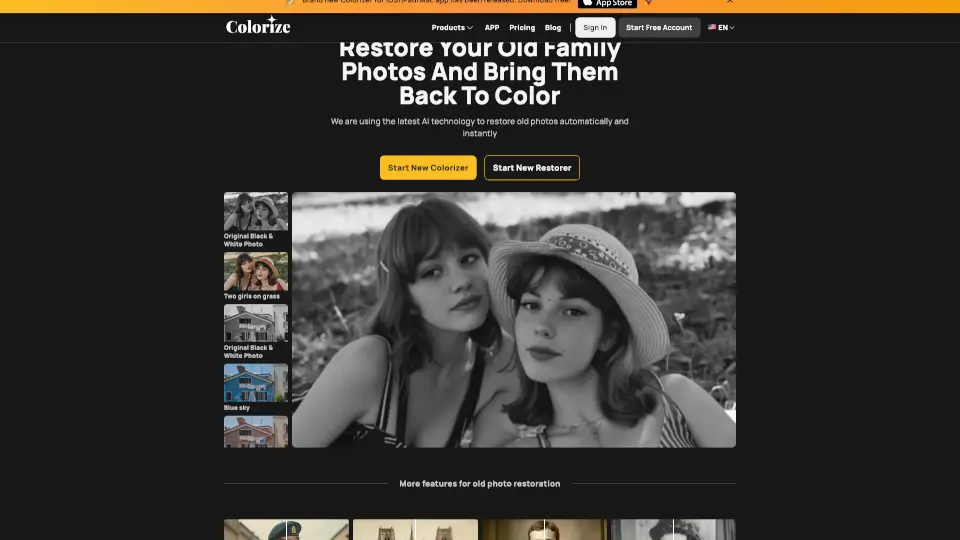
- AI Old Photo Restore: Automatically repair scratches, stains, and fading in vintage photos and add realistic colors to black-and-white images.
- Background Remover: Instantly remove image backgrounds with precision—ideal for portraits, e-commerce, and social media content.
- AI Image Extender (Uncrop): Expand cropped photos by generating realistic new background content using generative AI outpainting.
- Batch Processing: Enhance or convert hundreds of images at once, saving time for bulk projects.
- Free Online Editor & Converter: Crop, rotate, adjust brightness/contrast, and convert between JPG, PNG, WEBP, HEIC, and more—all in-browser and 100% free.
What are the use cases of AI Image Enlarger?
- Restore and colorize a decades-old family photo for a birthday gift
- Upscale a low-res product image for an online store without losing clarity
- Remove the background from a portrait to create a clean profile picture
- Extend a tightly cropped landscape photo to fit a widescreen social media post
- Convert a batch of HEIC iPhone photos to JPG for easy sharing via email
- Sharpen a blurry screenshot before including it in a presentation or blog
- Enhance old scanned documents or photos with AI denoising and detail recovery
How to use AI Image Enlarger?
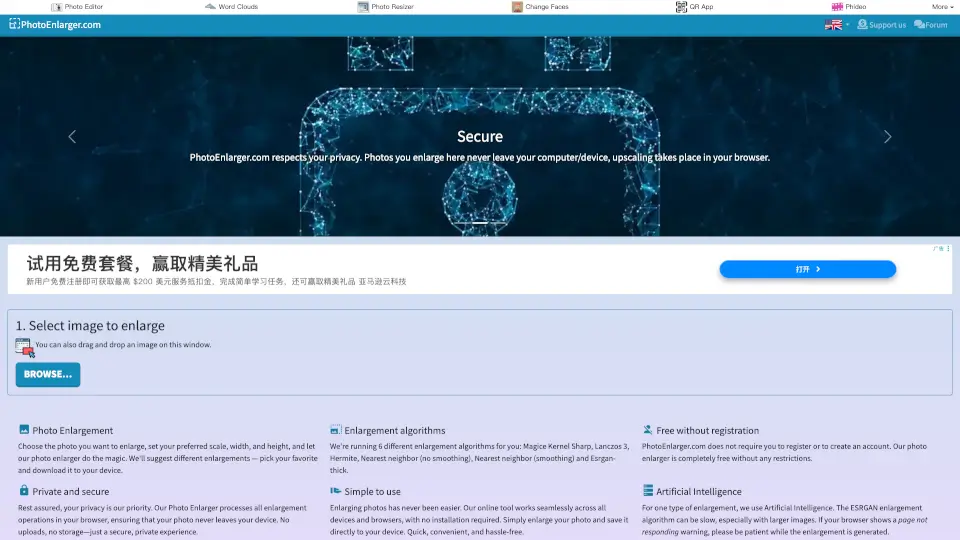
- Upload your image directly to ImgLarger’s website—no account needed for basic tools.
- Choose the right AI tool (e.g., “AI Image Enlarger” for upscaling, “AI Colorizer” for old photos).
- Select your desired enhancement level (free users get 2x–4x upscaling; 8x requires premium).
- Preview the before-and-after result instantly in your browser.
- Download your enhanced image in your preferred format—no watermark included.
- For mobile use, download the PhotoAI app (available for iPhone) to access key features on the go.