
AI Image Enlarger logo

AI Image Enlarger

110
5.0
(0 Reviews)
France9.10%

ImgLarger is a free, browser-based AI image enhancer that upscales, restores, edits, and converts photos without losing quality.

Added on: 2025.03.13 · Updated on: 2026.06.04
Social Media:
AI Image Enlarger

AI Image Enlarger Product Information

What is AI Image Enlarger?

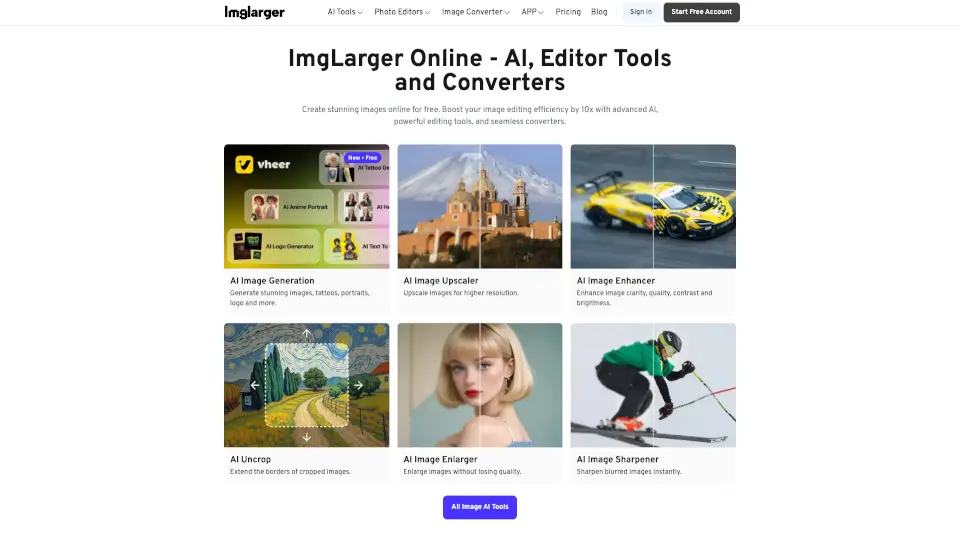
ImgLarger is your all-in-one online solution for breathing new life into old, blurry, or low-resolution photos. Whether you’re restoring faded family memories, upscaling pixelated images, or converting file formats on the fly, ImgLarger uses advanced AI technology to deliver sharp, vibrant, and realistic results—no downloads or sign-ups required.

From colorizing black-and-white snapshots to removing backgrounds in seconds, ImgLarger combines powerful enhancement tools with simple editing and conversion features. It’s designed for everyone—from casual users fixing smartphone pics to photographers and designers needing professional-grade upscaling—making high-quality image improvement fast, free, and accessible from any browser.

What are the features of AI Image Enlarger?

  • AI Image Enlarger: Upscale photos by 2x, 4x, or 8x while preserving original details using non-generative super-resolution AI.
  • AI Old Photo Restore: Automatically repair scratches, stains, and fading in vintage photos and add realistic colors to black-and-white images.
  • Background Remover: Instantly remove image backgrounds with precision—ideal for portraits, e-commerce, and social media content.
  • AI Image Extender (Uncrop): Expand cropped photos by generating realistic new background content using generative AI outpainting.
  • Batch Processing: Enhance or convert hundreds of images at once, saving time for bulk projects.
  • Free Online Editor & Converter: Crop, rotate, adjust brightness/contrast, and convert between JPG, PNG, WEBP, HEIC, and more—all in-browser and 100% free.

What are the use cases of AI Image Enlarger?

  • Restore and colorize a decades-old family photo for a birthday gift
  • Upscale a low-res product image for an online store without losing clarity
  • Remove the background from a portrait to create a clean profile picture
  • Extend a tightly cropped landscape photo to fit a widescreen social media post
  • Convert a batch of HEIC iPhone photos to JPG for easy sharing via email
  • Sharpen a blurry screenshot before including it in a presentation or blog
  • Enhance old scanned documents or photos with AI denoising and detail recovery

How to use AI Image Enlarger?

  • Upload your image directly to ImgLarger’s website—no account needed for basic tools.
  • Choose the right AI tool (e.g., “AI Image Enlarger” for upscaling, “AI Colorizer” for old photos).
  • Select your desired enhancement level (free users get 2x–4x upscaling; 8x requires premium).
  • Preview the before-and-after result instantly in your browser.
  • Download your enhanced image in your preferred format—no watermark included.
  • For mobile use, download the PhotoAI app (available for iPhone) to access key features on the go.
Do you like this tool?

Upvote to help others discover it!

AI Image Enlarger Alternatives

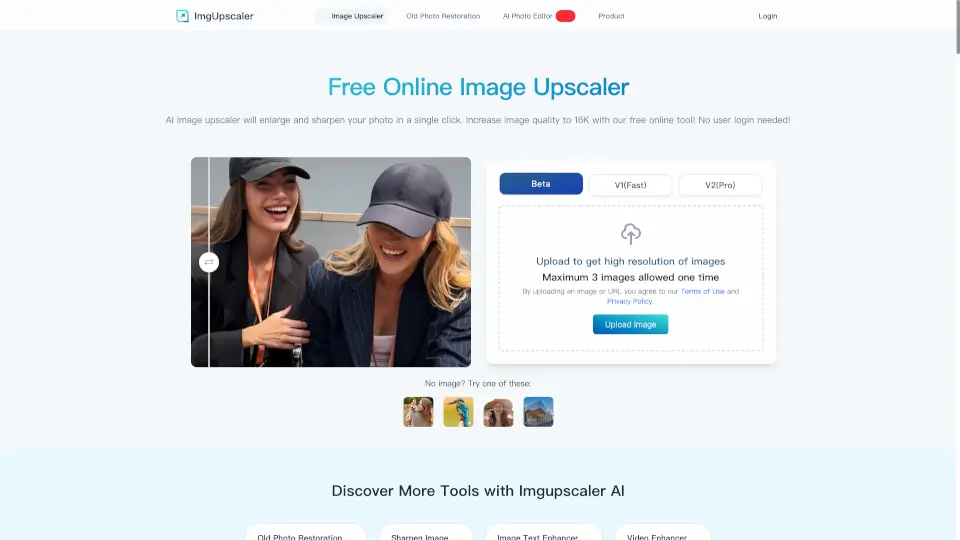
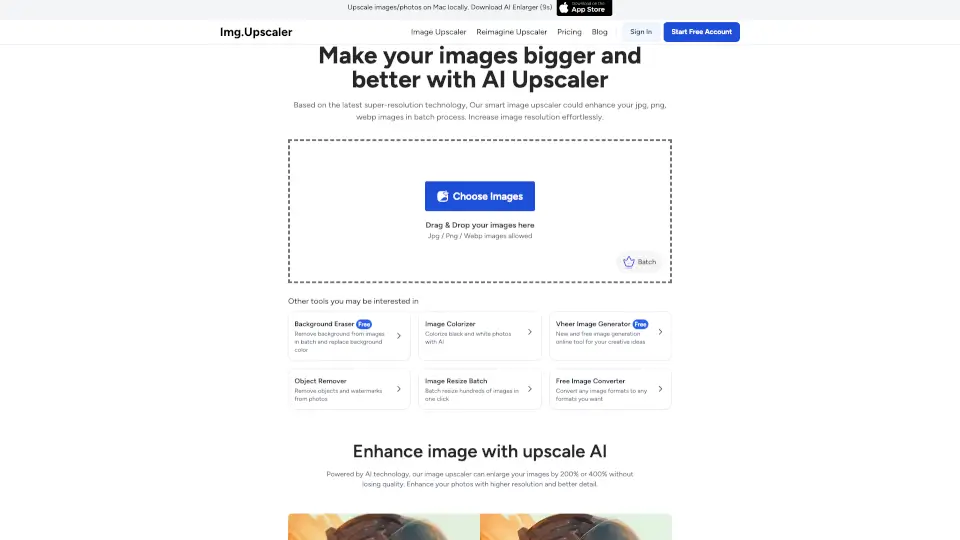
ImgUpscaler

AI Image Upscaler makes tiny pics big and clear—fast, free, and fuss-free. Perfect for social media, printing, or fixing old photos.

IN
14.23%
|
2.6M
|
5.0
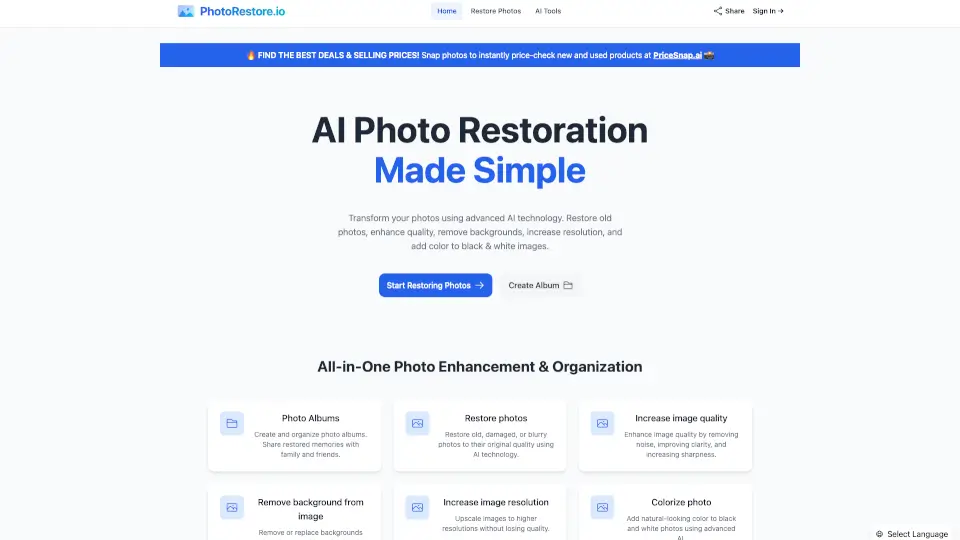
PhotoRestore.io

PhotoRestore.io makes photo restoration easy and free—repair, enhance, and share memories like new.

IN
40.15%
|
32.3K
|
4.0
Imagecolorizer

ImageColorizer is the ultimate tool for restoring and colorizing old photos, making it easy to relive cherished memories with vibrant, high-quality images.

US
39.71%
|
139.7K
|
5.0
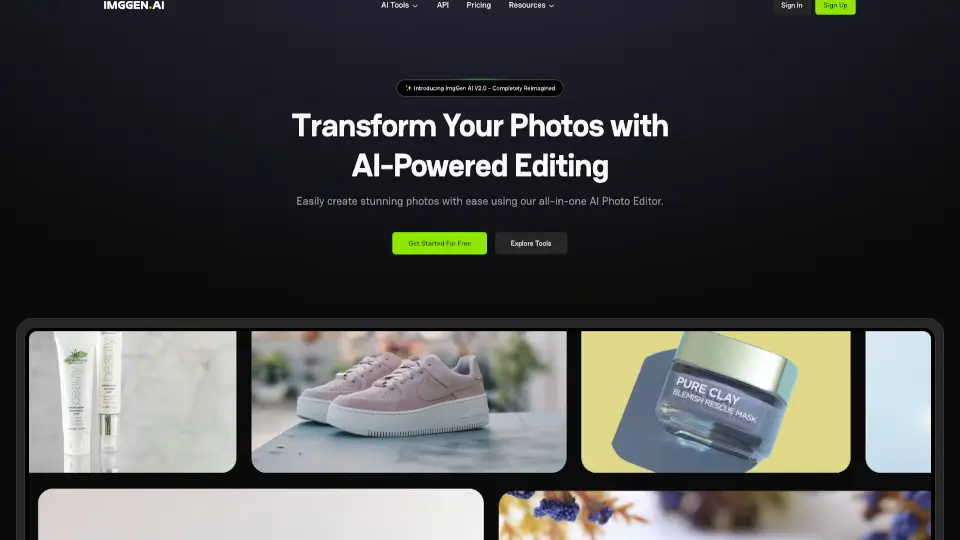
ImgGen AI

ImgGen AI makes photo editing easy, fast, and free—perfect for creators, businesses, and anyone who loves great visuals.

US
18.47%
|
80.8K
|
5.0
Imgupscaler AI

Imgupscaler.ai is the easiest way to upscale, sharpen, and enhance images for free. Perfect for photos, designs, and social media—no skills required!

US
12.94%
|
2.6M
|
5.0
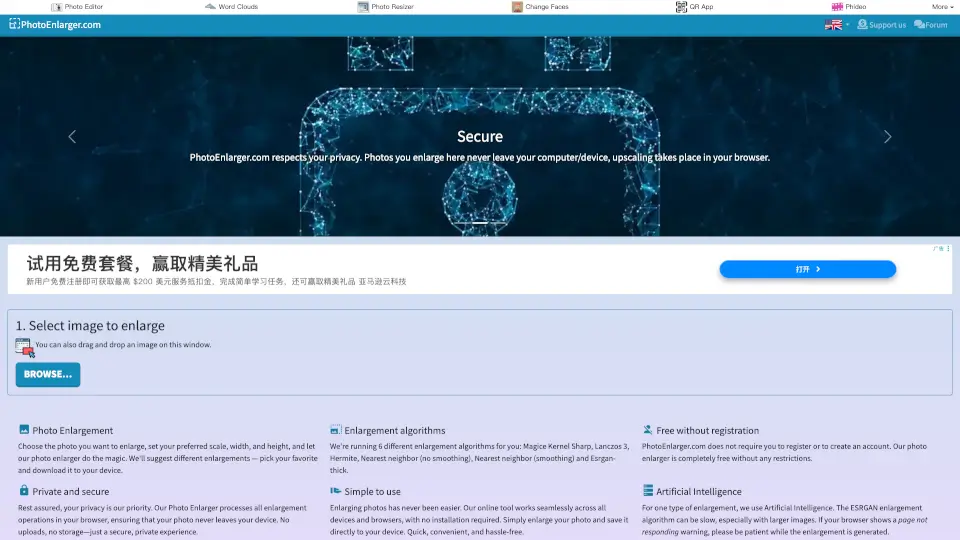
PhotoEnlarger.com

PhotoEnlarger.com is the easiest way to upscale photos for free, with 6 algorithms (including AI) and total privacy. No uploads, no fuss—just bigger, better images.

US
28.29%
|
84.9K
|
5.0
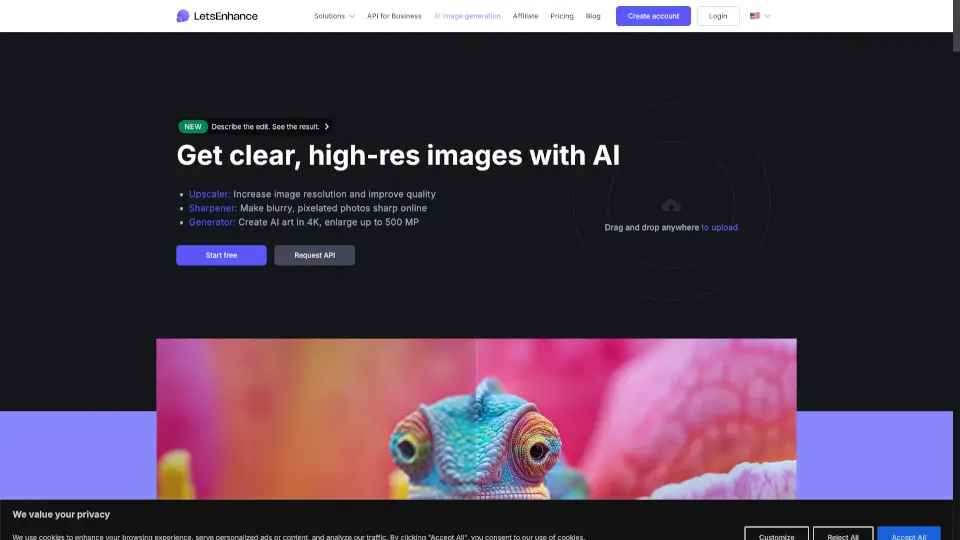
Let's Enhance

Let’s Enhance uses advanced AI to upscale, sharpen, and restore images naturally—delivering print-ready, high-resolution results without the artificial look.

US
15.89%
|
1.1M
|
5.0
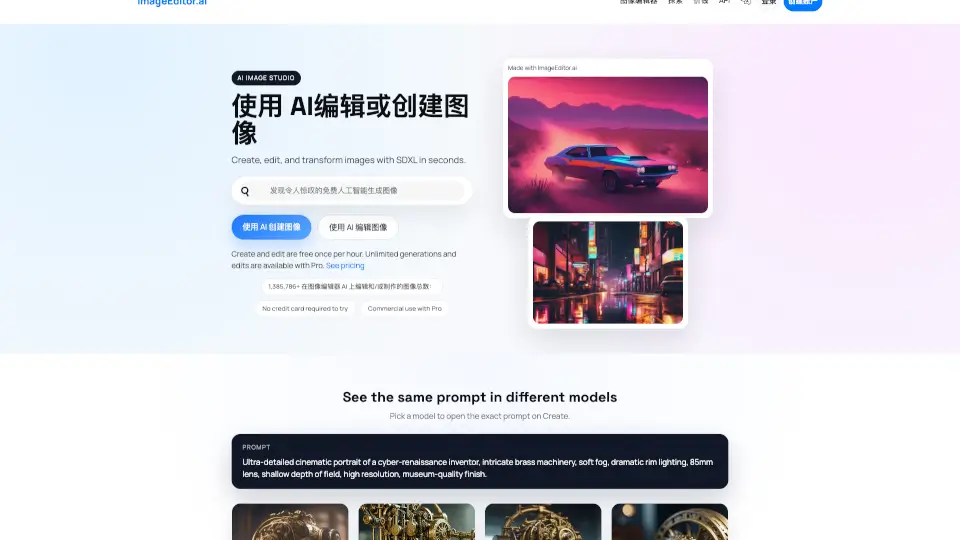
Imageeditor.ai

ImageEditor.AI is a powerful AI image editor that lets you create, edit, and enhance images instantly with simple text prompts.

RU
32.71%
|
48.2K
|
4.0
AI Image Enlarger Related Other Categories

AI Image Enlarger Traffic Analysis

💡 Insights

Medium Scale
100K-1M monthly visits. Growing tool with active development.
📉
Traffic Decline
Significant traffic drop recently. Check for alternatives.
💎
High Stickiness
Low bounce rate (37%) and deep engagement (3.4 pages/visit). Excellent user experience.
🌐
Global Reach
Balanced user distribution worldwide.
  • Monthly Visits

    381.53K

  • Bounce Rate

    37.37%

  • Pages Per Visit

    3.44

  • Visit Duration

    00:00:30

  • Global Rank

    108361

  • Country Rank

    11103

Visits Over Time

Traffic Sources

Direct48.97%
SearchOrganic41.68%
Referrals4.95%
SocialOrganic2.75%
GenAi0.92%
DisplayAds0.31%
Affiliate0.17%
Mail0.15%
SearchPaid0.10%
SocialPaid0.00%

Top Keywords

1
imglarger
CPC$0.21
5.92KTraffic
2
image enlarger
CPC$1.41
2.27KTraffic
3
ai image enlarger
CPC$1.37
1.12KTraffic
4
image enhancer
CPC$0.22
1.03KTraffic
5
ai enlarger
CPC$0.54
750Traffic

Top Regions

RegionPercentage
France
France
9.10%
India
India
8.96%
Russia
Russia
4.83%
United States
United States
4.82%
South Korea
South Korea
3.91%
Low
High

AI Image Enlarger FAQ

What is the difference between Image Enlarger and AI Image Upscaler?

What can we do with AI Image Enlarger?

How does Imglarger maintain the quality of enlarged images?

Can I customize the level of image upscaling?

What is the maximum image size supported by AI Enlarger?

How to remove noise from an image?

Why use AI Face Retouch to touch up your face?

What image formats does this photo enlarger support?

Can I remove backgrounds from photos with Imglarger?

Is it possible to enhance photo quality on my iPhone?

AI Image Enlarger Reviews

0

0

0 Reviews
Sign Into leave a review

Recent Reviews

No reviews yet

AI Image Enlarger Embed

Use website badges to drive community support for SeekTool.ai. They are easy to embed in your homepage or footer.

Light
Dark
AI Image Enlarger - Featured on SeekTool.aiAI Image Enlarger - Featured on SeekTool.ai
How to install?

Looking for AI Image Enlarger Alternatives?

Compare top AI tools similar to AI Image Enlarger. Find the best option for your needs.

View Alternatives

Reviews

0.0

Share your experience with this tool...

Trending

Featured

Subscribe to our AI Newsletter

Get the top AI stories delivered to your inbox weekly.