
Upsampler logo

Upsampler

5.0
(0 Reviews)
United States13.26%

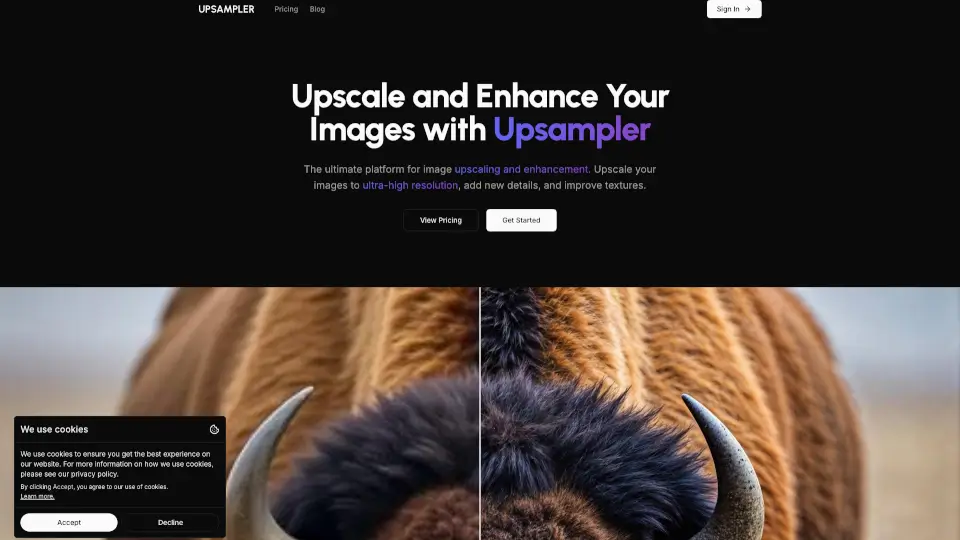
Generate, upscale, and edit images or turn them into videos with Upsampler's all-in-one AI platform featuring 43+ advanced models.

Verified by SeekTool
Social Media:
Upsampler

Upsampler Product Information

What is Upsampler?

Upsampler is the all-in-one platform that gives you access to the world's best AI models for generating, upscaling, and editing images and videos. Whether you're creating visuals from scratch, enhancing low-resolution photos, or turning images into stunning videos, everything runs in your browser. No downloads, no installs—just pick your model, upload your content, and get professional-quality results in minutes.

What are the features of Upsampler?

  • Image Generation: Create brand-new images from text prompts and reference images using 43 different AI models, including Nano Banana, Imagen 3, and Imagen 4.
  • Creative Upscale: Regenerate images at higher resolution with intelligent detailing. Perfect for making AI-generated images more realistic, especially with tricky elements like text, hands, and intricate patterns.
  • Precise Upscale: Sharpen and upscale images while faithfully preserving original content. Great for real photos, manga, and anime where accuracy matters most.
  • Image Editing: Edit images at full resolution using text prompts and optional masking. Remove imperfections, add elements, or refine details without quality loss.
  • Video Generation: Turn text prompts or existing images into videos using advanced AI models like Wan 2.2 and Happy Horse.
  • Video Upscaling: Boost video resolution up to crisp 4K with frame-by-frame super-resolution that keeps motion stable and textures sharp.

What are the use cases of Upsampler?

  • Realistic Portraits: Enhance AI-generated portraits with Creative Upscale for better skin texture, realistic features, and fine detail.
  • Architecture & Interior Design: Bring architectural renders and interior concepts to life with added detail and realism.
  • Anime & Illustrations: Add sharpness, new details, and vibrant colors to digital artwork without altering the original composition.
  • Game Assets: Upscale game graphics to improve sharpness and add intricate details for a more polished look.
  • Text-Heavy Images: Use Precise Upscale on images containing text to preserve symbol legibility and avoid distortion.

How to use Upsampler?

  • Start creating: Click "Get Started" and choose your task—generate, upscale, edit, or create video.
  • Select your model: Browse the available AI models to find the best fit for your project (e.g., Stable Diffusion for illustrations, Flux for realism).
  • Upload or describe: Either upload a file or type a text prompt describing what you want to create or change.
  • Adjust settings: For upscaling, decide between Creative Upscale (adds new detail) or Precise Upscale (preserves original content).
  • Process and download: Hit the button, wait for processing, and download your final high-resolution image or video.

Do you like this tool?

Upvote to help others discover it!

Upsampler Alternatives

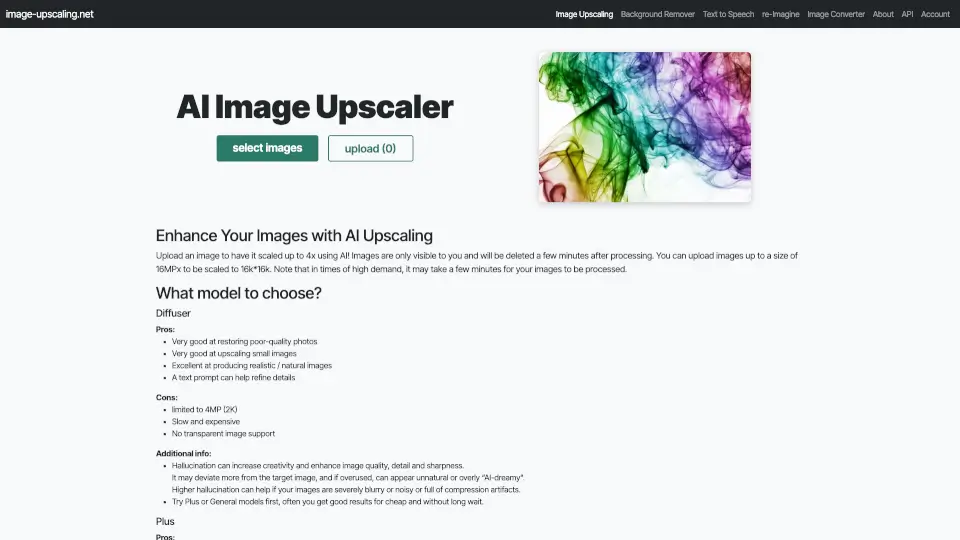
ImageUpscaler

ImageUpscaler

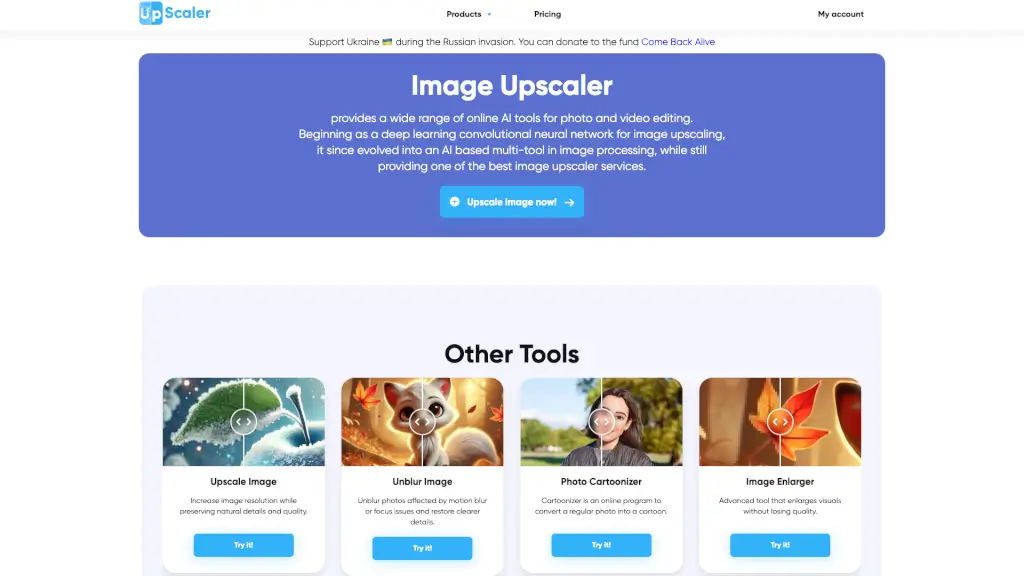
Enhance and transform your images and videos with Image Upscaler, the AI-powered platform for upscaling, unblurring, and more.

US
13.68%
1.7M
5.0
Free AI Image Upscaling Tool

Free AI Image Upscaling Tool

Enhance your images with our Free AI Image Upscaler—no sign-up, no watermarks, and up to 16K resolution. Perfect for restoring old photos and improving digital art.

US
15.71%
696.6K
5.0
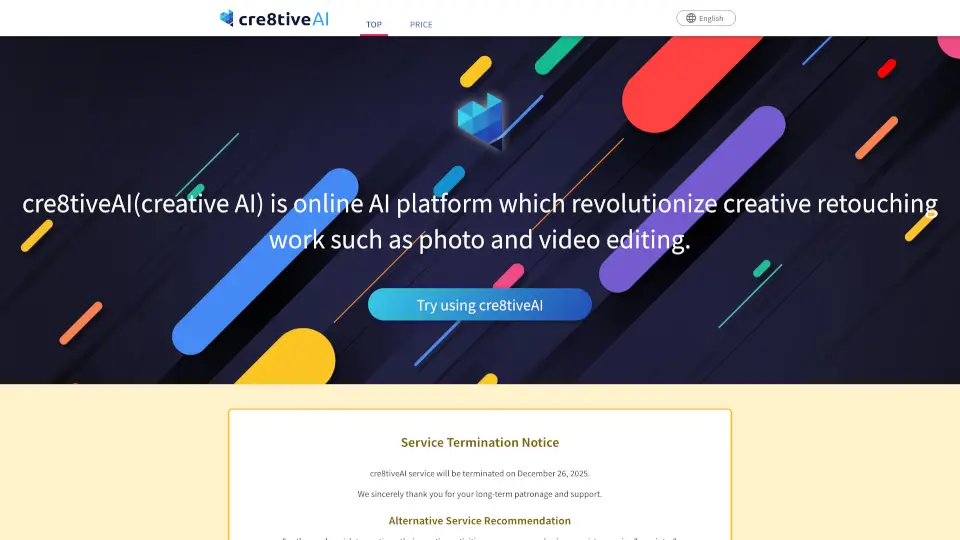
Cre8tiveAI

Cre8tiveAI

cre8tiveAI is a versatile AI platform that makes photo, illustration, and video editing fast, easy, and accessible for everyone.

RU
11.19%
40.9K
4.0
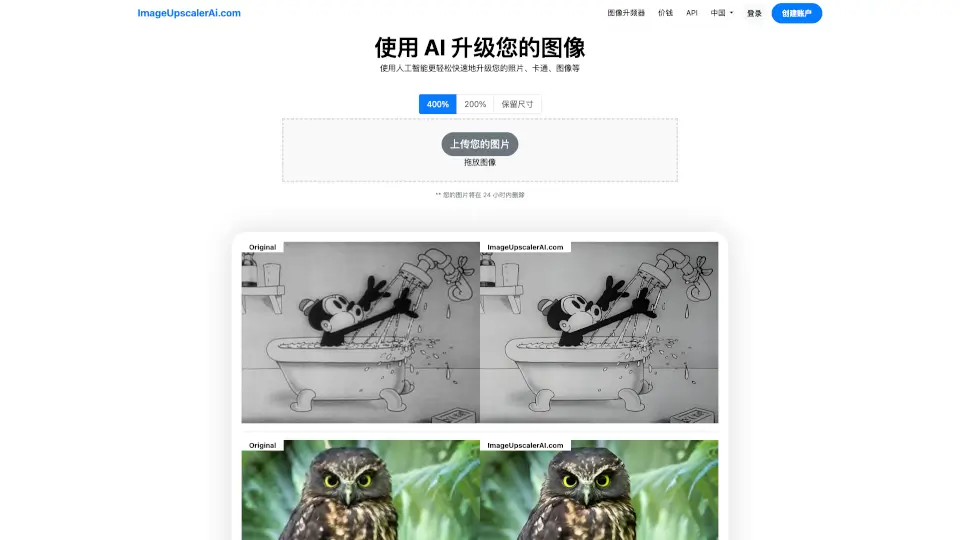
Image Upscaler

Image Upscaler

ImageUpscalerAI.com is a free, AI-powered image upscaler that enhances photo quality up to 400% quickly, easily, and with strong privacy protections.

IT
24.01%
7.0K
3.0
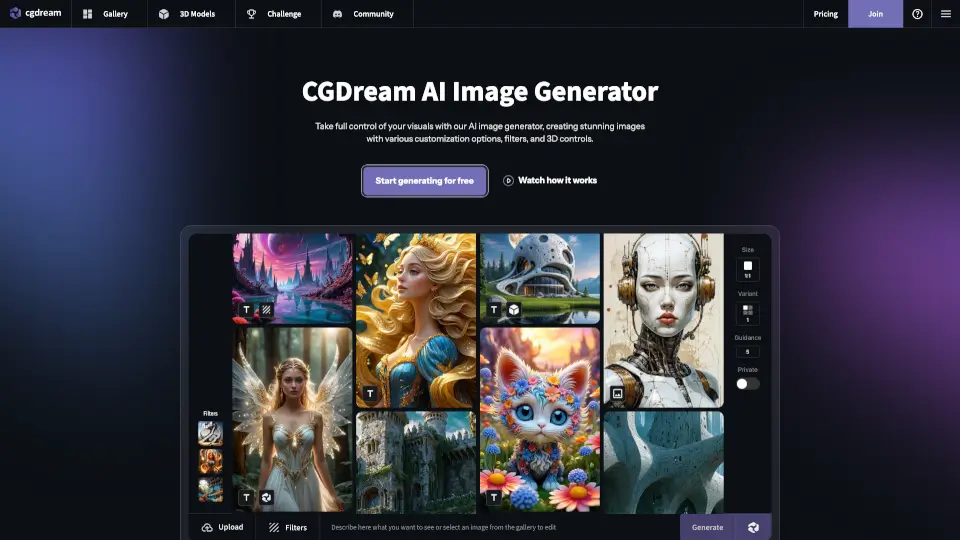
CGDream

CGDream

CGDream is a free, browser-based AI image generator that transforms text, photos, or 3D models into unique, high-quality visuals with professional editing tools.

US
22.69%
217.0K
5.0
Viva

Viva

Vivago.ai is a free, all-in-one AI platform for generating and editing high-quality images and 4K videos using intuitive text or image prompts.

US
23.34%
747.2K
5.0
Dezgo

Dezgo

Dezgo is a free online AI image and video generator that transforms text prompts into high-quality visuals in any style—from realistic photos to animated clips—using cutting-edge models like Happy Horse and Flux.

US
25.14%
192.3K
5.0
Upscale.media

Upscale.media

Upscale.media 是一款强大的 AI 图像增强工具,可以帮助您免费放大和增强照片,提升图像质量和分辨率,适用于个人和商业用途。

MX
12.02%
3.2M
5.0

Upsampler Related Other Categories

Upsampler Traffic Analysis

💡 Insights

Medium Scale
100K-1M monthly visits. Growing tool with active development.
📉
Traffic Decline
Significant traffic drop recently. Check for alternatives.
👍
Good Experience
Bounce rate of 44%. Users are willing to explore features.
🌐
Global Reach
Balanced user distribution worldwide.
  • Monthly Visits

    312.91K

  • Bounce Rate

    44.29%

  • Pages Per Visit

    2.35

  • Visit Duration

    00:01:01

  • Global Rank

    157783

  • Country Rank

    127966

Visits Over Time

Traffic Sources

Search Organic44.97%
Direct41.07%
Social Organic5.81%
Gen Ai4.66%
Referrals3.32%
Display Ads0.15%
Search Paid0.02%
Social Paid0.00%
Affiliate0.00%

Top Keywords

1
upsampler
CPC$0.93
6.84KTraffic
2
upsampler ai
CPC$0.10
4.21KTraffic
3
free ai video generator with no restrictions
CPC$1.53
1.07KTraffic
4
upsampler free ai video generator
930Traffic
5
ai video generator free no sign up
CPC$1.42
370Traffic

Top Regions

RegionPercentage
United States
United States
13.26%
India
India
8.93%
United Kingdom
United Kingdom
8.50%
Brazil
Brazil
5.24%
Germany
Germany
5.23%
Low
High

Powered by SimilarWeb

Upsampler FAQ

What is Upsampler and how does it enhance my images? What tools can I use? Does it focus on upscaling?

Upsampler is an all-in-one AI platform that does far more than just upscaling. You can generate images from text, upscale images and videos to 4K, edit images with prompts and masking, and create videos from scratch. So no, it's not just for upscaling—it's a complete creative toolkit.

How does Upsampler's AI image upscaling actually work?

It uses advanced AI models to analyze your image and intelligently add missing detail. Creative Upscale regenerates the image at higher resolution by guessing what new pixels should look like, making it great for AI art. Precise Upscale sharpens and reduces noise while keeping the original image as accurate as possible.

Is there a public upscaling API for Upsampler?

Yes, Upsampler offers a public API for upscaling. You can check their API documentation or contact their team for integration details.

Why isn't Upsampler completely free to use?

Running high-quality AI models costs significant computing power. The platform offers free credits or a trial to get started, but subscriptions are needed for ongoing access to premium features and advanced models.

What is the difference between "Creative Upscale" and "Precise Upscale"?

Creative Upscale adds new details and makes AI-generated images look more realistic—great for portraits and fantasy art. Precise Upscale stays true to the original image, sharpening and removing noise without changing content—ideal for real photos and text-heavy images.

Who can benefit from using Upsampler?

Anyone who works with visuals—digital artists, game developers, graphic designers, content creators, architects, anime fans, and even beginners just wanting to improve their personal photos. The platform is designed for both professionals and hobbyists.

What is "Image Edit" and how can it help me?

Image Edit lets you modify your images using text prompts and optional area masking. Unlike other tools, Upsampler keeps your image at full resolution when masking, meaning your edits won't degrade quality. You can remove blemishes, add objects, or tweak details with precision.

Will my upscaled images have artifacts? Can I control the output?

Upsampler is designed to minimize artifacts like blurring or pixelation. You have control by choosing between Creative and Precise upscaling, and by selecting different AI models that specialize in different styles. The results are generally clean and sharp.

What image formats does Upsampler support for upscaling?

The platform supports common image formats like JPEG and PNG. For video upscaling, you can upload standard video file formats as well.

What is Upsampler's refund policy?

Refund policy details are available on their website under "Legal" and "Refund Policy." Typically, subscription services offer refunds within a certain window, so check their official terms.

Are subscriptions only monthly or is there a yearly option?

Both monthly and yearly subscription options are available. The yearly plan usually offers a discount compared to paying month-to-month.

Is Upsampler suitable for beginners, or is it for professionals only?

It's made for everyone. Beginners can easily use the interface with clear options, while professionals appreciate the wide selection of advanced AI models and fine control over results.

What is an Image Upscaler?

An Image Upscaler is a tool that increases the resolution of a photo or digital image. Traditional methods just stretch pixels, but AI upscalers like Upsampler actually generate new detail to make the image look crisp and natural at larger sizes.

How do I improve the quality of a photo?

Upload your photo to Upsampler and use either Precise Upscale to reduce noise and sharpen, or Creative Upscale to add realistic detail. For specific edits, use the Image Edit tool to fix imperfections with text prompts.

How do I upscale an image to 4K?

Upload your image, select the upscale tool, choose your desired resolution (up to 4K), pick your preferred AI model, and hit process. The platform handles the heavy lifting.

Can I edit images after upscaling them?

Absolutely. You can upscale first, then use the Image Edit tool to make further adjustments. Since editing preserves full resolution, your final image will stay sharp.

Upsampler Reviews

0

0

0 Reviews
Sign Into leave a review

Recent Reviews

No reviews yet

Upsampler Pricing

Free

$0 /month
0
  • 1 job at a time

Pro

$15 /month
15
  • 1400 monthly credits
  • 2 jobs at a time
  • Commercial use license

Premium

$30 /month
30
  • 3000 monthly credits
  • 3 jobs at a time
  • Commercial use license

Business

$95 /month
95
  • 10000 monthly credits
  • 5 jobs at a time
  • Commercial use license

One-Time

One-Time $10
10
  • 200 credits
  • 1 job at a time
  • No expiration date
  • Commercial use license

Upsampler Embed

Use website badges to drive community support for SeekTool.ai. They are easy to embed in your homepage or footer.

Light
Dark
Upsampler - Featured on SeekTool.aiUpsampler - Featured on SeekTool.ai
How to install?