
Upsampler logo

Upsampler

5.0
(0 Reviews)
アメリカ合衆国13.26%

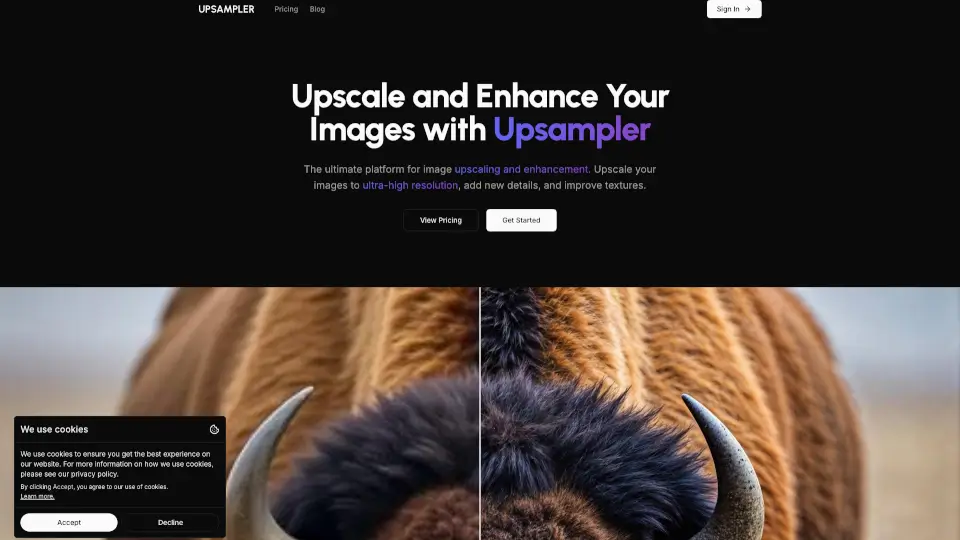
Generate, upscale, and edit images or turn them into videos with Upsampler's all-in-one AI platform featuring 43+ advanced models.

SeekToolによる確認済み
ソーシャルメディア:
Upsampler

Upsampler 製品情報

What is Upsampler?

Upsampler is the all-in-one platform that gives you access to the world's best AI models for generating, upscaling, and editing images and videos. Whether you're creating visuals from scratch, enhancing low-resolution photos, or turning images into stunning videos, everything runs in your browser. No downloads, no installs—just pick your model, upload your content, and get professional-quality results in minutes.

What are the features of Upsampler?

  • Image Generation: Create brand-new images from text prompts and reference images using 43 different AI models, including Nano Banana, Imagen 3, and Imagen 4.
  • Creative Upscale: Regenerate images at higher resolution with intelligent detailing. Perfect for making AI-generated images more realistic, especially with tricky elements like text, hands, and intricate patterns.
  • Precise Upscale: Sharpen and upscale images while faithfully preserving original content. Great for real photos, manga, and anime where accuracy matters most.
  • Image Editing: Edit images at full resolution using text prompts and optional masking. Remove imperfections, add elements, or refine details without quality loss.
  • Video Generation: Turn text prompts or existing images into videos using advanced AI models like Wan 2.2 and Happy Horse.
  • Video Upscaling: Boost video resolution up to crisp 4K with frame-by-frame super-resolution that keeps motion stable and textures sharp.

What are the use cases of Upsampler?

  • Realistic Portraits: Enhance AI-generated portraits with Creative Upscale for better skin texture, realistic features, and fine detail.
  • Architecture & Interior Design: Bring architectural renders and interior concepts to life with added detail and realism.
  • Anime & Illustrations: Add sharpness, new details, and vibrant colors to digital artwork without altering the original composition.
  • Game Assets: Upscale game graphics to improve sharpness and add intricate details for a more polished look.
  • Text-Heavy Images: Use Precise Upscale on images containing text to preserve symbol legibility and avoid distortion.

How to use Upsampler?

  • Start creating: Click "Get Started" and choose your task—generate, upscale, edit, or create video.
  • Select your model: Browse the available AI models to find the best fit for your project (e.g., Stable Diffusion for illustrations, Flux for realism).
  • Upload or describe: Either upload a file or type a text prompt describing what you want to create or change.
  • Adjust settings: For upscaling, decide between Creative Upscale (adds new detail) or Precise Upscale (preserves original content).
  • Process and download: Hit the button, wait for processing, and download your final high-resolution image or video.

このツールが気に入りましたか?

投票して、より多くの人が発見できるようにしましょう!

Upsampler 代替品

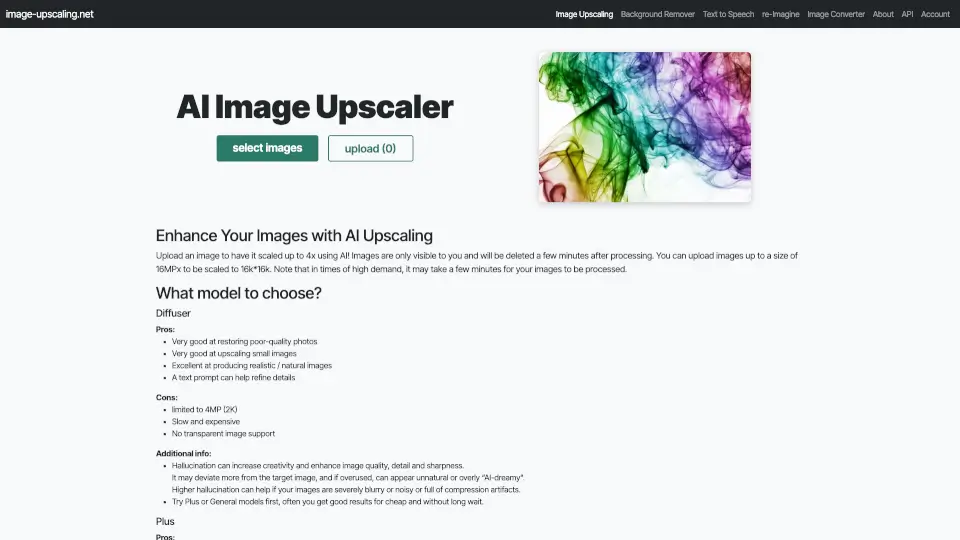
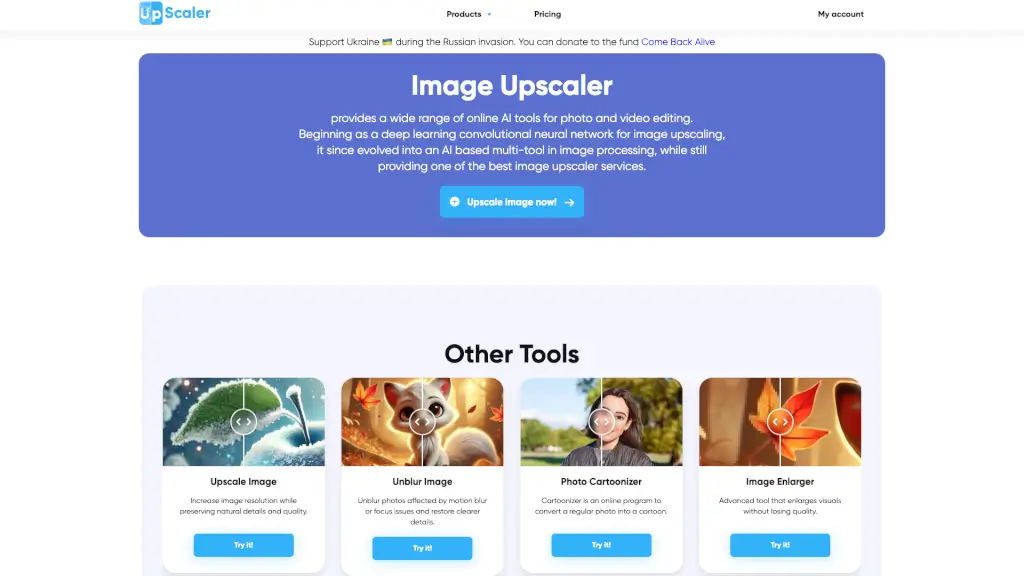
ImageUpscaler

ImageUpscaler

画像アップスケーラーは、AI技術を使用して写真の解像度と品質を瞬時に向上させるオンラインツールです。

US
13.68%
1.7M
5.0
Free AI Image Upscaling Tool

Free AI Image Upscaling Tool

サインアップ不要、ウォーターマークなしで画像を最大16Kまで高品質に拡大。無料で利用可能なAI画像アップスケーラーです。

US
15.71%
696.6K
5.0
Cre8tiveAI

Cre8tiveAI

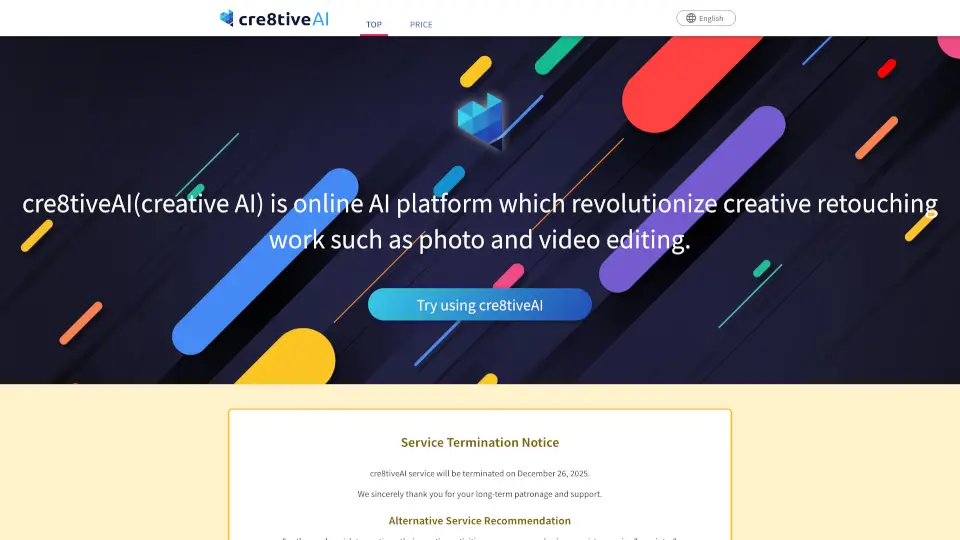
cre8tiveAIは、AIを使った写真・イラスト・動画編集を簡単に実現するプラットフォームです。誰でも手軽にプロ級のクリエイティブ作業を楽しめます。

RU
11.19%
40.9K
4.0
Image Upscaler

Image Upscaler

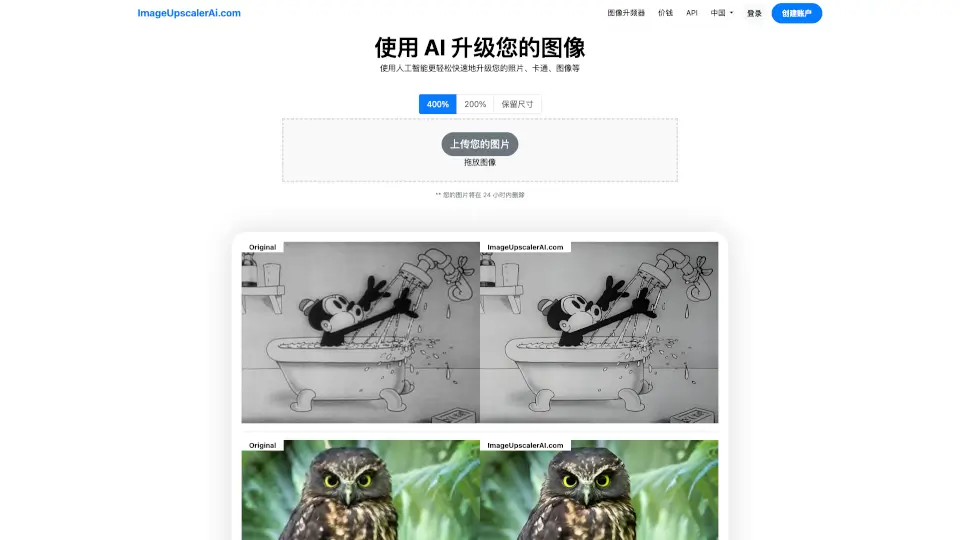
ImageUpscalerAI.com は、AIで画像を最大400%高画質化できる無料アップスケーリングツールです。

IT
24.01%
7.0K
3.0
CGDream

CGDream

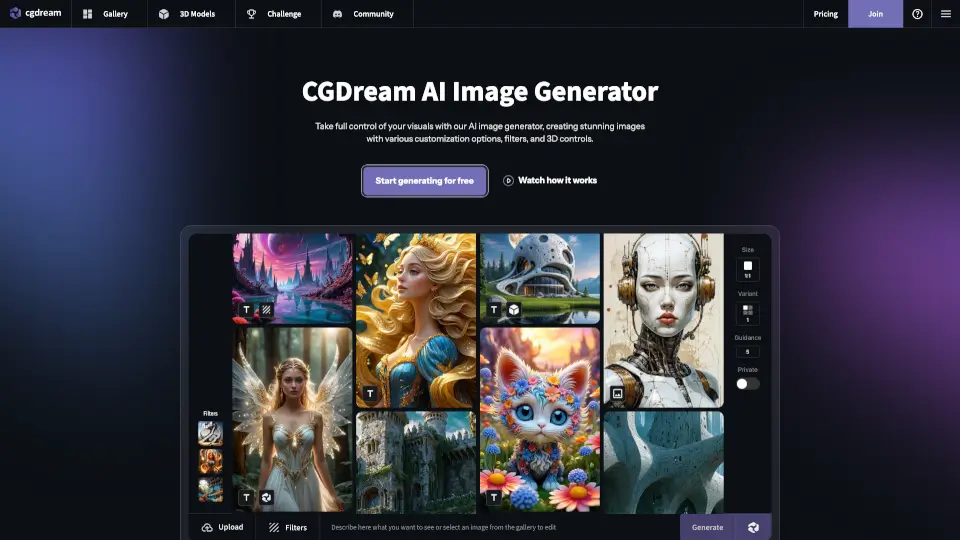
CGDreamはテキスト・画像・3Dから高品質なAI生成画像を無料で作れる、初心者にも優しいAI画像ジェネレーターです。

US
22.69%
217.0K
5.0
Viva

Viva

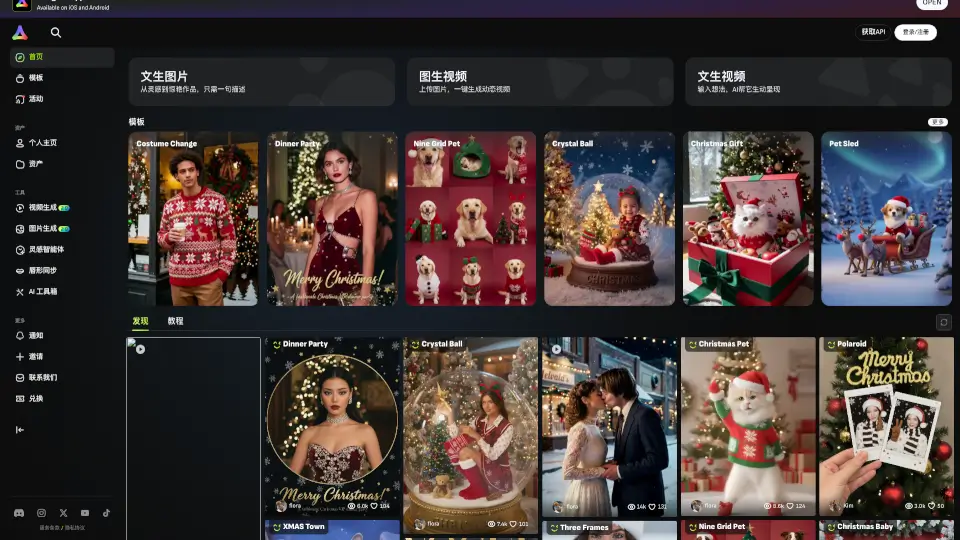
vivago.aiは、テキストや画像から高品質なAIアートと4K動画を無料で生成・編集できる次世代クリエイティブツールです。

US
23.34%
747.2K
5.0
Dezgo

Dezgo

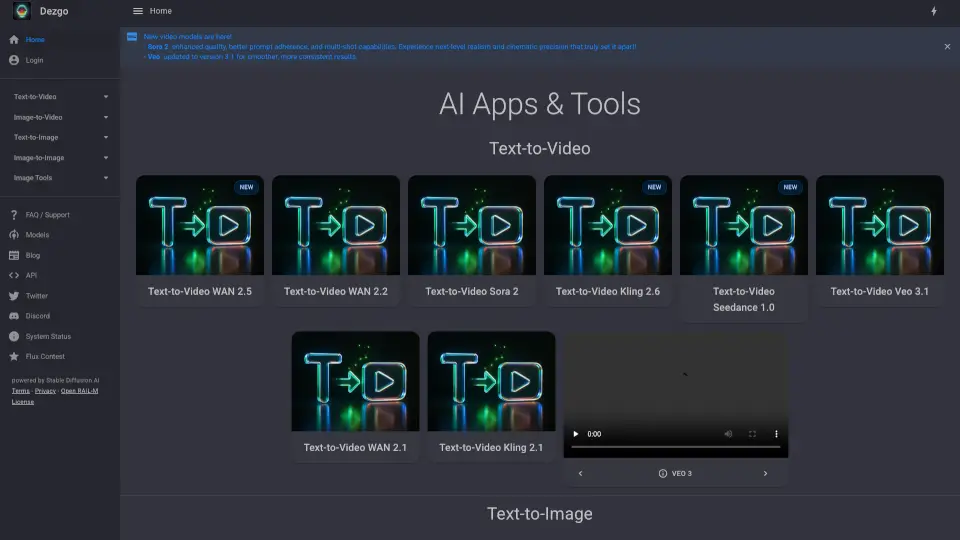
Dezgoは、テキストや画像から高品質なAI生成コンテンツを無料で作れる万能ツールです。

US
25.14%
192.3K
5.0
Upscale.media

Upscale.media

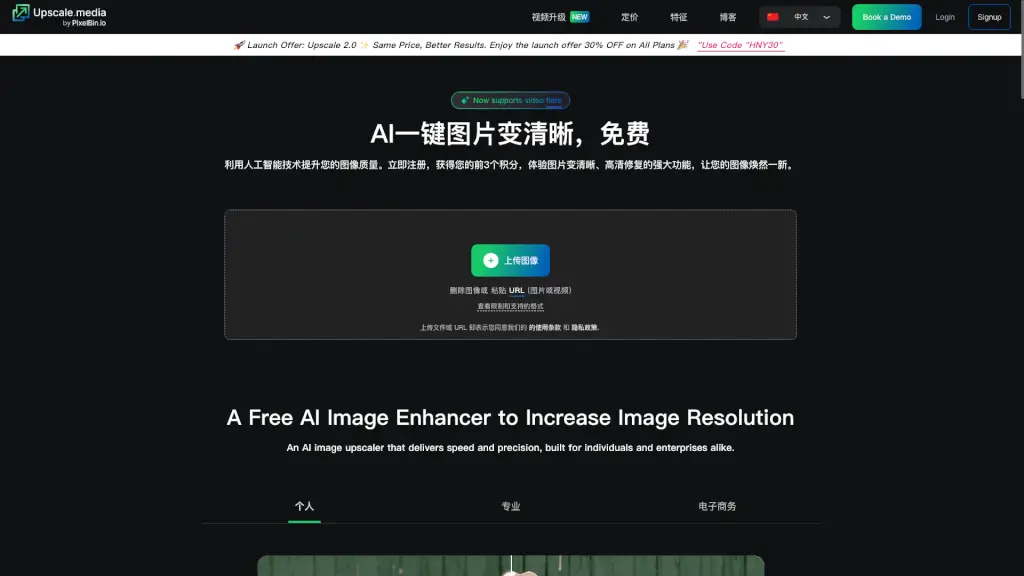
Upscale.mediaは、AI技術を活用して画像の解像度を向上させ、詳細を損なうことなく2倍または4倍に拡大する無料ツールです。個人から企業まで、誰でも簡単に利用できます。

MX
12.02%
3.2M
5.0

Upsampler 関連他のカテゴリ

Upsampler トラフィック分析

💡 分析

中規模
月間10万-100万訪問。活発な開発が行われている成長中のツール。
📉
トラフィック減少
大幅なトラフィック減少。代替案を検討してください。
👍
良好な体験
直帰率44%。ユーザーは機能を探索する意欲があります。
🌐
グローバル展開
世界中でバランスの取れたユーザー分布。
  • 月間訪問数

    312.91K

  • 直帰率

    44.29%

  • ページ閲覧数/訪問

    2.35

  • 訪問時間

    00:01:01

  • 世界ランク

    157783

  • 国別ランク

    127966

時間経過による訪問数

トラフィックソース

Search Organic44.97%
直接41.07%
Social Organic5.81%
Gen Ai4.66%
リファラル3.32%
Display Ads0.15%
Search Paid0.02%
Social Paid0.00%
Affiliate0.00%

トップキーワード

1
upsampler
CPC$0.93
6.84Kトラフィック
2
upsampler ai
CPC$0.10
4.21Kトラフィック
3
free ai video generator with no restrictions
CPC$1.53
1.07Kトラフィック
4
upsampler free ai video generator
930トラフィック
5
ai video generator free no sign up
CPC$1.42
370トラフィック

トップ地域

地域パーセンテージ
アメリカ合衆国
アメリカ合衆国
13.26%
インド
インド
8.93%
イギリス
イギリス
8.50%
ブラジル
ブラジル
5.24%
ドイツ
ドイツ
5.23%

SimilarWeb データ使用

Upsampler よくある質問

What is Upsampler and how does it enhance my images? What tools can I use? Does it focus on upscaling?

Upsampler is an all-in-one AI platform that does far more than just upscaling. You can generate images from text, upscale images and videos to 4K, edit images with prompts and masking, and create videos from scratch. So no, it's not just for upscaling—it's a complete creative toolkit.

How does Upsampler's AI image upscaling actually work?

It uses advanced AI models to analyze your image and intelligently add missing detail. Creative Upscale regenerates the image at higher resolution by guessing what new pixels should look like, making it great for AI art. Precise Upscale sharpens and reduces noise while keeping the original image as accurate as possible.

Is there a public upscaling API for Upsampler?

Yes, Upsampler offers a public API for upscaling. You can check their API documentation or contact their team for integration details.

Why isn't Upsampler completely free to use?

Running high-quality AI models costs significant computing power. The platform offers free credits or a trial to get started, but subscriptions are needed for ongoing access to premium features and advanced models.

What is the difference between "Creative Upscale" and "Precise Upscale"?

Creative Upscale adds new details and makes AI-generated images look more realistic—great for portraits and fantasy art. Precise Upscale stays true to the original image, sharpening and removing noise without changing content—ideal for real photos and text-heavy images.

Who can benefit from using Upsampler?

Anyone who works with visuals—digital artists, game developers, graphic designers, content creators, architects, anime fans, and even beginners just wanting to improve their personal photos. The platform is designed for both professionals and hobbyists.

What is "Image Edit" and how can it help me?

Image Edit lets you modify your images using text prompts and optional area masking. Unlike other tools, Upsampler keeps your image at full resolution when masking, meaning your edits won't degrade quality. You can remove blemishes, add objects, or tweak details with precision.

Will my upscaled images have artifacts? Can I control the output?

Upsampler is designed to minimize artifacts like blurring or pixelation. You have control by choosing between Creative and Precise upscaling, and by selecting different AI models that specialize in different styles. The results are generally clean and sharp.

What image formats does Upsampler support for upscaling?

The platform supports common image formats like JPEG and PNG. For video upscaling, you can upload standard video file formats as well.

What is Upsampler's refund policy?

Refund policy details are available on their website under "Legal" and "Refund Policy." Typically, subscription services offer refunds within a certain window, so check their official terms.

Are subscriptions only monthly or is there a yearly option?

Both monthly and yearly subscription options are available. The yearly plan usually offers a discount compared to paying month-to-month.

Is Upsampler suitable for beginners, or is it for professionals only?

It's made for everyone. Beginners can easily use the interface with clear options, while professionals appreciate the wide selection of advanced AI models and fine control over results.

What is an Image Upscaler?

An Image Upscaler is a tool that increases the resolution of a photo or digital image. Traditional methods just stretch pixels, but AI upscalers like Upsampler actually generate new detail to make the image look crisp and natural at larger sizes.

How do I improve the quality of a photo?

Upload your photo to Upsampler and use either Precise Upscale to reduce noise and sharpen, or Creative Upscale to add realistic detail. For specific edits, use the Image Edit tool to fix imperfections with text prompts.

How do I upscale an image to 4K?

Upload your image, select the upscale tool, choose your desired resolution (up to 4K), pick your preferred AI model, and hit process. The platform handles the heavy lifting.

Can I edit images after upscaling them?

Absolutely. You can upscale first, then use the Image Edit tool to make further adjustments. Since editing preserves full resolution, your final image will stay sharp.

Upsampler レビュー

0

0

0 レビュー
サインインto leave a review

最近のレビュー

まだレビューはありません

Upsampler 価格設定

無料

0円 /月
0
  • 1つのジョブを同時に実行

プロ

15ドル /月
15
  • 1400クレジット/月
  • 2つのジョブを同時に実行
  • 商用利用ライセンス

プレミアム

30ドル /月
30
  • 3000クレジット/月
  • 3つのジョブを同時に実行
  • 商用利用ライセンス

ビジネス

95ドル /月
95
  • 10000クレジット/月
  • 5つのジョブを同時に実行
  • 商用利用ライセンス

ワンタイム

ワンタイム 10ドル
10
  • 200クレジット
  • 1つのジョブを同時に実行
  • 有効期限なし
  • 商用利用ライセンス

Upsampler 埋め込み

ウェブサイトバッジを使用してSeekTool.aiのコミュニティサポートを促進しましょう。ホームページやフッターに簡単に埋め込めます。

ライト
ダーク
Upsampler - Featured on SeekTool.aiUpsampler - Featured on SeekTool.ai
インストール方法は?