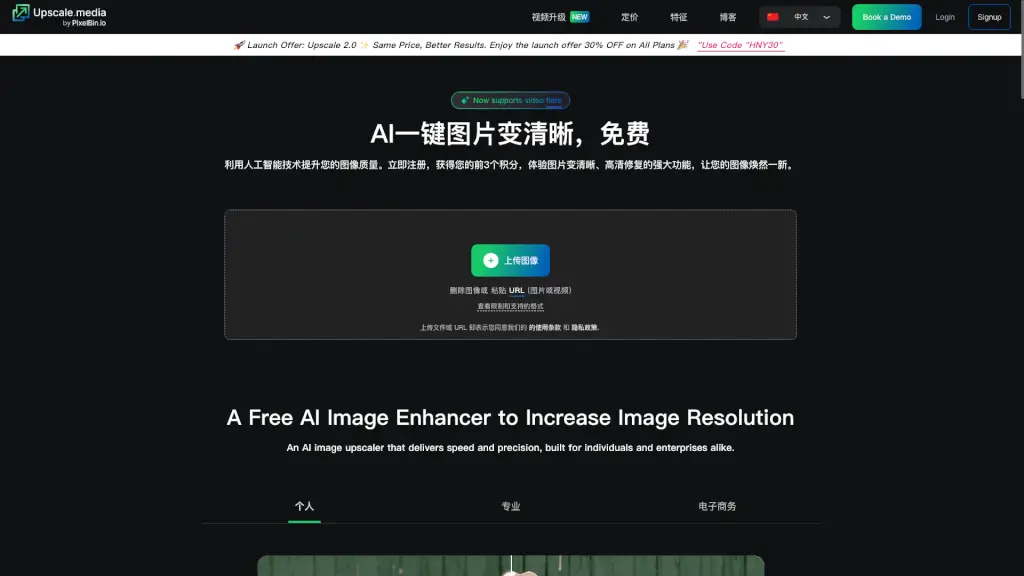
What is Upscale.media?
Upscale.media is a powerful AI-driven tool that helps you enhance and enlarge your images without losing any detail or texture. Whether you're a professional photographer, an e-commerce business owner, or just someone who loves to keep their photos looking sharp, this tool can help you achieve stunning results. With Upscale.media, you can easily upscale your images up to 8 times, making them look crisp and clear, perfect for both personal and commercial use.
What are the features of Upscale.media?
- AI Image Enlargement: Automatically upscale your images up to 2x or 4x while maintaining the original quality and details.
- Image Enhancement: Improve the overall quality of your images, making them sharper and more vibrant.
- Batch Processing: Upload multiple images at once and process them all in one go, saving you time and effort.
- API Integration: Seamlessly integrate Upscale.media into your existing workflows with our API, making it easier to manage large volumes of images.
- Supports Multiple Formats: Works with popular image formats like PNG, JPEG, JPG, WEBP, and HEIC, as well as video formats like MP4, MOV, and WEBM.
- Free for Personal Use: Enjoy free access to the tool for personal use, with premium plans available for professional and commercial needs.
What are the use cases of Upscale.media?
- Photography: Enhance and enlarge your favorite photos, making them suitable for printing or sharing online.
- E-commerce: Improve the quality of product images on your website, making them more appealing to customers.
- Social Media: Share high-quality, enhanced images on your social media platforms, increasing engagement and visibility.
- Content Creation: Create high-resolution images for blogs, websites, and other digital content.
- Archiving: Restore and enhance old, low-resolution images, preserving memories with better clarity.
- Professional Portfolios: Showcase your work in the best possible light by using high-quality, enhanced images.
How to use Upscale.media?
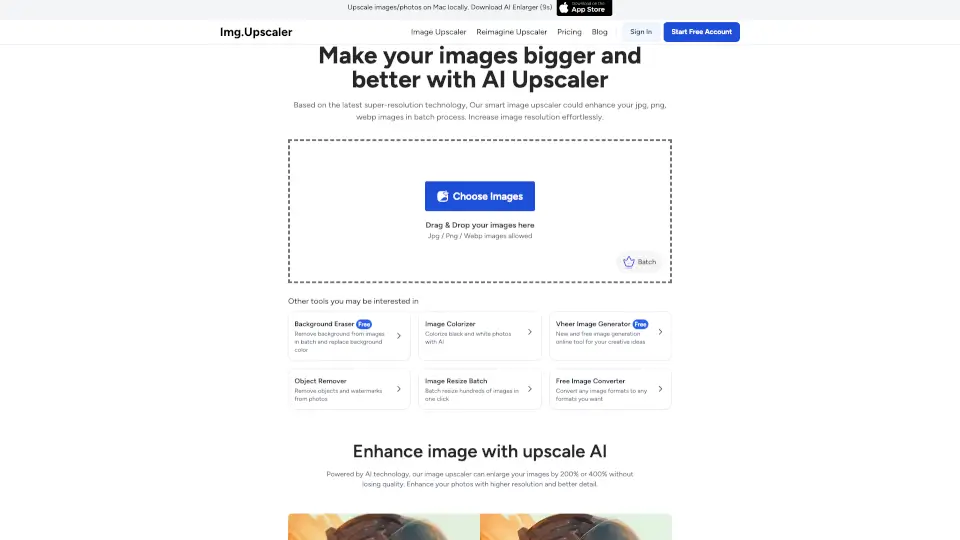
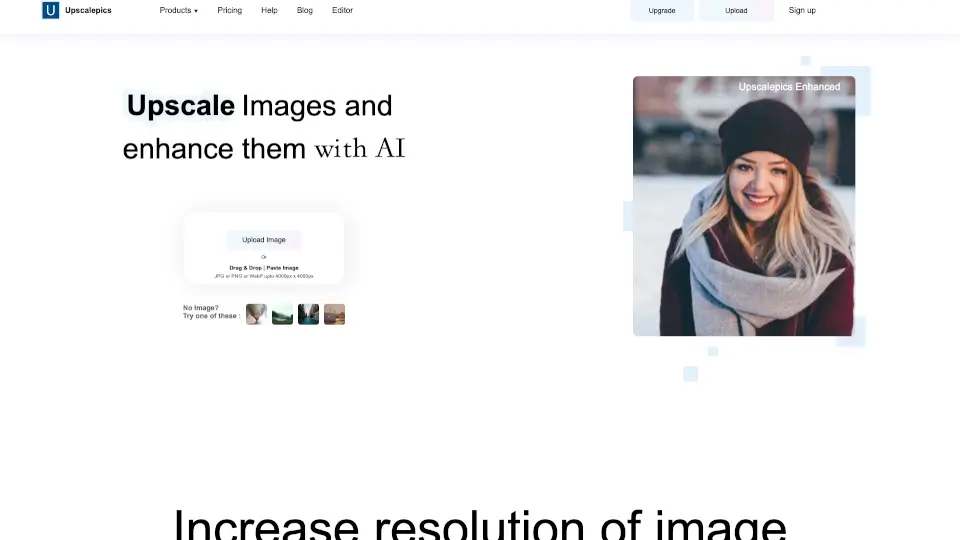
- Upload Your Image: Simply drag and drop your image into the upload area or paste the URL of the image.
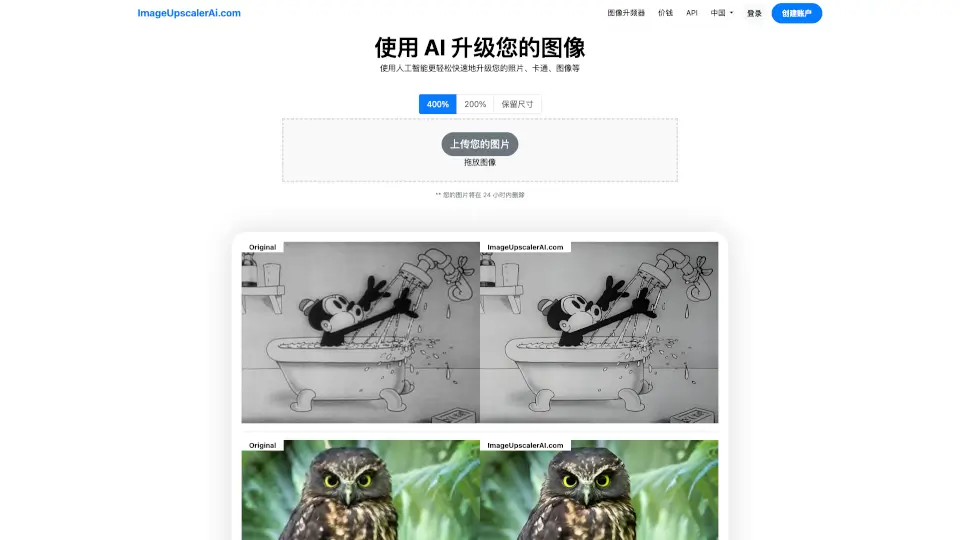
- Select the Upscale Option: Choose the desired upscale factor (2x or 4x) based on your needs.
- Wait for Processing: The AI will automatically process your image, enhancing and enlarging it.
- Download the Enhanced Image: Once processing is complete, download the enhanced image directly from the platform.
- Batch Processing: For multiple images, use the batch processing feature to upload and process them all at once.
- API Integration: If you need to integrate Upscale.media into your workflow, follow the API documentation for seamless integration.