
What is Upscalepics?
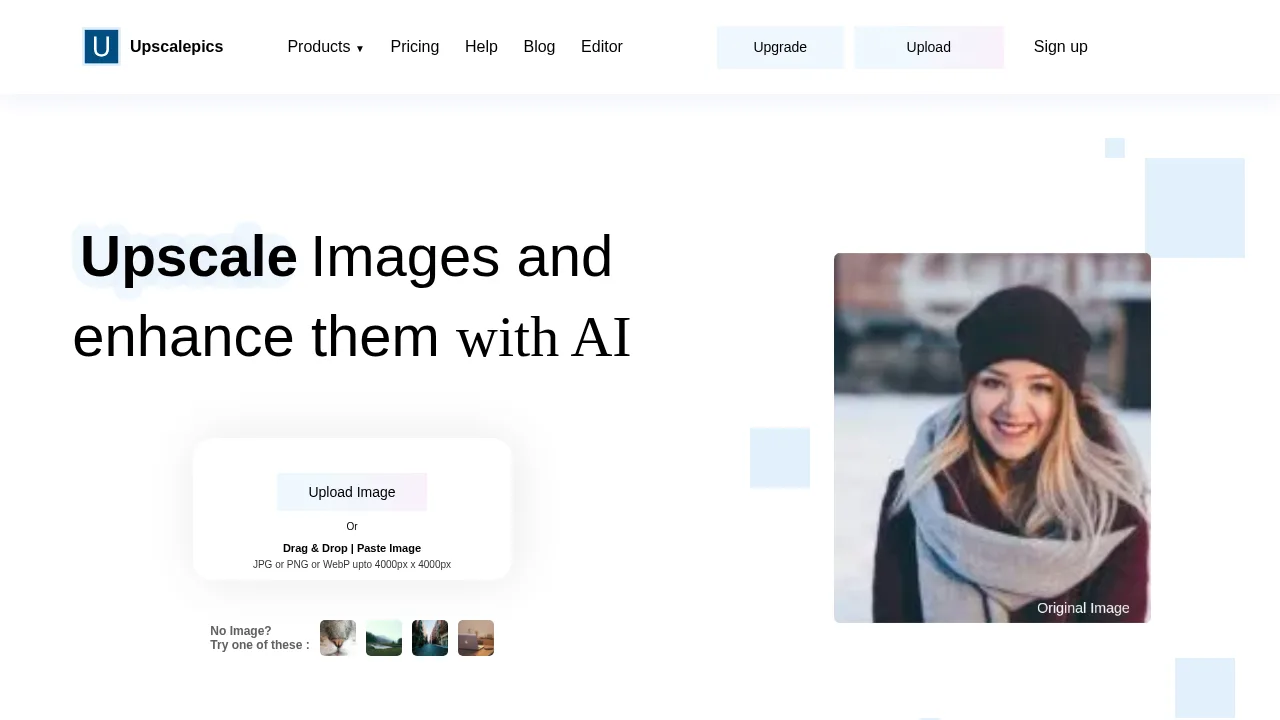
Upscalepics is a web-based AI tool that increases image resolution and enhances clarity. It accepts JPG, PNG, or WebP files up to 4000px x 4000px and can produce outputs up to 256 MP. A browser extension called Upscalepics Integrate allows upscaling images directly from other websites without manual downloading and uploading.
What are the features of Upscalepics?
- Resolution multiplierIncreases image resolution up to 8X in a single operation using machine learning to sharpen and resize content.
- Custom output dimensionsAllows specifying an exact target width or height rather than fixed multipliers, with optional aspect ratio adjustment via cropping before upscaling.
- Print-ready upscalingSupports setting DPI (up to 300), color mode, and physical dimensions for print output through a specialized editor.
- Bulk processingAccepts multiple image uploads simultaneously to generate and download upscaled versions automatically.
- Maximum output sizeProduces images up to 256 MP, even when the original input is under 1 MP.
- Browser extension integrationThe Upscalepics Integrate extension enables upscaling images found on external websites directly.
What are the use cases of Upscalepics?
- Preparing images for printSetting specific DPI, color mode, and physical dimensions to upscale photos for printing requirements.
- Sourcing images from other websitesUsing the browser extension to upscale images encountered online without saving and re-uploading them manually.
How to use Upscalepics?
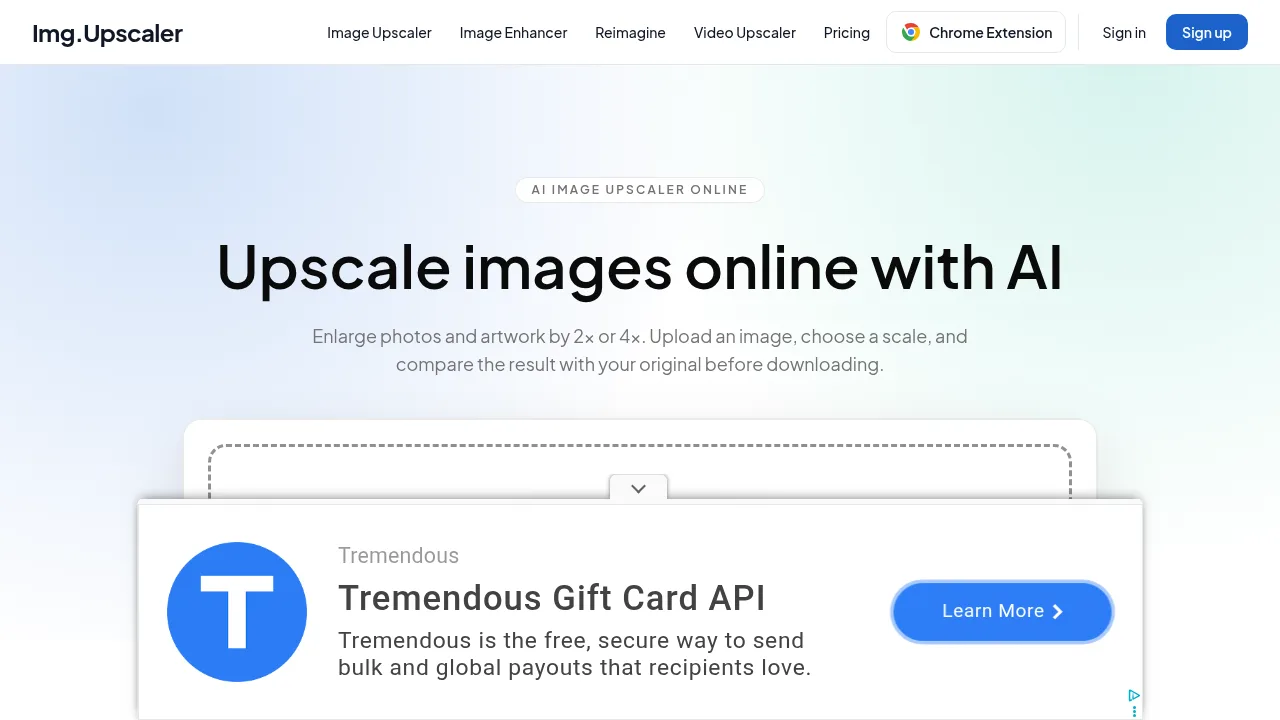
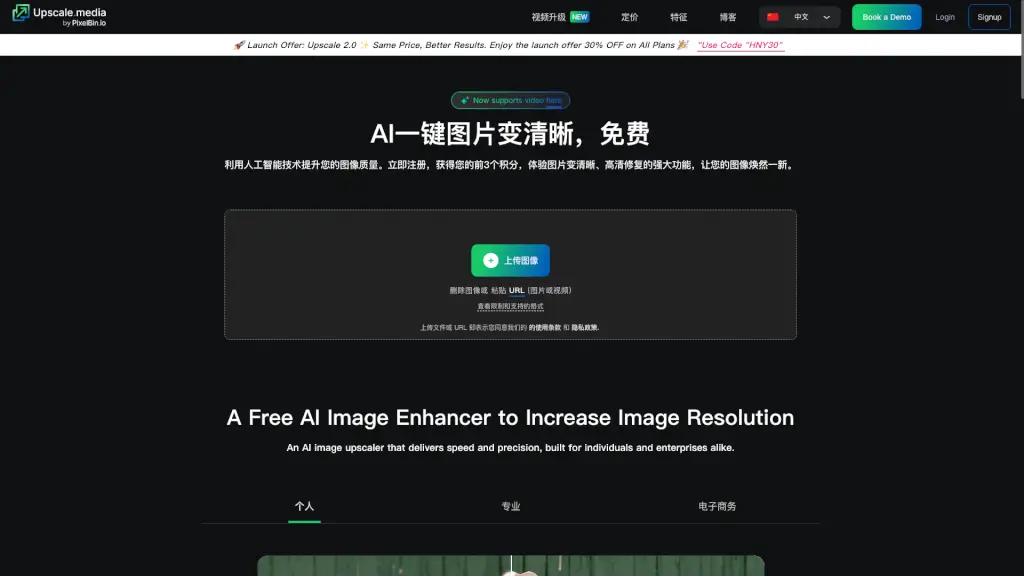
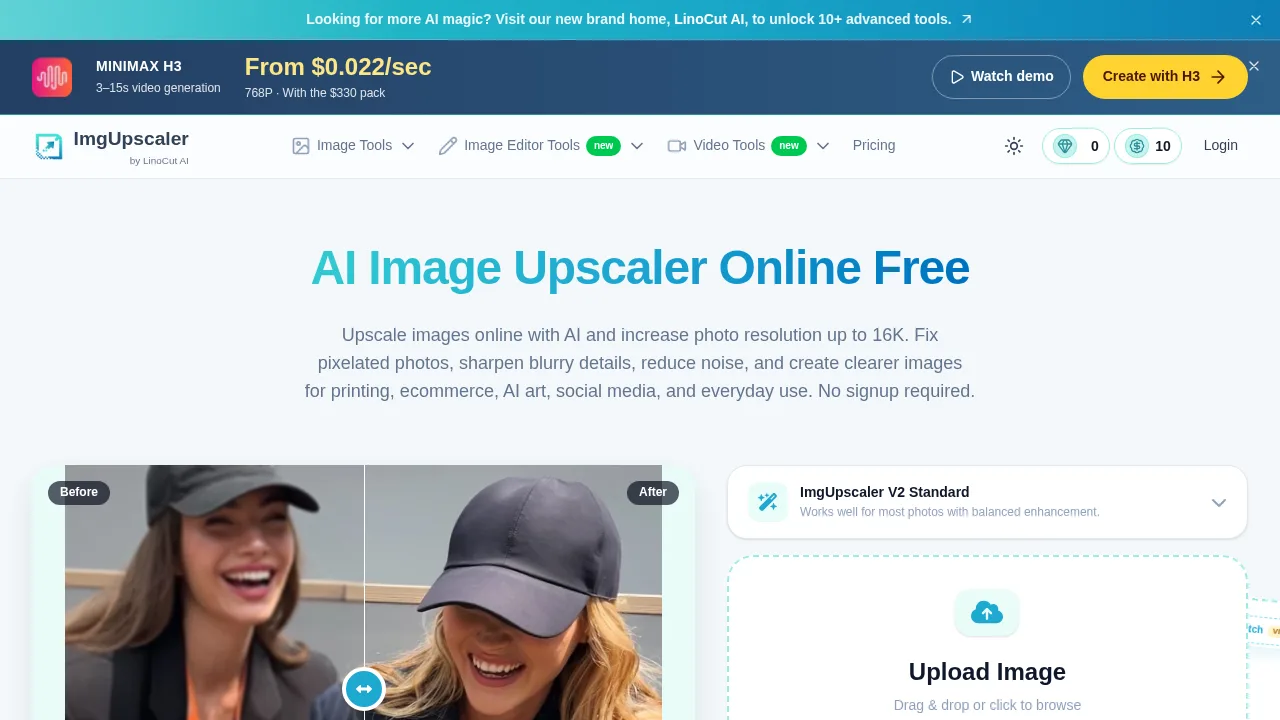
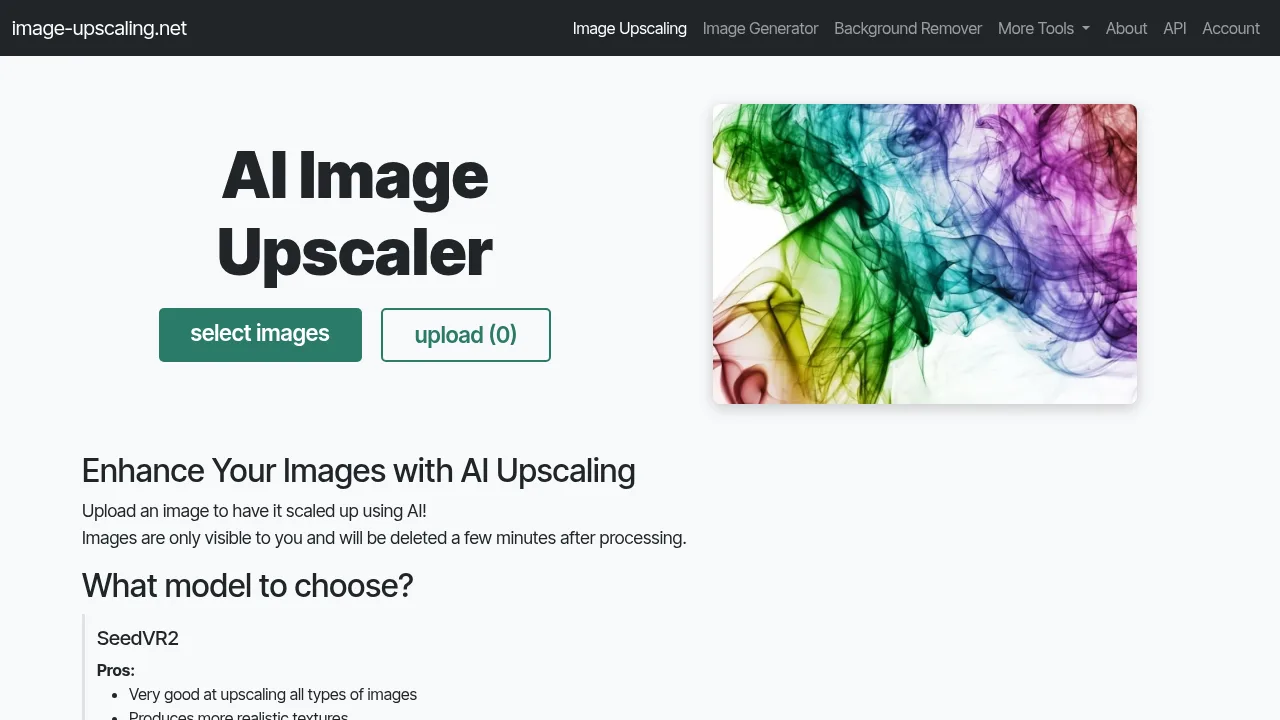
- Upload an imageDrag and drop, paste, or upload a JPG, PNG, or WebP file up to 4000px x 4000px on the website.
- Configure output settingsSelect the upscale multiplier up to 8X, specify custom width and height, or adjust the aspect ratio by cropping.
- Process and downloadRun the enhancement and download the resulting upscaled image.