What is VidHex AI Video Enhancer?
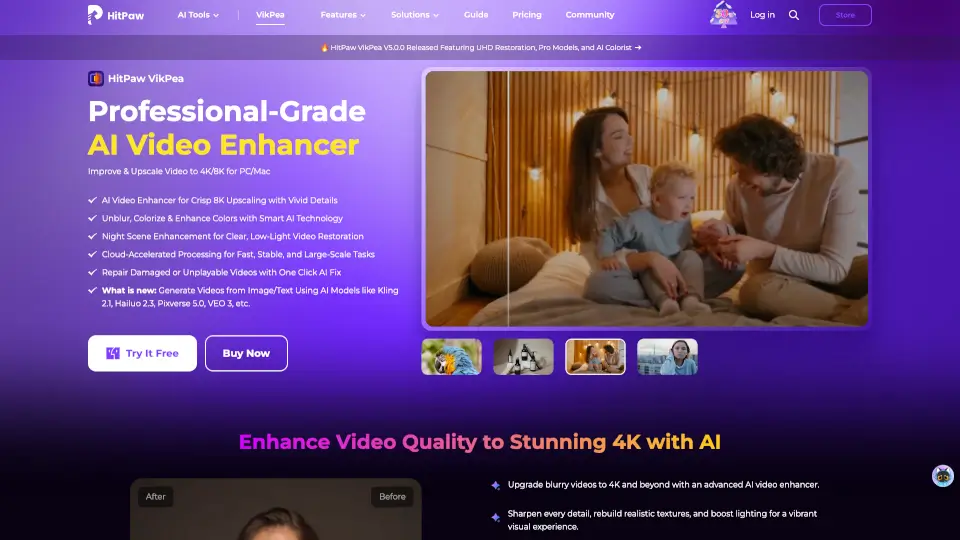
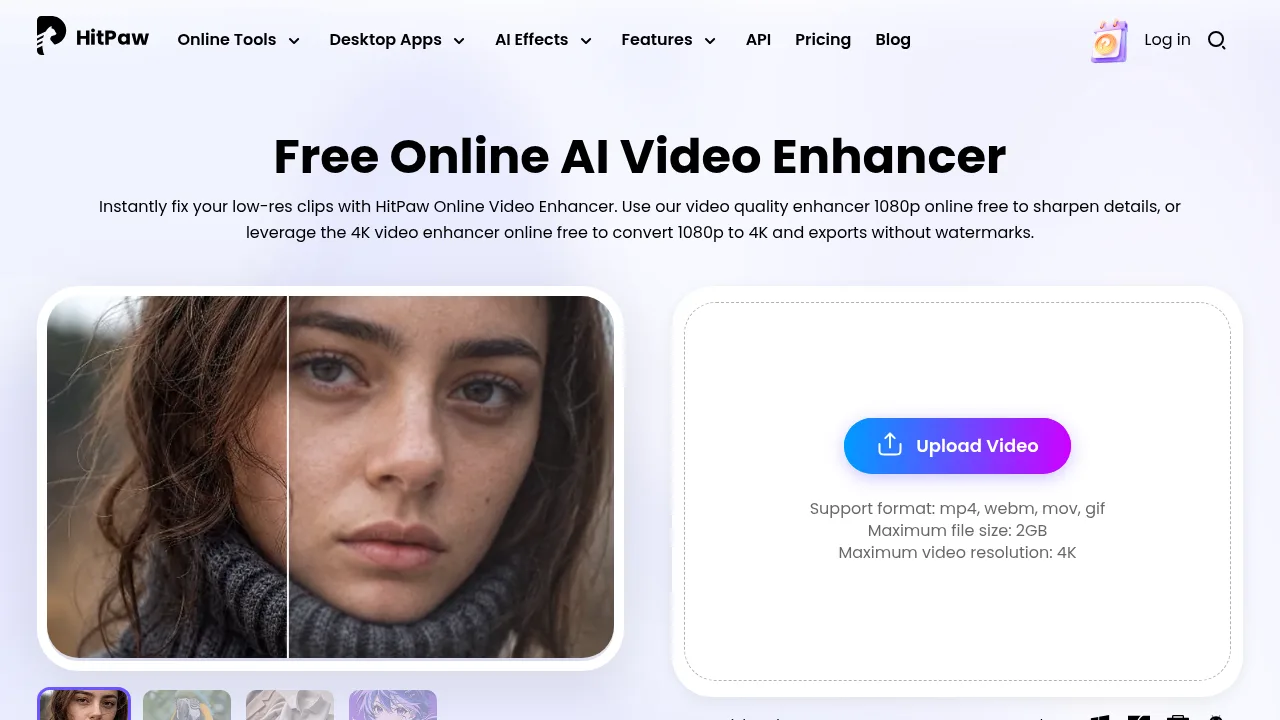
VidHex is your all-in-one video solution, powered by advanced AI. Whether you want to enhance, upscale, colorize, or restore your videos, VidHex makes it easy. With just a few clicks, you can turn low-quality or old footage into sharp, vibrant, and professional-looking videos. VidHex is perfect for casual users, content creators, e-commerce sellers, educators, and anyone who wants great videos without the hassle.
What are the features of VidHex AI Video Enhancer?
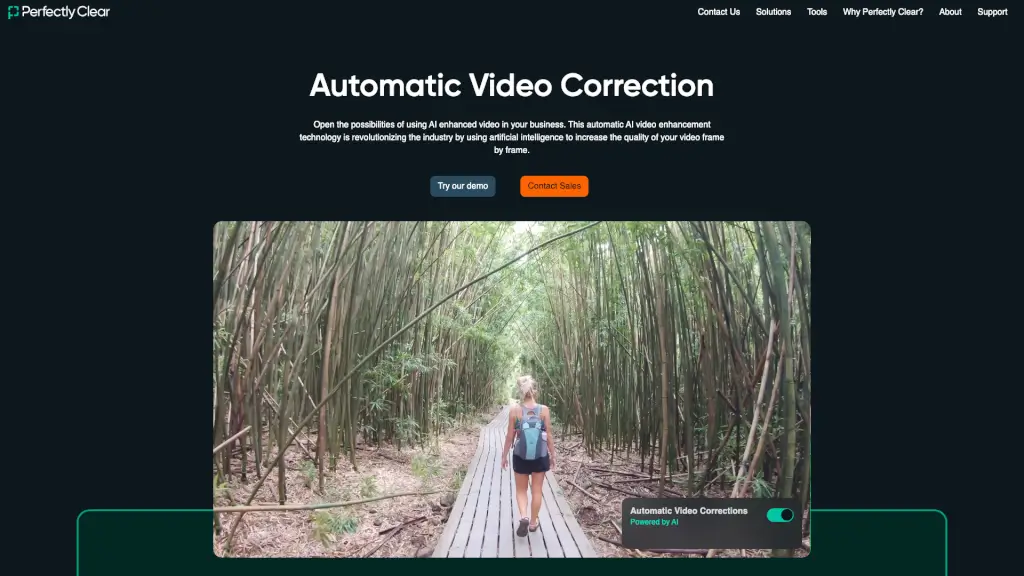
- AI Video EnhancerInstantly improve video exposure, brightness, contrast, and reduce noise for a polished look.
- Video UpscalerUpgrade video resolution to 4K or even 8K, making blurry videos crystal clear.
- Video ColorizerBring black-and-white videos to life with natural, vivid colors.
- Frame InterpolationSmooth out choppy videos by increasing the frame rate automatically.
- Video DenoiserRemove unwanted noise and grain while keeping details sharp.
- Unblur VideoRestore clarity to blurry footage for a crisp, high-definition result.
- Video BrightenerFix dark or dim videos by adjusting brightness, contrast, and saturation.
- Video RestorerRepair damaged or degraded videos, fixing scratches, tears, and quality loss.
What are the use cases of VidHex AI Video Enhancer?
- Casual UsersMake family events, travel memories, or daily moments look amazing without any editing skills.
- Content CreatorsQuickly create eye-catching IG reels, vlogs, or tutorials with pro-level effects.
- E-commerce SellersBoost sales with high-quality promo videos that stand out.
- EducatorsImprove lesson visuals to help students understand better.
- Everyone ElseAnyone can easily enhance videos for personal or professional use.
How to use VidHex AI Video Enhancer?
- Download and install VidHex on your Windows or Mac device.
- Open the app and choose the tool you need (Enhancer, Upscaler, Colorizer, etc.).
- Upload your video and let VidHex work its magic.
- Preview the results and export your improved video in just a few clicks.