
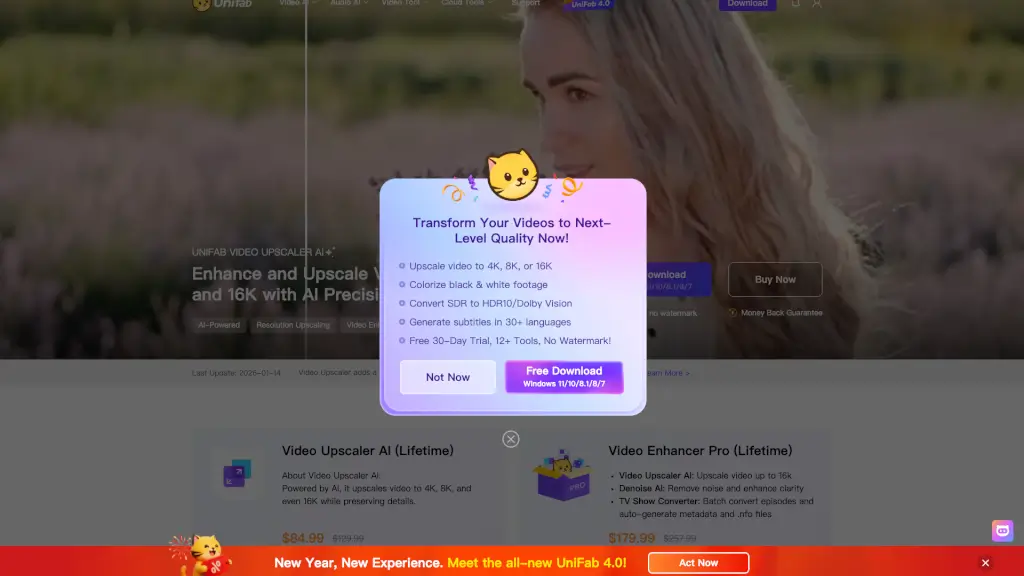
What is UniFab Video Enhancer?
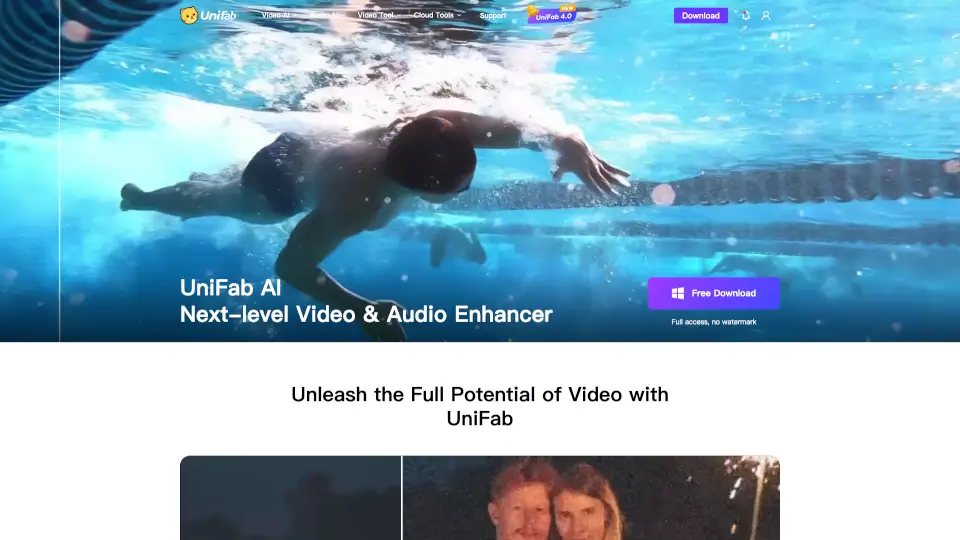
Tired of blurry, pixelated videos that look outdated or compressed? UniFab Free Online AI Video Enhancer lets you instantly upscale and restore your footage to stunning 4K quality—right in your browser. No downloads, no powerful GPU, and no technical skills needed. Whether it’s an old family clip, a social media video, or a Zoom recording, UniFab uses smart AI to reduce noise, sharpen details, and bring back lost textures without that artificial “plastic” look.
Best of all, it’s 100% free to start. New users get complimentary FabCloud credits to enhance videos immediately—no credit card required. Just drag, drop, and watch your low-res video transform into crisp, natural-looking HD or 4K in minutes.
What are the features of UniFab Video Enhancer?
- AI-Powered 2x Upscaling: Turn 1080p into true 4K, 720p into 1440p, or 480p into 960p with intelligent detail reconstruction—not just stretched pixels.
- Noise Reduction & Detail Recovery: Reverses compression damage from WhatsApp, TikTok, YouTube, and more by analyzing frames to restore natural textures and colors.
- No Install, No GPU Required: Runs entirely on UniFab’s cloud servers—works on any device with a modern browser (Mac, PC, iPad, Chromebook, or phone).
- Batch Processing: Upload multiple videos at once, close your tab, and come back later to download all enhanced files.
- Watermark-Free Output: Enhanced videos are delivered clean and ready to use, with no branding or restrictions on free trials.
- Privacy-First Processing: All uploads are encrypted, processed on isolated servers, and automatically deleted within 15 days—never used to train AI models.
What are the use cases of UniFab Video Enhancer?
- YouTubers & Content Creators: Breathe new life into older 720p or 1080p videos by upscaling them to 1440p or 4K for modern audiences—no reshoots needed.
- Remote Workers & Educators: Fix blurry Zoom or Teams recordings so presentation text and faces stay sharp and professional.
- Families Restoring Memories: Revive old VHS transfers, MiniDV tapes, or early smartphone videos with recovered colors, faces, and background details.
- Social Media Reposters: Undo Instagram or TikTok compression before sharing clips elsewhere, ensuring your reposts look as good as the original.
- Gamers & Screen Recorders: Enhance gameplay footage or tutorials where clarity and readable UI elements matter.
How to use UniFab Video Enhancer?
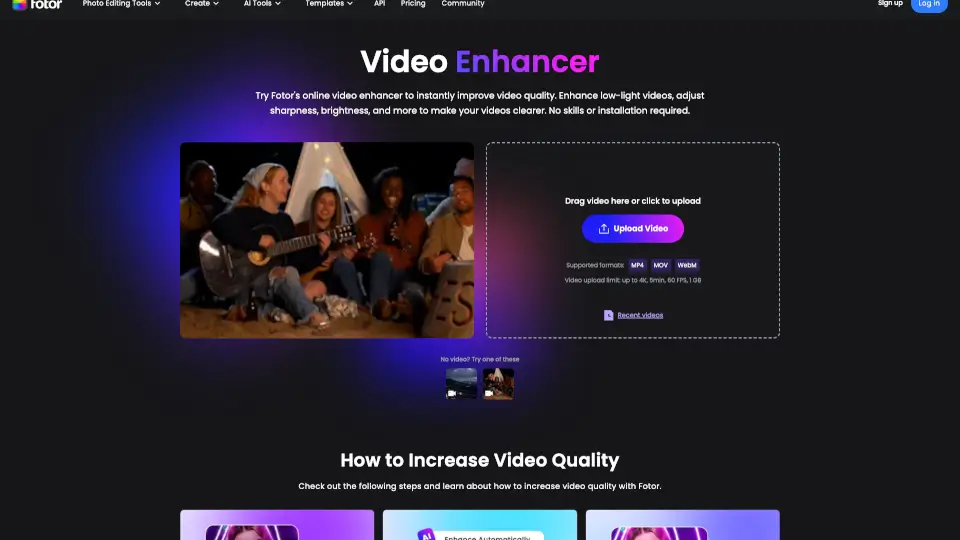
- Upload your video: Drag and drop any MP4, AVI, MOV, or other common format directly into the browser window.
- Let AI process automatically: UniFab enhances resolution, reduces noise, and recovers detail with zero manual settings.
- Download your result: Once processing finishes (often in minutes), download your clean, high-quality MP4 file.
- Use batch mode for efficiency: Queue several clips at once—perfect for cleaning up a content backlog while you work on other tasks.
- Start free: Sign up for instant access to free FabCloud credits—no payment info needed to try core features.