What is HitPaw FotorPea?
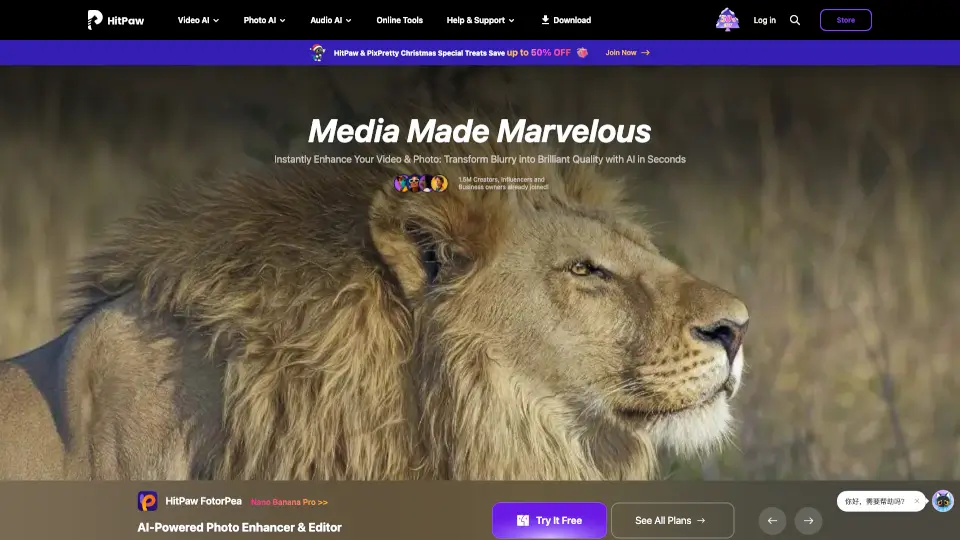
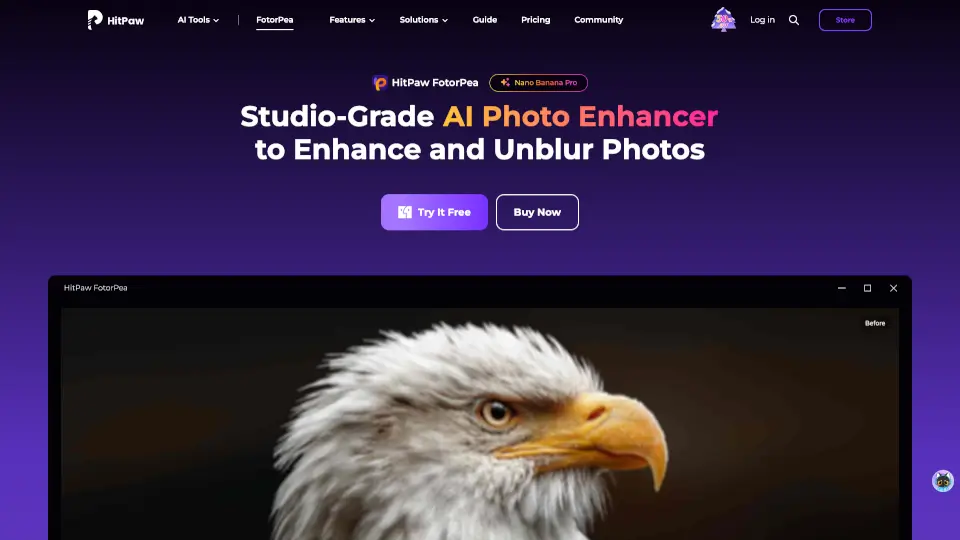
HitPaw FotorPea (formerly HitPaw Photo Enhancer) is an AI-powered photo enhancer that makes blurry, low-res, or old photos look sharp and vibrant with just one click. Whether you're fixing family heirlooms, upscaling smartphone pics, or perfecting product shots, it’s like having a pro photo editor in your pocket.
What are the features of HitPaw FotorPea?
- AI Photo Enhancement: Fix blurry, grainy, or pixelated images automatically.
- Upscale Resolution: Boost photos to HD, 2K, 4K, or even 8K without losing quality.
- Old Photo Restoration: Colorize black-and-white pics and remove scratches or noise.
- Blur Removal: Rescue shaky or out-of-focus shots with AI precision.
- Background Removal: Instantly cut out objects with clean edges.
- Face & Portrait Enhancement: Sharpen facial details for flawless selfies or portraits.
- Batch Processing: Enhance multiple photos at once—saves tons of time!
What are the use cases of HitPaw FotorPea?
- Restoring old family photos (colorize, fix scratches, sharpen faces).
- Improving smartphone pics (upscale, denoise, fix lighting).
- E-commerce product images (crisp details, remove backgrounds).
- Social media content (make blurry shots Insta-worthy).
- Professional photography (rescue low-light or motion-blurred shots).
How to use HitPaw FotorPea?
- Upload your photo (drag & drop or click to import).
- Pick an AI model (Face, Upscale, Denoise, etc.) for best results.
- Preview & tweak if needed—see the magic in real time.
- Export your enhanced image in high quality.