What is HitPaw FotorPea?
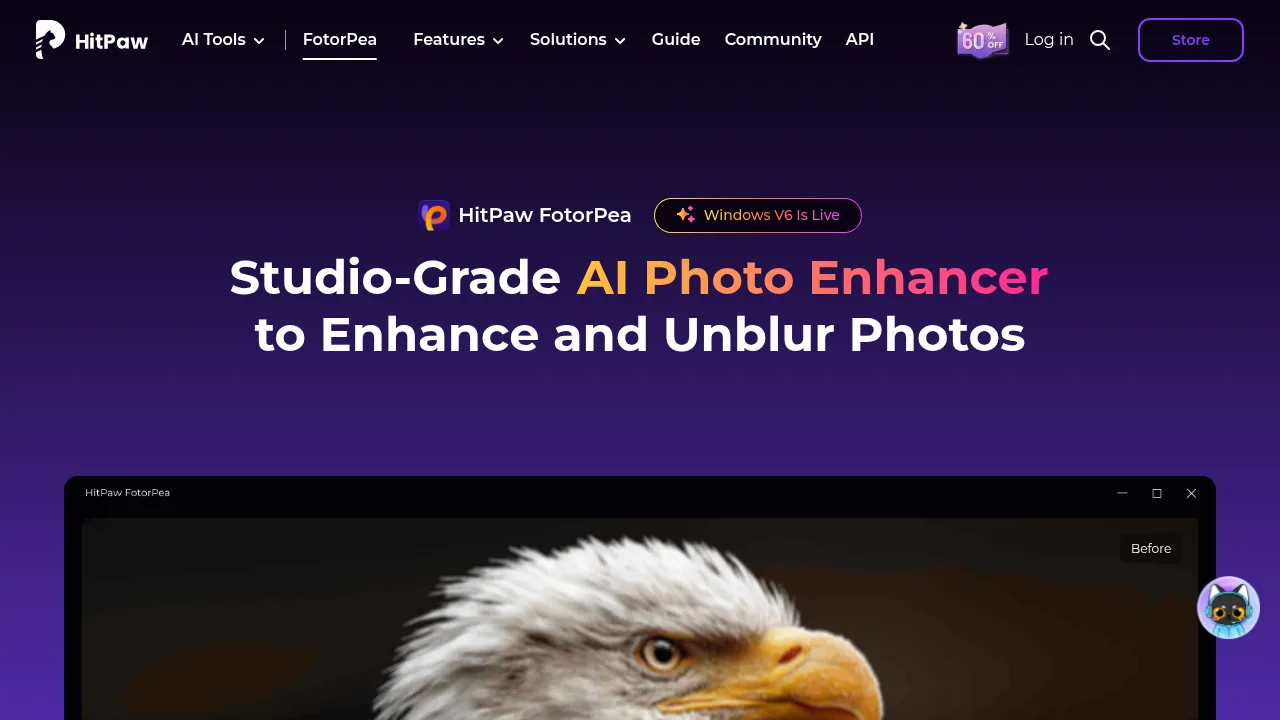
HitPaw FotorPea is an AI photo enhancement tool that sharpens, denoises, colorizes, and upscales images up to 32K resolution. It is available as desktop software for Windows and Mac, a web application, mobile apps, and a Photoshop plugin. The desktop version requires specific hardware, including at least 8GB of RAM and a compatible GPU such as an NVIDIA GTX 950 or Apple M1 equivalent.
What are the features of HitPaw FotorPea?
- AI enhancement modelsNine models, including Face Model, Denoise Model, Colorize Model, Low-light Model, and Sharpen Model, process different image defects automatically.
- Image upscalingEnlarges low-resolution photos up to 4K, 8K, 16K, or 32K using models like the Upscale Model and Magic Upscaler.
- Batch processingUploads and enhances multiple pictures simultaneously in bulk.
- AI image generationTransforms text or images into portraits, landscapes, anime, and digital art using the Nano Banana Pro model.
- Background removalDetects and removes backgrounds, allowing export with transparent or solid colors.
- ID photo formattingAuto-adjusts and crops photos to fit passport, visa, and ID standards while enhancing facial clarity.
What are the use cases of HitPaw FotorPea?
- Old photo restorationRevives faded black-and-white archival images by colorizing them, repairing scratches, and calibrating historical hues.
- Motion blur correctionRecovers focus from shaky hands, fast action, or misfocused lenses in sports, wildlife, and stage photography.
- Product catalog upgradesEnhances textures and sharpness of product images taken on older smartphones for e-commerce displays.
How to use HitPaw FotorPea?
- Launch and uploadOpen the HitPaw FotorPea desktop software and upload your blurred or low-quality image.
- Select AI modelChoose one AI enhancement model based on your image type to apply the appropriate effect.
- Preview resultClick Preview to view the enhanced output before saving.
- Export imageExport the upscaled image if you are satisfied with the result.
HitPaw FotorPea Pricing Information:
- Desktop free trial7-day free trial activated by entering an email address to receive a download link.
- Desktop paid plansPromotional pricing advertises up to 44% off; exact plan prices are not stated in the source.
- Photoshop pluginFree to download and try, but subscriptions and credits are separate from the main FotorPea desktop software.