
What is Topaz Labs?
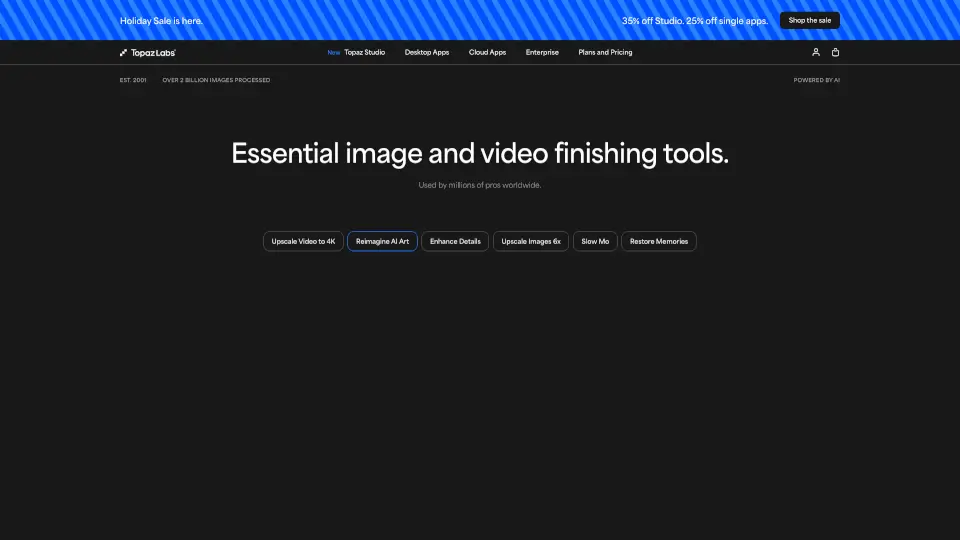
Topaz Labs uses cutting-edge AI and deep learning to transform your photos and videos with stunning clarity, detail, and quality. Whether you're rescuing a blurry shot, removing noise from low-light footage, or upscaling an old image for print, Topaz delivers professional-grade results that save time and elevate your creative work.
From solo creators to small studios, Topaz Labs offers flexible tools—both desktop apps and browser-based cloud services—that adapt to your workflow. With Emmy Award–winning technology and over 2 billion images processed since 2001, it’s trusted by photographers, videographers, and AI artists worldwide to turn “almost ruined” into “absolutely amazing.”
What are the features of Topaz Labs?
- AI-Powered Noise Reduction: Clean up grainy photos and video without losing detail using models like Denoise Max and Starlight Precise.
- Intelligent Upscaling: Enlarge images up to 16x with Gigapixel AI while preserving textures, faces, and fine structures.
- Smart Sharpening & Unblur: Recover lost sharpness or fix motion blur with tools like Sharpen Auto and Unblur in Topaz Image Web.
- Photo Restoration: Automatically repair scratches, dust, faded colors, and damaged areas in old or damaged photos.
- Face Enhancement: Detect and refine facial features naturally, even in low-quality or distant shots.
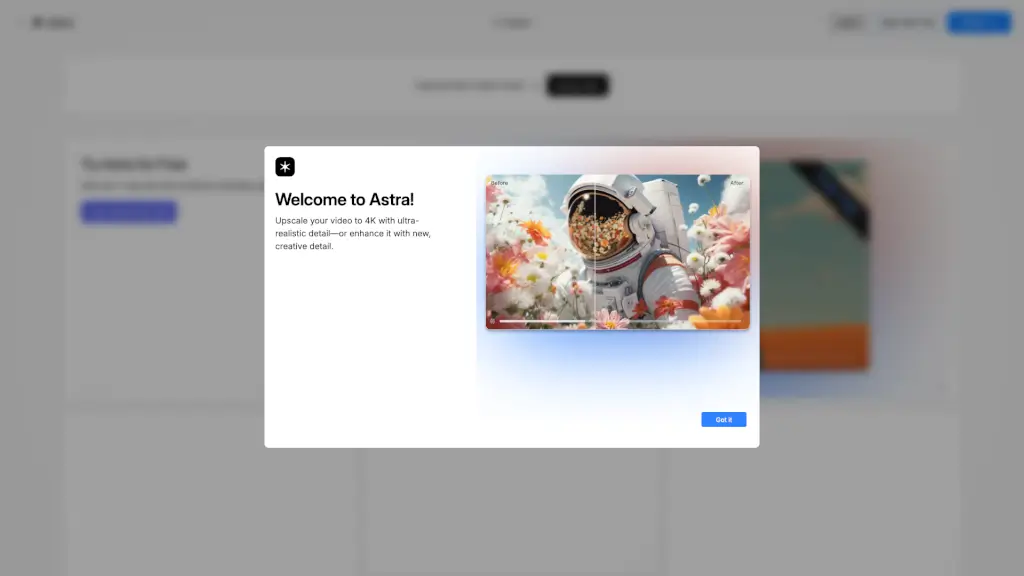
- Video Enhancement Suite: Stabilize shaky clips, convert SDR to HDR, add slow motion, and upscale 4K video with Astra and Topaz Video.
- Cloud + Local Rendering: Choose fast browser-based processing or full offline control with desktop apps—no internet needed.
- Creative Effects: Add artistic bloom, relight scenes, colorize black-and-white photos, or remove backgrounds instantly.
What are the use cases of Topaz Labs?
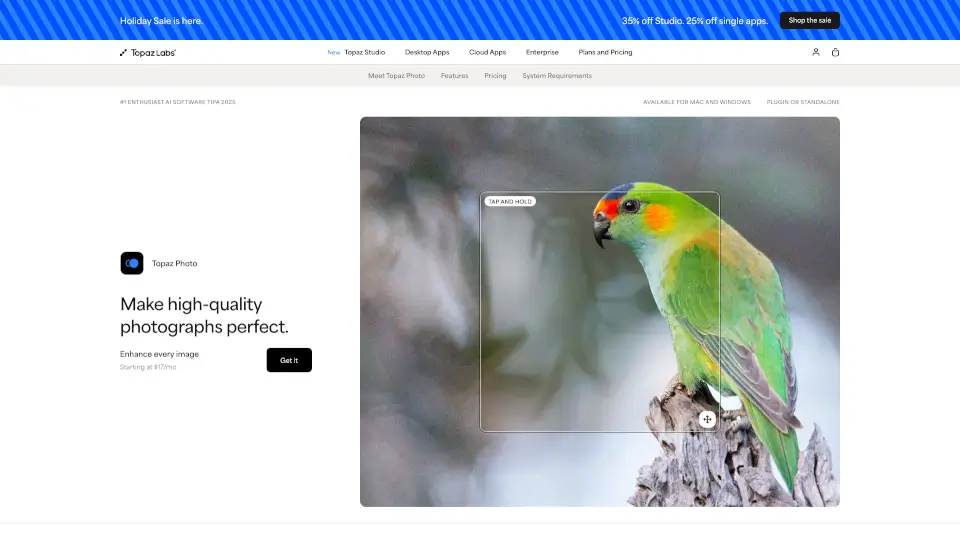
- A wildlife photographer salvages a dim, noisy sunset photo using Denoise and Adjust Lighting in Topaz Photo.
- A documentary filmmaker restores archival footage to 4K using Topaz Video’s Starlight Precise model.
- An e-commerce creator removes backgrounds and enhances product images quickly with Topaz Image Web.
- A social media influencer upscales smartphone photos for large prints using Gigapixel AI.
- A real estate agent brightens dark interior shots and removes lens distortion before listing a property.
- A YouTuber stabilizes handheld footage and adds cinematic slow motion with Astra.
- An AI artist refines generated images by sharpening details and enhancing facial realism.
- A small business owner colorizes vintage family photos for a client’s anniversary gift.
How to use Topaz Labs?
- Start with Topaz Image Web (browser-based) for quick fixes like unblurring, denoising, or background removal—no install needed.
- For heavy-duty editing, download Topaz Studio or individual apps (Photo, Video, Gigapixel) for unlimited local rendering.
- Use Auto Pilot in Topaz Image Web to let AI apply the best enhancements with one click.
- When upscaling, choose the right AI model: “Standard” for general photos, “Face Recovery” for portraits, or “Text & Shapes” for graphics.
- In video workflows, process clips in Astra or Topaz Video and export in 4K with stabilization or SDR-to-HDR conversion.
- Monitor your monthly cloud credits (included in most plans)—they reset each month and don’t roll over.