
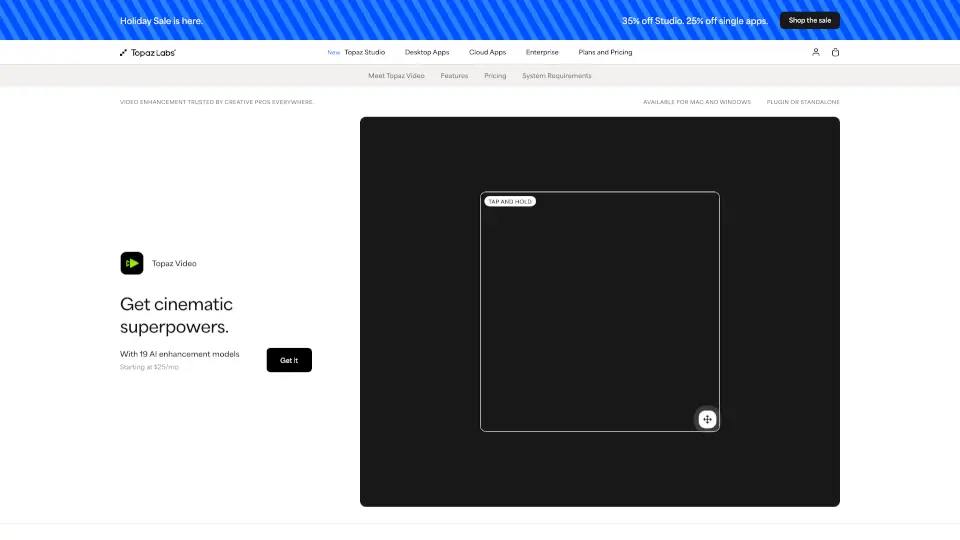
What is Topaz Video AI?
Topaz Video is a professional-grade AI-powered video enhancement software that transforms low-quality, noisy, or shaky footage into cinematic-grade video—right on your desktop. Whether you're restoring old family tapes, upscaling archival film to 4K, or cleaning up poorly lit drone shots, Topaz Video uses temporally aware AI models that understand motion across frames to deliver ultra-smooth, sharp, and steady results without the usual artifacts.
Trusted by filmmakers, archivists, and content creators worldwide, it works as a standalone app or plugin for Adobe Premiere, DaVinci Resolve, and After Effects. With both local rendering (your files stay private) and cloud options, it fits seamlessly into any creative workflow—no technical expertise needed.
What are the features of Topaz Video AI?
- Cinematic AI Models: Over 20 specialized models like Starlight Precise, Nyx, and Apollo handle upscaling, denoising, stabilization, and frame interpolation with studio-level precision.
- Temporal Awareness: Unlike basic tools, Topaz Video analyzes multiple frames over time to preserve motion consistency—critical for smooth slow-mo and natural-looking detail.
- Local + Cloud Rendering: Process videos securely on your machine or offload to the cloud using monthly credits for faster results on heavy projects.
- 4K Upscaling & HDR Conversion: Turn SD or HD footage into crisp 4K, and convert SDR to HDR for richer contrast and color depth.
- Advanced Stabilization & Motion Deblur: Fix shaky handheld shots and reduce blur from fast movement—even after filming is done.
- Pro Plugin Integration: Run enhancements directly inside Adobe Premiere Pro via the new Premiere Panel for a streamlined editing experience.
What are the use cases of Topaz Video AI?
- Filmmakers & Editors: Restore focus, remove noise, and upscale client footage for broadcast-ready deliverables.
- Archivists & Historians: Breathe new life into VHS tapes, film reels, or degraded historical footage with clarity and detail.
- Social Media Creators: Enhance smartphone videos for TikTok, YouTube, or Instagram with sharper resolution and smoother motion.
- Hobbyists: Make old home movies look like they were shot yesterday—no expensive gear required.
- AI & 3D Artists: Clean up generative AI video outputs or upscale renders from Blender and Unreal Engine.
How to use Topaz Video AI?
- Download and install Topaz Video for Mac or Windows (standalone or as a plugin).
- Import your video file and choose an AI model based on your goal—e.g., Nyx for low-light denoising or Apollo for slow motion.
- Preview results in real time, then render locally for privacy or use cloud credits for faster processing.
- For best quality, avoid over-processing: apply one enhancement at a time (e.g., denoise then upscale).
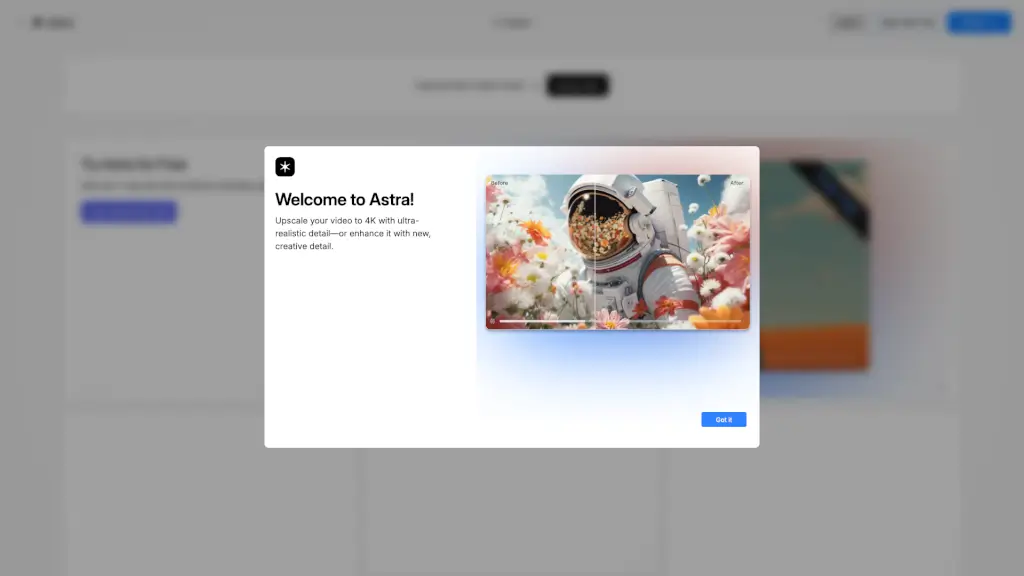
- Use the Compare slider to toggle between original and enhanced footage for precise adjustments.
- Save your project or export directly to your editing timeline if using the Premiere Pro panel.