
Pixop logo

Pixop

3.0
(0 Reviews)
Brazil34.12%

Pixop is a cloud-based AI video enhancer that helps professionals and businesses improve video quality and resolution effortlessly.

Verified by SeekTool
Social Media:
Pixop

Pixop Product Information

What is Pixop?

Pixop is your go-to AI-powered video remastering tool that makes enhancing and upscaling video quality a breeze. Whether you're a filmmaker, YouTuber, or part of a media production company, Pixop’s cloud-based platform lets you transform your footage with just a click. No expensive hardware or complicated setups needed—just a browser and an internet connection.

What are the features of Pixop?

  • AI Super Resolution: Upscale your videos up to UHD 8K with medium clarity boost.
  • AI Denoiser: Remove noise and improve video clarity effortlessly.
  • AI Deinterlacer: Smooth out interlaced footage for a modern look.
  • Deep Restoration 2: Bring old or damaged footage back to life.
  • Frame Rate Conversion: Adjust frame rates to match your project needs.
  • H.264 Encoding: Optimize videos for streaming and storage.

What are the use cases of Pixop?

  • Filmmakers: Enhance archival footage for modern screens.
  • YouTubers: Improve video quality without expensive equipment.
  • Broadcasters: Remaster old TV shows for re-airing.
  • Media Companies: Monetize your video archives with updated quality.

How to use Pixop?

  1. Sign up for a Pixop account.
  2. Upload your footage to the web app.
  3. Choose the filters you need (e.g., Super Resolution, Denoiser).
  4. Process your video and download the enhanced version.
Do you like this tool?

Upvote to help others discover it!

Pixop Alternatives

TensorPix

TensorPix

TensorPix makes video enhancement easy and free. Boost quality, fix flaws, and share sharper videos in seconds—no hassle.

US
24.36%
233.7K
5.0
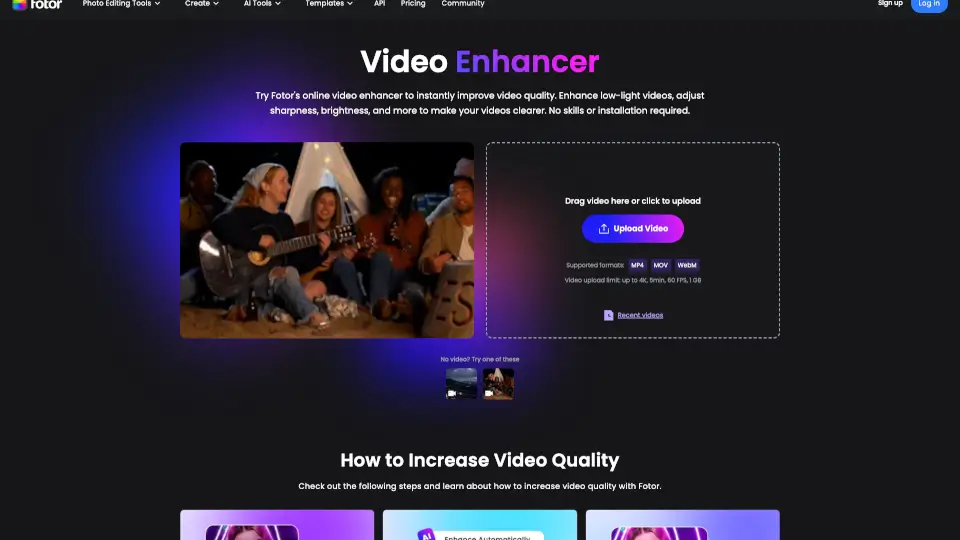
Fotor Video Enhancer

Fotor Video Enhancer

Fotor’s AI Video Enhancer Online instantly improves video quality—boosting resolution, color, and clarity—without downloads or editing skills.

RU
18.08%
7.1M
5.0
Topaz Video AI

Topaz Video AI

Topaz Video uses temporally aware AI to upscale, denoise, stabilize, and enhance footage into cinematic-grade video with professional results.

US
29.62%
2.8M
5.0
HitPaw VikPea

HitPaw VikPea

HitPaw VikPea is the easiest way to upscale, sharpen, and restore videos using AI. Perfect for nostalgia buffs, creators, and pros who want cinematic quality without the hassle.

US
16.39%
952.1K
5.0
UniFab Video Enhancer

UniFab Video Enhancer

UniFab Free Online AI Video Enhancer instantly upscales and restores videos to 4K quality in your browser—no install, no GPU, and free to start.

US
26.57%
243.8K
5.0
AnyEnhancer

AnyEnhancer

AnyEnhancer is the easiest way to upgrade videos with AI—perfect for creators, families, and film lovers. Try it today!

US
14.19%
1.1M
5.0
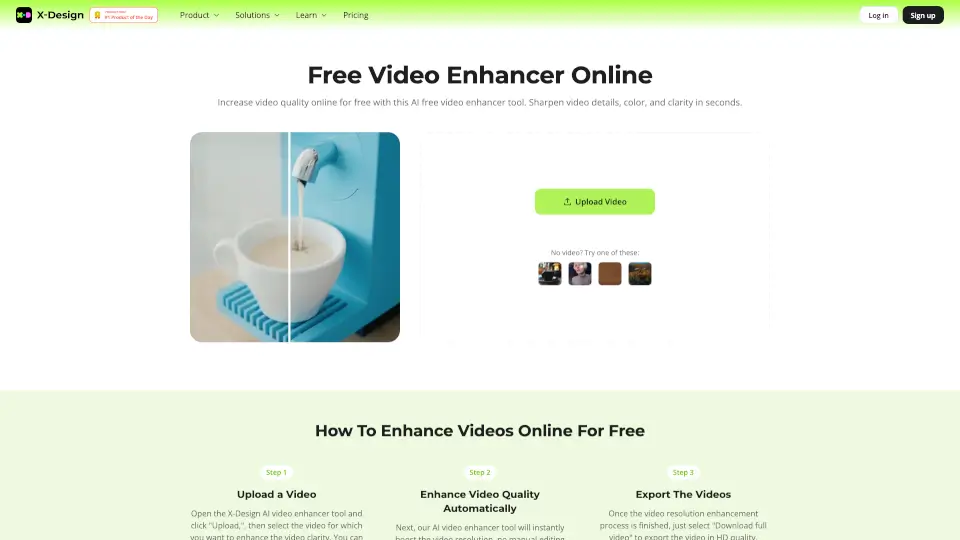
Video Enhancer

Video Enhancer

X-Design AI Video Enhancer is a powerful tool that transforms low-quality videos into high-resolution masterpieces, perfect for e-commerce, branding, and content creation.

US
31.40%
15.4K
4.0
VidHex AI Video Enhancer

VidHex AI Video Enhancer

VidHex uses AI to enhance, upscale, colorize, and restore videos with ease. Perfect for anyone wanting professional-quality videos in just a few clicks.

US
14.29%
61.8K
5.0

Pixop Related Other Categories

Pixop Traffic Analysis

💡 Insights

🔍
Niche Tool
Lower traffic volume. Likely new or highly specialized. Good for early adopters.
🔥
Explosive Growth
Recent growth of 61%. Extremely hot in the market right now!
👍
Good Experience
Bounce rate of 35%. Users are willing to explore features.
  • Monthly Visits

    6.50K

  • Bounce Rate

    35.09%

  • Pages Per Visit

    2.32

  • Visit Duration

    00:00:09

  • Global Rank

    2756409

  • Country Rank

    3135435

Visits Over Time

Traffic Sources

Gen Ai0.00%
Display Ads0.00%
Social Organic0.00%
Mail0.00%
Search Paid0.00%
Social Paid0.00%
Referrals0.00%
Affiliate0.00%
Search Organic0.00%
Direct0.00%

Top Keywords

1
pixop
CPC$3.08
580Traffic
2
pixop video enhancer
120Traffic
3
here's how to upscale sd archives to 4k using pixop's api.
120Traffic
4
pixopのプラットフォームって?
120Traffic
5
how to use video compare pixop
80Traffic

Top Regions

RegionPercentage
Brazil
Brazil
34.12%
United States
United States
29.45%
Russia
Russia
14.38%
Pakistan
Pakistan
12.66%
Canada
Canada
5.11%
Low
High

Powered by SimilarWeb

Pixop FAQ

Do I need special hardware to use Pixop?

No, Pixop is entirely cloud-based. All you need is a browser and an internet connection.

How much does Pixop cost?

Pixop operates on a pay-as-you-use basis. You only pay for the processing, storage, and downloads you use.

Is my data secure with Pixop?

Yes, Pixop ensures your data is encrypted at every stage, including in transit within AWS infrastructure.

Pixop Reviews

0

0

0 Reviews
Sign Into leave a review

Recent Reviews

No reviews yet

Pixop Pricing

Pixop Deinterlacer

Video deinterlacing service
$0.114 / gigapixel
  • Max volume discount: 10%

Pixop Denoiser

Video noise reduction service
$0.413 / gigapixel
  • Max volume discount: 10%

Pixop Deep Restoration 2

Advanced video restoration service
$0.486 / gigapixel
  • Max volume discount: 58%

Pixop Super Resolution

Video upscaling service
$0.079 / gigapixel
  • Max volume discount: 62%

Pixop Frame Rate Conversion

Video frame rate conversion service
$0.082 / gigapixel
  • Max volume discount: 60%

Storage

Cloud storage for video files
$0.023 / gigabyte / month

    Download

    Downloading processed video files
    $0.090 / gigabyte

      H.264 / AVC

      Video encoding service
      $0.023 / gigapixel
      • Max volume discount: 30%

      H.265 / HEVC

      Video encoding service
      $0.136 / gigapixel
      • Max volume discount: 30%

      Apple ProRes

      Video encoding service
      $0.021 / gigapixel
      • Max volume discount: 30%

      Pixop Embed

      Use website badges to drive community support for SeekTool.ai. They are easy to embed in your homepage or footer.

      Light
      Dark
      Pixop - Featured on SeekTool.aiPixop - Featured on SeekTool.ai
      How to install?