
What is Astra Video Upscaler?
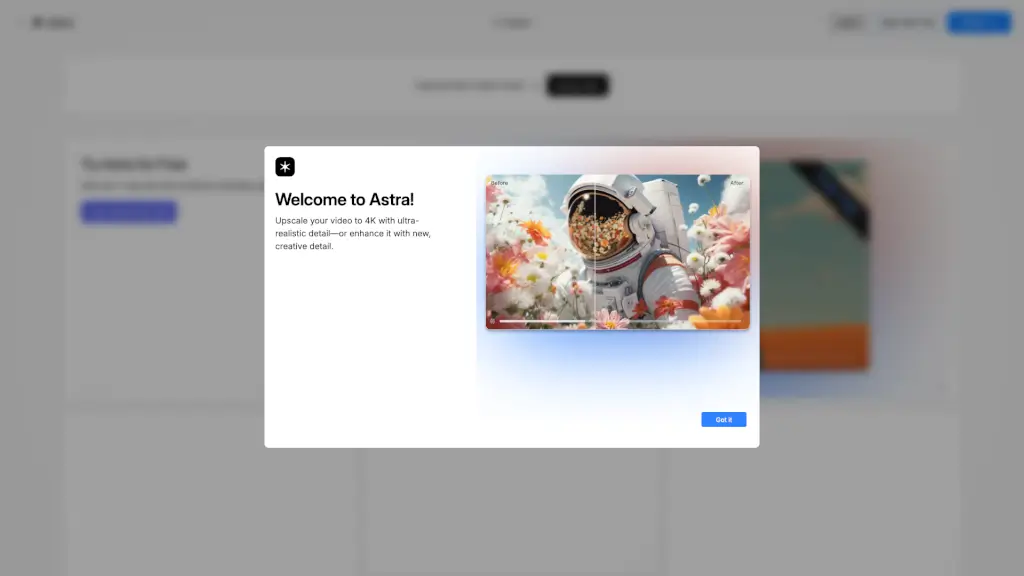
Welcome to Astra, the go-to AI video upscaler by Topaz Labs! Whether you're a content creator, filmmaker, or just someone who loves high-quality videos, Astra is here to help. With Astra, you can easily upscale your videos to 4K, enhancing resolution, clarity, and detail. Plus, you can add a creative touch with unique details in Creative mode. It's like giving your videos a professional makeover right from your browser.
What are the features of Astra Video Upscaler?
- Video Upscaling: Transform your videos to 4K with ultra-realistic detail.
- Creative Mode: Add a new, unique spin to your videos with creative enhancements.
- Cloud Rendering: Get unlimited image cloud rendering and monthly video credits.
- Multiple Plan Options: Choose from Express, Cloud Collection, and Topaz Studio plans to fit your needs.
- Easy Upload: Simply drag and drop your video to start, or browse files to upload.
- Community Support: Join the Astra Discord for support, feedback, and community engagement.
What are the use cases of Astra Video Upscaler?
- Content Creators: Enhance your YouTube or Vimeo videos for a more professional look.
- Filmmakers: Improve the quality of old footage or low-resolution clips.
- Social Media Enthusiasts: Make your Instagram and TikTok videos stand out with 4K quality.
- Gaming Content: Upscale your gameplay recordings for a smoother, more detailed viewing experience.
- Archival Projects: Restore and enhance old family videos and home movies.
How to use Astra Video Upscaler?
- Sign Up: Create an account or log in to get started.
- Upload Video: Drag and drop your video file or browse to select it.
- Choose Mode: Select either the standard upscaling or Creative mode.
- Render: Use your cloud credits to render the video.
- Download: Once rendered, download your enhanced video.
- Share: Share your results directly from the platform or on social media.