
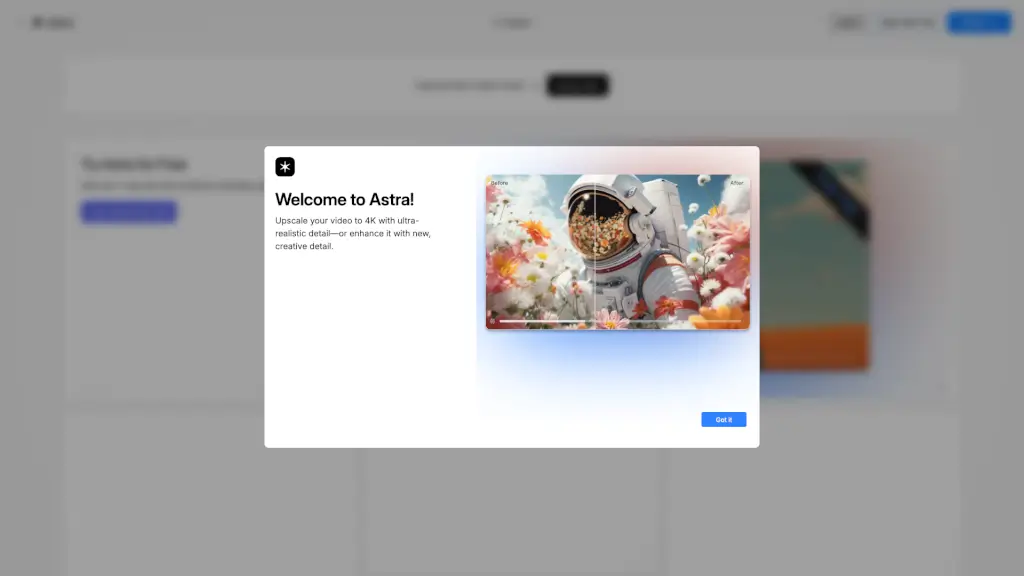
What is Astra Video Upscaler?
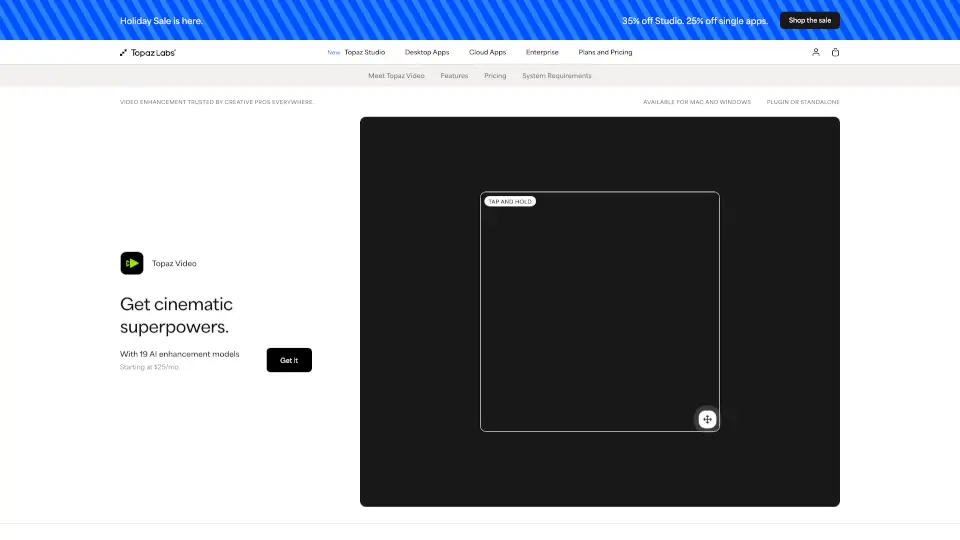
Welcome to Astra, the go-to AI video upscaler by Topaz Labs! Whether you're a content creator, filmmaker, or just someone who loves high-quality videos, Astra is here to help. With Astra, you can easily upscale your videos to 4K, enhancing resolution, clarity, and detail. Plus, you can add a creative touch with unique details in Creative mode. It's like giving your videos a professional makeover right from your browser.
What are the features of Astra Video Upscaler?
- Video UpscalingTransform your videos to 4K with ultra-realistic detail.
- Creative ModeAdd a new, unique spin to your videos with creative enhancements.
- Cloud RenderingGet unlimited image cloud rendering and monthly video credits.
- Multiple Plan OptionsChoose from Express, Cloud Collection, and Topaz Studio plans to fit your needs.
- Easy UploadSimply drag and drop your video to start, or browse files to upload.
- Community SupportJoin the Astra Discord for support, feedback, and community engagement.
What are the use cases of Astra Video Upscaler?
- Content CreatorsEnhance your YouTube or Vimeo videos for a more professional look.
- FilmmakersImprove the quality of old footage or low-resolution clips.
- Social Media EnthusiastsMake your Instagram and TikTok videos stand out with 4K quality.
- Gaming ContentUpscale your gameplay recordings for a smoother, more detailed viewing experience.
- Archival ProjectsRestore and enhance old family videos and home movies.
How to use Astra Video Upscaler?
- Sign UpCreate an account or log in to get started.
- Upload VideoDrag and drop your video file or browse to select it.
- Choose ModeSelect either the standard upscaling or Creative mode.
- RenderUse your cloud credits to render the video.
- DownloadOnce rendered, download your enhanced video.
- ShareShare your results directly from the platform or on social media.