
Topaz Video AI logo

Topaz Video AI

5.0
(0 Reviews)
United States29.62%

Topaz Video uses temporally aware AI to upscale, denoise, stabilize, and enhance footage into cinematic-grade video with professional results.

Verified by SeekTool
Social Media:
Topaz Video AI

Topaz Video AI Product Information

What is Topaz Video AI?

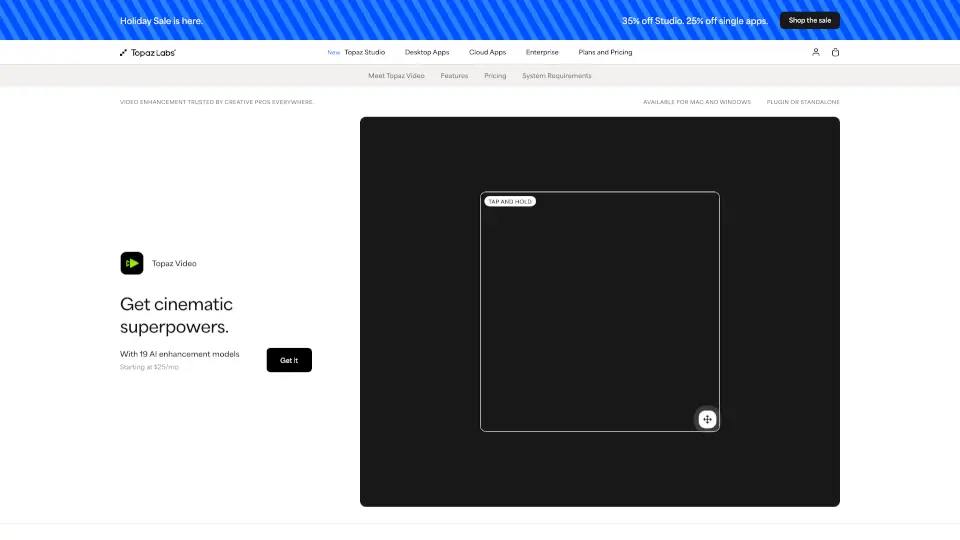
Topaz Video is a professional-grade AI-powered video enhancement software that transforms low-quality, noisy, or shaky footage into cinematic-grade video—right on your desktop. Whether you're restoring old family tapes, upscaling archival film to 4K, or cleaning up poorly lit drone shots, Topaz Video uses temporally aware AI models that understand motion across frames to deliver ultra-smooth, sharp, and steady results without the usual artifacts.

Trusted by filmmakers, archivists, and content creators worldwide, it works as a standalone app or plugin for Adobe Premiere, DaVinci Resolve, and After Effects. With both local rendering (your files stay private) and cloud options, it fits seamlessly into any creative workflow—no technical expertise needed.

What are the features of Topaz Video AI?

  • Cinematic AI Models: Over 20 specialized models like Starlight Precise, Nyx, and Apollo handle upscaling, denoising, stabilization, and frame interpolation with studio-level precision.
  • Temporal Awareness: Unlike basic tools, Topaz Video analyzes multiple frames over time to preserve motion consistency—critical for smooth slow-mo and natural-looking detail.
  • Local + Cloud Rendering: Process videos securely on your machine or offload to the cloud using monthly credits for faster results on heavy projects.
  • 4K Upscaling & HDR Conversion: Turn SD or HD footage into crisp 4K, and convert SDR to HDR for richer contrast and color depth.
  • Advanced Stabilization & Motion Deblur: Fix shaky handheld shots and reduce blur from fast movement—even after filming is done.
  • Pro Plugin Integration: Run enhancements directly inside Adobe Premiere Pro via the new Premiere Panel for a streamlined editing experience.

What are the use cases of Topaz Video AI?

  • Filmmakers & Editors: Restore focus, remove noise, and upscale client footage for broadcast-ready deliverables.
  • Archivists & Historians: Breathe new life into VHS tapes, film reels, or degraded historical footage with clarity and detail.
  • Social Media Creators: Enhance smartphone videos for TikTok, YouTube, or Instagram with sharper resolution and smoother motion.
  • Hobbyists: Make old home movies look like they were shot yesterday—no expensive gear required.
  • AI & 3D Artists: Clean up generative AI video outputs or upscale renders from Blender and Unreal Engine.

How to use Topaz Video AI?

  • Download and install Topaz Video for Mac or Windows (standalone or as a plugin).
  • Import your video file and choose an AI model based on your goal—e.g., Nyx for low-light denoising or Apollo for slow motion.
  • Preview results in real time, then render locally for privacy or use cloud credits for faster processing.
  • For best quality, avoid over-processing: apply one enhancement at a time (e.g., denoise then upscale).
  • Use the Compare slider to toggle between original and enhanced footage for precise adjustments.
  • Save your project or export directly to your editing timeline if using the Premiere Pro panel.
Do you like this tool?

Upvote to help others discover it!

Topaz Video AI Alternatives

Topaz Labs

Topaz Labs

Topaz Labs delivers professional AI-powered photo and video enhancement for stunning noise reduction, upscaling, sharpening, and restoration.

US
29.62%
2.8M
5.0
Astra Video Upscaler

Astra Video Upscaler

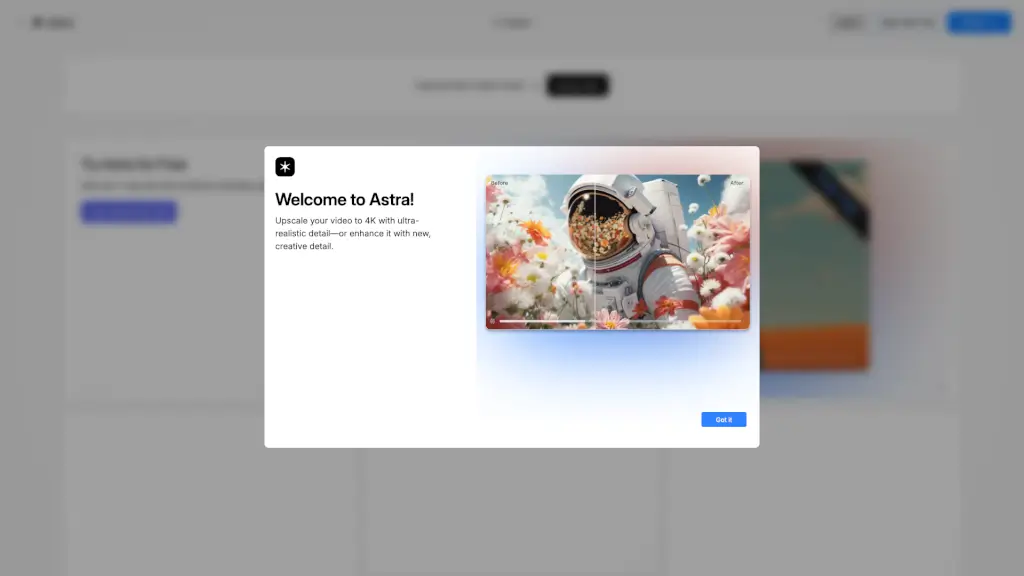
Astra by Topaz Labs is a powerful AI video upscaler that enhances resolution, clarity, and detail, transforming your videos to 4K with ultra-realistic and creative options.

US
24.59%
626.6K
5.0
Topaz Photo AI

Topaz Photo AI

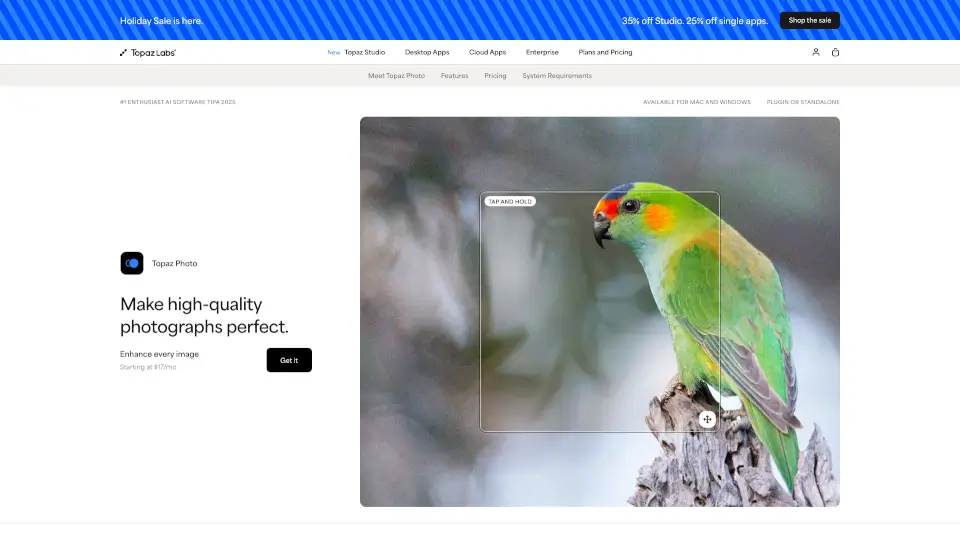
Topaz Photo uses cutting-edge AI to sharpen, denoise, unblur, and upscale images—turning good photos into stunning, professional-quality results.

US
29.62%
2.8M
5.0
UniFab Video Enhancer

UniFab Video Enhancer

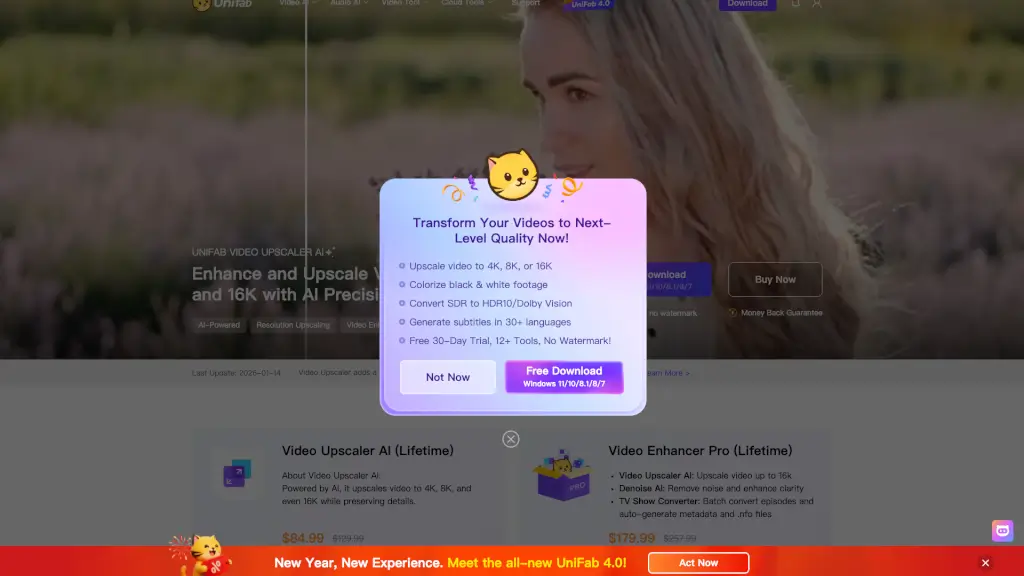
UniFab Free Online AI Video Enhancer instantly upscales and restores videos to 4K quality in your browser—no install, no GPU, and free to start.

US
26.57%
243.8K
5.0
Fotor Video Enhancer

Fotor Video Enhancer

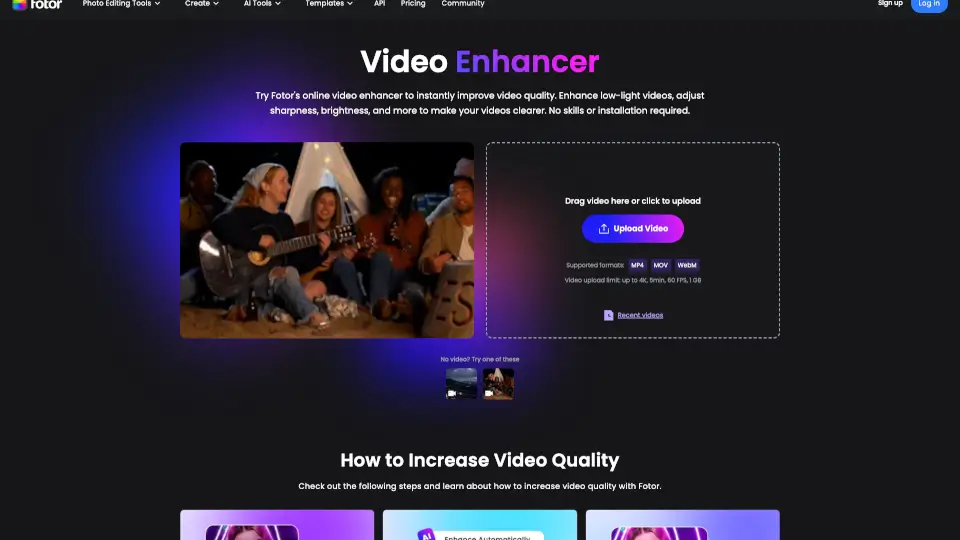
Fotor’s AI Video Enhancer Online instantly improves video quality—boosting resolution, color, and clarity—without downloads or editing skills.

RU
18.08%
7.1M
5.0
Pixop

Pixop

Pixop is a cloud-based AI video enhancer that helps professionals and businesses improve video quality and resolution effortlessly.

BR
34.12%
6.5K
3.0
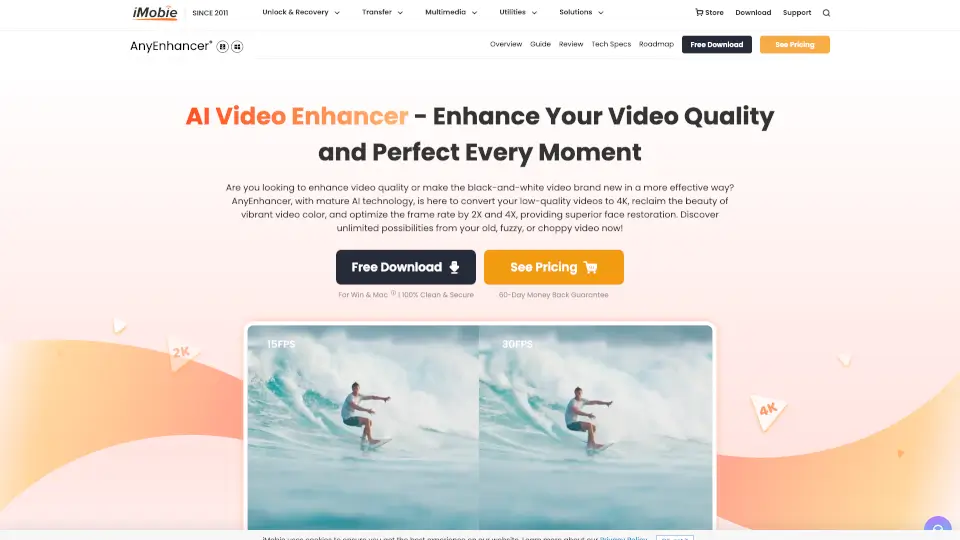
AnyEnhancer

AnyEnhancer

AnyEnhancer is the easiest way to upgrade videos with AI—perfect for creators, families, and film lovers. Try it today!

US
14.19%
1.1M
5.0
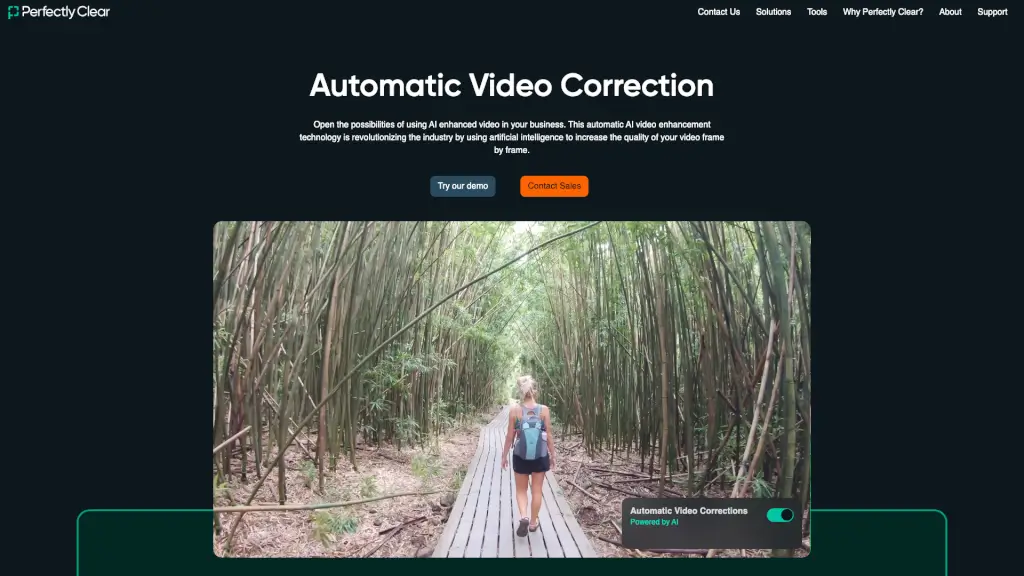
Perfectly Clear Video

Perfectly Clear Video

Perfectly Clear Video is an automatic AI video enhancer that instantly improves video quality for businesses—frame by frame, with no manual editing required.

US
16.24%
16.5K
4.0

Topaz Video AI Related Other Categories

Topaz Video AI Traffic Analysis

💡 Insights

📈
High Traffic
Over 1M monthly visits. Widely recognized and stable choice.
➡️
Stable
Traffic remains stable, indicating a mature product.
💎
High Stickiness
Low bounce rate (38%) and deep engagement (3.5 pages/visit). Excellent user experience.
  • Monthly Visits

    2.85M

  • Bounce Rate

    37.71%

  • Pages Per Visit

    3.45

  • Visit Duration

    00:02:36

  • Global Rank

    19638

  • Country Rank

    14171

Visits Over Time

Traffic Sources

Search Organic51.77%
Direct30.04%
Search Paid6.23%
Referrals3.55%
Social Organic3.50%
Gen Ai2.27%
Mail1.30%
Display Ads0.72%
Social Paid0.40%
Affiliate0.23%

Top Keywords

1
topaz
CPC$0.47
130.17KTraffic
2
topaz video ai
CPC$0.60
129.52KTraffic
3
topaz labs
CPC$0.60
44.56KTraffic
4
topaz photo ai
CPC$1.08
41.89KTraffic
5
topaz ai
CPC$0.51
39.83KTraffic

Top Regions

RegionPercentage
United States
United States
29.62%
India
India
7.54%
Germany
Germany
4.63%
United Kingdom
United Kingdom
4.08%
China
China
3.40%
Low
High

Powered by SimilarWeb

Topaz Video AI FAQ

What is Topaz Video?

Topaz Video is a professional-grade desktop application for enhancing video quality using multiple advanced AI models. It can sharpen, remove noise and artifacts, restore detail, stabilize shaky footage, and upscale various video files.

How many computers can I use my apps on?

Seats are the number of computers you can use a desktop app on at the same time. You can use the desktop applications on one computer at a time. If you require use on more than one machine, you will need a Pro license.

What is your return policy?

We want you to love your Topaz Labs experience. If you purchase a product and it’s not the right fit, no problem—let us know within 2 days, and we’ll provide a full refund. See full policy here.

Where can I learn more about the apps and how to use them?

Topaz Video AI Reviews

0

0

0 Reviews
Sign Into leave a review

Recent Reviews

No reviews yet

Topaz Video AI Pricing

Personal Video AI 6

Unleash your cinematic superpowers. Ultra sharp. Ultra smooth. Ultra steady.
$299
  • Plus 12 months of updates
  • Personal and commercial use for orgs under $1M USD annual revenue

Commercial Video AI Pro

The first commercially available video AI enhancement tool built for creative professionals.
$1099
  • Starting at
  • Required commercial use for orgs with over $1M USD annual revenue

Topaz Video AI Embed

Use website badges to drive community support for SeekTool.ai. They are easy to embed in your homepage or footer.

Light
Dark
Topaz Video AI - Featured on SeekTool.aiTopaz Video AI - Featured on SeekTool.ai
How to install?