
Client Hub logo

Client Hub

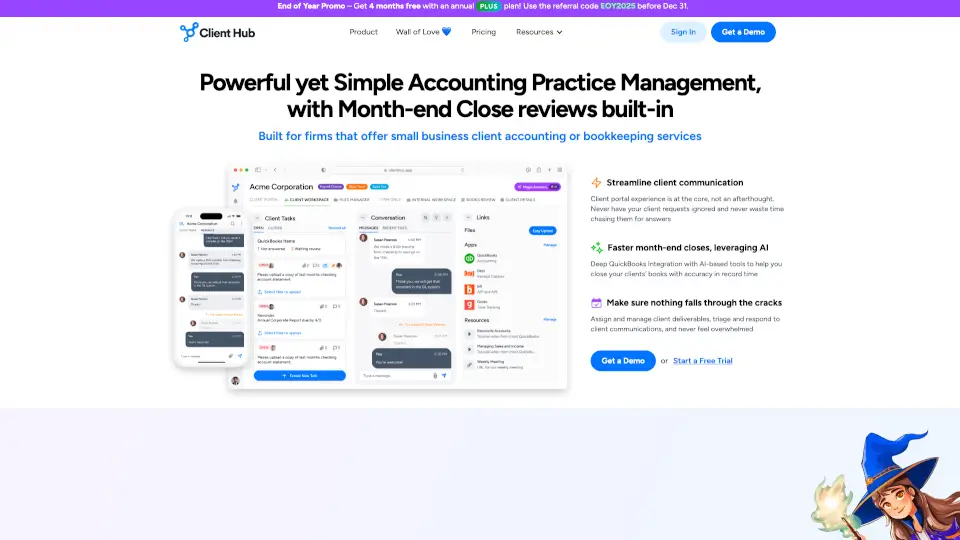
Client Hub is an accounting practice management software that turns client communications into action with AI-powered automation, secure portals, and streamlined workflows.

Social Media:

Client Hub Product Information

What is Client Hub?

Client Hub is an all-in-one accounting practice management software that turns scattered emails and manual follow-ups into a streamlined workflow. Instead of chasing clients for documents or digging through inbox threads, your team gets total visibility across every request, deadline, and client interaction. The platform uses AI to automate reminders, draft replies, and keep work moving forward so your firm stops falling behind.

What are the features of Client Hub?

  • Job/Task Management
    Create structured jobs with workflow checklists. Every task has an owner, deadline, and status so nothing slips through the cracks.
  • Client Communication Hub
    All emails and messages from clients get captured in one view. No more lost threads or wondering if someone replied.
  • AI-Powered Automation
    Automate client requests, reminders, and recurring workflows. Use AI to summarize threads, draft responses, and generate smart insights from your data.
  • Client Portal with Self-Service
    Each client gets a custom workspace to upload files, answer requests, and resolve uncategorized transactions without calling or emailing you.
  • Deep Integrations
    Two-way sync with QuickBooks Online and Xero. Connect via Zapier for hundreds of additional automations.
  • Firm Management Dashboard
    Role-based permissions so the right people see the right info. Track deadlines, spot bottlenecks, and monitor team performance in real time.
  • Mobile App
    Clients can respond to requests, upload documents, and send messages from their phone with push notifications to keep them engaged.
  • File Management and E-Signatures
    Organize, share, and bulk-download documents. Collect e-signatures without switching tools.

What are the use cases of Client Hub?

  • Month-end close
    Run the entire close process inside the platform, from collecting client documents to generating reports with AI-powered insights.
  • Document collection without chasing
    Automatically request documents before work begins. The system sends reminders if clients don't respond, saving up to 40% of gathering time.
  • Uncategorized transaction resolution
    Mark a transaction in QuickBooks Online and it flows to the client portal for them to resolve. Updates sync back automatically.
  • Client onboarding and ongoing communication
    Give new clients a branded workspace where they can upload everything you need, with all messages tracked in one thread.
  • Hybrid or remote team coordination
    Keep your team aligned in a shared workspace with task comments, real-time status updates, and firm-wide visibility from any device.

How to use Client Hub?

  • Set up your firm profile
    Invite team members and assign role-based permissions so everyone sees what they need.
  • Create your first job
    Use structured checklists to break complex engagements like month-end close into trackable steps with deadlines and owners.
  • Connect your accounting software
    Sync with QuickBooks Online or Xero for deep two-way data flow, including uncategorized transaction resolution.
  • Turn on Autopilot for recurring requests
    Set up automatic document requests that trigger before work starts, with automated follow-up reminders to clients.
  • Use AI to save time
    Let the platform draft replies to common client questions and summarize long email threads so your team focuses on higher-value work.
  • Invite clients to their portal
    Each client gets a custom workspace and mobile app access where they can respond to requests and upload files without logging in every time.
Do you like this tool?

Upvote to help others discover it!

Client Hub Alternatives

Receiptor.ai

Receiptor.ai

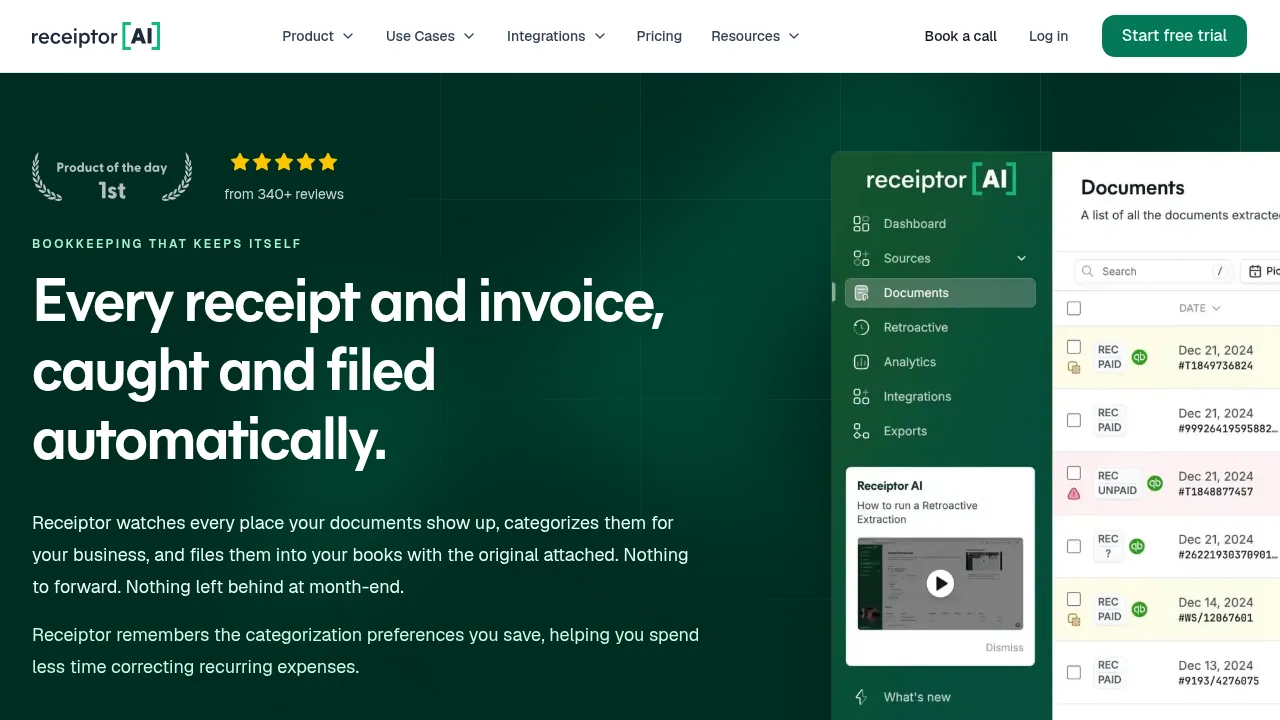
Receiptor.ai extracts and categorizes financial documents from inboxes and messaging apps, then publishes them to Xero or QuickBooks with originals attached.

US
47.02%
33.6K
0
FuseBase

FuseBase

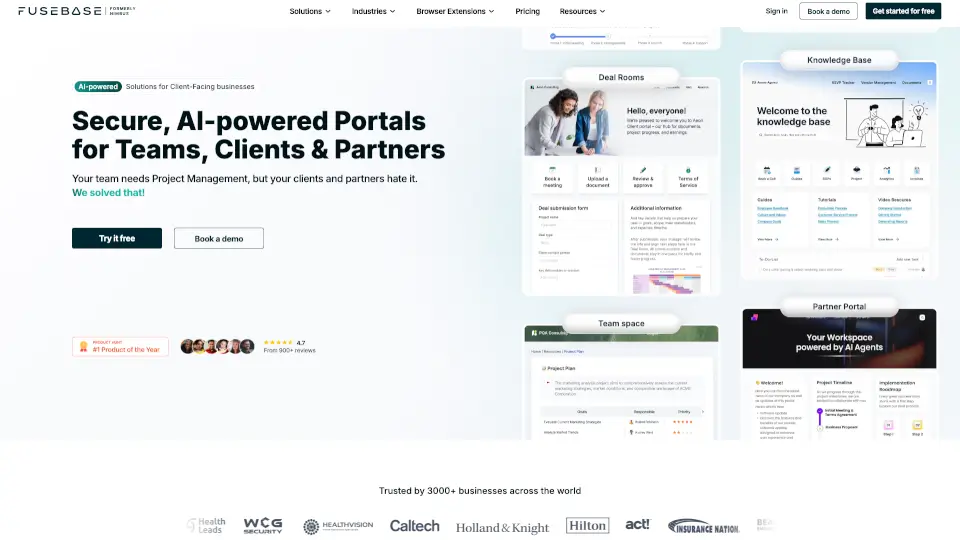
FuseBase is an AI-powered workspace platform that centralizes collaboration for teams, clients, and partners. It offers customizable portals, smart AI agents, and seamless integrations to streamline workflows and improve productivity.

US
35.05%
40.4K
0
ClickUp

ClickUp

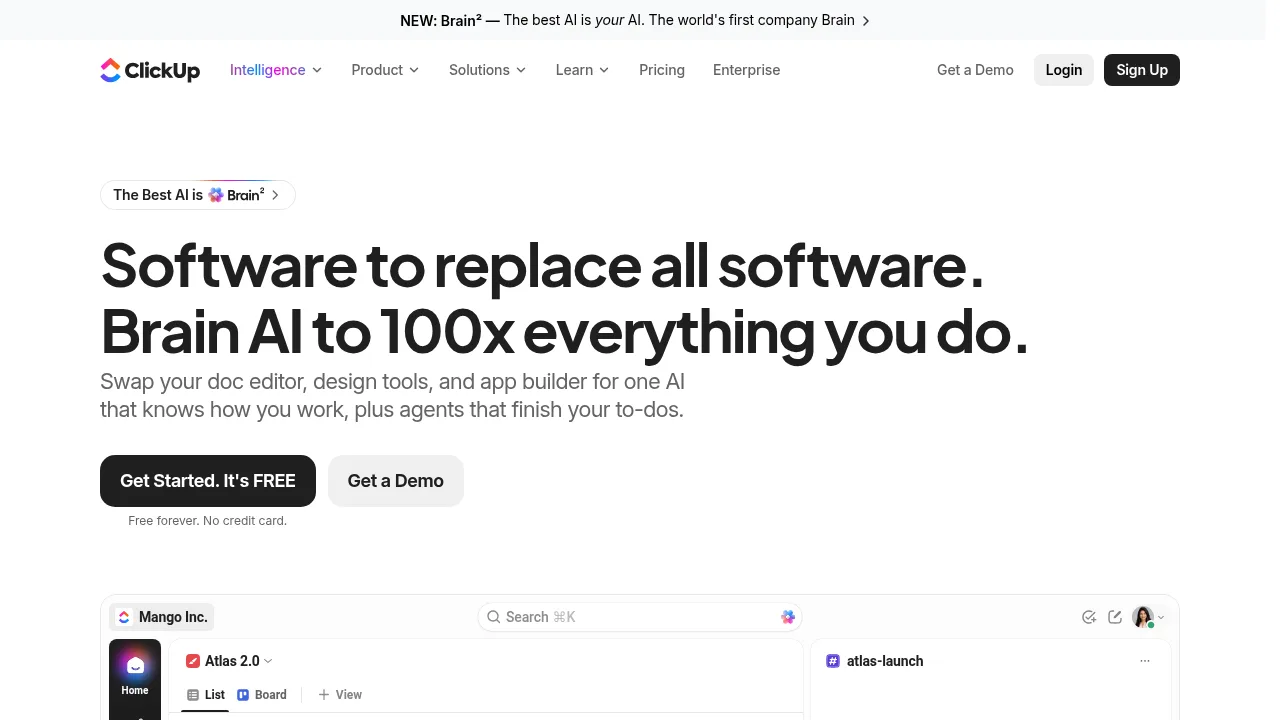
ClickUp unifies projects, chat, docs, and AI agents in one workspace accessible on desktop and mobile platforms.

US
24.47%
33.9M
0
Timely

Timely

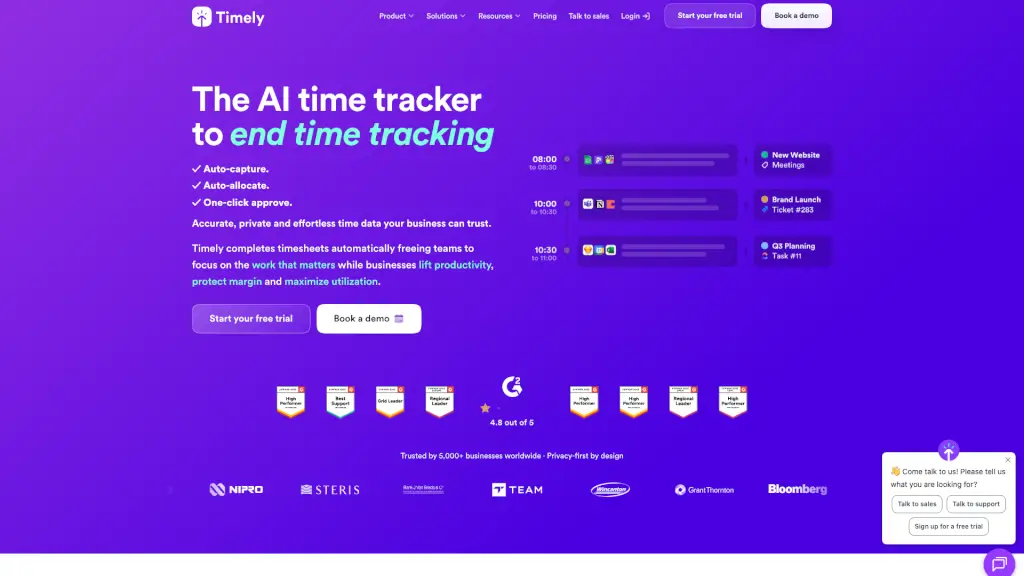
Timely is an AI-powered automatic time tracker that eliminates manual logging for agencies, consultancies, and SaaS teams—delivering accurate, private, and actionable time data effortlessly.

US
41.45%
102.1K
0
Nimbus Platform (Nimbus Platform)

Nimbus Platform (Nimbus Platform)

FuseBase is a secure, AI-powered collaboration platform that simplifies client and team workflows with customizable portals, smart automation, and enterprise-grade security.

CN
43.25%
82.9K
0
Smartsheet

Smartsheet

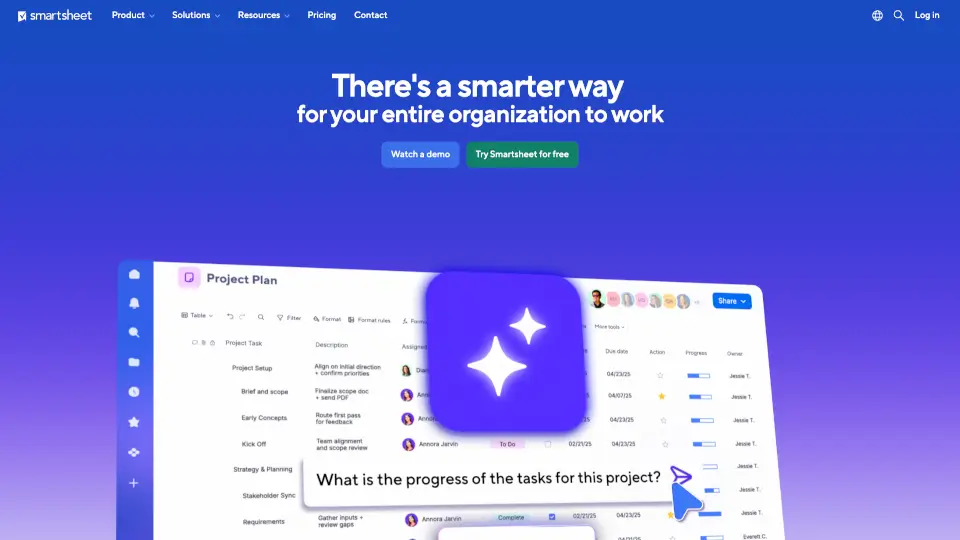
Smartsheet is an intelligent work management platform that uses AI and automation to help teams plan, execute, and scale work with clarity and confidence.

US
71.70%
22.0M
0
BlackOre

BlackOre

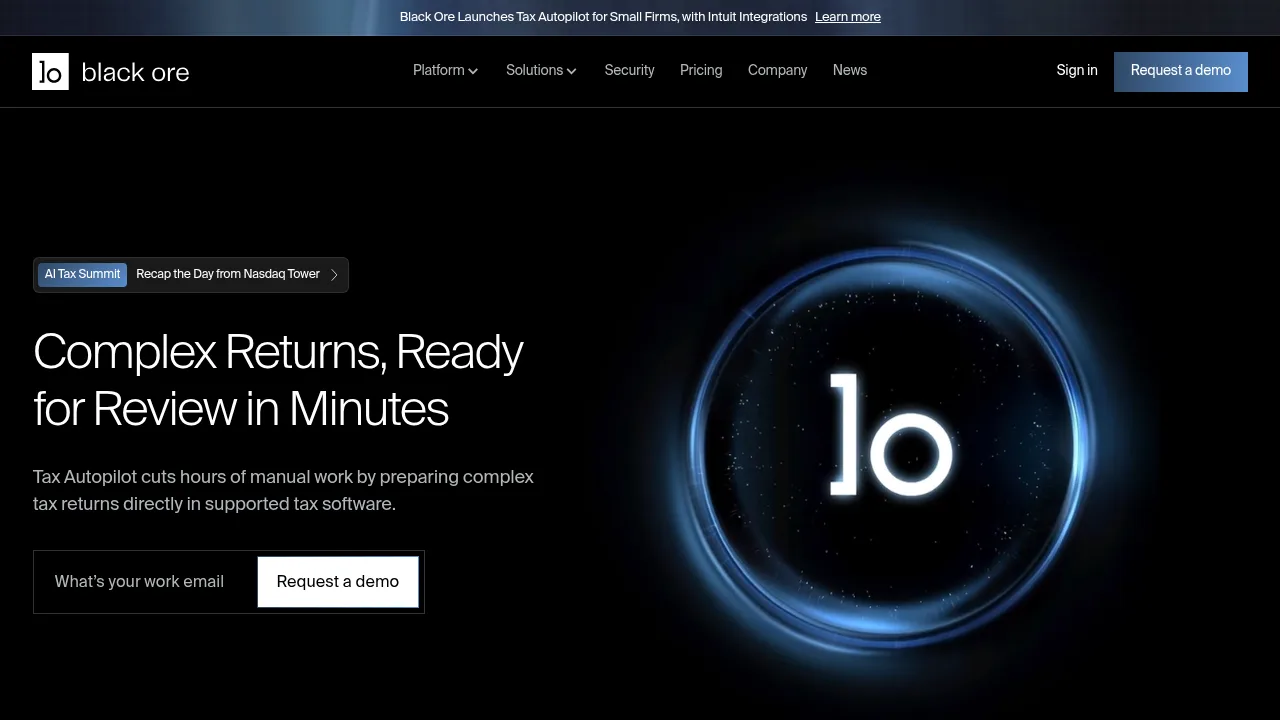
BlackOre automates complex tax return preparation by extracting data from source documents and populating supported tax software for CPA firms.

US
100.00%
8.7K
0
Town

Town

Town is an AI assistant that learns how you work, then handles your inbox, tasks, and routines—quietly working in the background so you can focus on what matters.

US
85.87%
472.9K
0

Client Hub Related Other Categories

Client Hub Traffic Analysis

Website traffic estimates for clienthub.app. Visits are not unique users or product usage.

Data month: 2026-10

💡 Insights

🌱
10K–100K monthly visits
Estimated monthly visits exceed 10,000 and are at most 100,000.
⚠️
Slight Decline
Estimated visits decreased 2.5% from the previous month.
💎
Browsing depth
Bounce rate: 25%; average pages per visit: 6.6.
🎯
Direct-led traffic
Direct traffic accounts for 66% of estimated visits.
  • Monthly Visits

    77.03K

  • Bounce Rate

    24.66%

  • Pages Per Visit

    6.57

  • Visit Duration

    00:05:43

  • Global Rank

    383570

  • Country Rank

    118228

Visits Over Time

Traffic Sources

Direct66.06%
Mail15.80%
Referrals8.25%
Search Organic5.45%
Social Organic2.64%
Search Paid1.28%
Display Ads0.26%
Gen Ai0.26%
Social Paid0.00%
Affiliate0.00%

Top Keywords

1
client hub
630Traffic
2
taxdome
CPC$11.07
110Traffic
3
financial cents
CPC$16.70
90Traffic
4
clienthub
CPC$6.07
80Traffic
5
double accounting formerly keeper
60Traffic

Top Regions

RegionPercentage
United States
United States
65.87%
Mexico
Mexico
28.85%
Pakistan
Pakistan
4.20%
India
India
1.07%
Low
High

Powered by SimilarWeb

Client Hub FAQ

Is pricing based on the number of clients or the number of team members?

Pricing is per firm user (team member), not per client, so you can add unlimited clients without your subscription cost going up. For month-end close tools, others like Double or Financial Cents charge for each client, dramatically increasing your costs.

Do my clients have to log in with a password every time they enter the portal?

No. Clients create a login once and stay active as long as they've engaged in the past 30 days. Clients with multiple companies access all their workspaces from one single login, no juggling multiple accounts.

How does Client Hub's QuickBooks Online integration work?

Client Hub features a very deep integration with QuickBooks Online: 1. Uncategorized Expense resolution: Mark a transaction as uncategorized and it automatically flows into Client Hub for the client to help resolve. Once resolved, QBO updates automatically, no manual entry. 2. Month-end close tools: Use our powerful tools and AI-based capabilities to quickly find and fix issues. 3. Client-facing reports: Use our powerful AI-based capabilities to deliver not just the numbers, but generate key insights from them.

Will Client Hub really save our team time?

Yes. Firms routinely reclaim several hours per week by automating client requests and follow-ups. One common example: syncing open QBO/Xero transactions to the client portal, collecting responses automatically, and syncing updates back to QBO/Xero — hands-free.

How can the system help me stop having to chase clients for documents?

Use Client Hub's Autopilot feature to automatically request documents a set number of days before work begins. If clients don't respond, the system sends automated reminders on your behalf. Automatically gathering client docs via Client Hub has been shown to increase information gathering efficiency by up to 40%.

Client Hub Reviews

0
0 Reviews
Sign Into leave a review

Recent Reviews

No reviews yet

Client Hub Embed

Use website badges to drive community support for SeekTool.ai. They are easy to embed in your homepage or footer.

Light
Dark
Client Hub - Featured on SeekTool.aiClient Hub - Featured on SeekTool.ai
How to install?

Category Rankings

Ranked by monthly traffic