
Что такое Smartsheet?
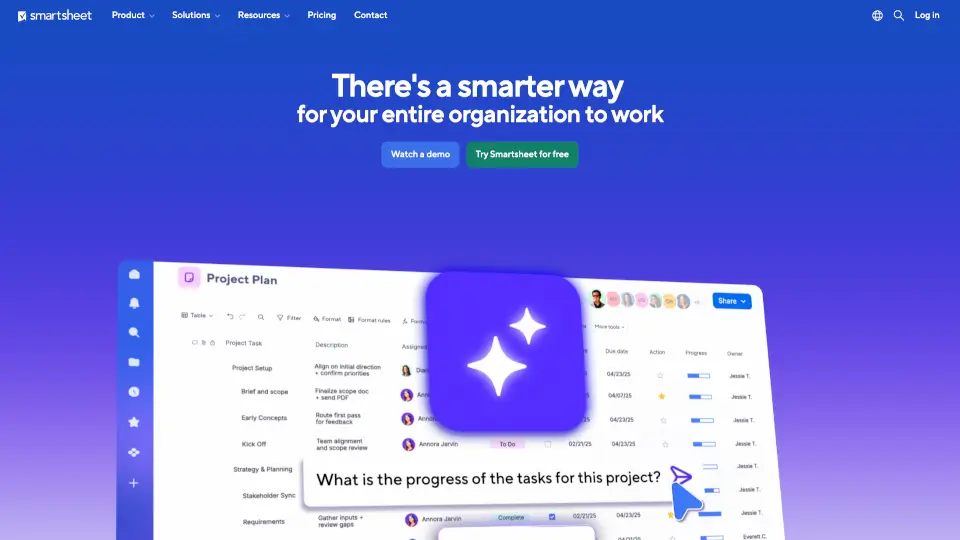
Smartsheet — это интеллектуальная платформа для управления работой, которая помогает командам планировать, автоматизировать и отслеживать проекты любого масштаба. Вместо бесконечных таблиц и рассинхронизированных чатов вы получаете единое пространство, где всё — от задач до ресурсов — видно в реальном времени. Особенно мощно Smartsheet работает с встроенным ИИ, который предлагает персонализированные рекомендации и ускоряет принятие решений.
Платформа подходит как небольшим командам, так и крупным корпорациям — более 85% компаний из Fortune 500 уже используют её для повышения эффективности. Независимо от того, управляете ли вы IT-портфелем, маркетинговыми кампаниями или клиентскими проектами, Smartsheet адаптируется под ваши процессы без необходимости писать код.
Какие особенности у Smartsheet?
- ИИ-ассистент: Получайте умные подсказки, автоматические аналитические отчёты и прогнозы на основе ваших данных.
- Автоматизация рабочих процессов: Настройте триггеры и действия (например, уведомления при изменении статуса задачи) без программирования.
- Гибкие представления: Переключайтесь между диаграммами Ганта, досками Канбан, календарями и таблицами одним кликом.
- Управление портфелем проектов: Отслеживайте десятки и сотни проектов одновременно с едиными дашбордами и анализом загрузки ресурсов.
- Безопасность корпоративного уровня: Защита данных соответствует стандартам ISO, SOC 2 и GDPR — идеально для госструктур и финансовых организаций.
- Глубокая интеграция: Подключайте Slack, Microsoft Teams, Jira, Salesforce и другие популярные инструменты через встроенные коннекторы.
- Централизованный запросник: Упростите приём заявок от клиентов или внутренних команд с помощью форм и утверждений.
Какие случаи использования Smartsheet?
- Маркетологи сокращают цикл запуска кампаний на 45%, автоматизируя согласования и отчётность.
- IT-отделы управляют на 30% большим количеством проектов без найма новых менеджеров благодаря прозрачному распределению нагрузки.
- Строительные компании отслеживают сроки поставок, бюджеты и подрядчиков в одном месте, избегая простоев.
- B2B-сервисные команды создают клиентские порталы для совместной работы и прогнозирования использования ресурсов.
- PMO (офисы управления проектами) получают единую картину всех инициатив компании — от идеи до реализации.
- Финансовые службы ускоряют сбор счетов: одна компания сократила время оплаты на более чем 30 дней.
- Образовательные учреждения координируют многопрофильные программы и кампании по набору студентов.
Как использовать Smartsheet?
- Зарегистрируйтесь на бесплатный пробный период и выберите шаблон под вашу задачу (маркетинг, IT, строительство и др.).
- Добавьте участников команды и назначьте роли с разным уровнем доступа (просмотр, редактирование, администрирование).
- Используйте встроенный ИИ: нажмите кнопку «Ask Smartsheet» и задайте вопрос на естественном языке (например, «Какие задачи просрочены?»).
- Настройте автоматизацию через «Workflow Builder» — например, отправлять уведомление в Slack при завершении этапа.
- Подключите любимые инструменты через раздел «Integrations», чтобы данные синхронизировались автоматически.
- Создайте дашборд для руководства: объедините ключевые метрики из разных листов в один наглядный отчёт.