
What is Client Hub?
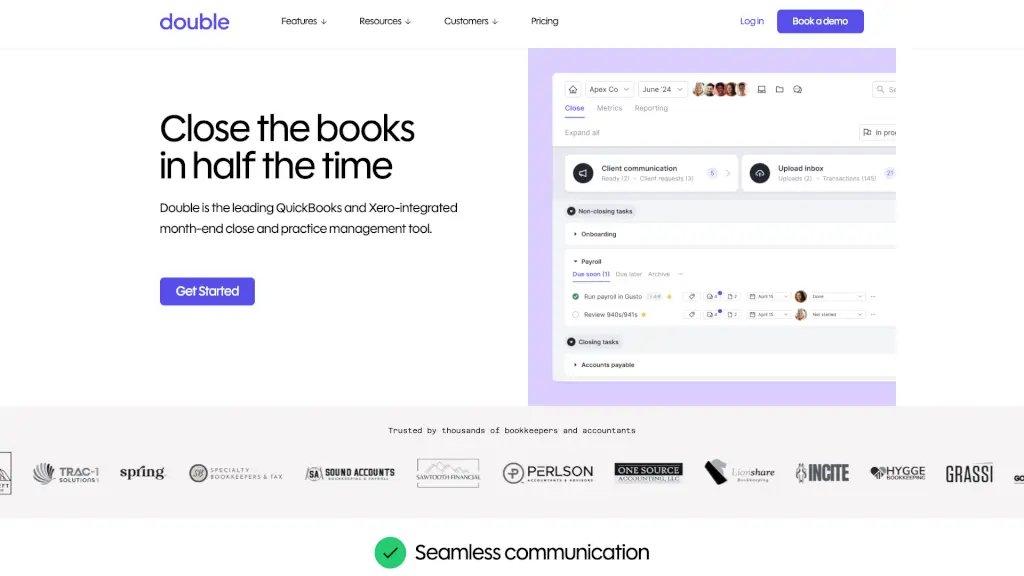
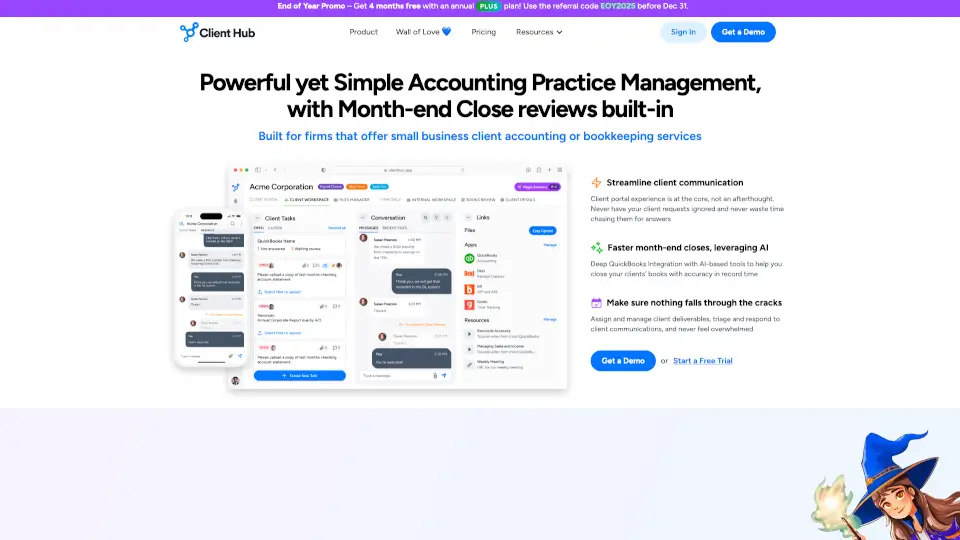
Client Hub is an all-in-one accounting practice management software that turns scattered emails and manual follow-ups into a streamlined workflow. Instead of chasing clients for documents or digging through inbox threads, your team gets total visibility across every request, deadline, and client interaction. The platform uses AI to automate reminders, draft replies, and keep work moving forward so your firm stops falling behind.
What are the features of Client Hub?
- Job/Task Management: Create structured jobs with workflow checklists. Every task has an owner, deadline, and status so nothing slips through the cracks.
- Client Communication Hub: All emails and messages from clients get captured in one view. No more lost threads or wondering if someone replied.
- AI-Powered Automation: Automate client requests, reminders, and recurring workflows. Use AI to summarize threads, draft responses, and generate smart insights from your data.
- Client Portal with Self-Service: Each client gets a custom workspace to upload files, answer requests, and resolve uncategorized transactions without calling or emailing you.
- Deep Integrations: Two-way sync with QuickBooks Online and Xero. Connect via Zapier for hundreds of additional automations.
- Firm Management Dashboard: Role-based permissions so the right people see the right info. Track deadlines, spot bottlenecks, and monitor team performance in real time.
- Mobile App: Clients can respond to requests, upload documents, and send messages from their phone with push notifications to keep them engaged.
- File Management and E-Signatures: Organize, share, and bulk-download documents. Collect e-signatures without switching tools.
What are the use cases of Client Hub?
- Month-end close: Run the entire close process inside the platform, from collecting client documents to generating reports with AI-powered insights.
- Document collection without chasing: Automatically request documents before work begins. The system sends reminders if clients don't respond, saving up to 40% of gathering time.
- Uncategorized transaction resolution: Mark a transaction in QuickBooks Online and it flows to the client portal for them to resolve. Updates sync back automatically.
- Client onboarding and ongoing communication: Give new clients a branded workspace where they can upload everything you need, with all messages tracked in one thread.
- Hybrid or remote team coordination: Keep your team aligned in a shared workspace with task comments, real-time status updates, and firm-wide visibility from any device.
How to use Client Hub?
- Set up your firm profile: Invite team members and assign role-based permissions so everyone sees what they need.
- Create your first job: Use structured checklists to break complex engagements like month-end close into trackable steps with deadlines and owners.
- Connect your accounting software: Sync with QuickBooks Online or Xero for deep two-way data flow, including uncategorized transaction resolution.
- Turn on Autopilot for recurring requests: Set up automatic document requests that trigger before work starts, with automated follow-up reminders to clients.
- Use AI to save time: Let the platform draft replies to common client questions and summarize long email threads so your team focuses on higher-value work.
- Invite clients to their portal: Each client gets a custom workspace and mobile app access where they can respond to requests and upload files without logging in every time.