
What is Keeper?
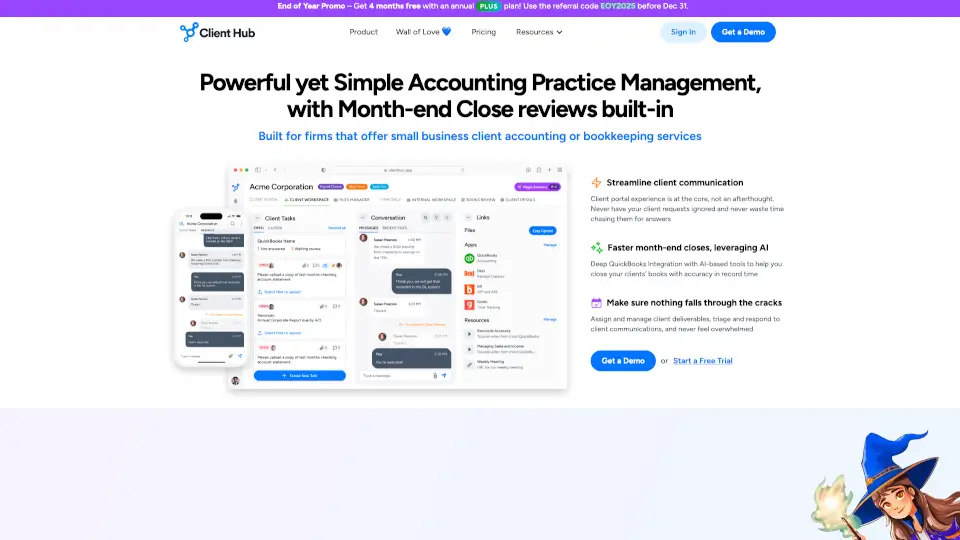
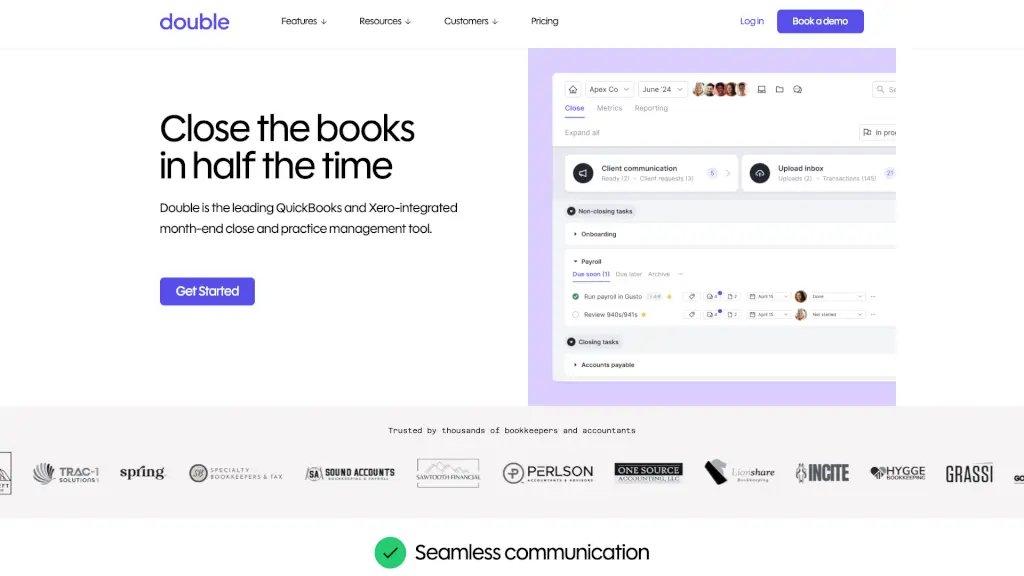
Double is a powerful bookkeeping and accounting practice management software designed to streamline your workflow, improve client communication, and make month-end close a breeze. Whether you're managing a small firm or a large practice, Double offers a range of features that help you stay organized, efficient, and connected with your clients. With seamless integration with QuickBooks and Xero, Double is the all-in-one solution for bookkeepers and accountants looking to reduce their tech stack and focus on what matters most: delivering top-notch service to their clients.
What are the features of Keeper?
- Client Portal: A secure, custom-branded portal for managing client communication, sharing files, and sending automated reminders.
- File Reviews: Automatically catch and correct common coding errors, sync changes back to QuickBooks/Xero, and review P&L reports at the vendor level.
- 1099s Management: Track vendors, request W-9s, and export 1099 data to your favorite filing tools, ensuring compliance and reducing end-of-year stress.
- Task Management: Create and track recurring or one-off tasks, organize them with sections and tags, and keep your team on the same page.
- AI Bank Feeds: Ask questions about transactions directly from the bank feed, reclassify transactions based on client responses, and ensure accuracy in real-time.
- Custom Reports: Deliver more than just P&L and Balance Sheet; create customized KPIs and visuals for each client, and publish reports directly to the Client Portal.
- Email Integration: A fully-functioning email client built into the platform, allowing you to convert emails to tasks, leave comments, and see shared email history.
What are the use cases of Keeper?
- Streamlining Month-End Close: Automate file reviews, catch coding errors, and sync changes back to QuickBooks or Xero, saving you hours of manual work.
- Improving Client Communication: Use the Client Portal to send automated reminders, manage file sharing, and communicate securely, enhancing the client experience.
- Managing 1099s: Track vendors, request W-9s, and export 1099 data, ensuring compliance and reducing the time spent chasing down missing information.
- Enhancing Team Collaboration: Use task management and internal commenting to keep your team organized and on track, improving overall productivity.
- Generating Custom Reports: Create tailored reports with KPIs and visuals, helping your clients better understand their financials and make informed decisions.
- Automating Workflows: Leverage AI-driven workflows and journal entries to automate repetitive tasks, freeing up time for higher-value activities.
How to use Keeper?
- Set Up Your Client Portal: Customize your portal with your branding and set up automated reminders for your clients.
- Integrate with QuickBooks or Xero: Connect your accounting software to Double to start syncing data and automating file reviews.
- Organize Tasks and Workflows: Create and assign tasks, organize them with sections and tags, and use the Kanban view to track progress.
- Use AI Bank Feeds: Review and reclassify transactions directly from the bank feed, and ask clients for clarification when needed.
- Generate Custom Reports: Tailor reports to each client's needs, including KPIs and visuals, and publish them to the Client Portal.
- Stay Connected with Clients: Use the integrated email client to communicate, convert emails to tasks, and keep a shared history of all interactions.