

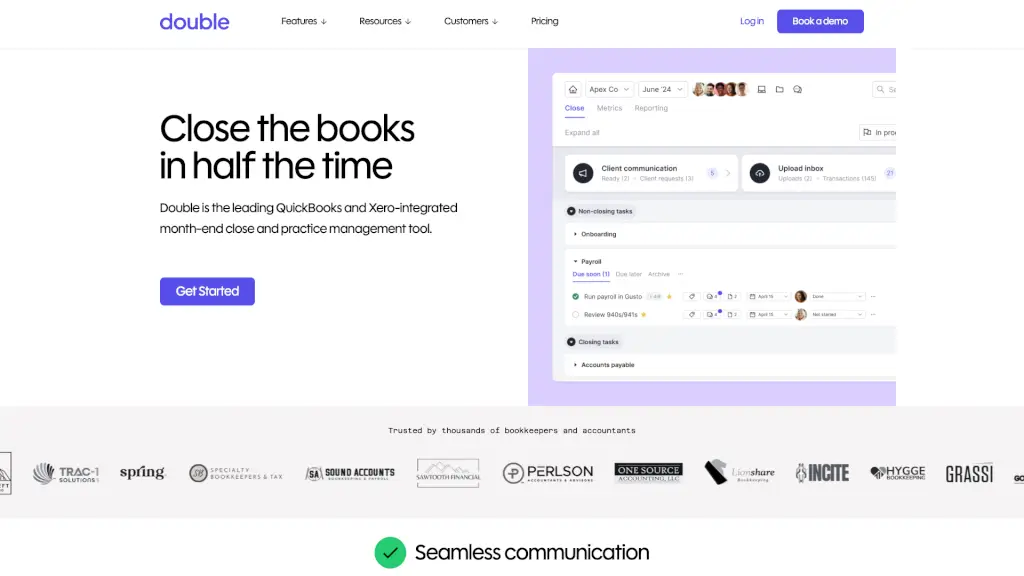
Double is an all-in-one bookkeeping and accounting practice management software that streamlines month-end close, improves client communication, and enhances team collaboration.

Social Media:

Keeper Product Information

What is Keeper?

Double is a powerful bookkeeping and accounting practice management software designed to streamline your workflow, improve client communication, and make month-end close a breeze. Whether you're managing a small firm or a large practice, Double offers a range of features that help you stay organized, efficient, and connected with your clients. With seamless integration with QuickBooks and Xero, Double is the all-in-one solution for bookkeepers and accountants looking to reduce their tech stack and focus on what matters most: delivering top-notch service to their clients.

What are the features of Keeper?

  • Client Portal
    A secure, custom-branded portal for managing client communication, sharing files, and sending automated reminders.
  • File Reviews
    Automatically catch and correct common coding errors, sync changes back to QuickBooks/Xero, and review P&L reports at the vendor level.
  • 1099s Management
    Track vendors, request W-9s, and export 1099 data to your favorite filing tools, ensuring compliance and reducing end-of-year stress.
  • Task Management
    Create and track recurring or one-off tasks, organize them with sections and tags, and keep your team on the same page.
  • AI Bank Feeds
    Ask questions about transactions directly from the bank feed, reclassify transactions based on client responses, and ensure accuracy in real-time.
  • Custom Reports
    Deliver more than just P&L and Balance Sheet; create customized KPIs and visuals for each client, and publish reports directly to the Client Portal.
  • Email Integration
    A fully-functioning email client built into the platform, allowing you to convert emails to tasks, leave comments, and see shared email history.

What are the use cases of Keeper?

  • Streamlining Month-End Close
    Automate file reviews, catch coding errors, and sync changes back to QuickBooks or Xero, saving you hours of manual work.
  • Improving Client Communication
    Use the Client Portal to send automated reminders, manage file sharing, and communicate securely, enhancing the client experience.
  • Managing 1099s
    Track vendors, request W-9s, and export 1099 data, ensuring compliance and reducing the time spent chasing down missing information.
  • Enhancing Team Collaboration
    Use task management and internal commenting to keep your team organized and on track, improving overall productivity.
  • Generating Custom Reports
    Create tailored reports with KPIs and visuals, helping your clients better understand their financials and make informed decisions.
  • Automating Workflows
    Leverage AI-driven workflows and journal entries to automate repetitive tasks, freeing up time for higher-value activities.

How to use Keeper?

  • Set Up Your Client Portal
    Customize your portal with your branding and set up automated reminders for your clients.
  • Integrate with QuickBooks or Xero
    Connect your accounting software to Double to start syncing data and automating file reviews.
  • Organize Tasks and Workflows
    Create and assign tasks, organize them with sections and tags, and use the Kanban view to track progress.
  • Use AI Bank Feeds
    Review and reclassify transactions directly from the bank feed, and ask clients for clarification when needed.
  • Generate Custom Reports
    Tailor reports to each client's needs, including KPIs and visuals, and publish them to the Client Portal.
  • Stay Connected with Clients
    Use the integrated email client to communicate, convert emails to tasks, and keep a shared history of all interactions.
Do you like this tool?

Upvote to help others discover it!

Keeper Alternatives

Docyt

Docyt

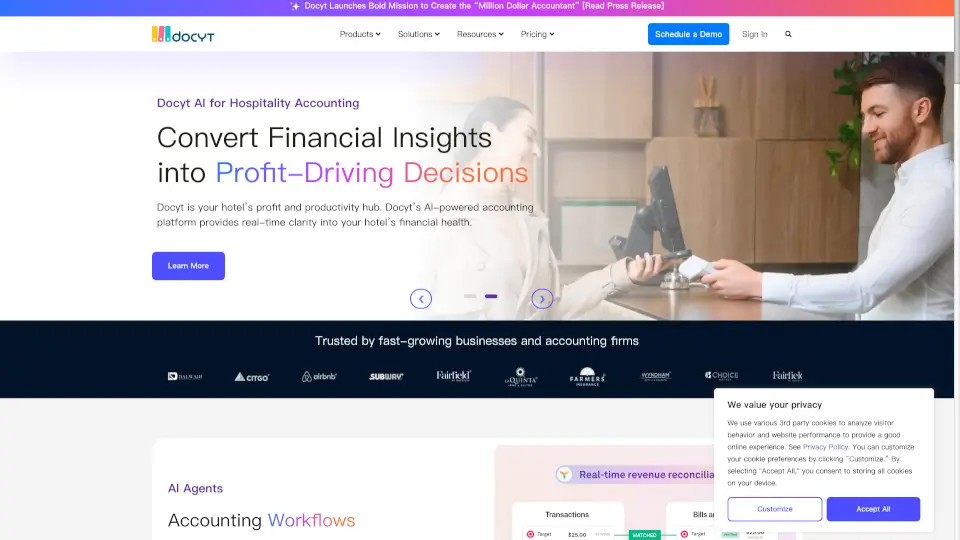
Docyt AI simplifies bookkeeping for multiple businesses with automation, real-time insights, and industry-specific tools. Perfect for franchises, hotels, and accounting firms.

US
90.55%
18.6K
0
Smart Clerk

Smart Clerk

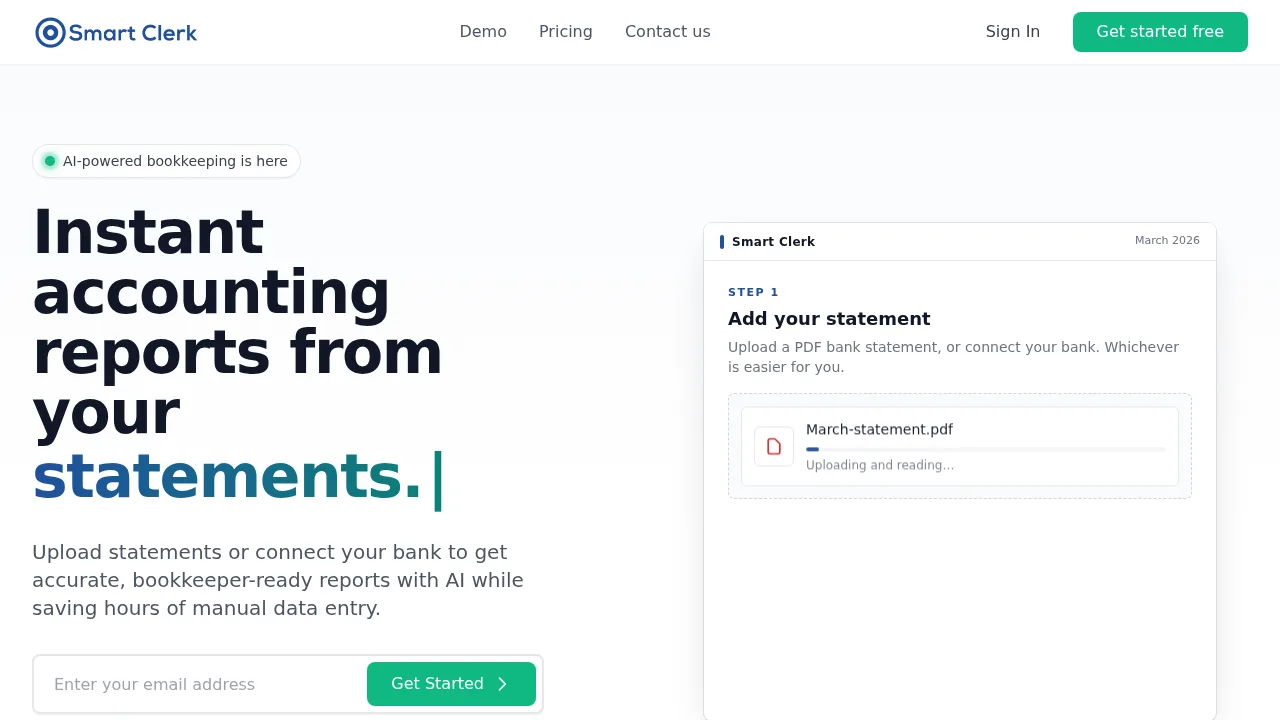
Smart Clerk converts uploaded bank statements or live feeds into categorized transactions, profit and loss statements, and balance sheets.

US
67.79%
5.6K
0
Midday

Midday

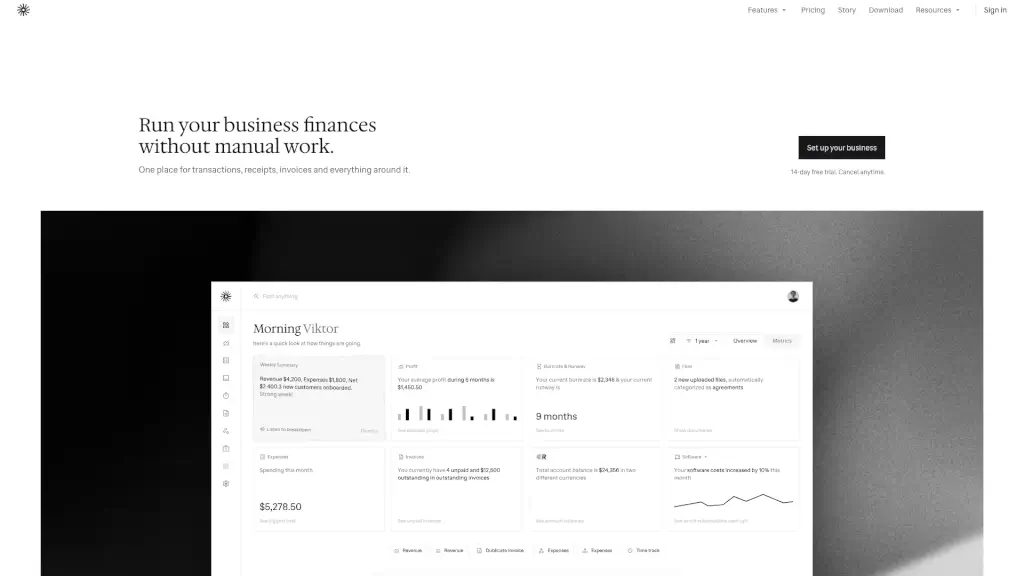
Midday simplifies business finances by automating transactions, invoicing, and reconciliation, giving you more time to focus on what matters most.

BR
16.38%
27.9K
0

Keeper Related Other Categories

Keeper Traffic Analysis

Website traffic estimates for keeper.app. Visits are not unique users or product usage.

Data month: 2026-10

💡 Insights

🌱
10K–100K monthly visits
Estimated monthly visits exceed 10,000 and are at most 100,000.
➡️
Small increase
Estimated visits increased 12.0% from the previous month.
👍
Bounce rate below 60%
The estimated bounce rate is 35%.
🎯
Direct-led traffic
Direct traffic accounts for 65% of estimated visits.
  • Monthly Visits

    23.96K

  • Bounce Rate

    34.75%

  • Pages Per Visit

    1.93

  • Visit Duration

    00:01:03

  • Global Rank

    No data

  • Country Rank

    No data

Visits Over Time

Traffic Sources

Direct65.19%
Referrals26.74%
Search Organic4.40%
Social Organic1.49%
Display Ads1.37%
Mail0.81%
Gen Ai0.00%
Search Paid0.00%
Social Paid0.00%
Affiliate0.00%

Top Keywords

1
keeper bookkeeping
CPC$13.32
190Traffic
2
keeper.com login
150Traffic
3
keeper login
CPC$0.29
70Traffic
4
keeper app
CPC$1.60
20Traffic
5
bookkeeper app
10Traffic

Top Regions

RegionPercentage
United States
United States
81.85%
Philippines
Philippines
8.83%
Canada
Canada
8.67%
Indonesia
Indonesia
0.65%
Low
High

Powered by SimilarWeb

Keeper FAQ

How does Double help with 1099s?

Double helps you track vendors, request W-9s, and export 1099 data, making it easier to manage and comply with tax requirements.

Can I customize the reports in Double?

Yes, you can create custom reports with KPIs and visuals, and publish them directly to the Client Portal, providing valuable insights to your clients.

Does Double integrate with other tools?

Yes, Double integrates with QuickBooks and Xero, and also supports deep integrations with other tools via Zapier, allowing you to consolidate your tech stack.

How does the Client Portal work?

The Client Portal is a secure, custom-branded space where you can manage client communication, share files, and send automated reminders, enhancing the client experience.

What kind of task management features does Double offer?

Double allows you to create and track recurring or one-off tasks, organize them with sections and tags, and keep your team on the same page, ensuring no work falls through the cracks.

Can I use Double to communicate with clients?

Yes, Double includes a fully-functioning email client, allowing you to communicate with clients, convert emails to tasks, and keep a shared history of all interactions.
How does Double help with month-end close?

Double automates file reviews, catches and corrects coding errors, and syncs changes back to QuickBooks or Xero, streamlining the month-end close process and saving you time.

Is Double easy to set up?

Yes, Double is designed to be user-friendly and easy to set up. You can quickly connect your accounting software, set up the Client Portal, and start using the features right away.

Keeper Reviews

0
0 Reviews
Sign Into leave a review

Recent Reviews

No reviews yet

Keeper Embed

Use website badges to drive community support for SeekTool.ai. They are easy to embed in your homepage or footer.

Light
Dark
Keeper - Featured on SeekTool.aiKeeper - Featured on SeekTool.ai
How to install?

Category Rankings

Ranked by monthly traffic