Image Inverter logo

Image Inverter

4.0
(0 Reviews)
United States27.21%

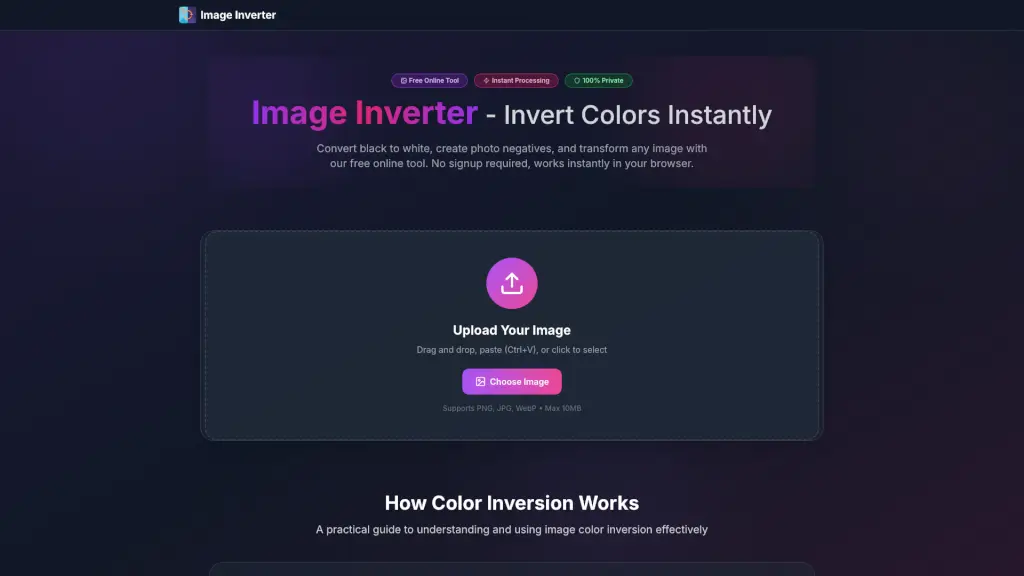
The Image Inverter is a powerful, free online tool for instantly inverting image colors, creating photo negatives, and converting black to white, all while preserving high quality and privacy.

Verified by SeekTool
Image Inverter

Image Inverter Product Information

What is Image Inverter?

Welcome to the Image Inverter, your go-to tool for instantly inverting image colors online. Whether you're a student, photographer, or designer, this free and easy-to-use tool helps you convert black to white, create photo negatives, and reverse any picture with just a few clicks. No need to sign up, no watermarks, and no hassle—just drag and drop your image, and it's done in seconds. Perfect for creating dark mode graphics, analyzing exposure, or adding unique artistic effects to your photos.

What are the features of Image Inverter?

  • Instant Color Inversion: Transform all colors in your image instantly. Black becomes white, and colors become their opposites.
  • High Quality Output: The tool preserves the full resolution and quality of your images, ensuring they look great after inversion.
  • Multiple Formats Supported: Works with JPG, PNG, and WebP formats. PNG files maintain their transparency, making it perfect for logos and icons.
  • Browser-Based Processing: All processing happens directly in your browser, so your images never leave your device, ensuring 100% privacy.
  • Unlimited Free Use: You can invert as many images as you want, with no credits, restrictions, or hidden costs.
  • Works on Any Device: Accessible on desktop, tablet, or mobile, making it convenient for on-the-go editing.

What are the use cases of Image Inverter?

  • Dark Mode Graphics: Quickly create dark mode versions of logos, UI icons, and other design elements.
  • Photography Exposure Analysis: Invert photos to reveal over/underexposed areas, helping photographers adjust their settings.
  • Web Development Testing: Test UI mockups in inverted colors to check contrast ratios and accessibility.
  • Education & Research: Reveal hidden details in scientific images, maps, and diagrams that might be missed in the original.
  • Print & Publishing: Preview how images will look as film negatives or in alternative printing processes.
  • Creative Arts: Transform ordinary photos into striking artistic pieces with one click, perfect for social media and digital art.

How to use Image Inverter?

  • Select Your Image: Click the upload area or drag and drop your image onto it. You can also paste an image (Ctrl+V).
  • Auto Process: Watch as the colors flip instantly. No waiting or configuration needed.
  • Compare Results: View the original and inverted images side-by-side to ensure it meets your needs.
  • Download: Save the inverted image in its original quality and format, ready for immediate use.
  • Repeat if Needed: Invert the same image multiple times to return it to its original colors or test different effects.
Do you like this tool?

Upvote to help others discover it!

Image Inverter Alternatives

Imagecolorizer

Imagecolorizer

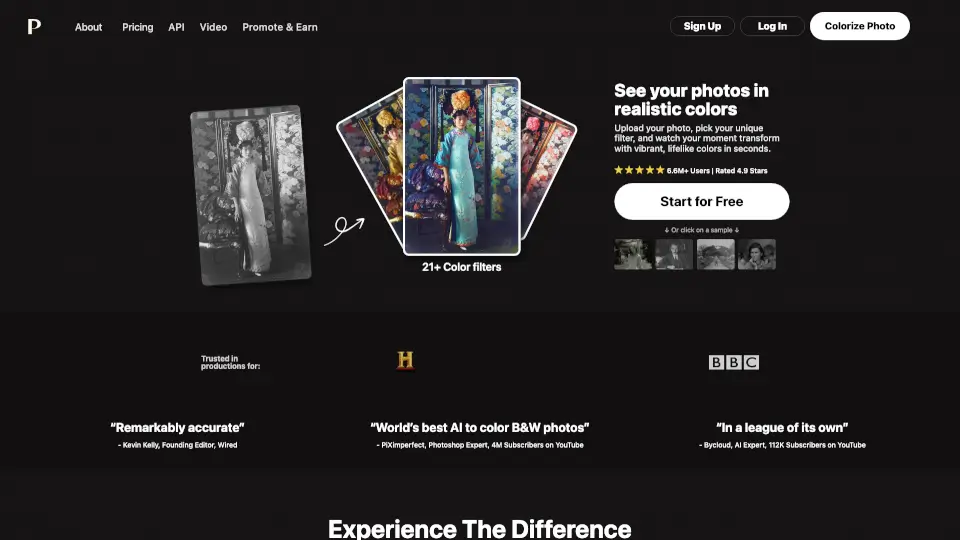
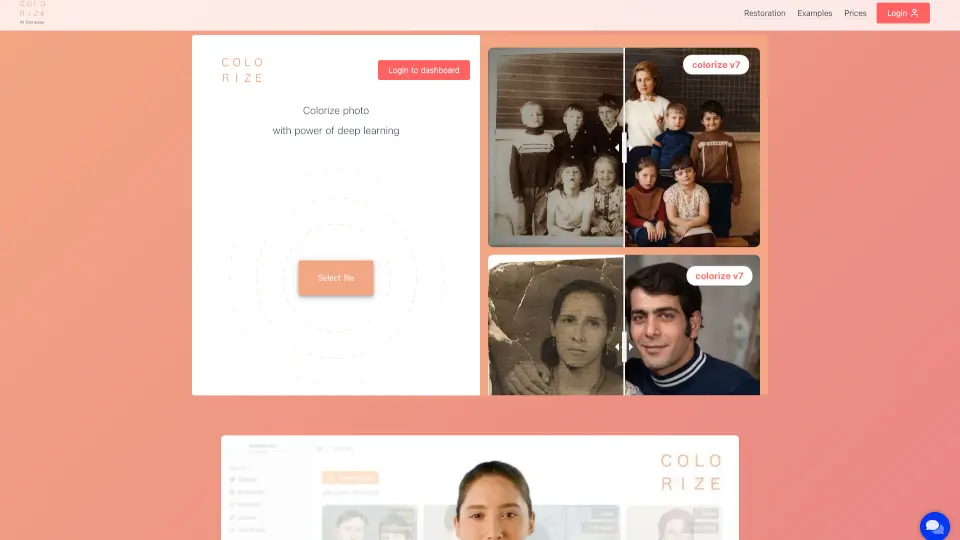
ImageColorizer is the ultimate tool for restoring and colorizing old photos, making it easy to relive cherished memories with vibrant, high-quality images.

US
46.56%
163.1K
5.0
Colorize

Colorize

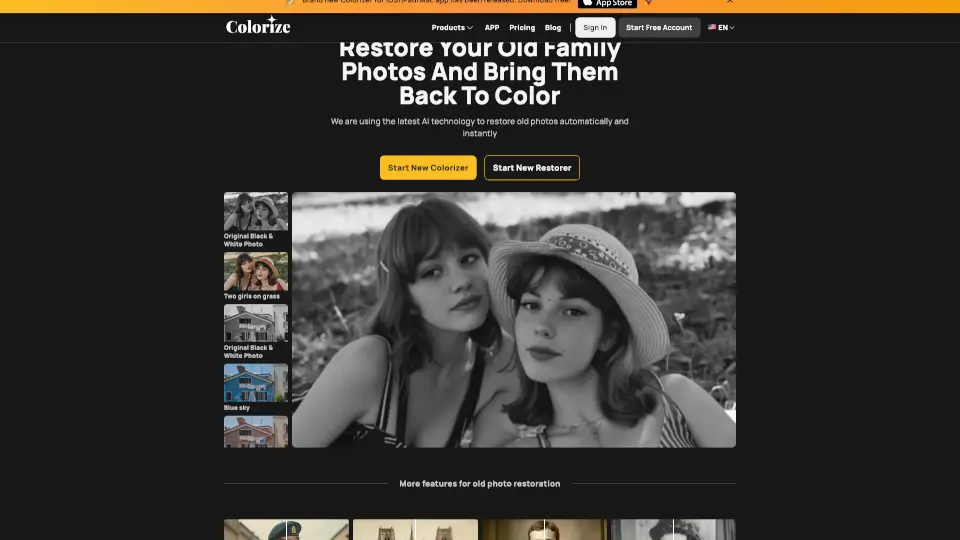
Colorize.cc uses advanced AI to realistically colorize and restore black-and-white photos while preserving identity and delivering 4K-quality results—no subscription required.

RU
73.16%
127.6K
5.0
Palette.fm

Palette.fm

Palette is the ultimate AI tool for transforming black-and-white photos into vibrant, lifelike images. With realistic colors, easy customization, and high-resolution output, it’s trusted by millions worldwide.

US
20.22%
221.7K
5.0
AI Image Enlarger

AI Image Enlarger

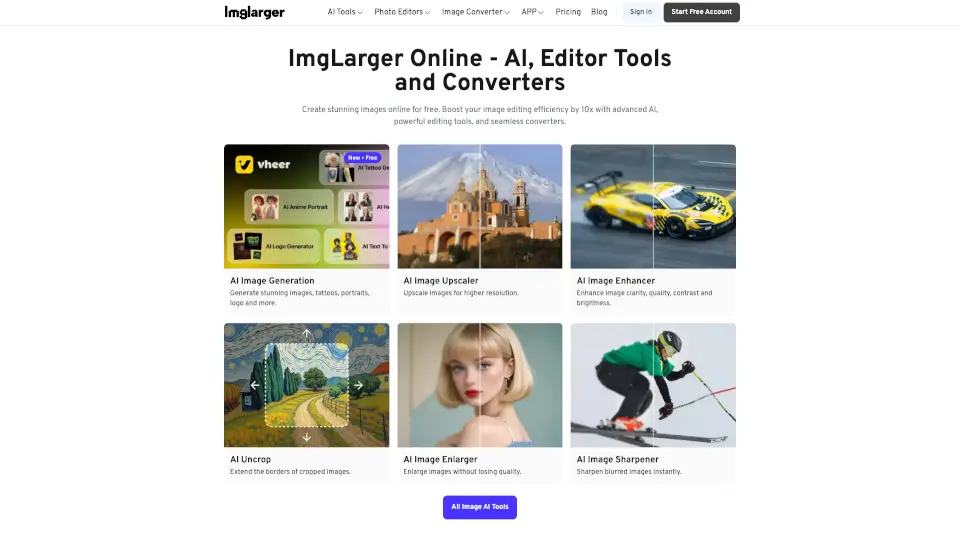
ImgLarger is a free, browser-based AI image enhancer that upscales, restores, edits, and converts photos without losing quality.

IN
15.16%
323.3K
5.0
Image Editor

Image Editor

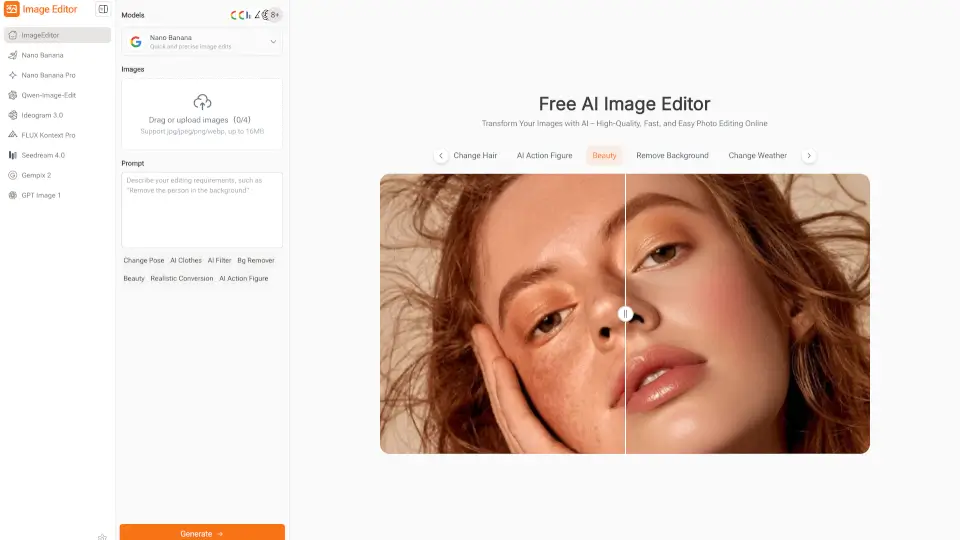
Image Editor is a free, browser-based AI photo editor that makes enhancing, transforming, and downloading high-quality images quick and easy—no sign-up required.

GB
50.67%
22.4K
4.0
Picture to Text Converter

Picture to Text Converter

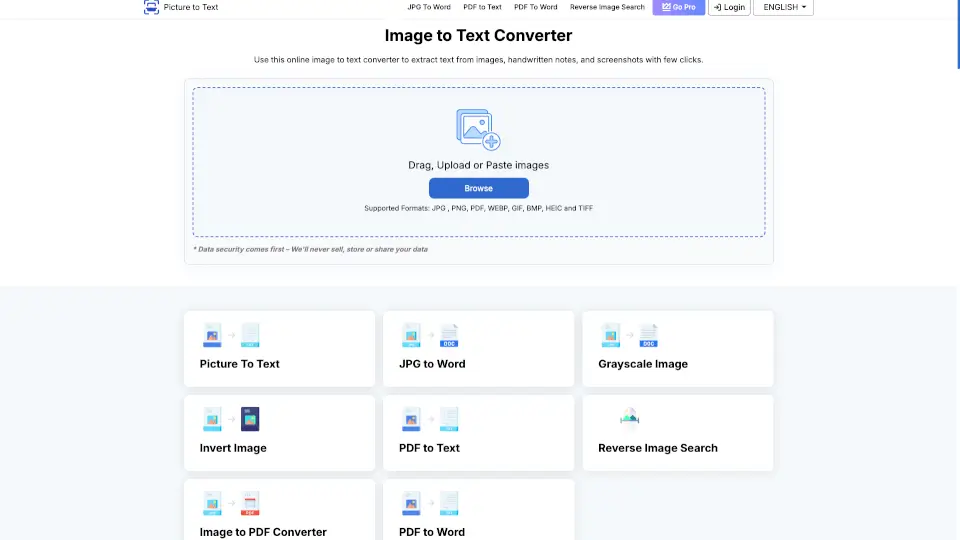
Easily convert images to editable text with our fast and secure Image to Text Converter.

IN
29.06%
10.8K
4.0
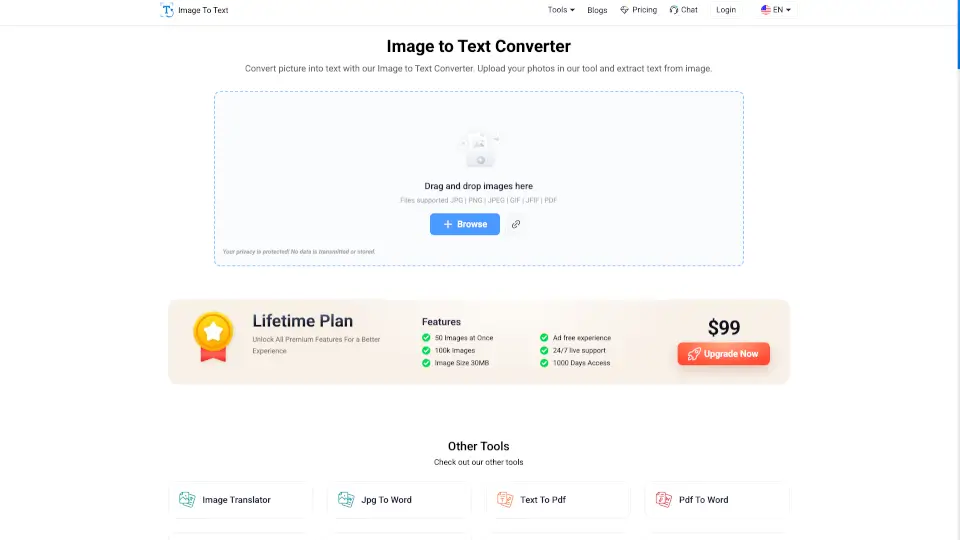
Image to Text converter

Image to Text converter

Image to Text Converter is a free, user-friendly tool that converts images to editable text instantly. Perfect for students, professionals, and anyone needing to extract text from photos or documents. ---

IN
16.30%
779.5K
5.0
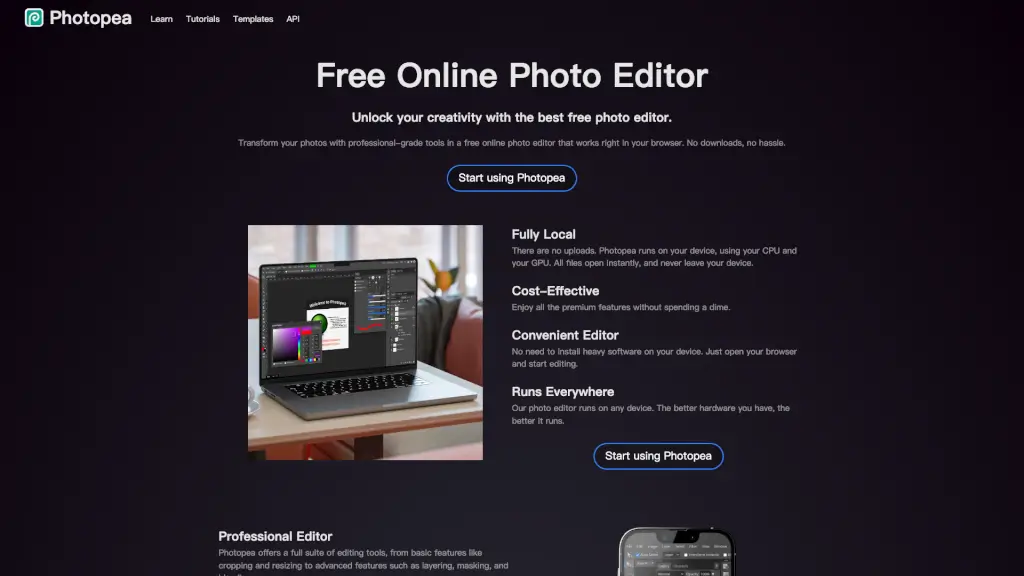
Photopea

Photopea

Transform your photos with professional-grade tools using Photopea, the best free online photo editor that works right in your browser.

US
20.05%
19.4M
5.0

Image Inverter Related Other Categories

Image Inverter Traffic Analysis

💡 Insights

🌱
Emerging Tool
10K-100K monthly visits. Niche or new tool with potential unique value.
🔥
Explosive Growth
Recent growth of 159%. Extremely hot in the market right now!
👍
Good Experience
Bounce rate of 41%. Users are willing to explore features.
  • Monthly Visits

    14.81K

  • Bounce Rate

    40.91%

  • Pages Per Visit

    1.08

  • Visit Duration

    00:00:00

  • Global Rank

    2010295

  • Country Rank

    2575911

Visits Over Time

Traffic Sources

Gen Ai0.00%
Display Ads0.00%
Social Organic0.00%
Mail0.00%
Search Paid0.00%
Social Paid0.00%
Referrals0.00%
Affiliate0.00%
Search Organic0.00%
Direct0.00%

Top Keywords

1
image inverter
CPC$1.73
770Traffic
2
invert
CPC$3.30
380Traffic
3
invet image
240Traffic
4
la imagen de mi firma esta negativa.como puedo invertir el color
220Traffic
5
complete b&w image effect
190Traffic

Top Regions

RegionPercentage
United States
United States
27.21%
United Kingdom
United Kingdom
12.39%
Vietnam
Vietnam
11.43%
Indonesia
Indonesia
9.22%
India
India
8.28%
Low
High

Powered by SimilarWeb

Image Inverter FAQ

What is image color inversion?

Image color inversion transforms each pixel to its opposite color value. Black becomes white, white becomes black, and all colors change to their complementary opposites, creating a negative effect similar to photo negatives.

How do I invert image colors?

Simply drag and drop your image into our tool, or click to upload. You can also paste images directly with Ctrl+V. The color inversion happens instantly in your browser, and you can download the inverted image immediately.

What image formats can I invert?

Our color inverter supports JPG, PNG, and WebP formats. The tool maintains your original image quality and resolution. PNG images keep their transparency when inverted.

Is this image inverter really free?

Yes! Our image color inverter is 100% free with no hidden costs, watermarks, or registration required. You can invert as many images as you want without any limitations.

Do you store my inverted images?

No, we prioritize your privacy. All image processing happens directly in your browser. Your photos never leave your device and we don't store any images on our servers.

Can I use inverted images commercially?

Absolutely! Once you invert your images with our tool, you retain all rights to use them for any purpose, including commercial projects, social media, or professional work.

Image Inverter Reviews

0

0

0 Reviews
Sign Into leave a review

Recent Reviews

No reviews yet

Image Inverter Embed

Use website badges to drive community support for SeekTool.ai. They are easy to embed in your homepage or footer.

Light
Dark
Image Inverter - Featured on SeekTool.aiImage Inverter - Featured on SeekTool.ai
How to install?

Category Rankings

Ranked by monthly traffic