What is Image Inverter?
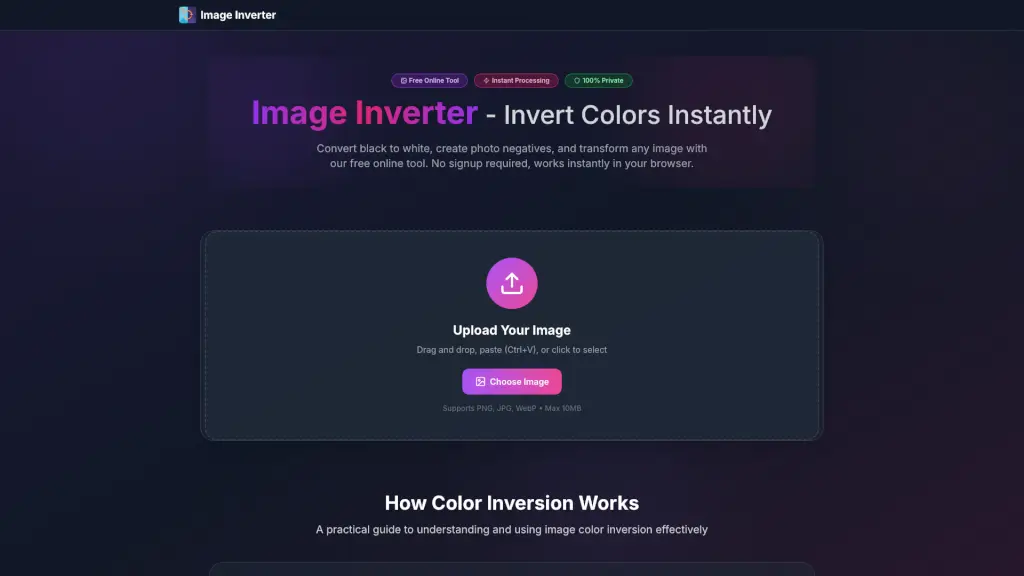
Welcome to the Image Inverter, your go-to tool for instantly inverting image colors online. Whether you're a student, photographer, or designer, this free and easy-to-use tool helps you convert black to white, create photo negatives, and reverse any picture with just a few clicks. No need to sign up, no watermarks, and no hassle—just drag and drop your image, and it's done in seconds. Perfect for creating dark mode graphics, analyzing exposure, or adding unique artistic effects to your photos.
What are the features of Image Inverter?
- Instant Color Inversion: Transform all colors in your image instantly. Black becomes white, and colors become their opposites.
- High Quality Output: The tool preserves the full resolution and quality of your images, ensuring they look great after inversion.
- Multiple Formats Supported: Works with JPG, PNG, and WebP formats. PNG files maintain their transparency, making it perfect for logos and icons.
- Browser-Based Processing: All processing happens directly in your browser, so your images never leave your device, ensuring 100% privacy.
- Unlimited Free Use: You can invert as many images as you want, with no credits, restrictions, or hidden costs.
- Works on Any Device: Accessible on desktop, tablet, or mobile, making it convenient for on-the-go editing.
What are the use cases of Image Inverter?
- Dark Mode Graphics: Quickly create dark mode versions of logos, UI icons, and other design elements.
- Photography Exposure Analysis: Invert photos to reveal over/underexposed areas, helping photographers adjust their settings.
- Web Development Testing: Test UI mockups in inverted colors to check contrast ratios and accessibility.
- Education & Research: Reveal hidden details in scientific images, maps, and diagrams that might be missed in the original.
- Print & Publishing: Preview how images will look as film negatives or in alternative printing processes.
- Creative Arts: Transform ordinary photos into striking artistic pieces with one click, perfect for social media and digital art.
How to use Image Inverter?
- Select Your Image: Click the upload area or drag and drop your image onto it. You can also paste an image (Ctrl+V).
- Auto Process: Watch as the colors flip instantly. No waiting or configuration needed.
- Compare Results: View the original and inverted images side-by-side to ensure it meets your needs.
- Download: Save the inverted image in its original quality and format, ready for immediate use.
- Repeat if Needed: Invert the same image multiple times to return it to its original colors or test different effects.