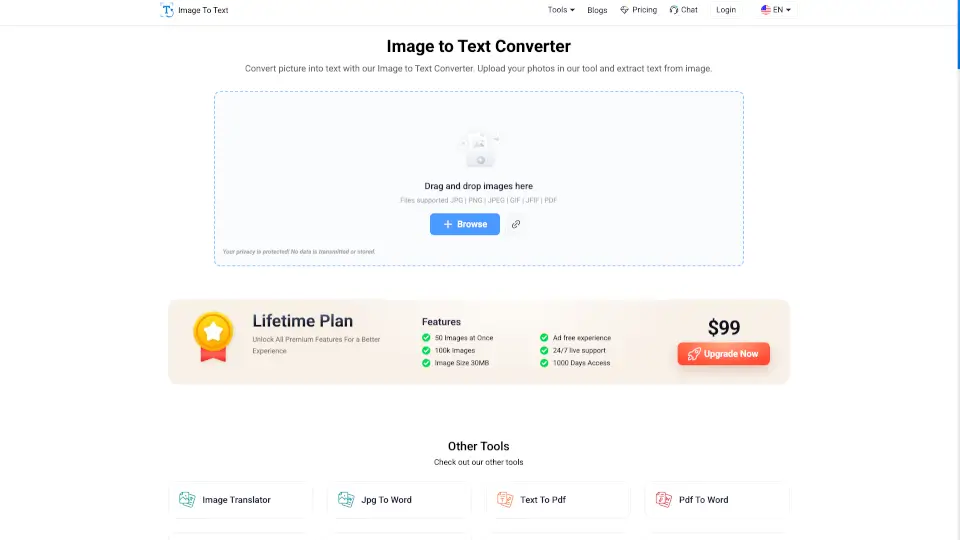
What is Image to Text converter?
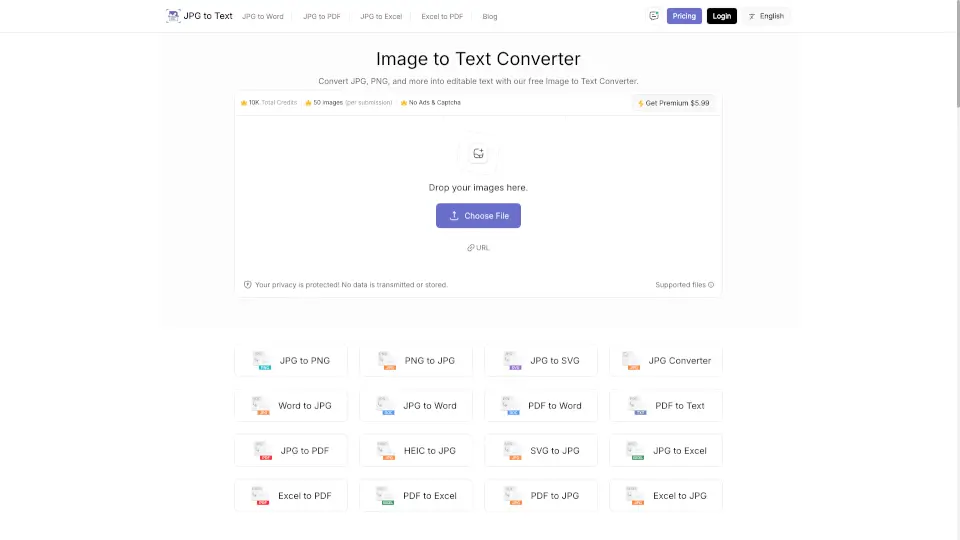
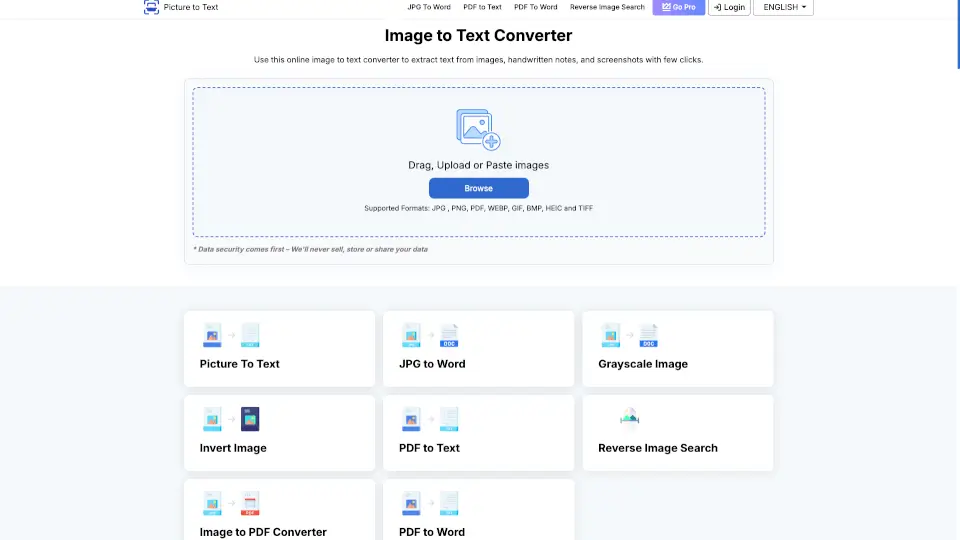
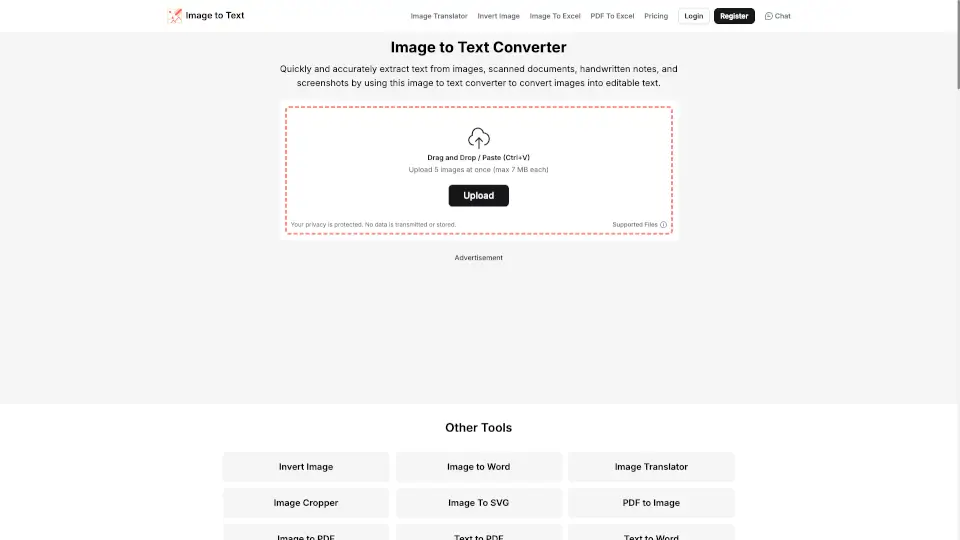
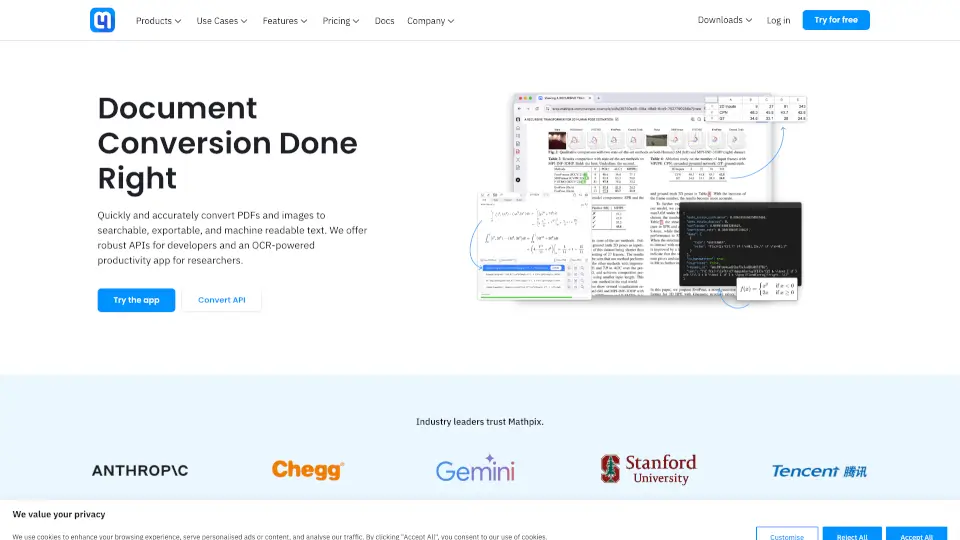
Image to Text Converter is a free online tool that helps you extract text from images, scanned documents, and low-resolution photos. Whether you're a student, professional, or just someone who needs to convert pictures to text, this tool makes it easy. With support for multiple languages and file formats like JPG, PNG, and PDF, you can turn any image into editable text in seconds.
What are the features of Image to Text converter?
- Multi-Format Support: Works with JPG, PNG, JPEG, GIF, BMP, TIFF, and more.
- Low-Resolution Image Extraction: Accurately extracts text from blurry or dim images.
- Mathematical Syntax Detection: Recognizes and extracts arithmetic equations and polynomials.
- Multi-Language Support: Converts text in English, Spanish, French, German, Indonesian, and many more languages.
- Free to Use: No signup required—just upload and extract text instantly.
What are the use cases of Image to Text converter?
- Offices: Extract text from invoices, receipts, and documents for easy data entry.
- Students: Convert handwritten notes or scanned textbooks into editable text.
- Individuals: Digitize books, extract text from screenshots, or convert photos to text for sharing.
- Media: Convert newspaper clippings or images to text for social media sharing.
How to use Image to Text converter?
- Upload Your Image: Drag and drop or select an image from your device.
- Extract Text: Click "Submit" to process the image and extract the text.
- Download or Copy: Save the text as a .txt file or copy it to your clipboard.