What is Picture to Text Converter?
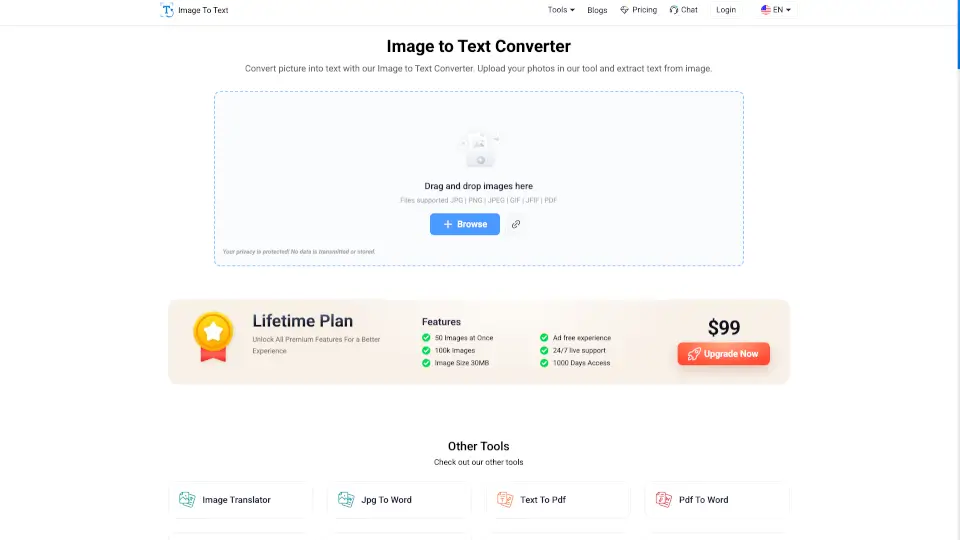
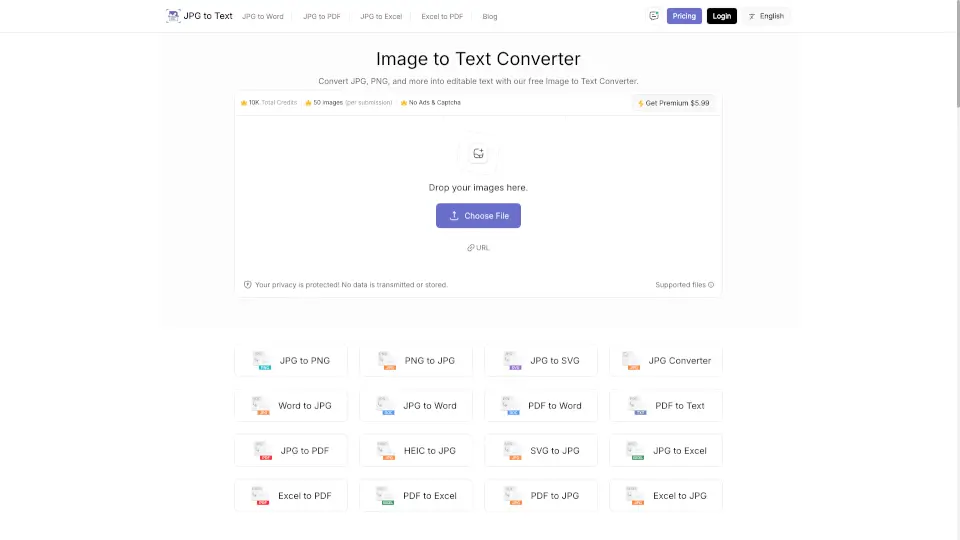
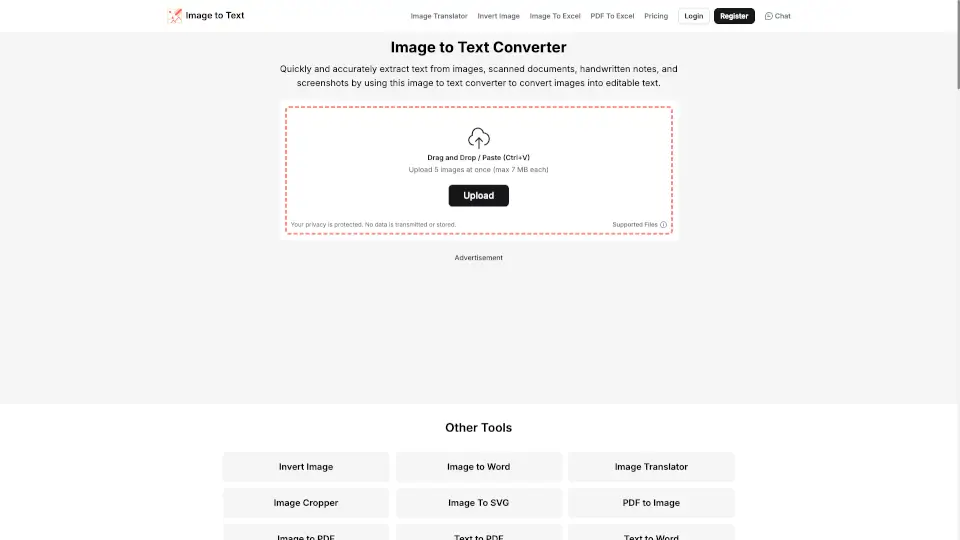
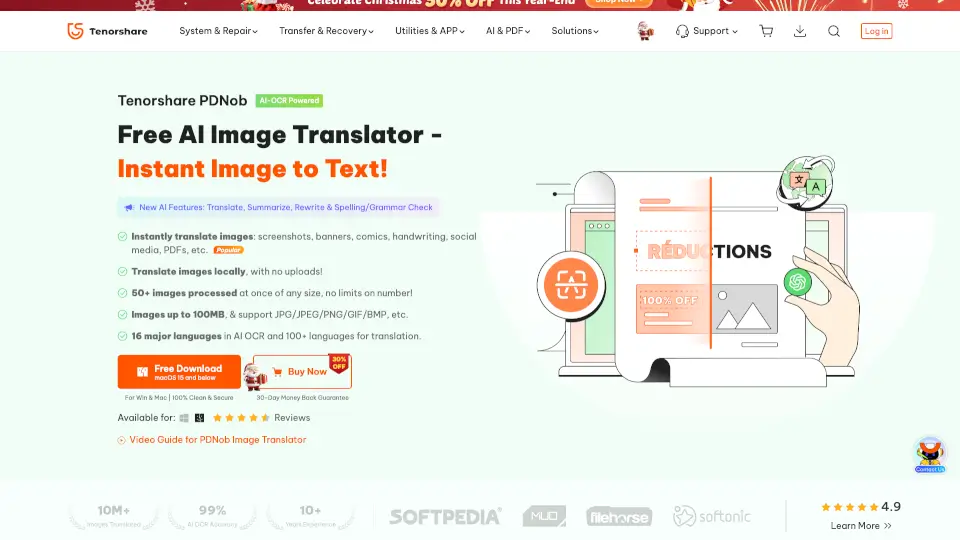
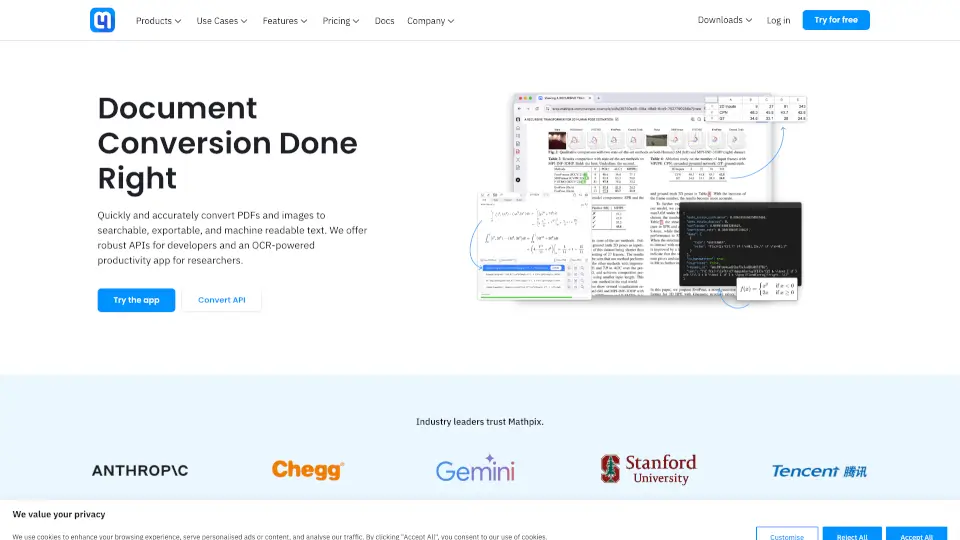
Transform your images into editable text effortlessly with our Image to Text Converter. Whether it's a JPG, PNG, or even a screenshot, our tool uses advanced OCR technology to get the job done in seconds.
What are the features of Picture to Text Converter?
- User-Friendly Interface: No tech skills needed! Just upload your image, click convert, and get your text.
- AI-Based Text Extraction: Our tool accurately reads text from low-quality images, handwritten notes, and more.
- Multiple Image Formats Supported: Convert various formats like JPG, PNG, GIF, TIFF, and more without hassle.
- Batch Image Processing: Free users can upload up to 3 images at once, while premium users can process up to 50.
- Multi-lingual Support: Recognizes text in over 20 languages, making it perfect for diverse needs.
- Data Security: Your privacy matters! We don’t store your images or extracted text.
What are the use cases of Picture to Text Converter?
- Digitize Office Documents: Easily convert scanned reports and invoices into editable text.
- Extract Text From Screenshots: Turn important screenshots into editable text quickly.
- Streamline Data Entry Tasks: Automate data entry by extracting text from printed documents.
- Translate Signboard Text: Read and translate foreign signboards effortlessly.
- Optimize Legal Workflows: Convert legal documents into editable text for better organization.
How to use Picture to Text Converter?
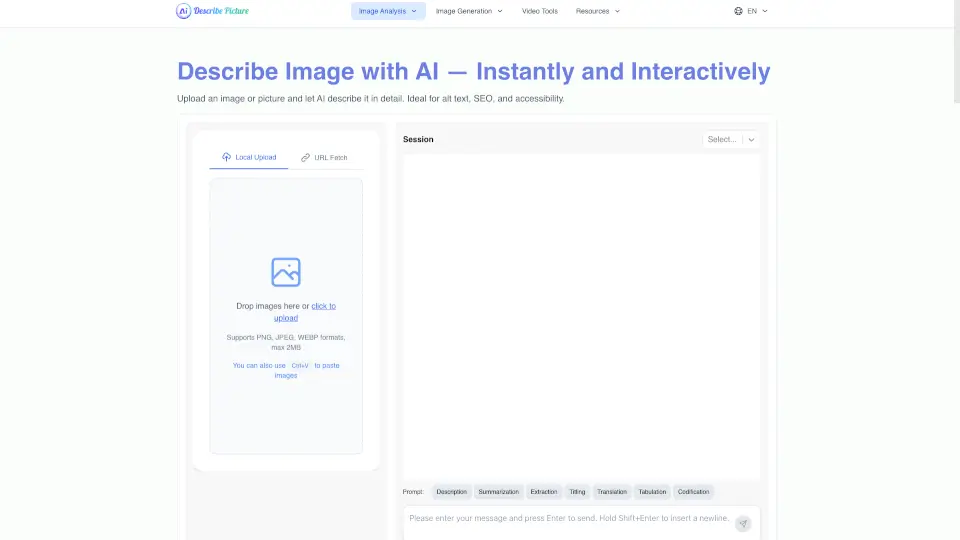
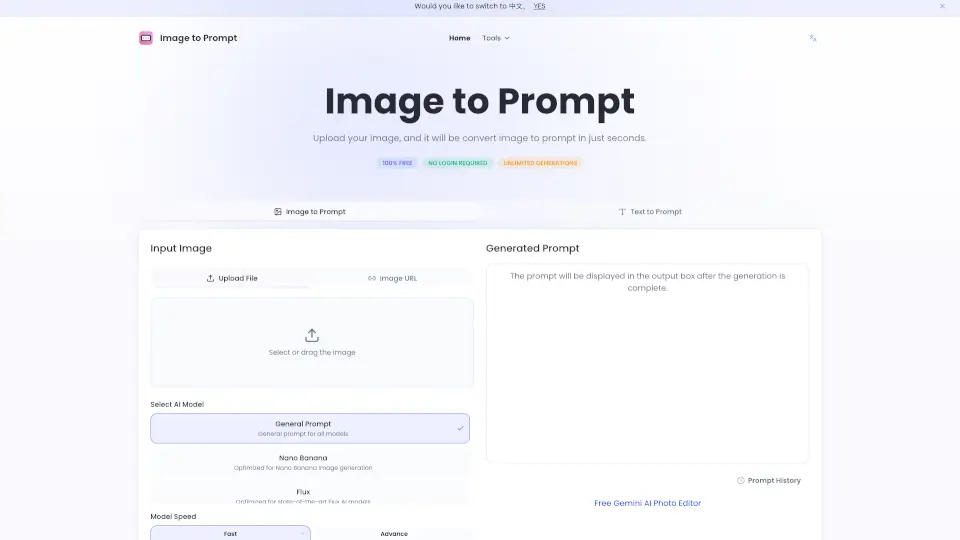
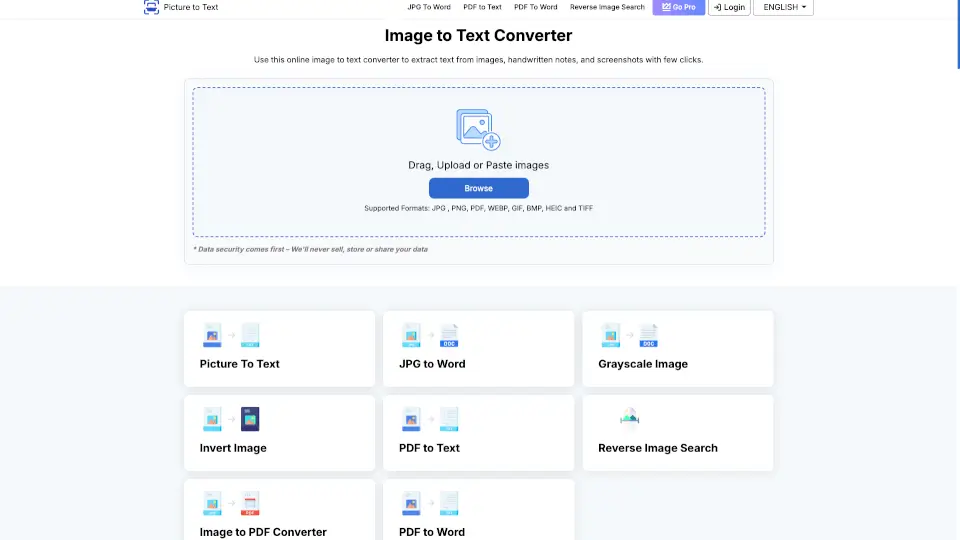
- Go to our Image to Text Converter.
- Upload your image or drag and drop it into the input box.
- Click "Convert" to start the process.
- Once done, copy the extracted text or download it as a file.