
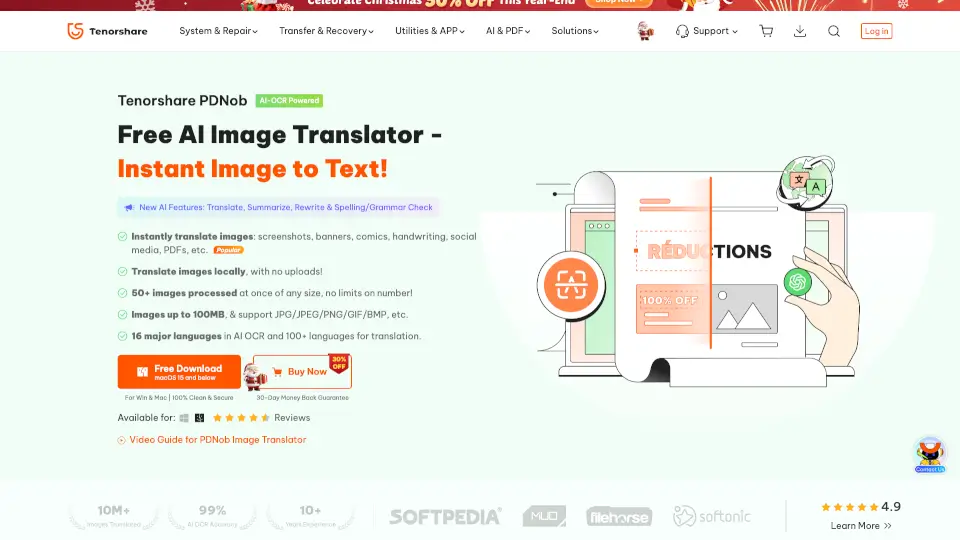
O que é PDNob Image Translator?
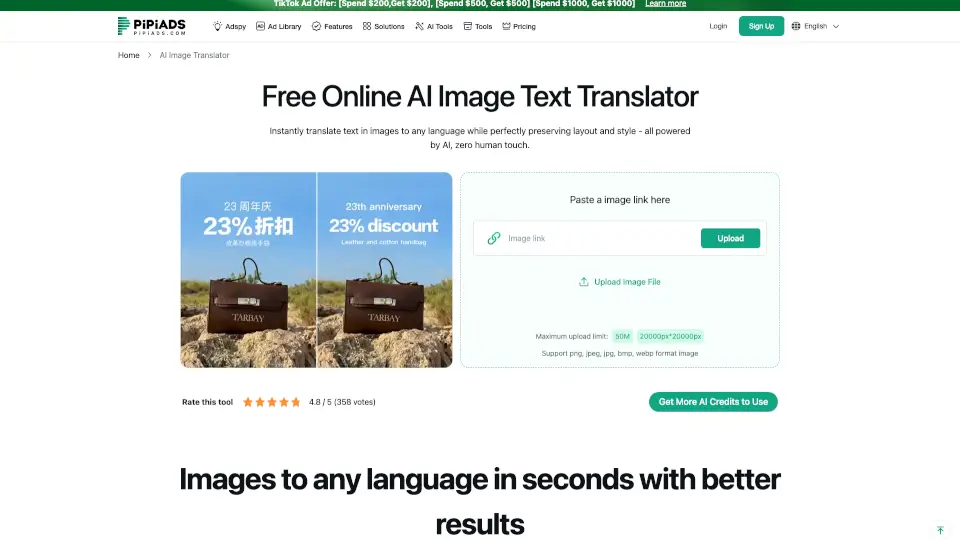
O PDNob Free AI Image Translator é um aplicativo prático que remove a barreira do idioma das suas imagens digitais. Com uma combinação inteligente de IA e reconhecimento óptico de caracteres (AI-OCR), ele extrai texto de prints, documentos escaneados, gibis ou qualquer foto em segundos. O grande diferencial aqui é o processamento 100% local: nada é enviado para servidores na nuvem, o que protege sua privacidade e deixa o trabalho mais rápido, mesmo sem Wi-Fi. Ele ainda mantém o layout original, permite ajustes diretos na imagem e oferece traduções para mais de 100 idiomas. Ideal para quem quer agilidade nos estudos, na rotina profissional ou nas viagens, sem abrir mão da qualidade visual.
Quais são as características de PDNob Image Translator?
- Reconhecimento e Tradução Instantânea: Motor impulsionado por Google e ChatGPT-4 que identifica estruturas de texto e gera traduções naturais em questão de segundos.
- Privacidade Total via Processamento Local: Todos os cálculos e traduções acontecem diretamente no seu PC ou Mac. Seus arquivos nunca saem da máquina.
- Preservação de Layout e Edição Integrada: O aplicativo reposiciona o texto traduzido mantendo fontes e espaços originais. Você pode ajustar cor, tamanho e alinhamento sem complicação.
- Processamento em Lote Eficiente: Importe ou capture prints de até 50 imagens de uma vez, sem limite de quantidade. Suporta arquivos de até 100MB nos formatos JPG, PNG, GIF e BMP.
- Correção Avançada de Imagens: Algoritmos automáticos corrigem desfoque, ruído ISO, inclinação e distorção de perspectiva, garantindo leitura limpa mesmo em fotos tiradas às pressas no celular.
- Multilinguagem Completo: Suporta 16 idiomas para reconhecimento via AI-OCR e mais de 100 línguas para tradução final.
- Exportação Flexível: Copie apenas o texto bruto, salve a imagem com o texto original reconhecido ou exporte o resultado final já traduzido.
Quais são os casos de uso de PDNob Image Translator?
- Estudantes e Profissionais de Concursos: Extraia notas manuscritas, tabelas e parágrafos de apostilas estrangeiras para revisar ou montar resumos de estudo.
- Equipes de Marketing e Publicidade: Traduza campanhas visuais, banners e anúncios mantendo a estética da marca, evitando retrabalho com designers.
- Leitores de Mangá e Quadrinhos Independentes: Remova a barreira do japonês em balões de fala e legendas sem depender de sites públicos cheios de pop-ups ou filas de espera.
- Turismo e Nônades Digitais: Aponte a câmera para cardápios, placas, recibos ou formulários oficiais e entenda o conteúdo na hora, no conforto do seu device.
- Jornalistas e Repórteres de Campo: Capture placas, cartazes ou telas de entrevistas e extraia citações exatas para publicar ou arquivar com rapidez.
Como usar PDNob Image Translator?
- Abra o programa e clique em "Adicionar Imagem" ou configure atalhos personalizados para tirar prints do desktop e jogar direto na aba de trabalho.
- Selecione os idiomas de origem e destino. O sistema rodará o AI-OCR localmente, limpando ruídos e realinhando o texto automaticamente.
- Revise a tradução na área lateral. Se alguma palavra sair fora do contexto, use o editor embutido para reescrever ou substituir termos técnicos.
- Ajuste a tipografia e o posicionamento para garantir que o texto novo se encaixe perfeitamente dentro dos balões, caixas ou margens da imagem.
- Clique em "Exportar" e escolha entre copiar o texto cru, salvar a versão com o original reconhecido ou gerar o arquivo final pronto para uso.
- Dica pro dia a dia: Para imagens escuras ou granulosas, ative a correção de iluminação e contraste nas preferências antes de rodar o reconhecimento; isso corta o tempo de processamento pela metade.